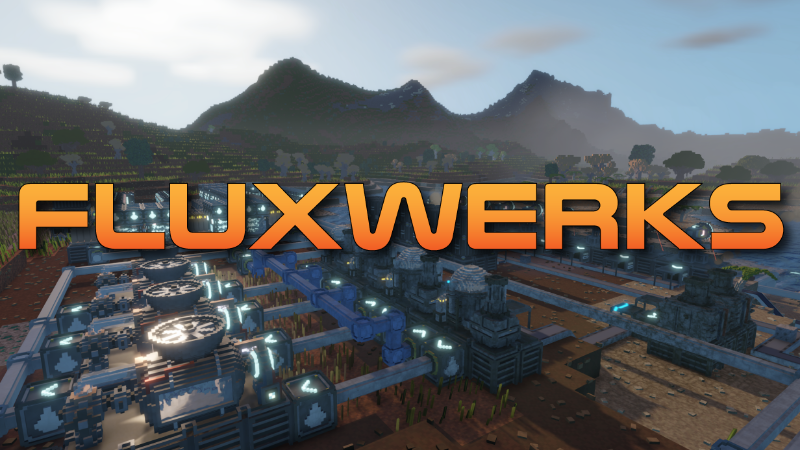
FluxWerks v0.2.10 - 12-06-2026
New Features
- Drag to Build - hold the place button and drag to build a whole row or field of the selected building at once. Configure the building first (rotation, elevator height, inserter reach, …) and every copy matches it; Q/E adjusts the spacing between buildings while dragging.
- Parallel belt and pipe lines - aim a belt or pipe line as usual, then hold the confirm click and drag sideways to stamp up to 8 identical parallel lines; Q/E adjusts the gap between them while dragging.
- Statistics panel - replaces the old Power panel. Graphs now persist with your save game and track per building data for power, computing and pollution.
- Fluid Storage - new tank building (unlocked by Fluid Handling) for buffering fluids, filled and drained with fluid pumps. Item storages no longer accept fluids.
- Stack Size research - new repeatable bot upgrade (9 levels) that increases inventory stack size by 100 per level.
- Solar panels need open sky - panels buried, roofed over or underwater no longer produce power, and partially covered panels produce proportionally less. Pollution on a panel also dims it (50 pollution means half output). The panel inspector shows sky access and pollution penalty.
- Run in Background - new setting to keep the game running while the window is unfocused.
- Mute When Unfocused - new audio setting that silences the game while the window is unfocused.
Improvements
- Bigger area markings - mining and other area tools now limit markings by total volume instead of 16 per side, so a flat marking can cover a much larger area within your interaction range.
- Hold to raise/lower - the raise/lower keys now repeat with accelerating speed while held, so tall elevators and deep markings no longer need a key press per step.
- Inserter range on raise/lower - inserter arm length is now adjusted with the raise/lower keys instead of Shift+Scroll, matching the other placement controls.
- Demolish hold feedback - holding to demolish now grows the red marker box from the ground up; once it completes, sweep over more buildings to mark them instantly without releasing.
- Routers on belts/pipes - routers can now be placed directly on an existing belt (and fluid routers on pipes); the ghost turns amber and the replaced tile is refunded. Works with drag-build too.
- Minimizable scanner - the new Scanner button on the minimap collapses the scan view down to just the coordinate header and buttons.
- Replace fluids - the replace tool can now target unlocked fluids and the replaced fluid is collected into your inventory just like draining.
- Smarter inserters - inserters no longer pick up items their target building cannot accept (for example after a recipe change), leaving them on the belt instead. An inserter already holding an item its target can no longer accept shows a blocked icon and raises a notification, and selecting the inserter offers a Take item button to move the stuck item into your inventory.
- Cancel constructions - Clear Designations now also cancels all in-progress constructions and refunds their costs, and the demolish tool removes an in-progress building instantly with a single click (no hold, no nanobots).
Visual improvements
- Better metal lighting - metallic surfaces now keep their true colors better in shade and at glancing angles.
- Night reflections - smooth metal surfaces and water now mirror the stars and the moon at night.
- Improved water - dead-calm air leaves a flatter surface.
- Improved wind - wind speed now changes continuously within each weather state instead of being locked in one speed for whole weather state duration.
- Improved icons - Re-rendered item and building icons with much better lighting.
- Dynamic building lights - building light emission now reflects what the building is doing: idle or unpowered machines go dark, working ones glow brighter the better they run, and batteries show their charge level.
Bug Fixes
- Fixed rare random crashes that could happen while moving around the world.
- Fixed the player's nanobot cloud smearing into streaks in water reflections.
- Fixed solar power briefly jumping to full output at dusk (and dipping after dawn) - solar output now follows one smooth sun curve from sunrise to sunset.
- Fixed obsidian created by lava meeting water disappearing after leaving the area and returning.
- Fixed the "Open save folder" button in the load menu not working.
- Fixed the demolition marker box on non-square buildings not matching the building footprint.
Balance Changes
- Pollution spread - pollution now always drifts at least 8 blocks downwind to avoid stacking it only on the building footprint.
- Player light - toggling the light now reserves 1 nanobot instead of 4, leaving more bots free for work.
More from FluxWerks Demo
Other announcements
v0.5.5 to v0.5.8 - QoL and better light configurations.FluxWerks v0.5.8 - 06-09-2026 New Features · Light Block - A one-block lamp that attaches to any solid block, walls and ceilings included, with the Light Post's color, brightness and night-only settings. Researched with Illumination, under Decoration in the build menu. · Light Palette - Sixteen swatches shared by every lamp in the save, each storing a color, strength and always-on setting. Link…v0.5.1 to 0.5.4 - Achievements, Cloud saves and QoLFluxWerks v0.5.4 - 02-09-2026 New Features · Named Worlds - New worlds get a name, and the load screen now groups every save under its world, with autosaves kept per world. Older saves keep working and ask for a name the next time you save. · Continue - The main menu now has a Continue button that loads your most recent save. · Steam Cloud - Save files and blueprints now sync through Steam Clou…v0.5.0 - End game goal, events, farming...FluxWerks v0.5.0 - 29-08-2026 New Features · Saves - Saves from before v0.5.0 will not load. To continue an old game, install the v0.4 branch from the Steam Betas tab. · The Log - A new panel that gathers your mission orders, world events, recovered records and survey progress in one place. Open it with L. · Events - Encountering some things or specific events happening, writes a short entry in…