Hey everyone!
Today I’m excited to finally share a feature a lot of you have been asking for — full gamepad support is now live in Lunar Eclipse!
It took me about 25 full days (yes, weekends included) to make it all work properly — from rewriting UI interactions to updating every single menu. There's still a few rough edges here and there, so thanks in advance for your patience and understanding. I’ll keep polishing things in the upcoming updates! Let’s dive into what’s new:
Gamepad Support — it’s here!
- Full native support for Xbox controllers has been added.
- Thanks to Steam Input, PlayStation controllers (and probably others too!) should work automatically, even though they aren’t officially supported yet.
⚠️ Heads-up: If you run the game outside of Steam, only Xbox controllers will work by default. For other controllers, you’ll need third-party software.
- Right now there’s only Xbox-style button icons, but I’m looking into ways to add automatic layout detection or a manual layout selector in the settings.
- I also added a help field at the bottom of most menus to show which buttons do what. It switches automatically between gamepad and keyboard depending on what you pressed last.
⚠️ But! I still recommend sticking to one input method — juggling both might confuse the game (and your fingers :D).
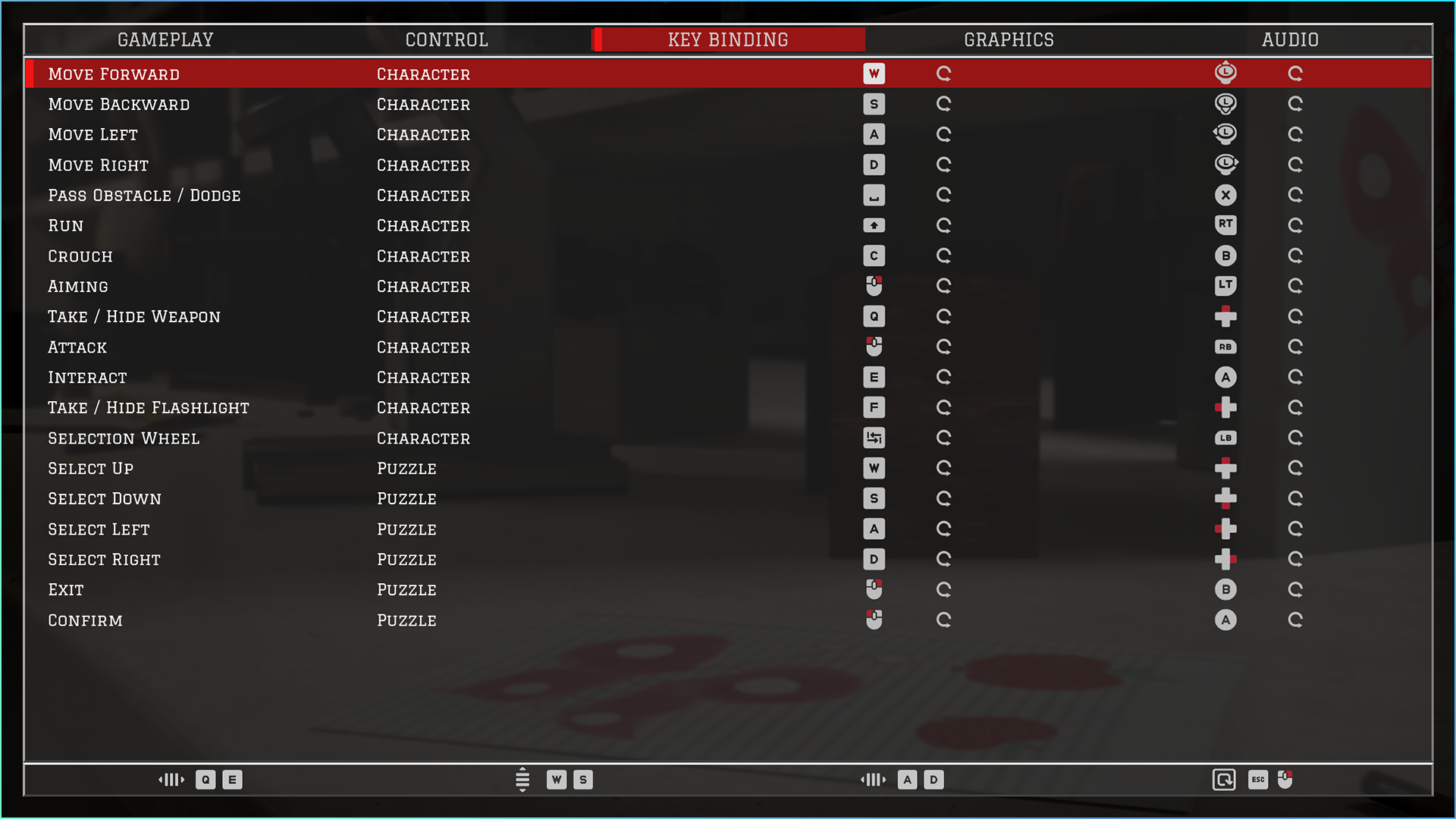
Key Remapping for Gamepad
The Controls tab in the settings menu now allows you to fully remap both keyboard and gamepad buttons. So feel free to customize the layout to whatever feels comfy for you.
UI Changes & Improvements
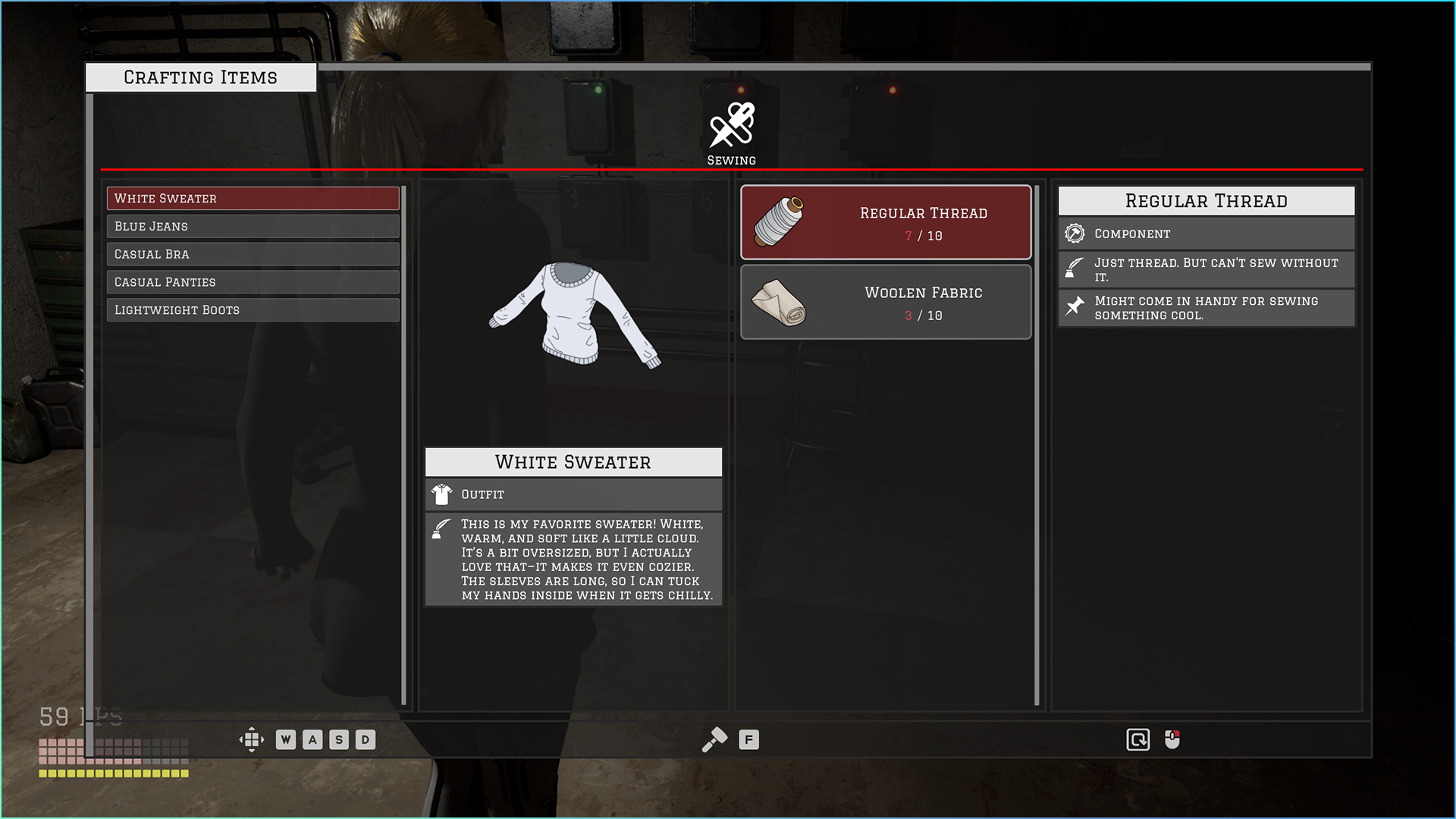
Crafting Menu completely rebuilt to work smoothly with both keyboard and gamepad. It also just looks nicer now (I hope!) — let me know what you think.
Outfits Tab Overhaul
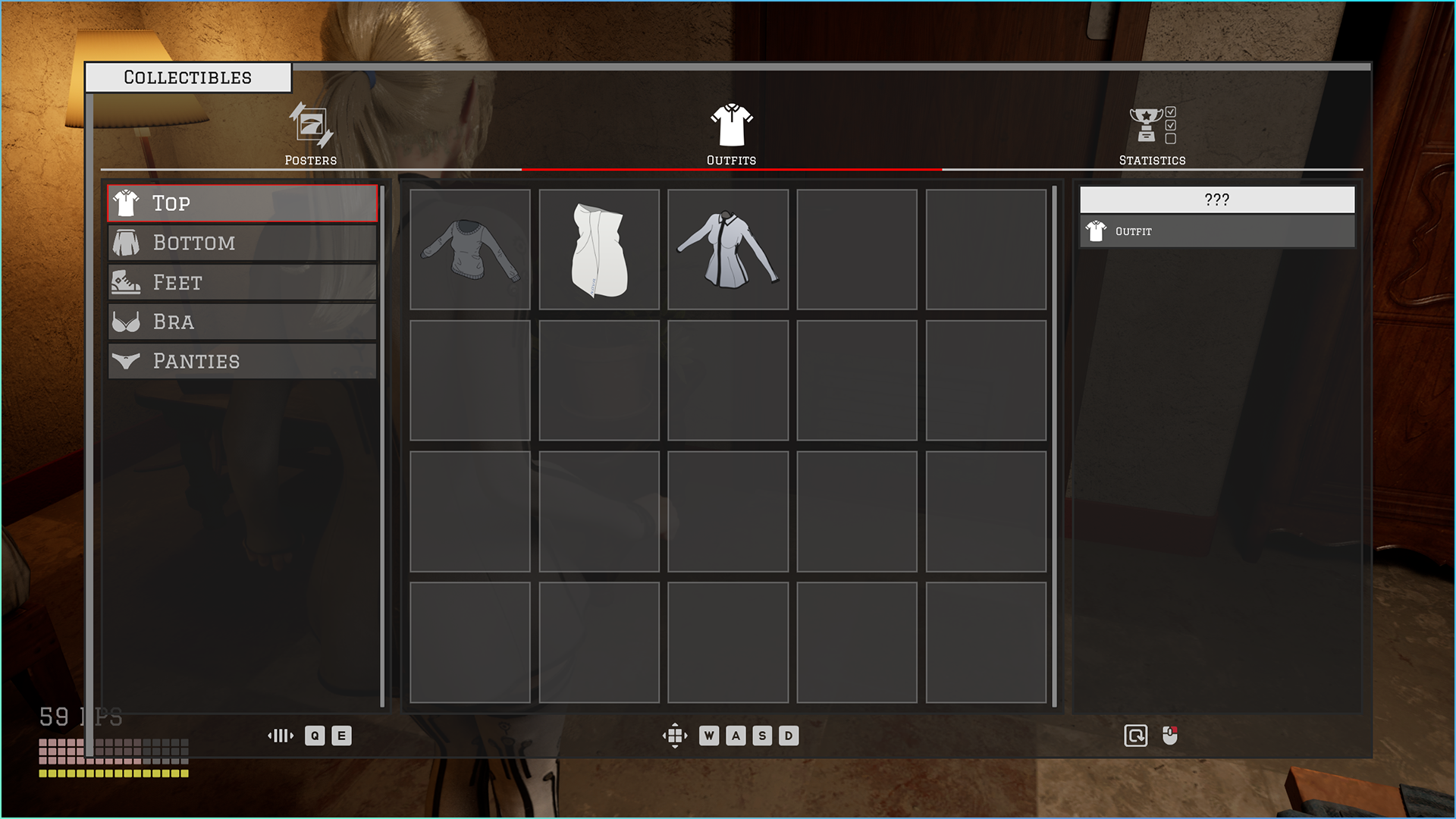
- The Outfits menu has been redesigned to match the new “collectible pieces” system.
- Now each individual clothing item (top, bottom, etc.) is collected and shown separately. Gotta collect 'em all!
Other Fixes & Improvements
There’s also a whole bunch of small tweaks and fixes sprinkled throughout the game. I won't bore you with every tiny detail, but if something suddenly works better than before — it was probably in this patch :D
What’s Next?
I’m slowly getting back to work on the third major area — it’s coming along nicely!
If all goes well, it should be ready in next two months for Steam and include:
- A new large zone: Living Rooms
- New puzzles to tease your brain
- New outfits (aiming for 3–4 new sets, we’ll see!)
- And more cool stuff
Thank you so much for your continued support!
Our community is still small, but it means the world to me ❤️
I’m especially excited for the Early Access launch on June 4 — it’s a big and important step for me as a developer, and I’ll keep doing my best to deliver the best experience possible.
I love Lunar Eclipse, and I hope you’ll enjoy the journey alongside me.
https://store.steampowered.com/app/2953480/Lunar_Eclipse/