In-game event
Patch 0.2.2.0 - Awesome Gaming Table features, Quality of Life & Bug Squashing
Dudes on a Map: Virtual Grid Paper · published
To follow along with the development, report a problem, or just say 'hi', Join us in Discord!
This patch has a lot of cool stuff in it for everyone, but if you're on a gaming table it's especially noteworthy. A lot of these changes came by request from users, and it's a lot of good stuff!
- Fixed the steam overlay, it now works just like you'd expect in a game.
- Added a fullscreen option to the player client, in the top right near the local settings button. This will hide the UI and the map will use the entire screen.
- Added Physical sizing options for the player client, in the Local Settings tab, where you can enter your screen size and resolution and how many inches or millimeters you want each grid-square to be, the map will zoom to give you squares of that size (with options to zoom in and out a little bit 2x, 1/2x, and 1/4x).
- Added a lights out button for the game master, which blanks all player screens until the next update view. I added this as a way to reduce player distractions during narrative segments.
- Added a toggle switch that lets the GM disable player drawing and dice (separately), because sometimes people can't behave.
- Added a campaign option to prevent players from moving other players tokens.
- Added logic to save the location of player tokens between sessions. These locations are saved with the map, so each map you've had players on will remember where they were (if the player is in the game at the start of the next game)
- Added some guidlines for token images to the token manager screen.
- Added an option to lock a token in place so it can't be moved until unlocking.
- Added support so that custom images assigned to tokens on the map are now being saved between sessions. I mistakenly said this worked in the tutorial video, so now I've made it work that way.
- Added confirmation dialogs before kicking and banning players.
- Added options so you can choose when you see movement trace and distance overlay (never, always, or during initiative). The new default is always show the movement path, but only show distance during initiative.
- The game tab is now hidden when you don't have a game started.
- Fixed a bug that caused grid-measure tool to be broadcast to others.
- Fixed a bug that spammed my error reporting service if you set NaN or huge values for grid scale.
- Fixed a bug where changing your campaign settings while you had opposed rolls to make in the client would crash the program.
- Fixed a rare crash when moving tokens.
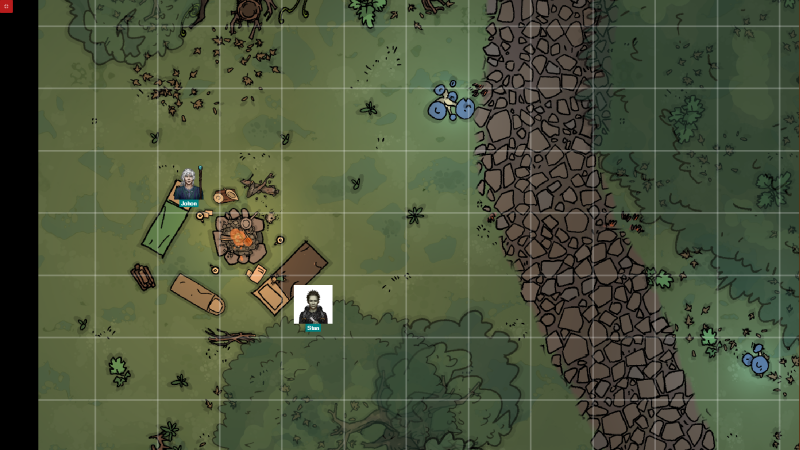
- Removed the little red X at the bottom middle of the screen.
As ever, please get in touch if you encounter problems, have cool ideas, or anything else really.
More from Dudes on a Map: Virtual Grid Paper
Other announcements
Bug Fixes & Improvements 0.3.7.4Hello everybody, I know it's been a long time since the last update. This patch is bringing some long overdue bug fixes while I continue to polish a substantial overhaul of the rendering systems to finish up multi-layered map support; work that has been moving slowly forward this summer, though development had been suspended for nearly two years as life has restricted the time and energy I have…0.3.7.1 Added "Report a Problem" feature, Minor Fixes and ImprovementsAs always, if you'd like to follow along with development you can join us on Discord! This patch has been worked on in parallel with the Multi-Layer feature, which is taking longer than I hoped to get developed due to a lot of life changes (all of them are good) that have all hit in the last month for me. The main feature is the new "Report a Problem" button in the top right of player and DM cl…0.3.7.0 Added Multi-Floor Support for mapsTo follow along with the development, report a problem, or just say 'hi', Join us in Discord! This update, adds a Floor/Layer Management system so that each map can have multiple layers,rather than a separate map for every floor. While this update is relatively low impact, it lays the groundwork for the "Multi-Layer" rendering features which will be the next feature on the task list. Map Layer…