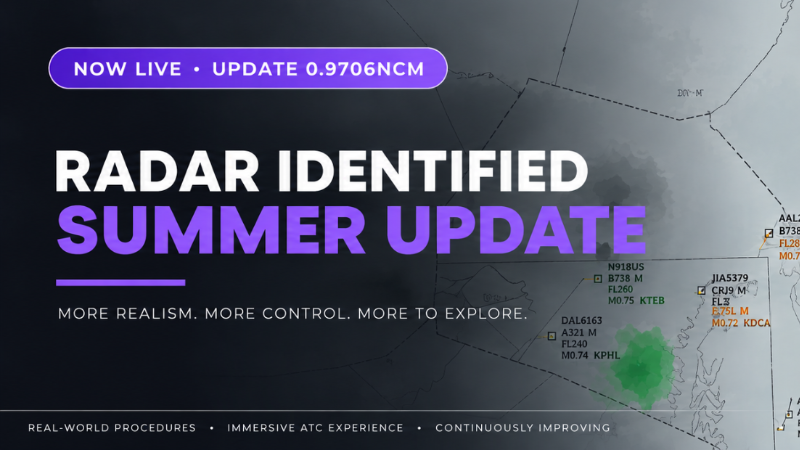
Hey everyone!The latest updates bring more airspace to explore, smoother radio calls, and more ways to shape your session. There are five new East Coast sectors, more than 1,300 new audio files, traffic levels up to 150%, and a new Random Traffic mode to try.Alongside those additions, we’ve been working on command handling, the vector tool, weather customization, and smaller fixes that make a difference during a busy shift. Here’s what’s new!
Five new East Coast sectors
Take control of a new stretch of US airspace connecting the Northeast to Atlanta, with five playable upper sectors:
New York Inland — ZNY-I
Washington North — ZDC-N
Virginia Upper — ZDC-S
Pulaski — ZTL-43
Charlotte — ZTL-33A shared regional timetable brings new services through the corridor, including return flights and quieter overnight traffic. Whether you prefer a slower night shift or a busier daytime session, there’s new airspace to get familiar with.
More than 1,300 new audio files
Radio calls have received a substantial update across all existing pilot voices.There are now complete recordings for 68 frequency handoffs across playable upper sectors and their neighbors, making those transmissions flow more naturally. You’ll hear “Contact radar” in Europe and “Contact center” in the USA.There are also new complete maintaining-flight-level readbacks for FL340, FL350, and FL360. Each flight keeps its assigned pilot voice throughout.
Choose your workload: traffic up to 150%
Traffic density can now be adjusted from 50% to 150% in sector selection, including a 120% option.Give yourself some breathing room while learning a sector, or turn up the traffic when you’re ready for a busier frequency.You can also choose between Planned Traffic and the new Random Traffic (BETA) below the sector map. Random Traffic varies callsigns and entry times on existing routes in single player, adding variety without changing the underlying route network.Planned Traffic remains the default. Random Traffic is still in beta, so feedback on how sessions develop is especially useful.
Two orders. One transmission.
You can now give two orders in a single spoken or typed call, with one combined pilot readback (Beta).For example:
“Airline four one zero, descend flight level three one zero, turn right heading one one zero.”
Enable this under Settings → Voice → Multi-Part Commands. It is off by default, so your existing command workflow stays unchanged unless you switch it on.Command handling has also been tightened up: headings are no longer mistaken for flight levels after another instruction, explicit left and right turns are respected, and invalid command lines no longer execute partial orders.
Weather, displayed your way
The new controls under Settings → Display → Weather let you tailor the radar’s weather presentation.Keep the original colors, choose Shades of Grey, or build a three-, four-, or five-color palette with individually adjustable levels. You can also adjust precipitation display strength from 30% to 200% and choose a separate lightning-marker color.Changes apply immediately and are saved with your display settings, including when importing or exporting them.These are visual settings only: they do not change the weather simulation. Classic and Modern retain their original weather appearance by default.
Smaller changes that make a difference
Several other improvements have arrived alongside the headline features:
A more useful vector tool: Keep multiple vectors on screen, select aircraft without losing your lines, and draw consecutive vectors without reactivating the tool. Right-click a line to remove it.
More varied callsigns: Flight numbers are better distributed, recurring services no longer all start at 01, and Lufthansa, Eurowings, and Ryanair now use airline-specific alphanumeric radio callsigns.
More room for your radar: Hide the flightstrip list in Display Settings to use the full available width. The gap between the chat area and coordination phone has also been removed.
Conflict and session fixes: Predictions better identify approaching altitude conflicts between aircraft already close together. Retrying a session now applies the same weather penalties as ending it normally.
Map and menu improvements: Sector-boundary detection and neighboring-sector references have been corrected, while the main menu has a livelier traffic background and larger, clearer entries.
Thanks for playing, sharing feedback, and reporting the things that don’t behave as they should. Those reports help me improve both the larger features and the details you encounter every session.See you on the frequency!