Normal map and lighting side by side, and the batch tool on the GPU
Totally Normal Mapper · published
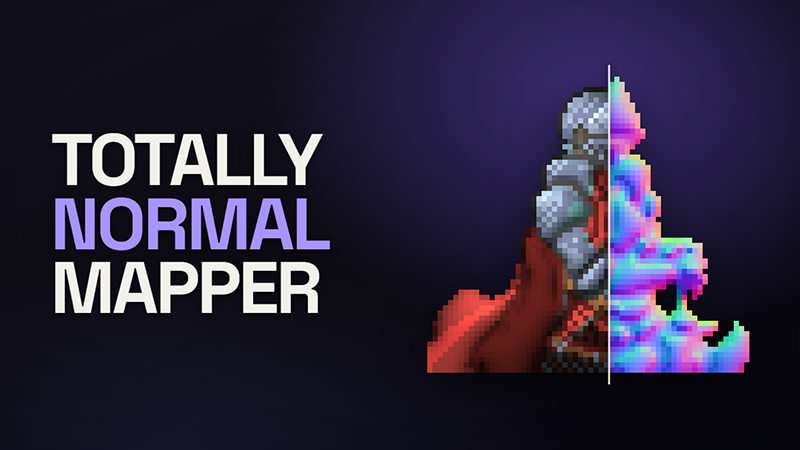
Public release is still December. This post covers two builds: 1.6.0 rebuilt Split and started a native Linux build, and 1.6.1 puts the batch tool on the graphics card and gives the Linux editor one to solve on.
Split, side by side
Split used to be one picture divided by a line you could move, with the normal map on one side of it and the lit result on the other. Now it is two panes: the normal map on the left and the lit result on the right, each showing the whole sprite. They scroll and zoom together. Paint hints on the left and watch the lighting change on the right. The dividing line and its slider are gone.
On the lit side the lights are always shown, and you can drag them whatever tool you have selected, so moving a light no longer means putting the brush down. A press anywhere else on that side does what the tool does.
totallynormalmapper.com/docs/getting-started
The batch tool on the graphics card
tnmap, the batch tool, used to solve every sprite on the CPU. Now it uses the graphics card where there is one, through the same solver the editor runs. On the machine it was measured on, a 1542×1095 sheet went from 17 seconds to under 2. Height and ambient occlusion are worked out on the card as well. Reading drawn strokes, detail methods such as bevel, and writing the files still happen on the CPU, so a run that leans on those gains less.
Before the first sprite, a run says which it got: GPU and the card's name, or CPU and the reason it could not use one. Add --cpu to keep a run on the CPU.
totallynormalmapper.com/docs/performance
A native Linux build, for testers
The beta and default branches now have a Linux build of the editor and the batch tool, beside the Windows one.
The Linux editor is drawn by WebKitGTK, which your system provides. If it is missing, the editor says so when it starts and gives the command that installs it. If Steam starts it inside one of its runtime containers, which hide WebKitGTK, it says that instead: under Properties ▸ Compatibility, choose Legacy runtime 1.0.
WebKitGTK has no access to the graphics card, so in 1.6.0 the Linux editor solved on the CPU. In 1.6.1 it starts the batch tool beside itself and has it solve on the card, through Vulkan. The status bar says GPU when that works. If it says CPU, hold the pointer over it to see why, and please tell us what it says.
Worth knowing
- The Linux build needs WebKitGTK 4.1 installed. Many Linux desktops have it already. WebKitGTK 4.0 is a separate package and will not do. If the editor says it is missing, install it with:
- Ubuntu, Linux Mint, Debian: sudo apt install libwebkit2gtk-4.1-0
- Fedora: sudo dnf install webkit2gtk4.1
- Arch: sudo pacman -S webkit2gtk-4.1
For testers
If the app is already in your library, Steam will offer this build. Start it from your Steam library. A copy started some other way asks Steam to relaunch it. The About dialog should read 1.6.1. For the Linux build, pick the beta branch under Properties ▸ Betas.
The knight sprite is from rodrigodmoreira/nmap-generation and is used under the MIT License.