Public release is still December. Testers have a Steam beta of the current editor. This is what that build contains.
Layers and scenes
A prop standing in front of a character is two objects, not one silhouette. Solving them together asks the tool to invent a relationship the artwork never had.
- Import sprites as layers. File > Import > Sprites as layers. Each layer has its own artwork, its own hints, its own solver settings, and its own solve.
- Photoshop and Aseprite into the scene. The import dialog can send a layer into the base artwork, onto its own scene layer, or onto a hint. Skip leaves it out.
- The Move tool (M). Drag a layer into place. Click picks the topmost pixel under the pointer, so a hole in a sprite selects what is visible behind it.
- One export for the lot. The canvas is the size of the result. Fit canvas to layers when the arrangement is finished.
A single sprite is still a one-layer scene. Nothing else about the editor changes until you add a second.
Height, AO, and specular
The same solve can write the extra maps. None of them changes the normals.
- Inspect in the viewport. View > Height, AO, or Spec. Greyscale, the same way Normal is purple.
- Apply extra maps in Lit. Optional, off by default. Multiplies the lit view by AO and adds a simple specular highlight. Lit without that toggle is still the view you judge the surface by.
- Export with the normal map. Tick them under On export, or in the export dialog. They write next to the file you named.
Not the object
A baked contact shadow, a glow, a patch of ground left attached to a prop. Opaque pixels the outline will treat as more character. Fill them with Not the object (X). The artwork still shows; the normal map stops claiming there is a form there.
Also in this beta
- Recover unsaved work. A crash or a closed window offers the copy back. Your own file is never written to. This is not autosave.
- Pixel art at the size you drew. Enlarged exports are detected. A button recovers the native grid, which is the same as opening the original.
- Undo includes solver settings. A slider you regret is Ctrl+Z.
- Save remembers the file. After the first save, Ctrl+S writes back to it.
This is not a freeze. More will land before the public build. Testers who already have the app: Properties, Betas, select the beta branch.
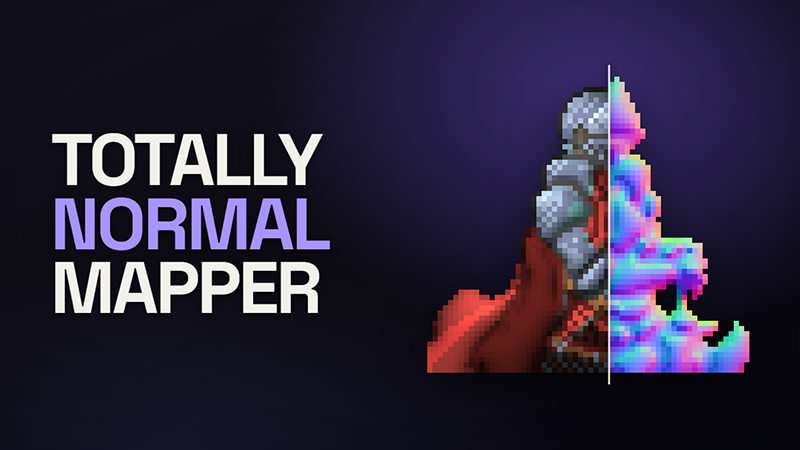
The knight sprite is from rodrigodmoreira/nmap-generation and is used under the MIT License.