Hello
This update takes player exploration to the next level.
We’ve added more detail to object interactions across the map, allowing players to grab, open, and close objects directly.
Interaction
The addition of this feature not only brings more detail to Dead Metro but also lays the foundation for future development, allowing us to implement new ideas and creative mechanics into the game.
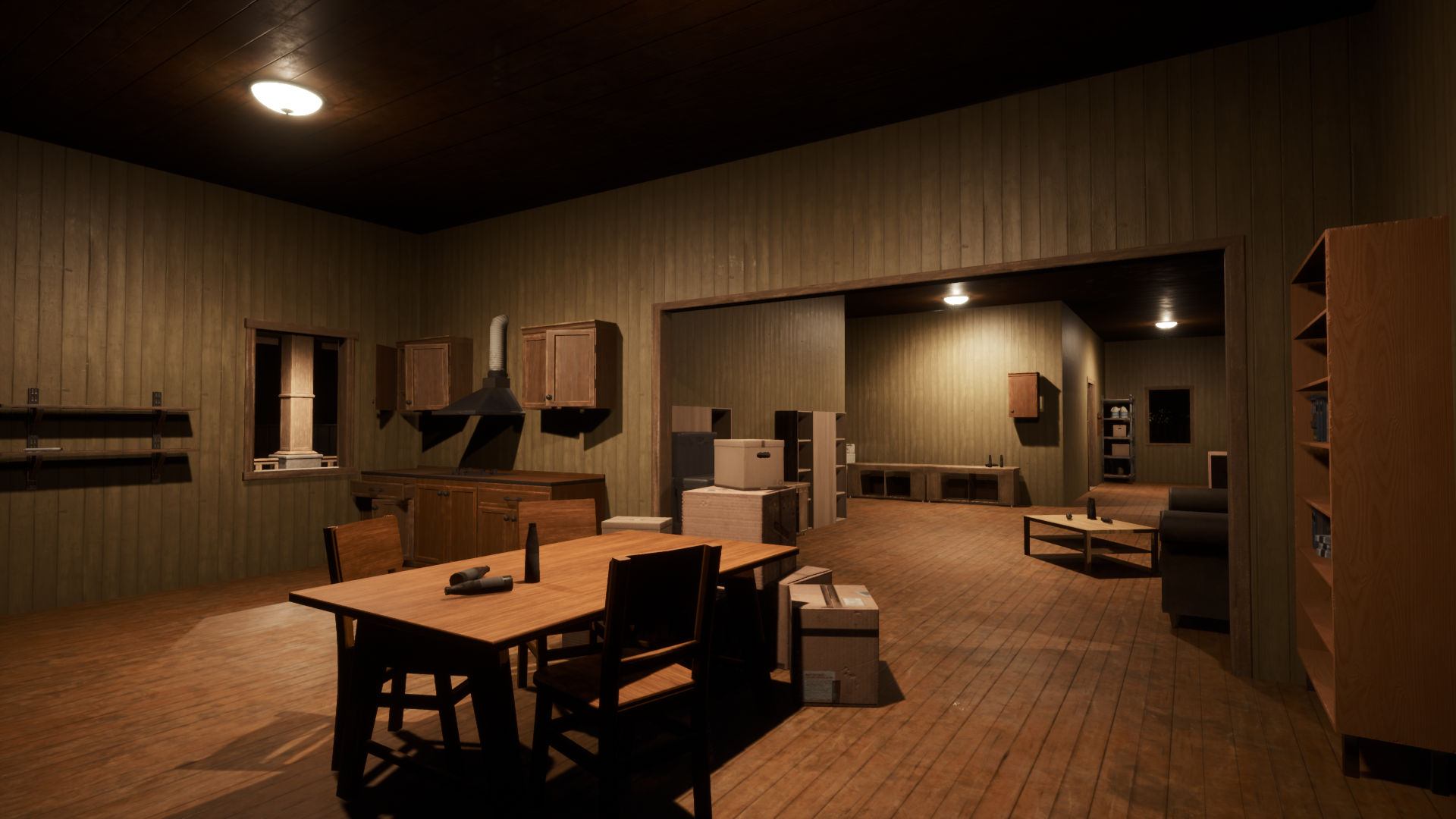
The system we’ve created also supports interaction with objects inside houses on the map.
You can now turn interior lights on and off.
Icon Interaction
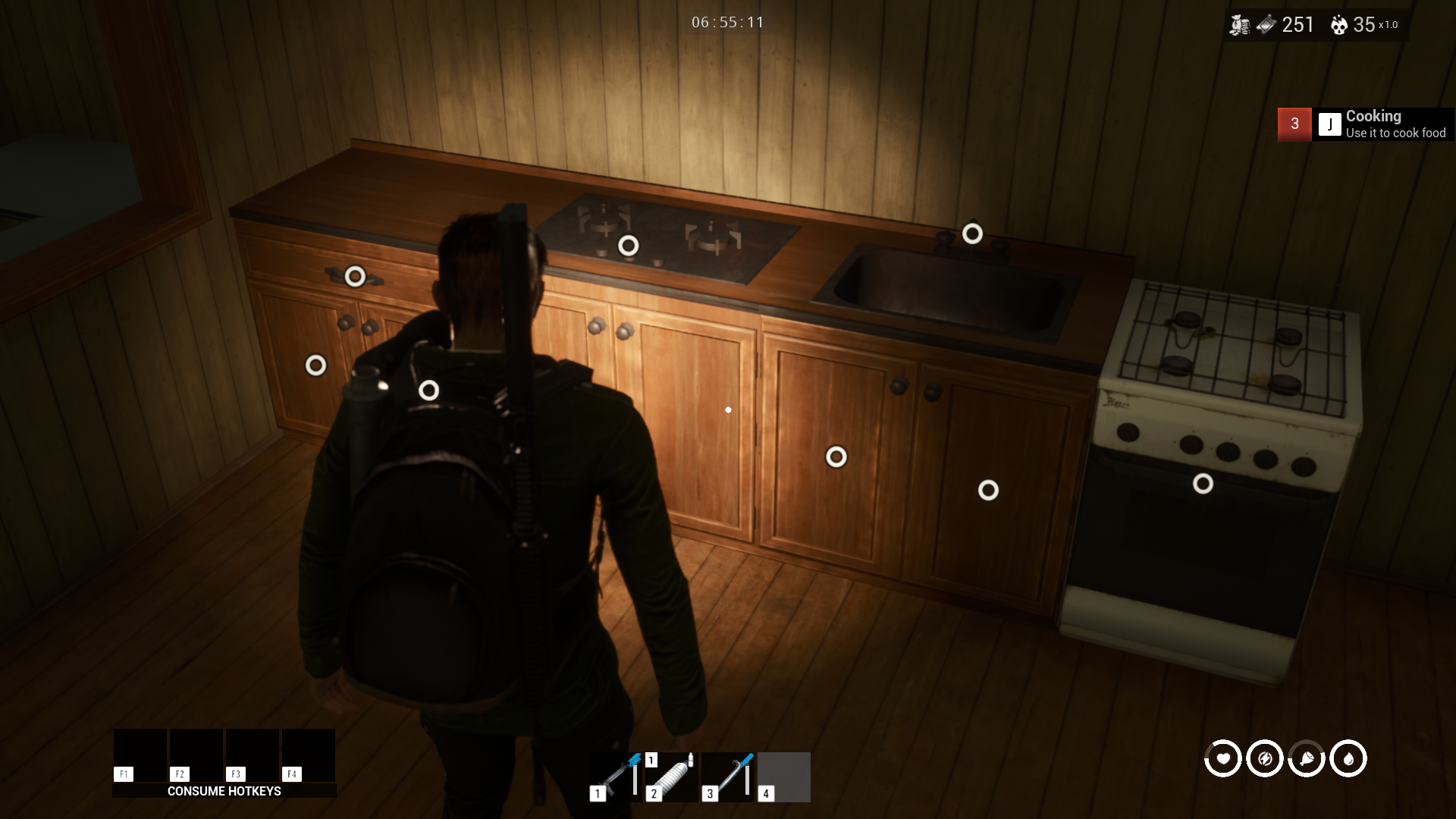
We added interaction icons because previously, we experienced gameplay issues.
When we tested Dead Metro, searching for items required quite a lot of observation,
And that might be one of the problems affecting item accessibility for players, since they couldn’t tell which spots were lootable.
This system helps with that and makes it easier for players to see
It’s not just lights that players can interact with
Faucets can now be turned on as well, and players can fill bottles from them.
Some interaction points have been improved for a better experience, for example, refrigerators.
This system also supports item visibility, making it much easier for players to spot items.
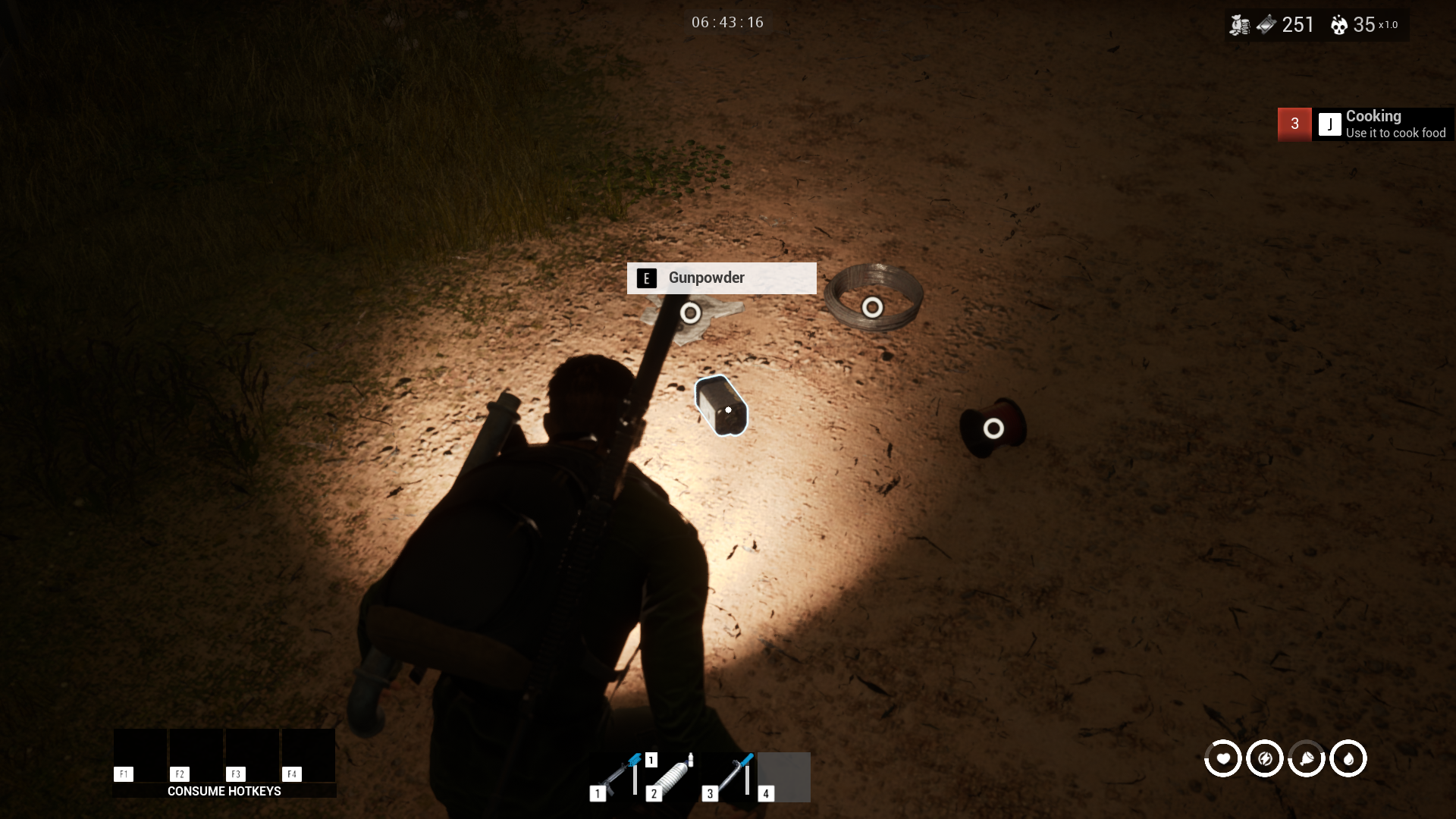
The next issue with the icon system is screen clutter when players face too many interact points in certain views.
We will fix this later.
New Trap
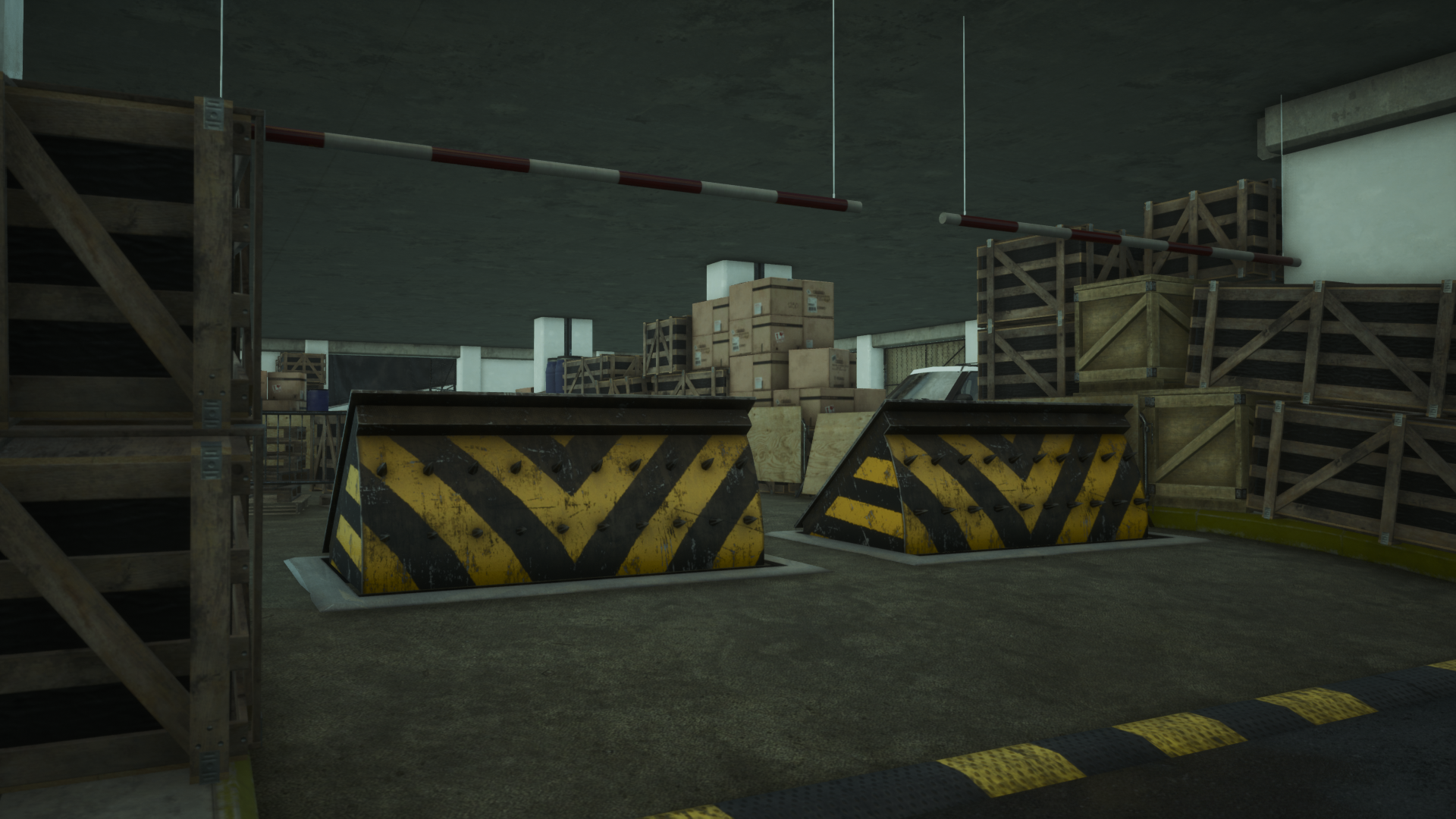
When activated, the Spike Barrier takes about 9 seconds to become fully operational.
The spiked side deals heavy damage if you walk too close.
FIX
Fix the entrance of the fire station where players couldn't jump in
Fix certain areas where players could access unintended locations by adding collision blocks
Fix shelf loot points that couldn’t be looted from certain angles
Fix flashlight brightness
Fix glow stick brightness
Fix the stairs in some houses on the map
Fix overlapping bathroom doors
Fix interaction distance from 2.5 M to 1.5 M
Fix the cabinet sound when closing
Fix the timing for opening and closing cabinets
Disabled loot point highlight
Don't forget to follow us on our social media channels:
Discord
YouTube
Twitter/X
Facebook
Tik Tok
Trust Me Bro