Pixel Perfection
I'm sure many of you have noticed both weird gaps and seams appearing sometimes between tiles, and also possibly shimmering on certain resolutions when the camera moves.
This all stemmed from hardware inaccuracies when working with floating point numbers.
This is finally fixed now! This means no more ugly lines.
In addition, you can change the "Pixel Snap" mode to your desired liking to achieve the effect you want.
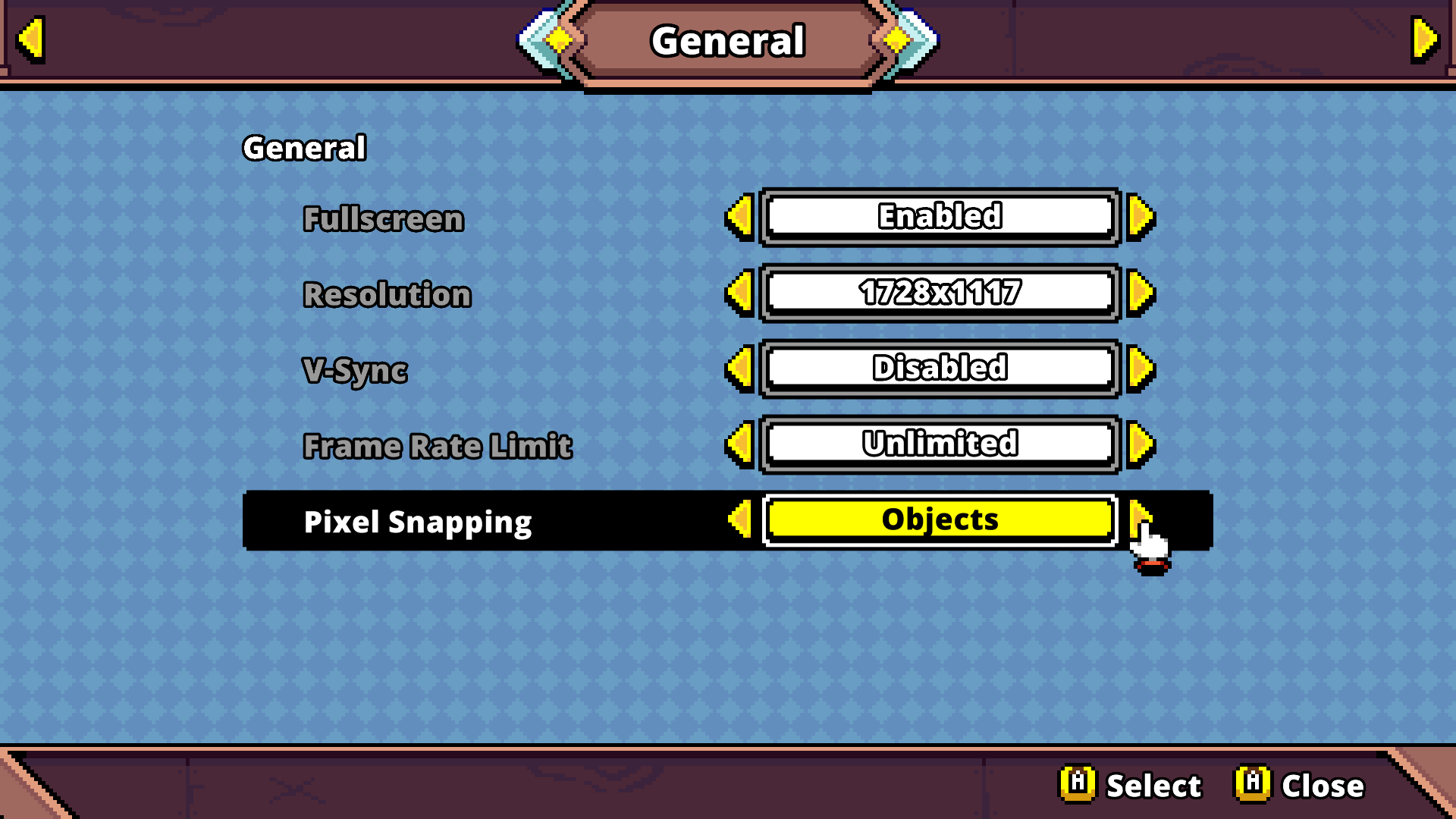
"Objects" causes all objects (like enemies and the player) to be snapped to pixel positions, while still maintaining smooth camera movement! A compromise between retro and modern.
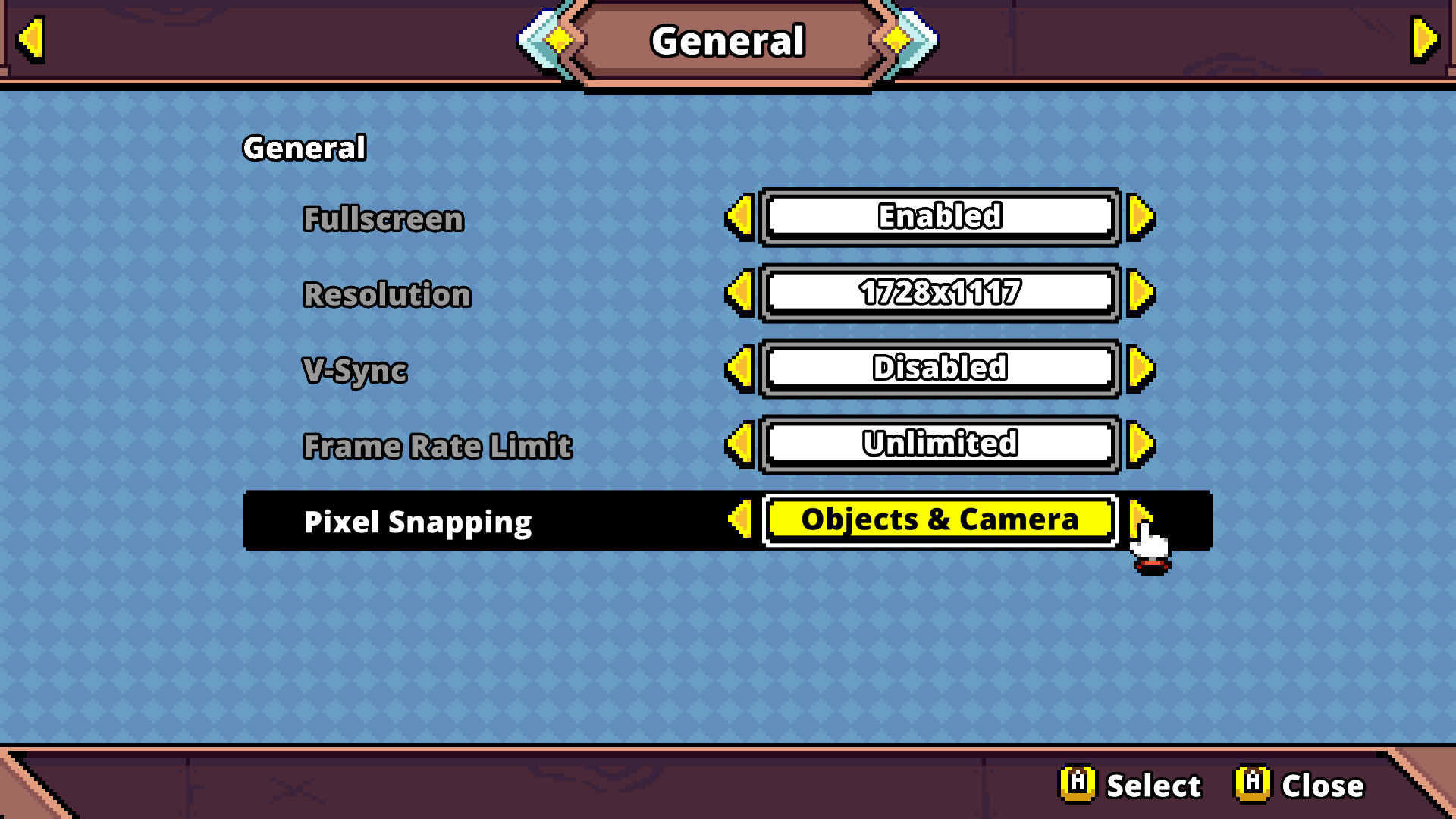
"Objects & Camera" causes both objects, but also the camera position to be snapped to pixels. This also implicitly disables the smooth camera movement, since it looks too jarring with it. For retro enthusiasts and sub-pixel haters!
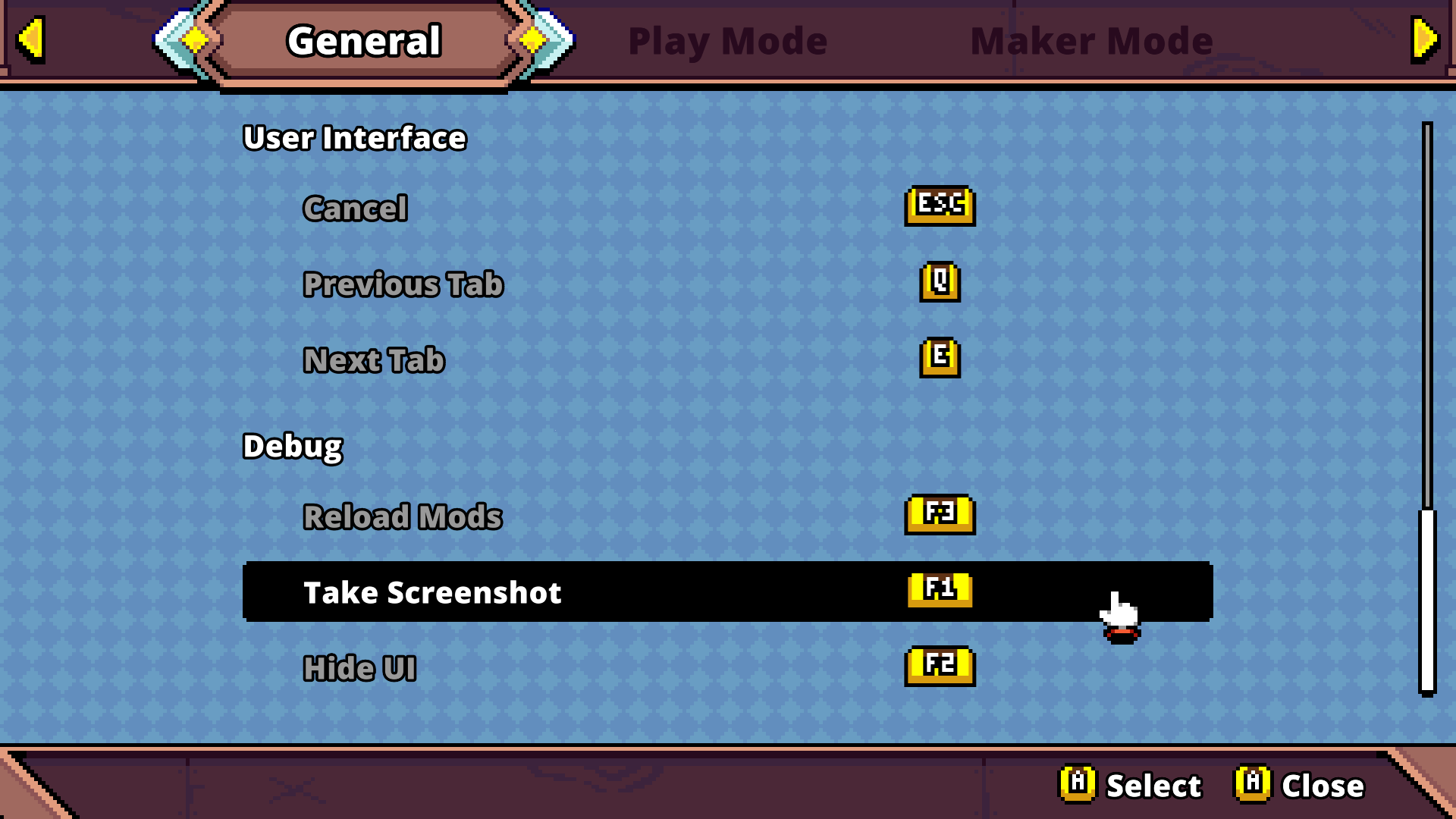
Debug Tool Bindings
The debug tools are now unbound by default and can be freely assigned to any button.
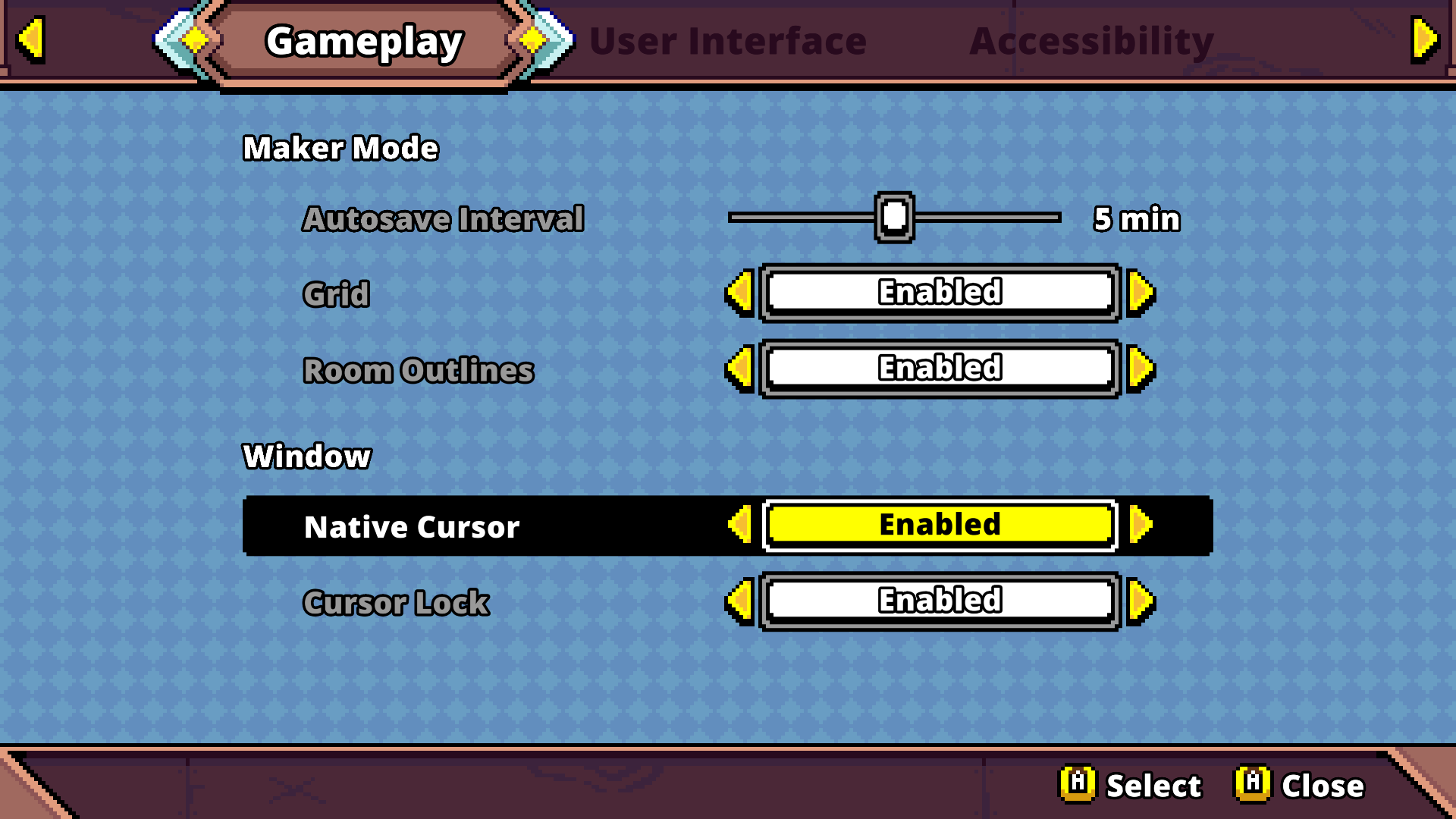
Native Cursor Option
If preferred, you can now use your OS native cursor to use instead of Quest Master's pixel cursor.
Performance Improvements
Significant changes have been implemented by reimplementing certain backend systems, which should improve your game performance, possibly quite a lot!