Watch on YouTube
In our previous update, we introduced a variety of new features—some essential, others experimental. While not all of them were fully functional at the time, this update brings improvements to several of those features, making them usable and more polished.
This update has taken us a long time to complete. Along the way, we encountered many technical challenges, which required careful debugging, testing, and iteration before we could release this version. And even now, there are still issues we are actively working to fix.
We also want to extend a huge thank you to our players—those who’ve supported DeadMetro, offered feedback and created online content that showcases the gameplay experience. Your voices have not gone unheard. We’ve been gathering community feedback from across various platforms and using it to help shape the ongoing development of DeadMetro.
Map
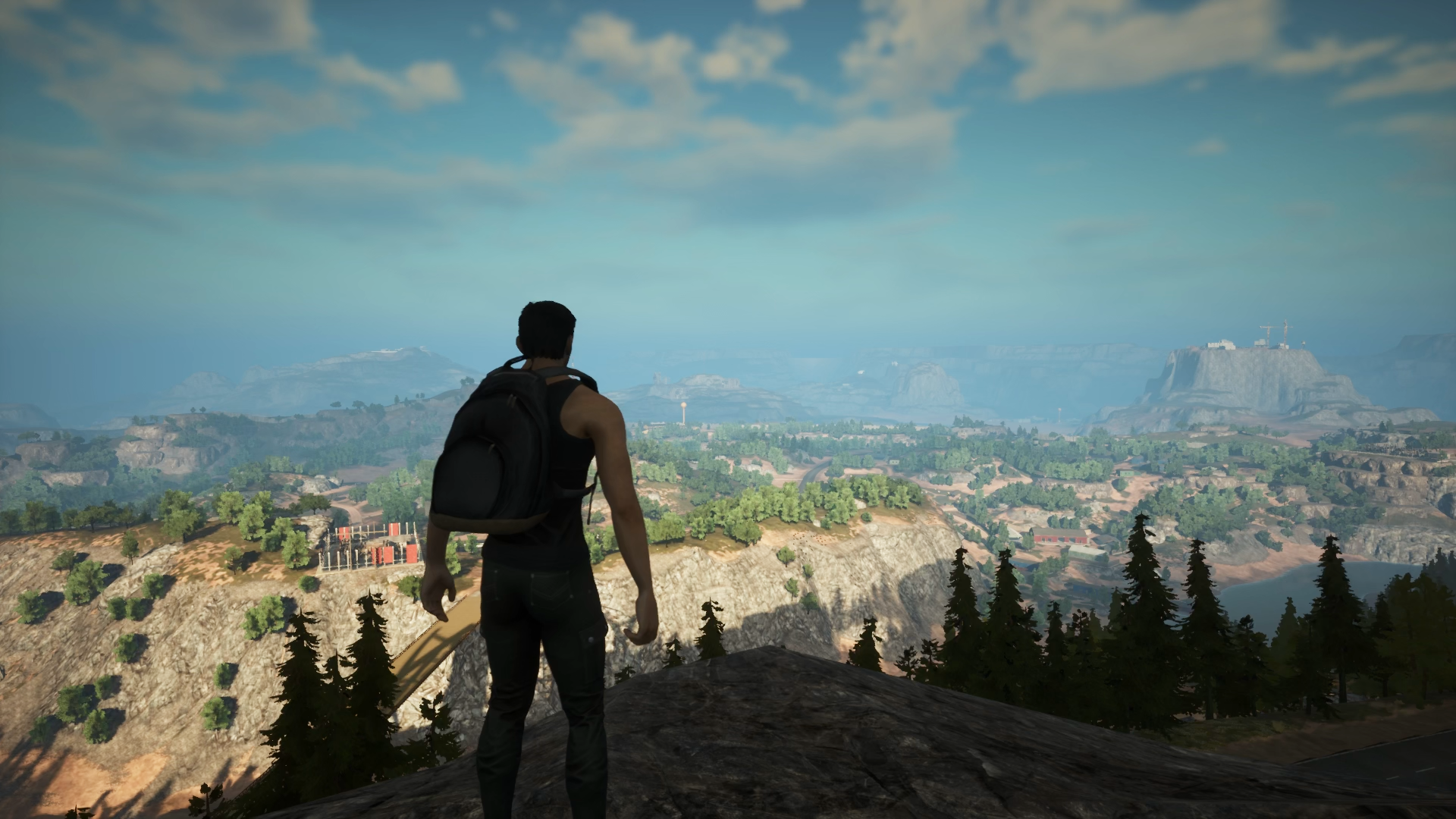
With this update, we dedicated a significant amount of time to improving and expanding the in-game map as part of our ongoing roadmap to prepare for the Early Access launch.
We are currently expanding the desert region, adding more exploration points and various locations such as towns and villages. The initial size of the desert map is 4x4 km, which we believe is an ideal starting point for our current development phase.
However, while 4x4 km may seem sufficient, it can feel relatively small for a survival-focused experience. To address this, our long-term plan is to introduce new interconnected maps to expand the world and add more depth to exploration.
Each new area will connect seamlessly to the existing world and feature its own unique layout and environment, providing variety and encouraging exploration. This system of expanding the world map is still in active development, and more details will be shared in future updates.
Fov
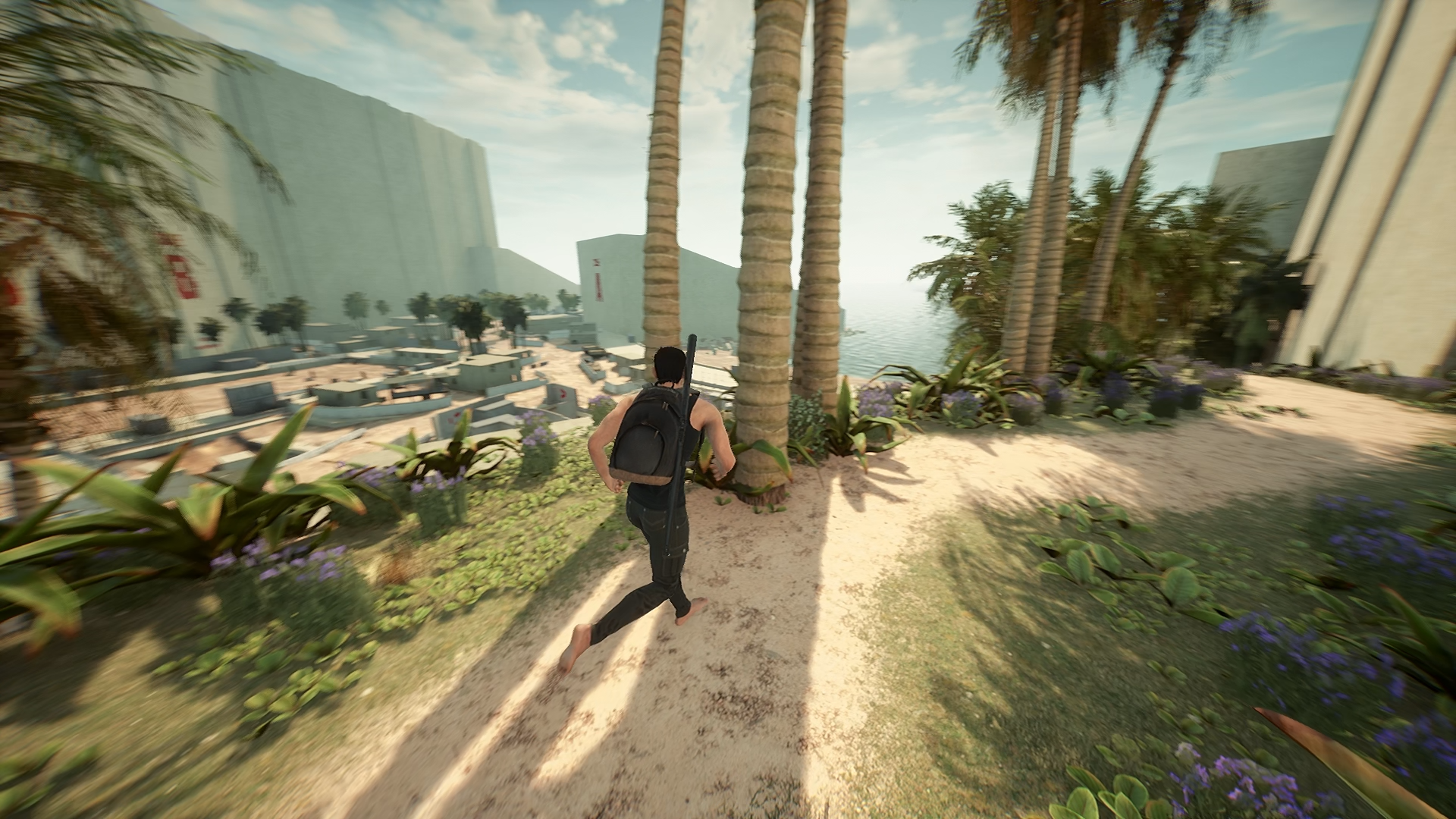
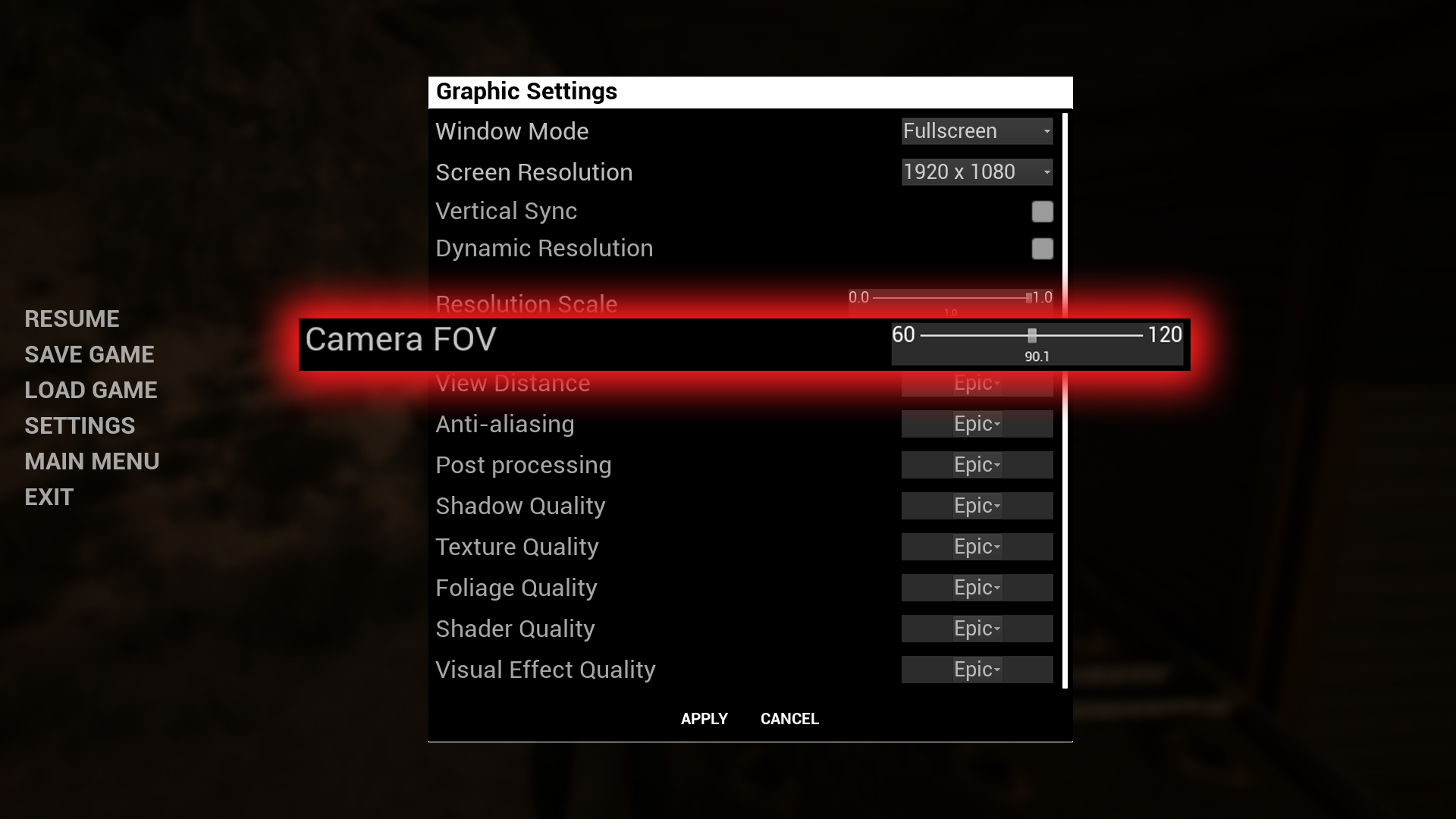
We’ve added a Field of View (FOV) adjustment option to the settings menu!
This feature lets players customize their screen perspective, making the view wider and more comfortable—something that’s been widely requested by the DeadMetro Discord community.
Item Category & Tier
This update also includes improvements related to item crafting. Based on previous gameplay feedback, we realized that players still struggle to fully understand how to access and engage with the crafting system. This has been a major issue that could affect the long-term integration of new items and crafting recipes.
To address this, we have reworked how materials are selected in crafting recipes. Starting from this update, every item used as a crafting material will now be categorized based on its intended crafting purpose. Additionally, each material will be assigned a tier, which means crafting recipes may now require materials of specific tiers.
The material tier system ensures that items within the same category can't simply substitute for one another unless they match the required tier. As we add more items in the future, this tier system will help us organize crafting progression more effectively.
This change will make it easier for players to access and understand multiple crafting paths. Furthermore, the material tier system opens up possibilities for future mechanics—such as weapon upgrades and character gear enhancements.
Loot Location
Previously, players explored the map in search of resources to survive against the infected. However, many noticed that no matter where they went, the loot boxes tended to contain the same types of items—making it feel like items were randomly distributed everywhere without much logic.
With this update, item spawns have been adjusted to better reflect the nature of each location. Items will now drop based on a basic understanding of what would logically be found in a given area. The more dangerous the area, the higher the tier of materials available for crafting.
Some of the new items might not be usable just yet, but we are laying the groundwork to support future updates and features.
Action Wheel
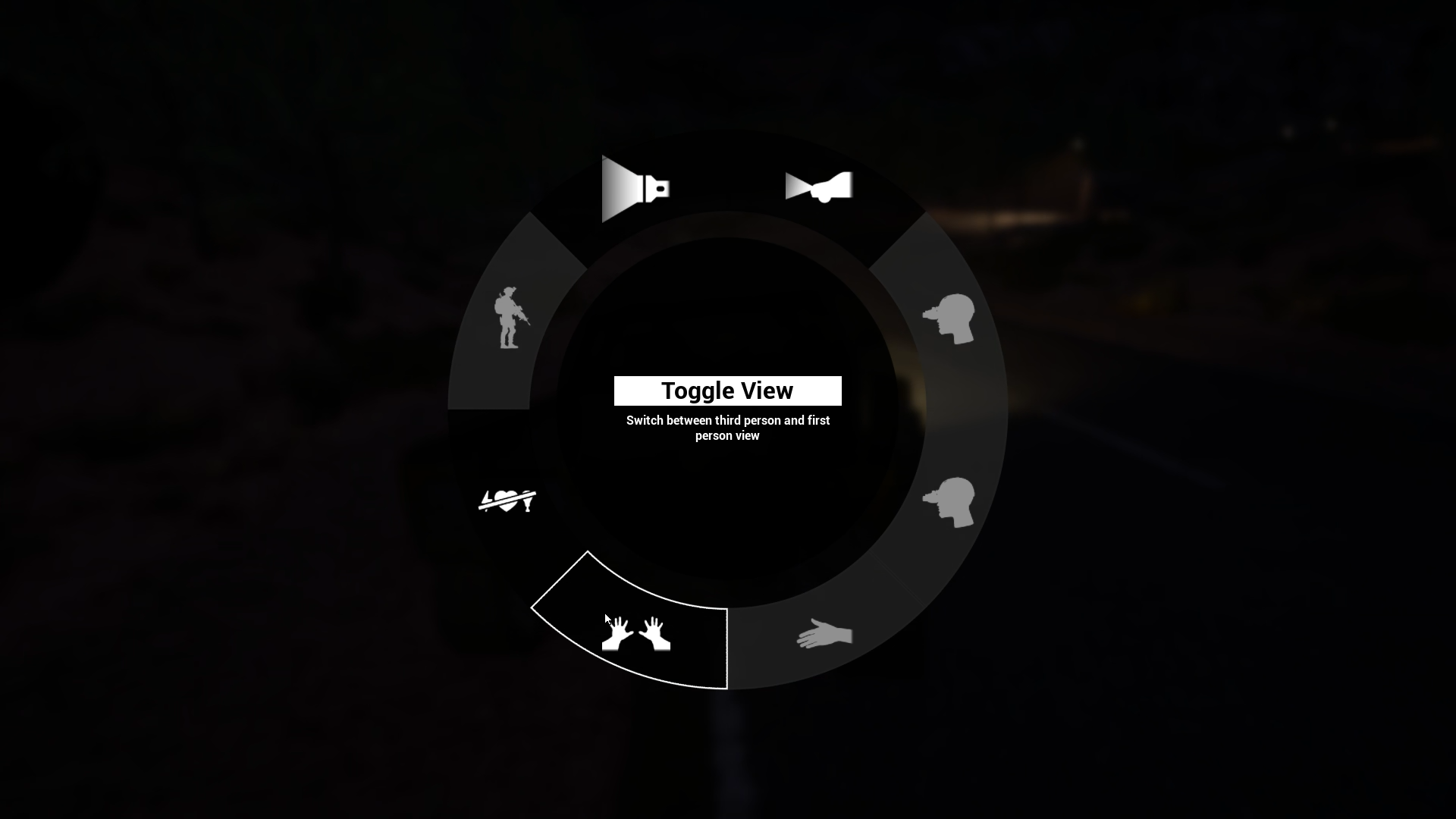
We’ve consolidated multiple player-related functions into a single menu we call the Action Wheel.
If you need to use your flashlight, players can now toggle it directly from this menu.
While full controller support hasn’t been implemented yet, the Action Wheel was designed with controller functionality in mind and full integration is planned for a future update.
You may be wondering whether quick-use buttons for items are still available. This feature is currently under design review. Since players can carry and use multiple items at once, we are carefully working on a control scheme that avoids input overlap or conflicts, especially during high-intensity gameplay.
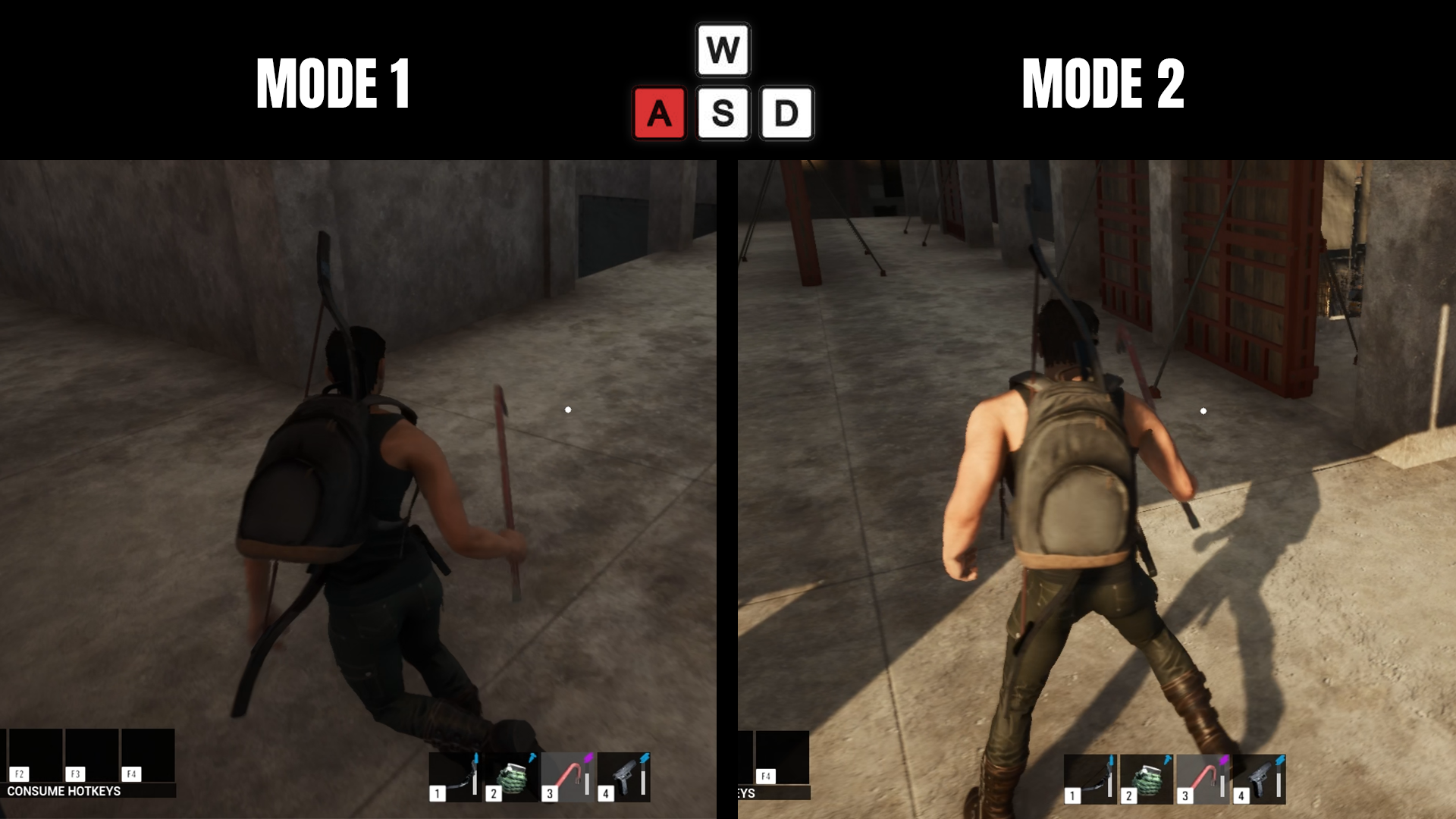
We would also like to clarify the movement direction modes, which weren’t fully explained in our last update:
Mode 1 Input-Based: The character rotates and moves according to input direction—for example, pressing "W" moves the character forward, while pressing "S" makes the character turn around and move toward the screen.
Mode 2 Camera-Facing: The character immediately turns in the direction the camera is facing when the player moves.
These options are customizable and can be selected based on your preferred playstyle or specific in-game situations.
We are also considering further improvements to this movement control system in future updates.
Flashlights & Glow Sticks
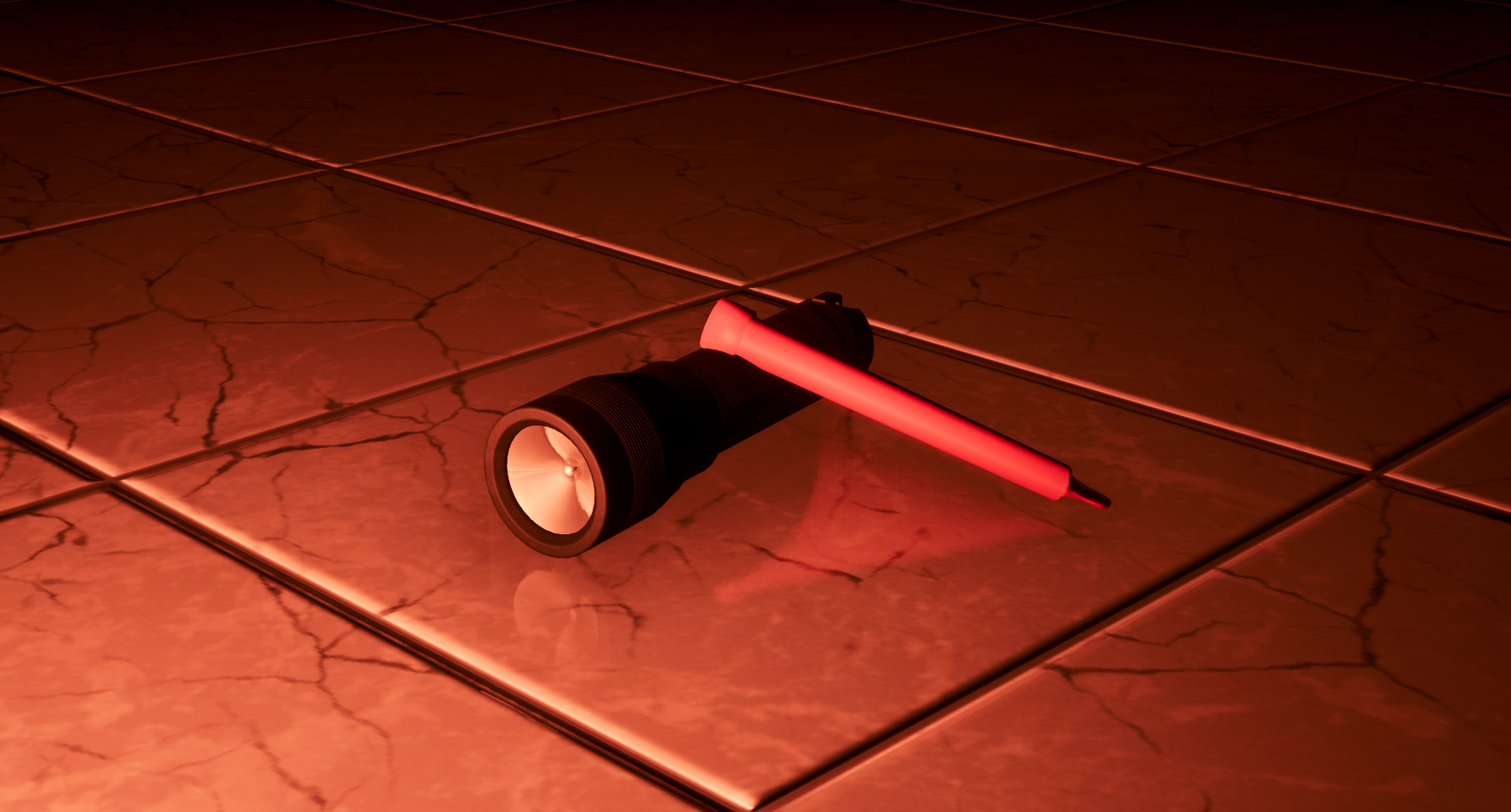
Flashlights and glow sticks have been added in this update.
Players can now equip a flashlight in the flashlight slot located in the Equipment menu. Flashlights can be turned on or off using the action wheel, which includes a dedicated flashlight icon. If the flashlight is dropped, it will remain lit on the ground, providing continuous illumination.
Glow sticks can be thrown, allowing players to light up specific areas from a distance.
We’ve also slightly adjusted the darkness levels at night to make the environment around the player more visible. However, flashlights remain essential in certain situations where stronger or directed light is needed.
More light-emitting equipment will be introduced in future updates to give players a wider range of lighting tools.
Flashlight Weapon Part
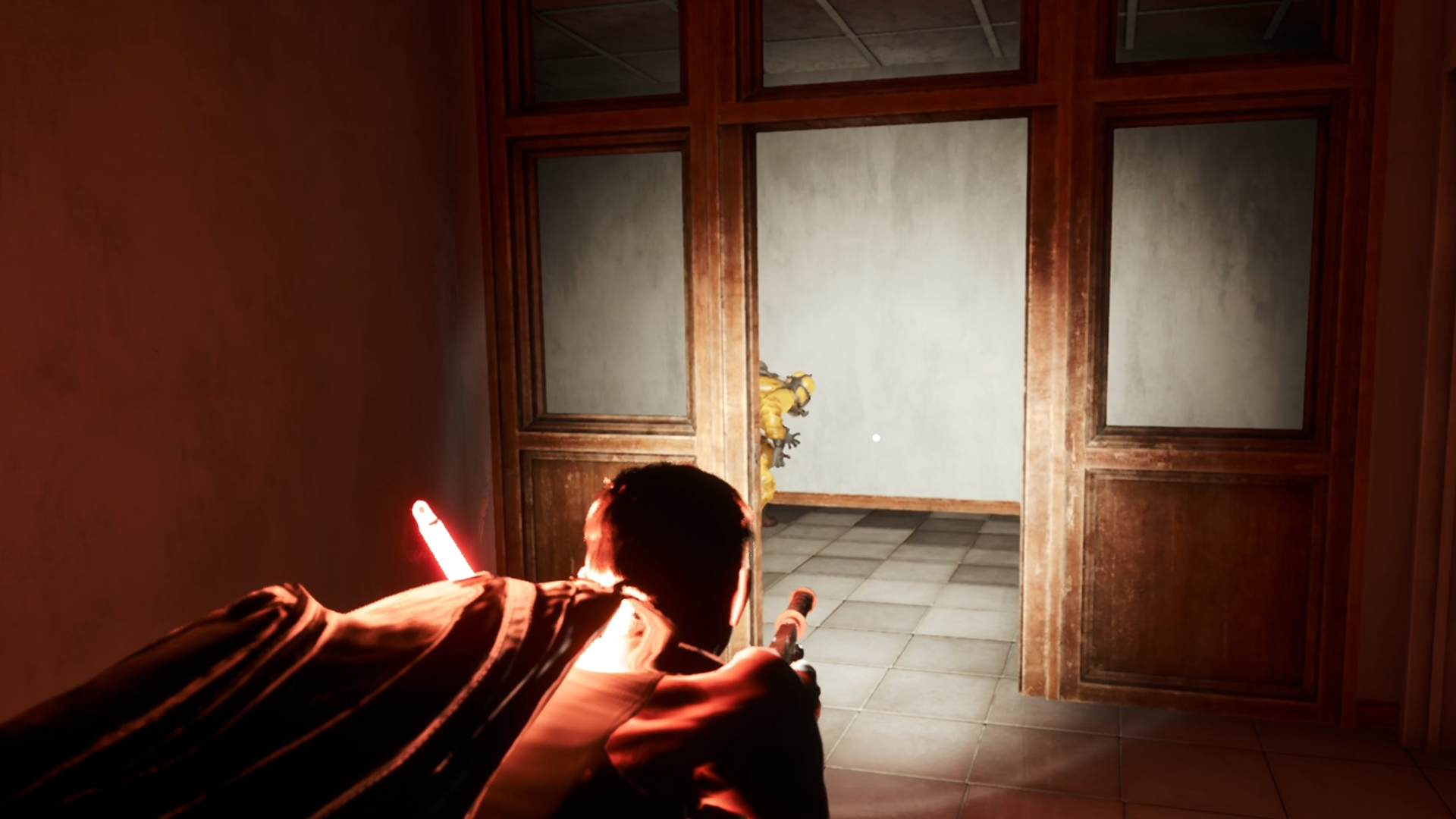
Players can now attach flashlights to firearms. However, not all weapons support this feature. To check compatibility, players should look for a flashlight attachment slot in the weapon’s Mod Menu.
The weapon flashlight attachment can be crafted at the crafting bench.
This update also introduces a Quick Modding System, allowing players to drag and drop attachments directly onto their weapons without having to open the Mod Menu. This improves responsiveness and flexibility, especially during intense or time-sensitive situations.
However, removing attachments still requires the use of the Mod Menu as before. We are continuing to improve this system and plan to expand its functionality further in upcoming updates.
Farming System
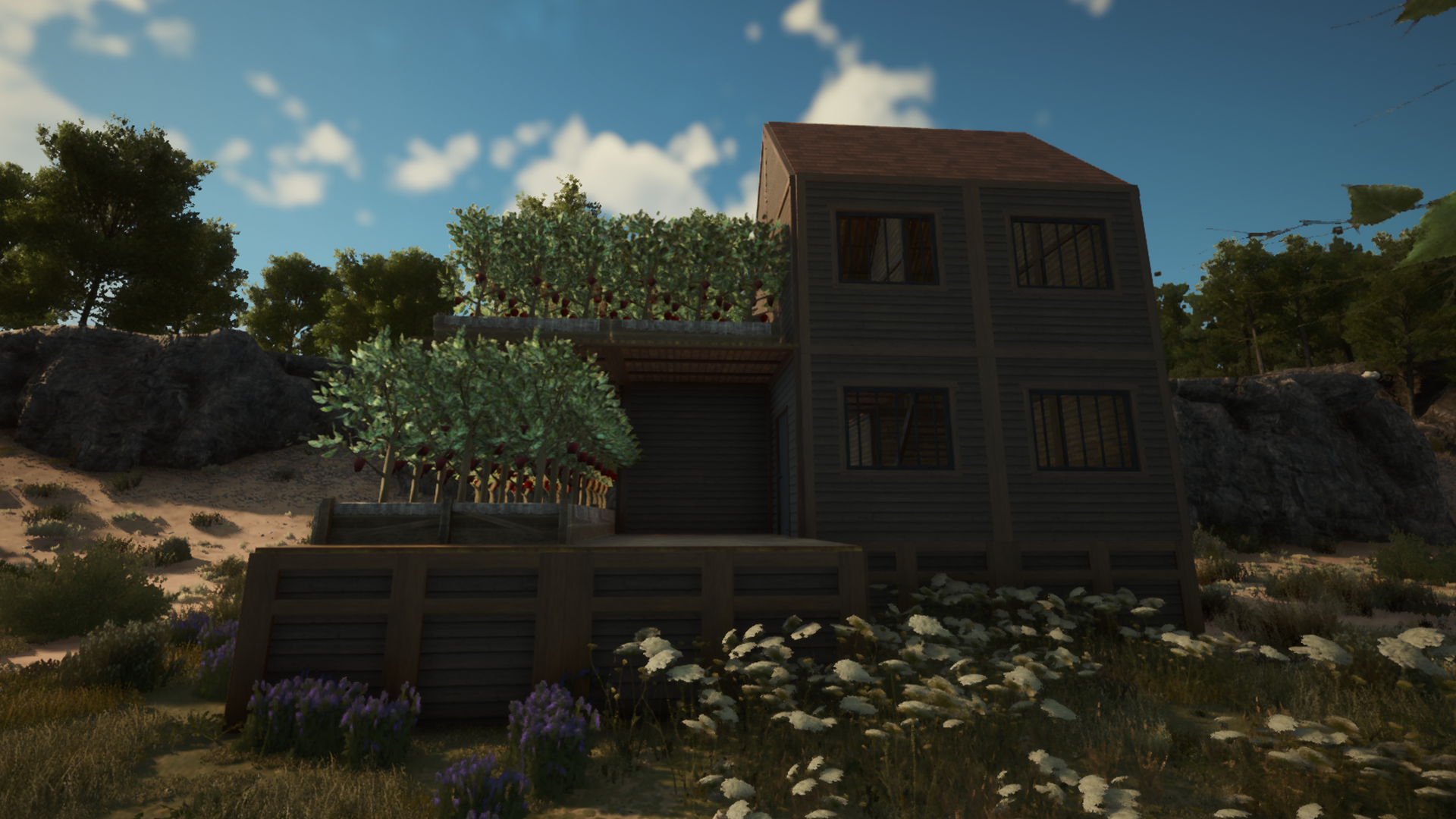
Players can now build their own farms, with both small and large crop plots available for growing plants.
To begin farming, players need to search for seed packets to plant. The process is simple: plant the seeds and water them.
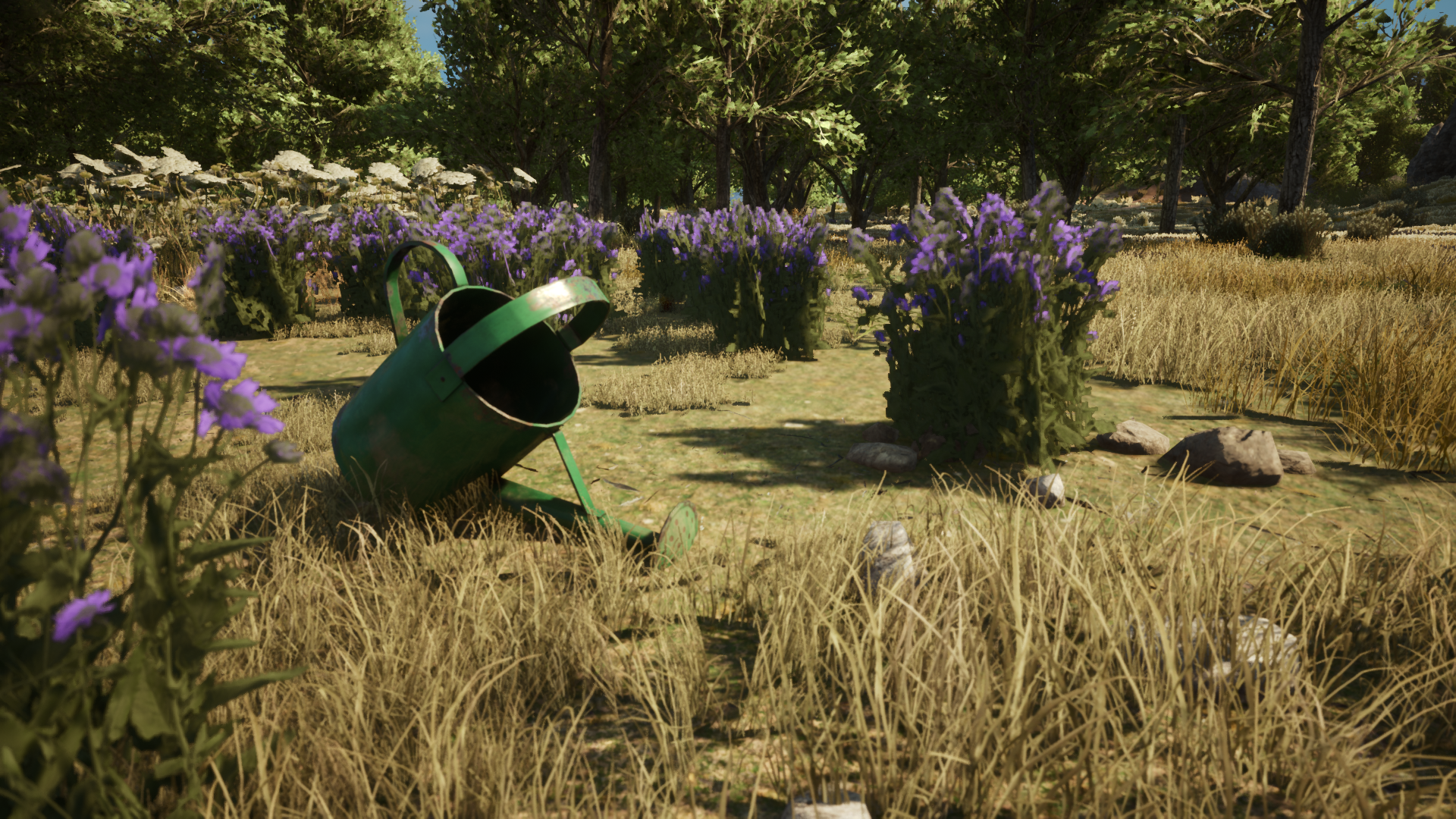
Watering cans can be crafted at the crafting table, and when they run out of water, they can be refilled at a rainwater collector.
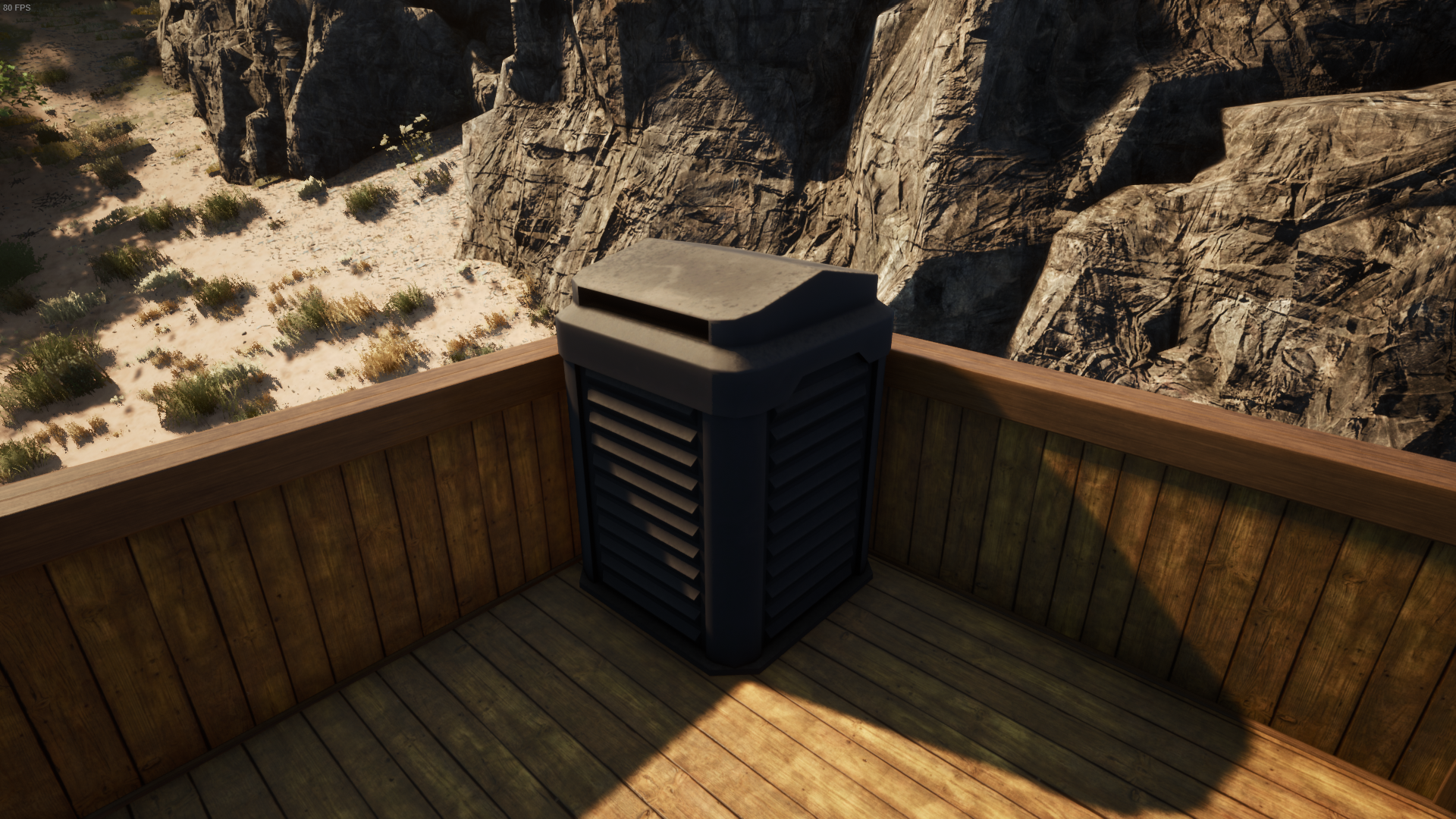
Players can also craft fertilizer to help crops grow faster. Fertilizer is produced using a composter, which can also be crafted at the crafting table.
All farming-related systems will continue to be expanded and improved in future updates.
Fishing System
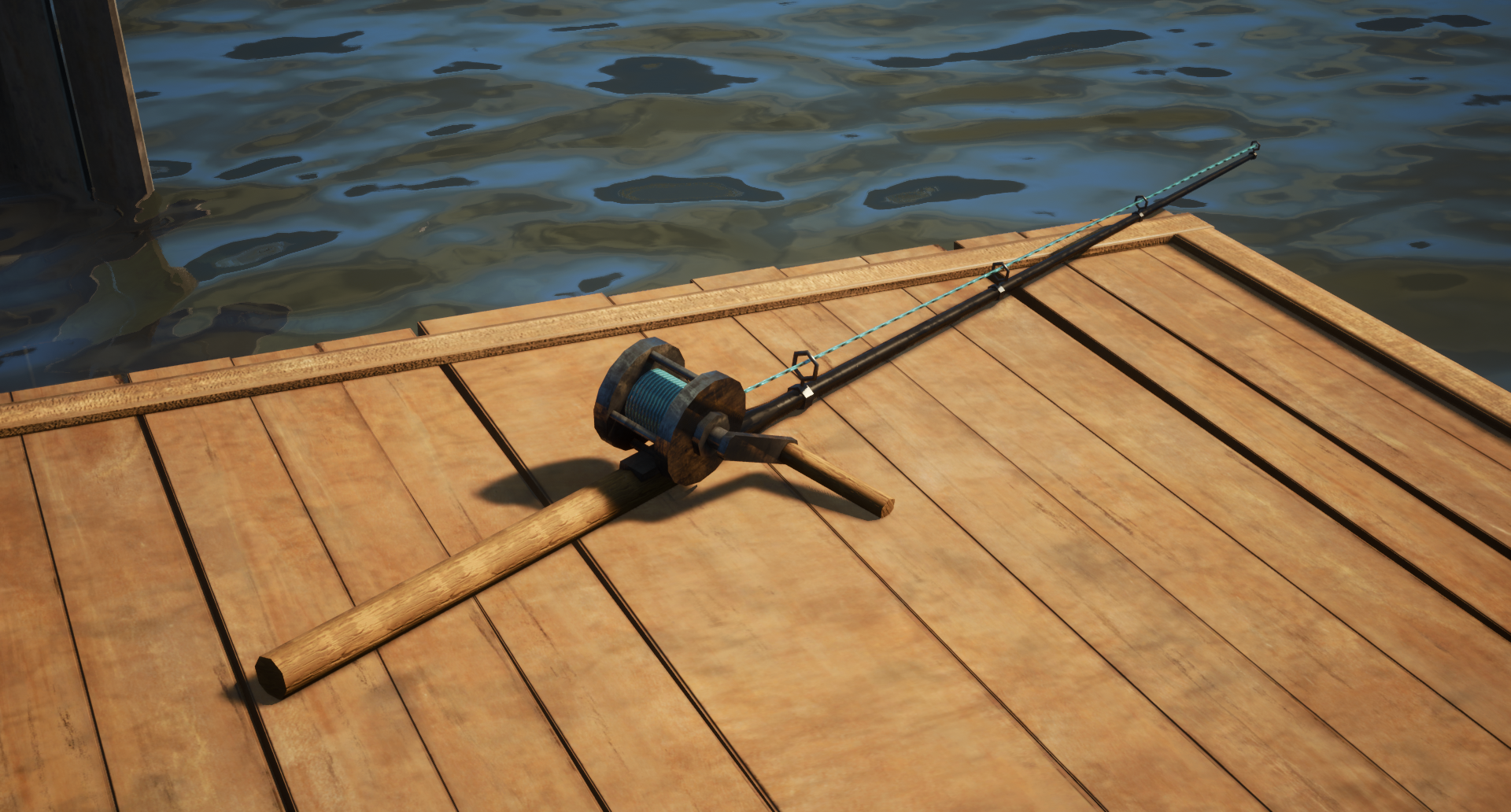
The fishing system has been added to this update!
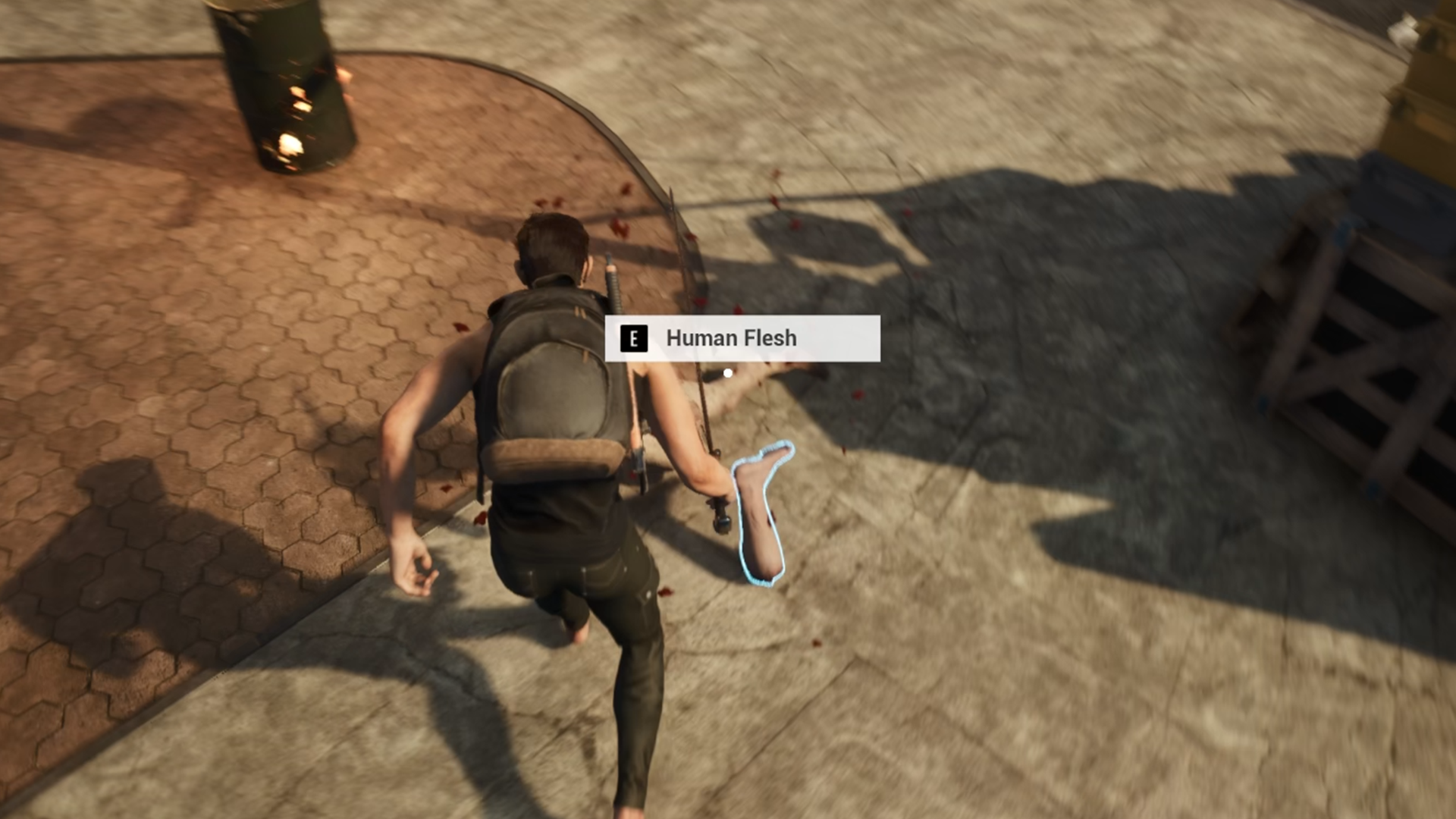
Players can craft a fishing rod at the crafting bench. To catch fish, you'll need bait, which can be made using meat parts harvested from infected enemies.
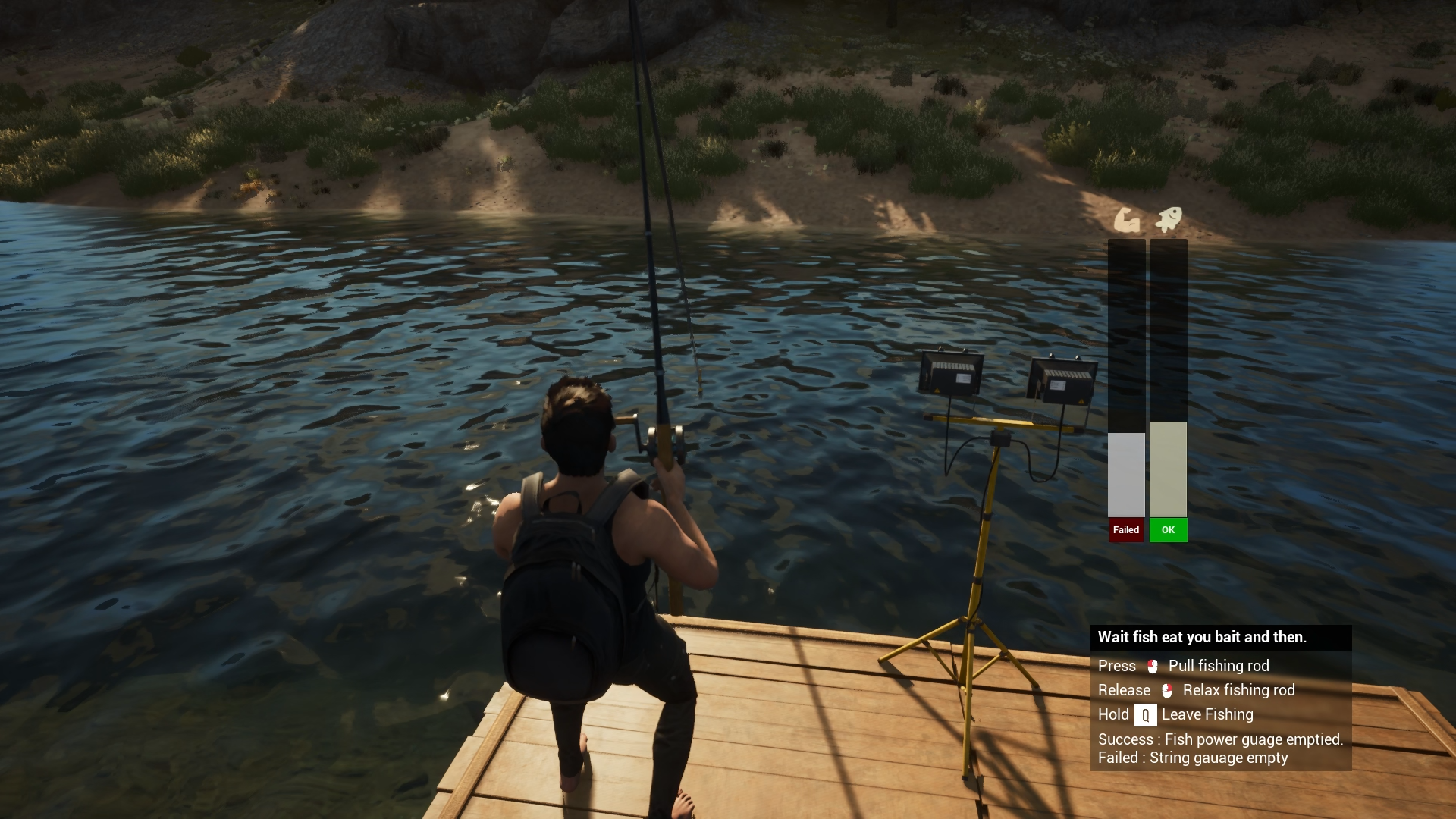
When fishing, a mini-game will appear showing two bars: one for the player's stamina and one for the fish’s resistance. If the player's stamina bar depletes before the fish's, the player will fail to catch the fish.
Optimization Plan
In the previous update, we encountered challenges with game optimization, resulting in framerates that didn’t meet our expectations. Work on improving performance is still ongoing, and we’ll continue refining it until we find a solid and effective solution.
As an initial step, we have adjusted Level of Detail (LOD) settings—models that are far from the player will now use simplified versions to reduce rendering load.
We've also reduced texture resolution for certain smaller models, as high-resolution textures are not always necessary for objects that don’t appear prominently on screen.
Bug & Fixes
During development, we encountered numerous bugs.
Some of the more critical issues included:
- Items disappearing after use
- Infected enemies freezing and not moving
- Long-standing problems with item distribution in loot drops
Fixing these issues took several days of focused development time.
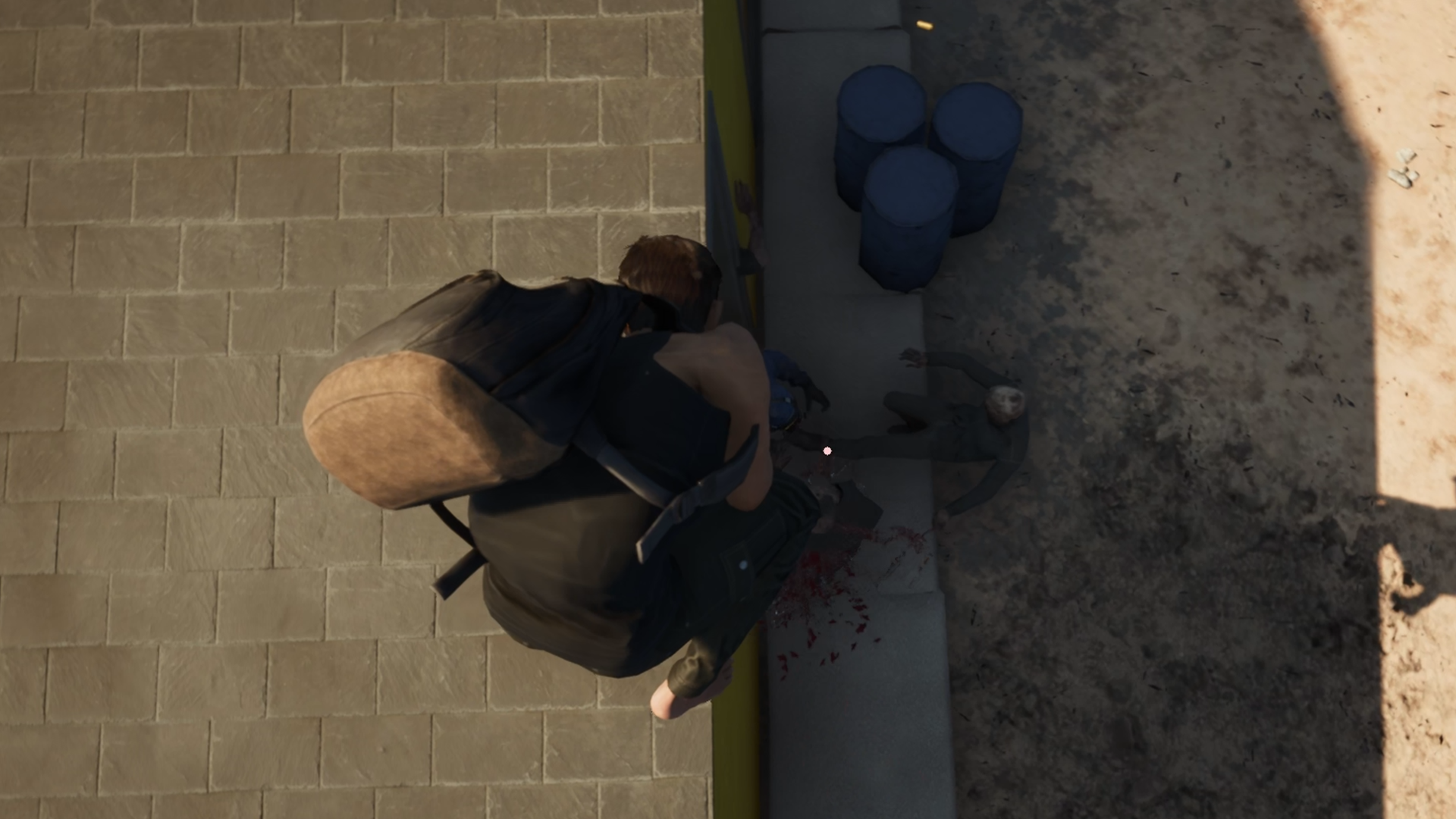
In addition to bug fixes, we also made improvements to the weapon aiming system. Previously, players were restricted from aiming too far up or down, which caused frustration. The main reason we initially avoided changing this was due to animation limitations—when aiming at steep angles (especially close to 90 degrees), the character animations looked unnatural.
However, we ultimately decided to prioritize the gameplay experience. The aiming system has now been improved, and while animations at extreme angles may still be imperfect, we have begun updating those as well. In future updates, players can expect smoother, more natural-looking aiming animations that align with the player’s actual view direction.
Dev Road Map
From this point forward, we’d like to share an update regarding our development roadmap and future plans.
The roadmap we previously shared may undergo significant changes, and some features may not be delivered according to the original quarterly schedule. During development, we encountered challenges in presenting gameplay mechanics in a way that players could easily understand. As a result, we chose to dedicate most of our time to improving that aspect.
This shift in focus means that some planned roadmap items have been delayed.
We are currently reorganizing and updating the roadmap, and it will be made available online once it's ready.
At the same time, we have decided to move certain features up the roadmap so they can be developed and implemented into the game sooner.
Right now, we are focusing on expanding the map to add more exploration points and preparing the game world for the upcoming Early Access launch.
How To Start ?
The issue of unclear gameplay presentation—where players struggle to understand how to play—remains a key focus in our ongoing development plan.
One of the main problems is that when players first wake up on the map, it can take too long to access the items necessary for survival. To improve this experience, we plan to introduce a dedicated spawn room for first-time players. This room will provide access to basic survival items and serve as a tutorial area to teach core gameplay mechanics.
Additionally, when a player dies, there will be a chance to respawn in this tutorial room again, giving them another opportunity to reorient themselves before heading back into the world.
UI Development
We are currently planning a complete overhaul of the game's UI and design. The current UI lacks visual appeal and is missing several key details that should be clearly displayed to the player. In addition, some item information overlaps, making the interface feel cluttered and difficult to navigate.
To address this, we are exploring new layout structures and visual styles—potentially drawing inspiration from similar genre games—to create a more engaging and intuitive user experience.
The goal is to deliver a UI that not only looks better but also communicates game information more clearly and effectively.
Game Environment
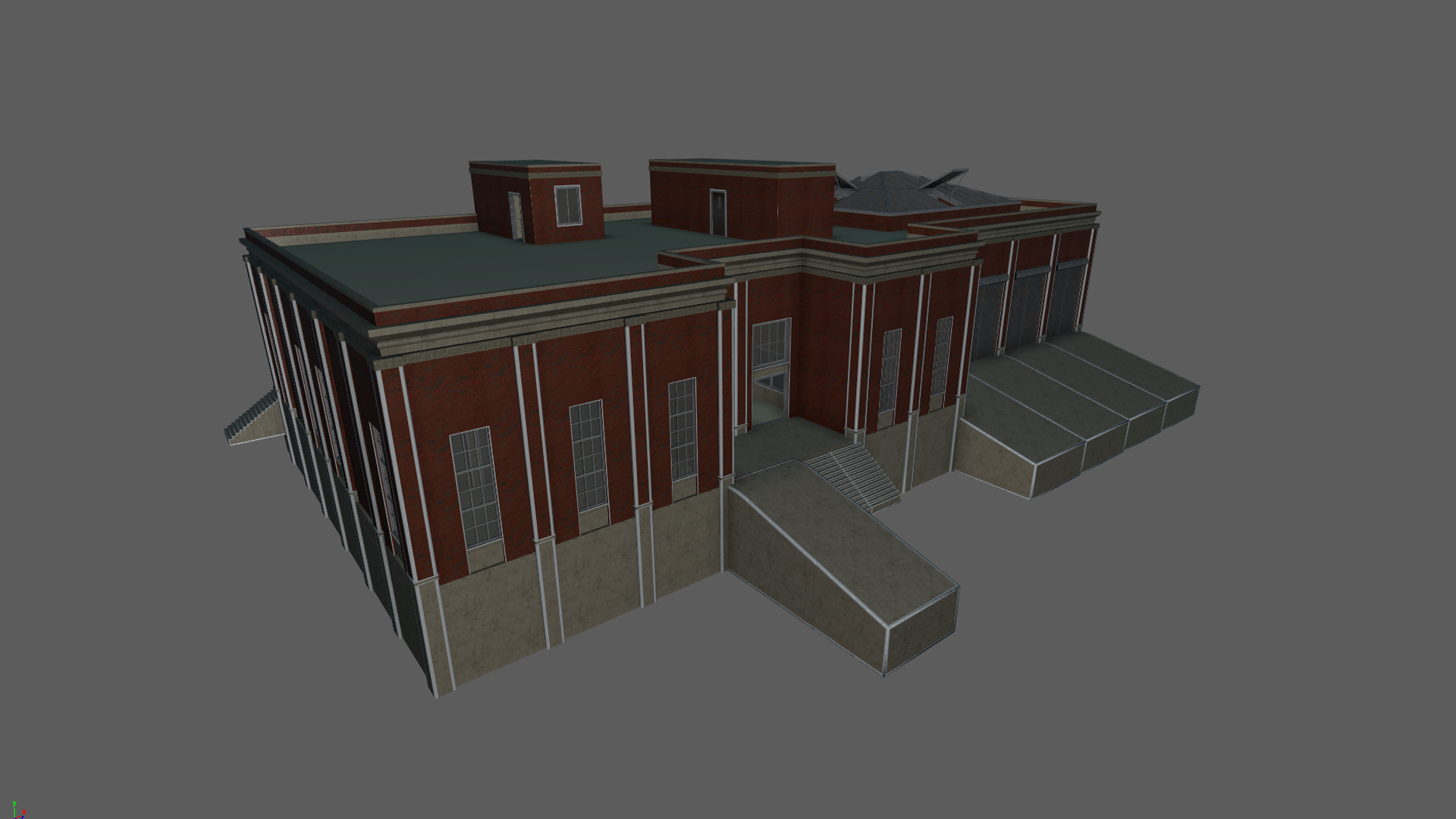
At this stage, we are actively working on improving the world presentation of DeadMetro. The environment plays a crucial role in storytelling, and we view it as one of the most important aspects of the game's narrative experience.
To support this, we have begun creating custom-building interiors and environment assets. These are designed specifically for scene decoration and environmental storytelling—while also being carefully optimized to ensure they do not negatively impact game performance.
Join Our Discord
Our Discord community is open to ideas, feedback, and updates. Join us to help shape the future of DeadMetro!