Patch Notes
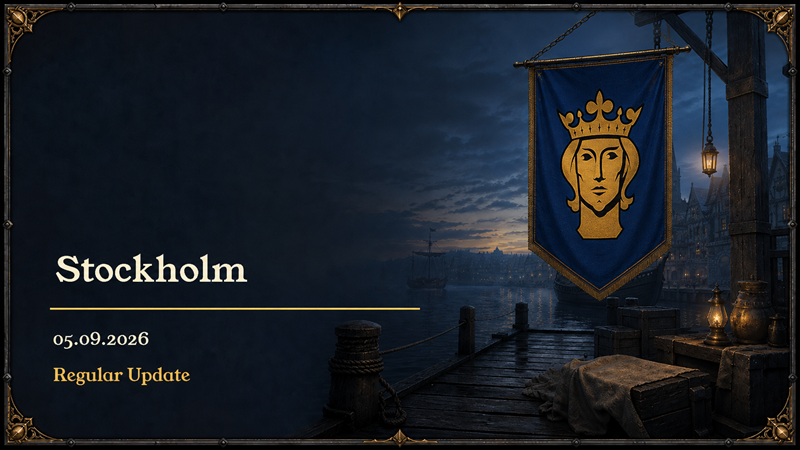
Stockholm Renewed
- Stockholm has a renewed coastal layout with sixteen Houses, eight workplace sites, three usable Gates, connected streets and a working harbor. Existing city, ownership and save identities are preserved.
- A tighter City Wall encloses the settlement. The Church and Guild stand fully inside it, the Guild and Town Hall no longer overlap, and all three Gate corridors remain clear and connect the streets to the map boundaries.
- Brighter, detailed grass and softly blended building foundations replace obsolete paving traces and empty stone rectangles. The Shipyard's detached working apron has been removed.
- Stockholm's lighting now reveals more detail in white facades and roofs, with brighter midtones, restrained highlights and reduced haze.
City Roads and Surroundings
- Riga and Stockholm have more open land beyond their City Walls. Trees are much sparser near the walls and become more numerous toward the map edges, while Gate roads remain unobstructed.
- Riga's buildings form a tighter street-side settlement, all three Gate roads reach the terrain boundary, and building stone blends naturally into detailed grass. Hidden Ledger Houses no longer leave an empty stone foundation.
- Oslo uses consistent paving for streets and building connections. Houses behind the Church and Guild connect to the road network, House and Workplace overlaps near the Town Hall are corrected, and the misplaced canopy beside the Meadery is removed.
Ledger House and Guild Privileges
- Every city has a permanent Ledger House plot. After acquiring the Guild privilege, select Ledger House in Architect Panel and press Build to begin a 25-day construction site at that location.
- Hometown Ledger Houses begin completed. Construction progress survives saving and city travel, existing completed buildings are preserved, and other new buildings cannot occupy the reserved plot.
- Guild Panel's Join button now acquires actual membership. Ledger House status, requirement text and seal reflect your privilege in the current city, removing the incorrect Acquired display before joining.
Interface and Audio Fixes
- The Shipyard's missing-materials icon stays behind open panels while remaining visible over the city.
- Architect Panel highlights only the selected Production, City or Mayor tab.
- Music and ambience recover immediately when mute is turned off, and audio settings avoid unnecessary repeated updates.
More from Hansa Forever
Other announcements
RigaPatch Notes Riga Renewed · Riga now uses its renewed coastal city, with sixteen Houses, eight workplace sites, three usable Gates, connected streets, and a working harbor while preserving existing ownership and save identities. · The Shipyard now has a complete harbor-facing side wall. Its two cranes stand on the timber piers and open the Trade Ledger when selected, while two static decorative…Oslo&TurkishPatch Notes Oslo Renewed · Oslo now uses its renewed city layout, with a redesigned coastline, City Wall, Shipyard, building parcels and connected street network. · All eight roads, including the Shipyard connection and outer approaches, now feature raised, worn stones in a neutral light-gray palette. Distance detail levels preserve close-up relief while reducing distant geometry. · New Archite…Better WorkplacesPatch Notes Better Workplaces · Fourteen production workplaces now use their approved authored models across every city, with complete timber, masonry, plaster, cloth, glass, roof, and detail materials. · Workplace roofs now have continuous structural decking, removing openings that could expose interiors from angled city cameras. · Production workplaces use a brighter and more readable medieva…