Hello and welcome, Invaders!
(Uhhh.... I thought I scheduled this to post this past Caturday, but apparently I did something wrong with that, so here it is now)
Let’s talk something no one making a game seems to ever talk about: SETTINGS!
Seriously, though, have you ever stopped to think about how all of those settings you love to fiddle with work? If you’ve ever worked in a graphics editing program, or an art program, setting up graphics and UI settings is exactly NOTHING like that.
I have almost 20 years’ experience with all sorts of varying layout and design software and this was still so foreign to me when I started making this game that I was lucky to be able to make it look even slightly comprehensible.
Because of that lack of knowledge, my setup for the GUI/HUD elements was… uh… let’s say amateurish because that’s a nicer word.
So I had to spend the last few weeks fixing everything I did wrong (technical debt for the win, amirite?!) and reworking every bit of the UI to work with the newly implemented resolution changes.
And now, everything is working at any of the predefined resolutions that I could reasonably test without a 4k monitor.
If something still looks really goofy or bad at a resolution higher than 1920 x 1080, please grab a screenshot and head over to the forums and drop that baddie for me to take a peep at. I’m bad at math, so there’s a good chance some of my vector positioning calculations are off.
So other than resolutions, what else is there?
Well, not much. It's been a doozy untangling all of that mess I left for myself.
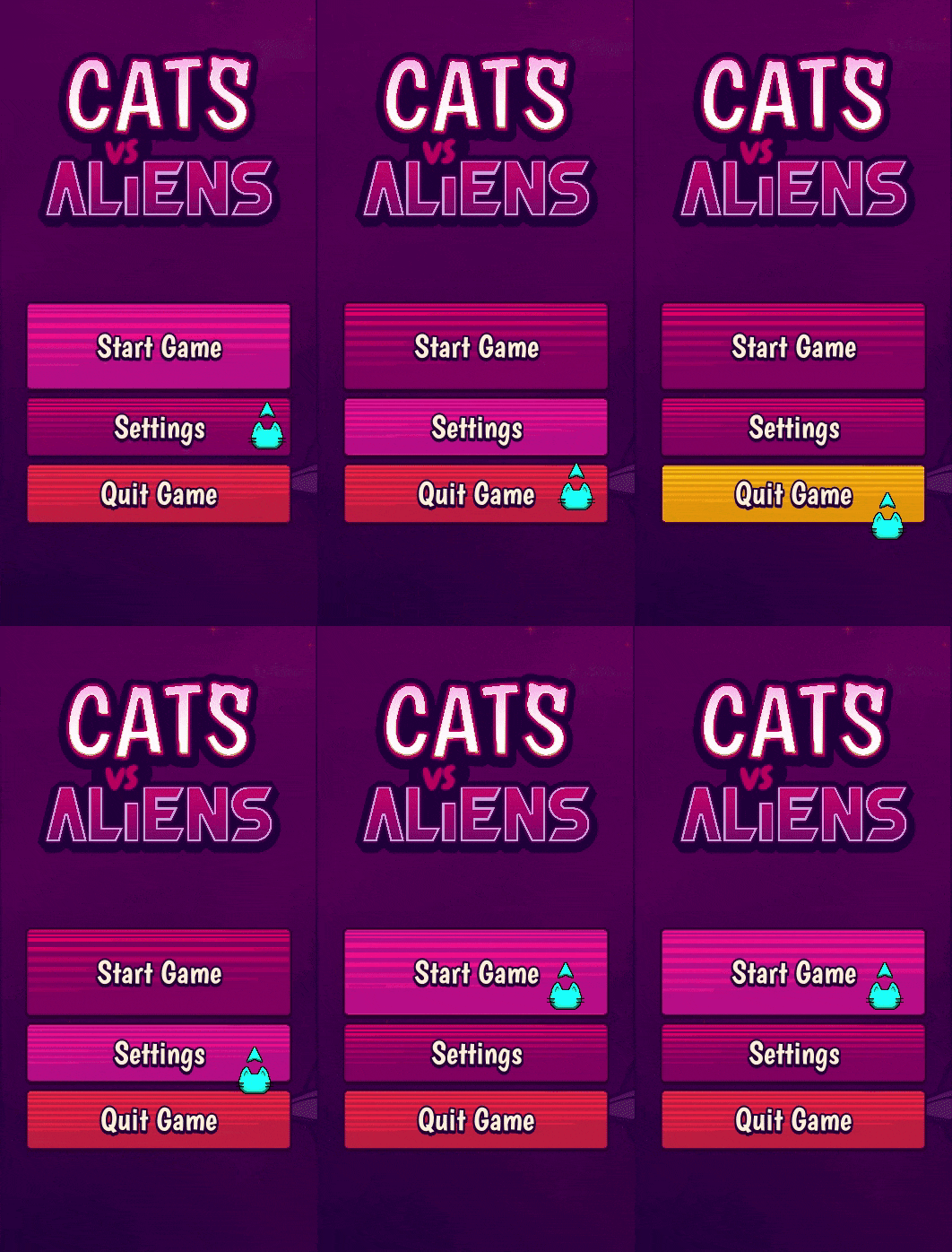
I did make the buttons prettier, though.
Thank you for your continued support and assistance!