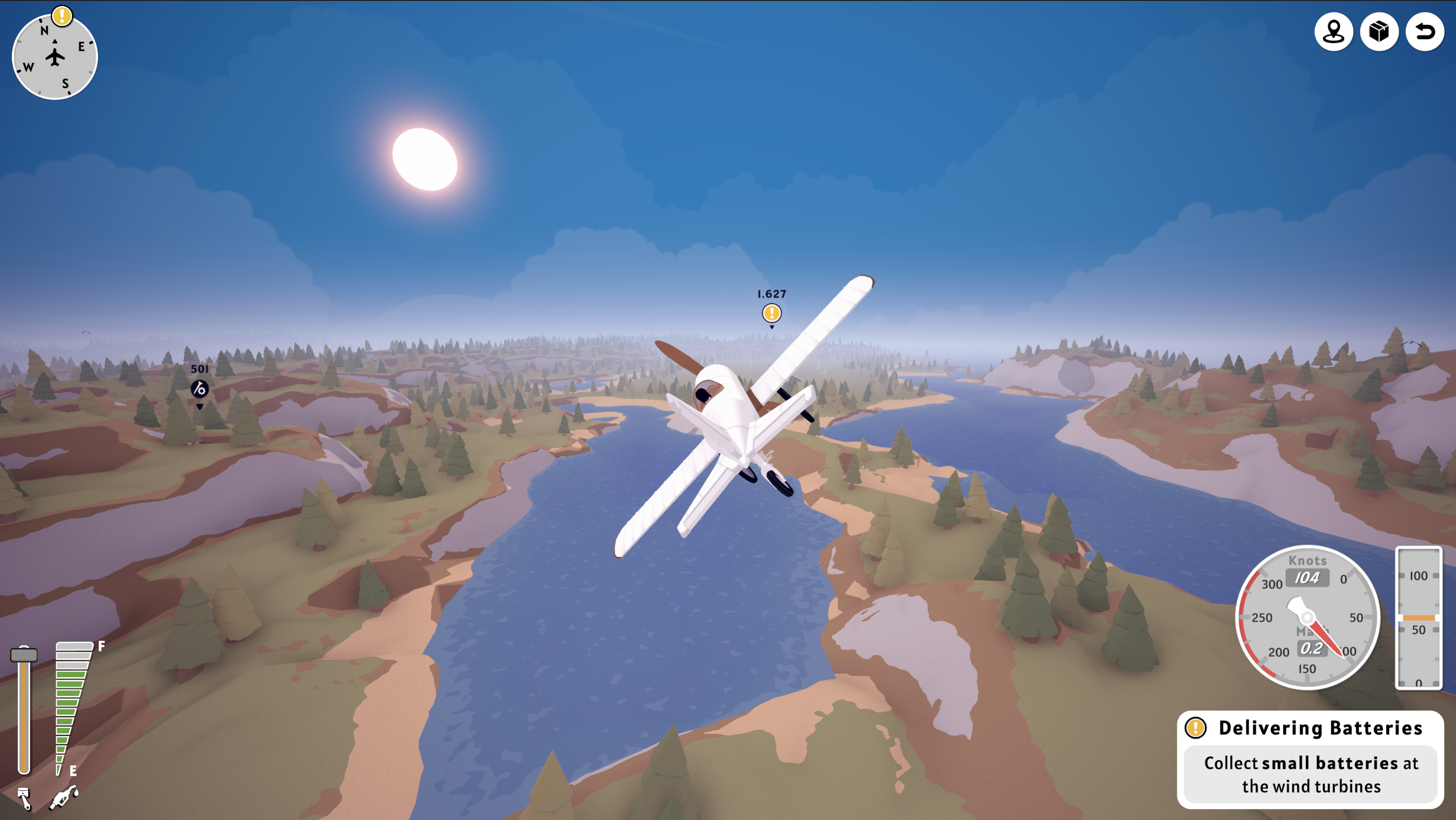
This update focuses on reworking the flight UI. It’s not the biggest or most exciting part of the game, but while I’m brainstorming bigger changes, I felt this update was needed.
General UI redesign
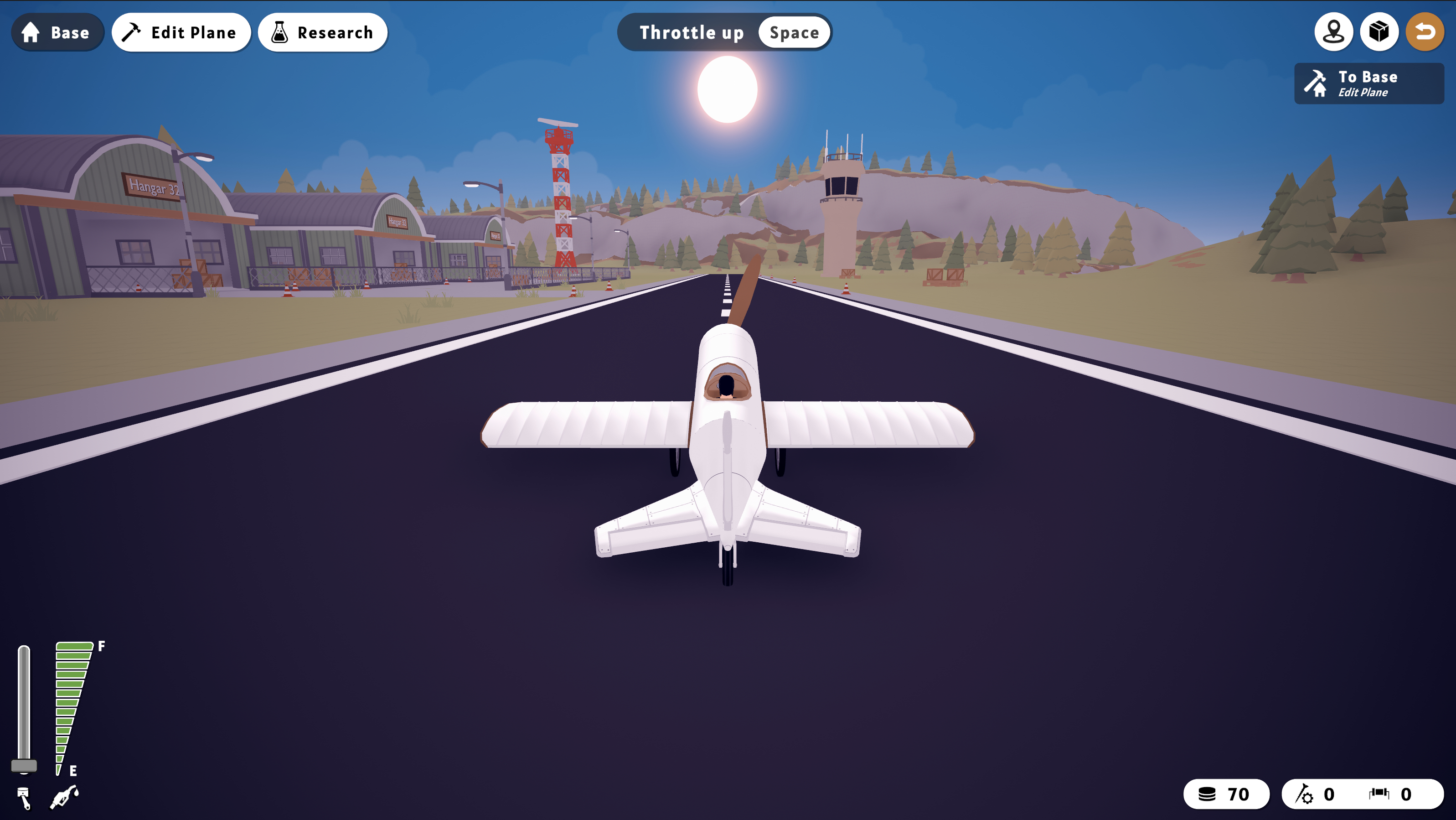
The original flight mode UI was a bit improvised and rushed. It was inconsistent with the build mode UI and felt cluttered. This update addresses those issues with a full redesign. Unnecessary elements are now hidden dynamically, and smoother animations have been added to improve the overall experience.
Speed and Altitude Meters
The new UI includes speed and altitude meters inspired by real flight instruments. The speed meter now shows both knots and mach, and neither meter maxes out at 9999 anymore. The throttle has been redesigned vertically to resemble an actual plane throttle more closely.
In-Game Settings
A highly requested feature was the ability to access settings while ingame. This update adds that functionality, making it easier to adjust settings without leaving the flight.
Return to Base Rework
Returning to the last base used to work inconsistently, sometimes making crashing the fastest way to get back. This issue has been fixed, and it is now always possible to return to the latest base.
Compass
A compass has been added to the flight instruments to make navigation easier. Quest markers now also appear on the compass, helping you find your way even when a marker is behind you.