Revamped research screen, Update on Exploration System and more
Stellar Insurgency Demo · published
In this update, the tech tree and research screen have been revamped, and the exploration aspect of the game has been significantly enhanced, among other improvements.
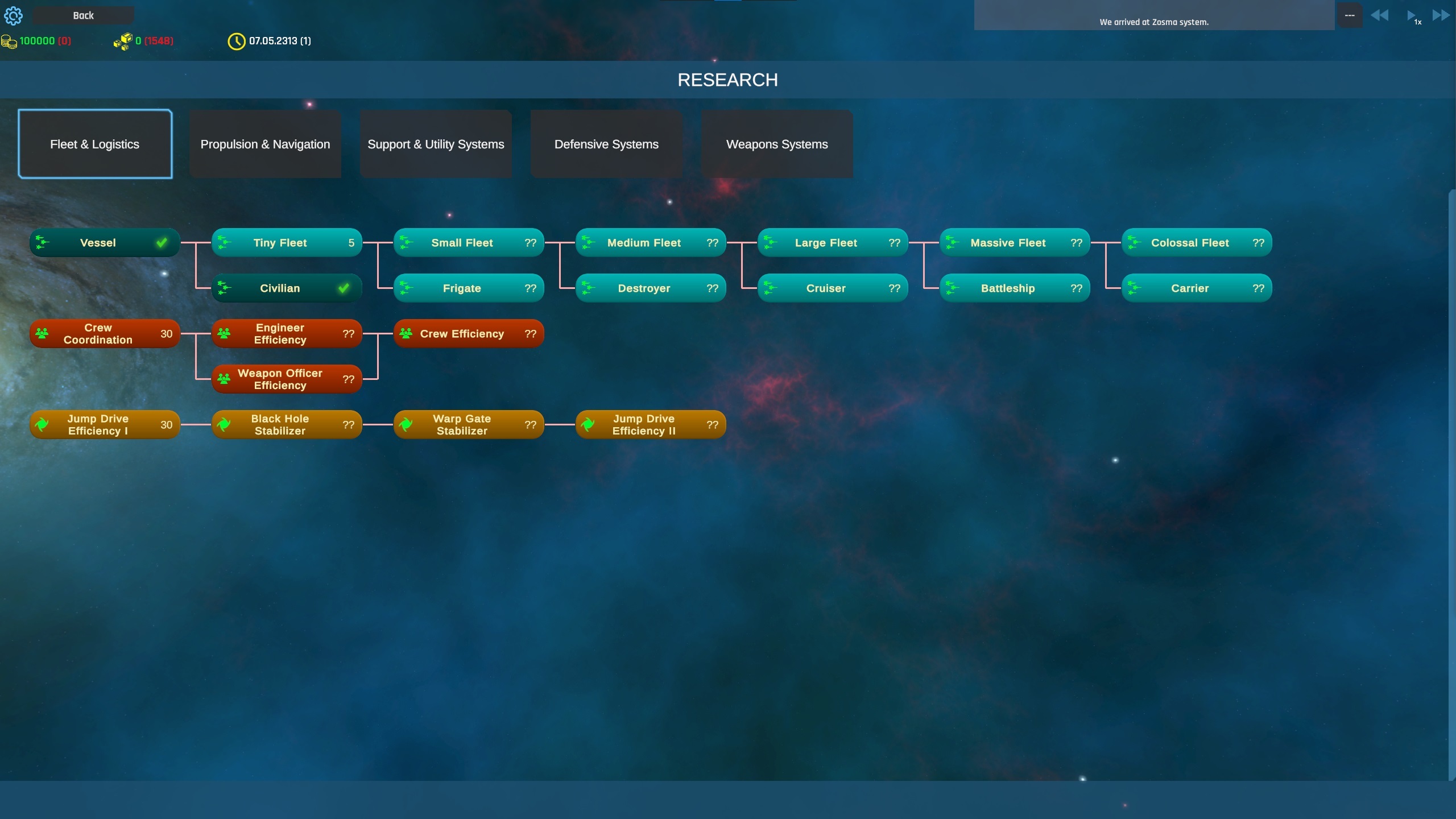
The tech tree has been revamped and divided into five distinct categories in the Research screen.
1. Fleet & Logistics
Fleet Logistics
Crew Efficiency
Jump Drive Efficiency
2. Propulsion & Navigation
Engines
Sensors
Jump Inhibitor
3. Support & Utility Systems
Reactor
Tractor Beam
Exploration Techs
Other, like universal translator
4. Defensive Systems
Point Defense
Stealth Field
Shields
Armor
5. Weapons Systems
Laser Turrets
Rail Turrets
Missiles & Rockets
Flak guns and small space-fighter guns
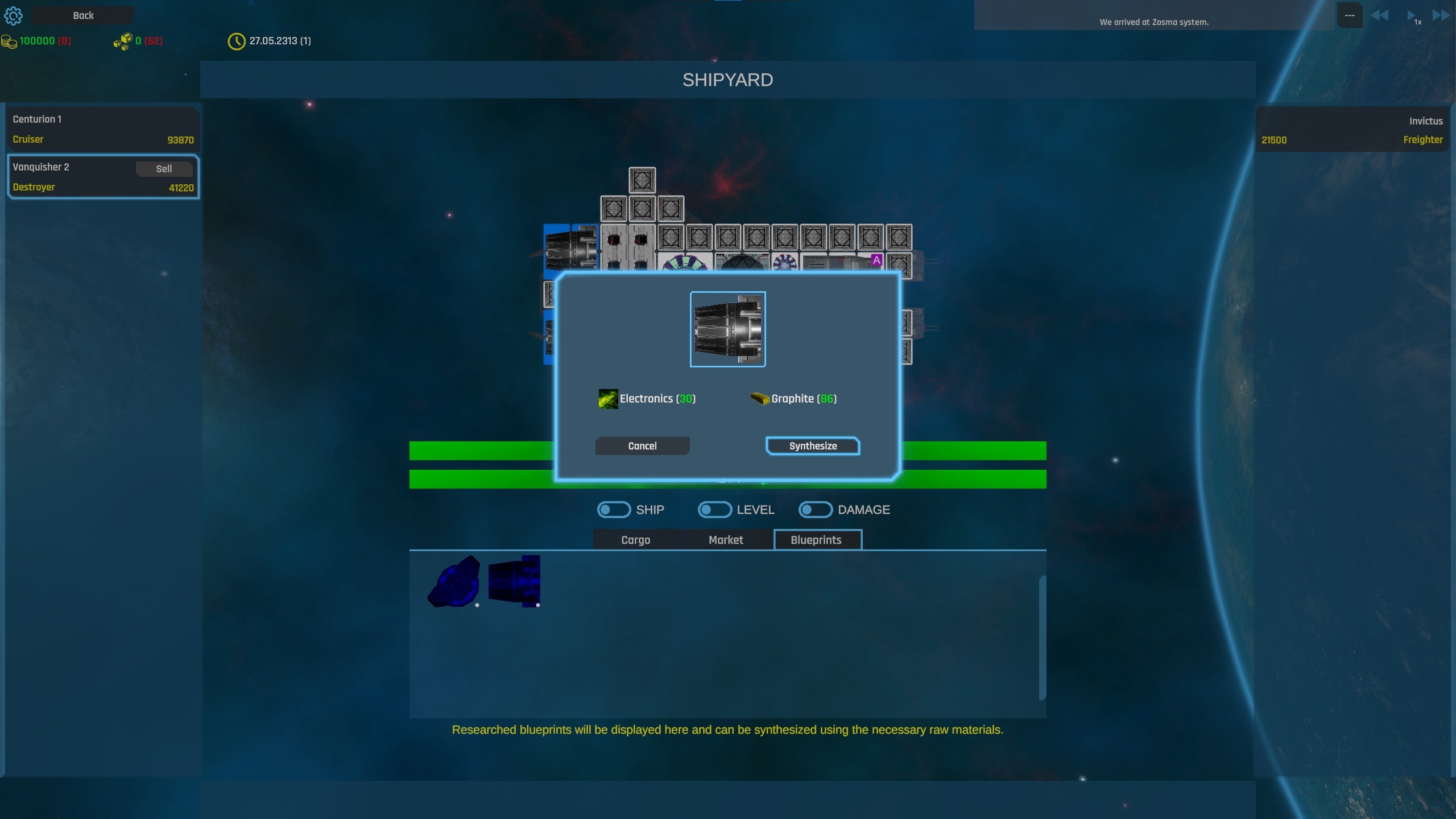
Currently, there are 84 technologies in the tech tree, with more planned for the future. The technologies are separated in efficiency technologies and component technologies. When a technology related to a spaceship component is researched, its blueprint appears in the blueprint tab of the fleet screen. The component can then be synthesized there, provided the required materials are available in the fleet's cargo bays. For the full tech tree, see the end of this article.
Unresearched components can be purchased from markets or discovered through exploration and installed on the spaceship, but they cannot be synthesized. Only researched components can be synthesized and made available at the player’s demand. Making technologies available through markets, exploration, or other in-game events, rather than solely through a tech tree, can add depth, variety, and strategic elements to the game.
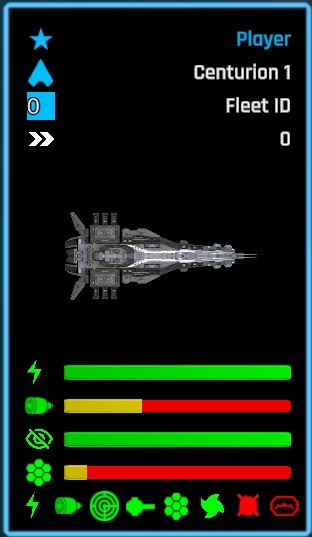
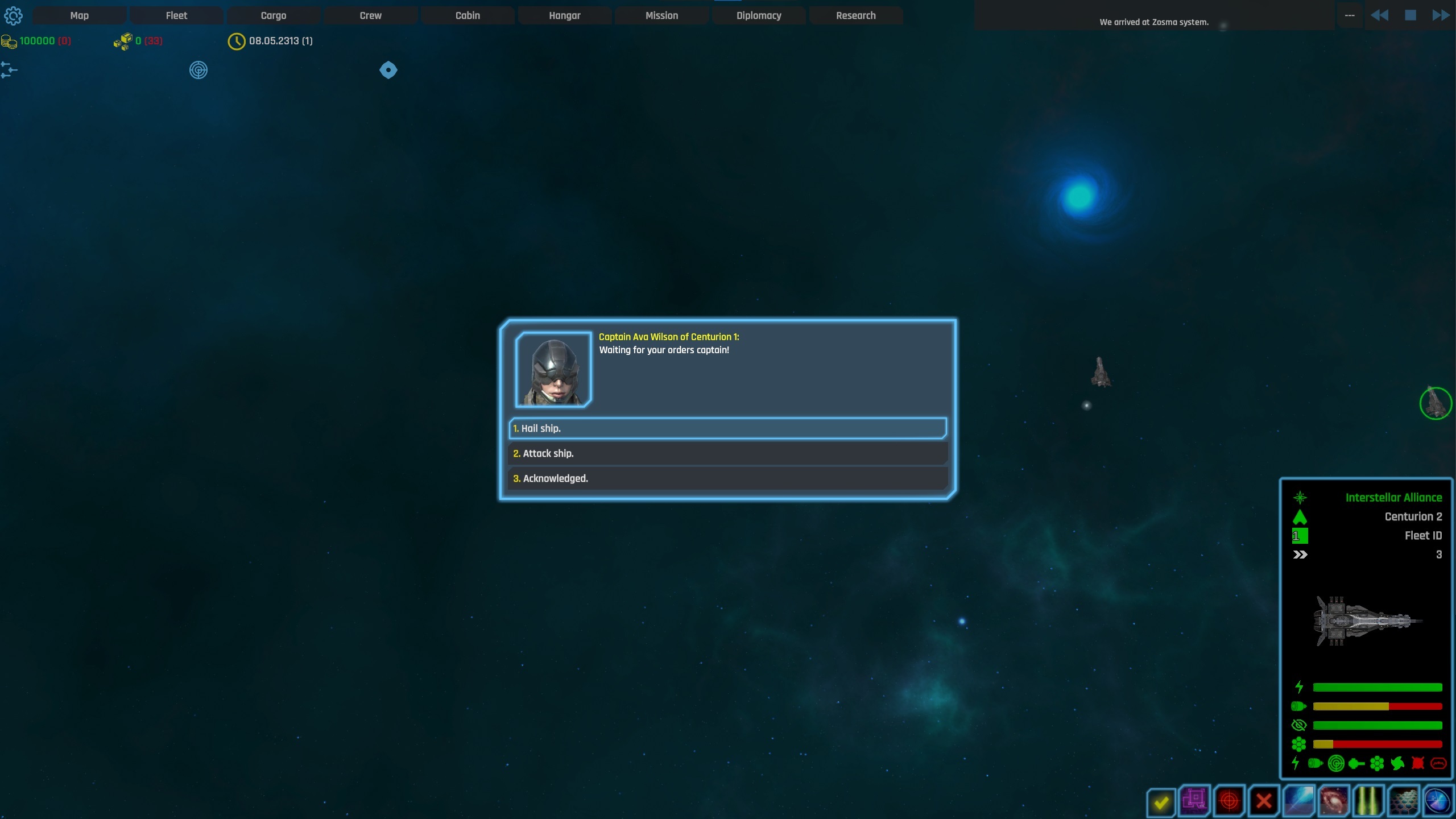
The spaceship info frame has been updated to convey valuable information to the player more efficiently. The new version provides information about the ship's available energy, the jump state of the engines (time remaining before ready to jump), the status of the stealth system and force fields (shields), the damage state or availability of other important components of the ship or other objects, and more.
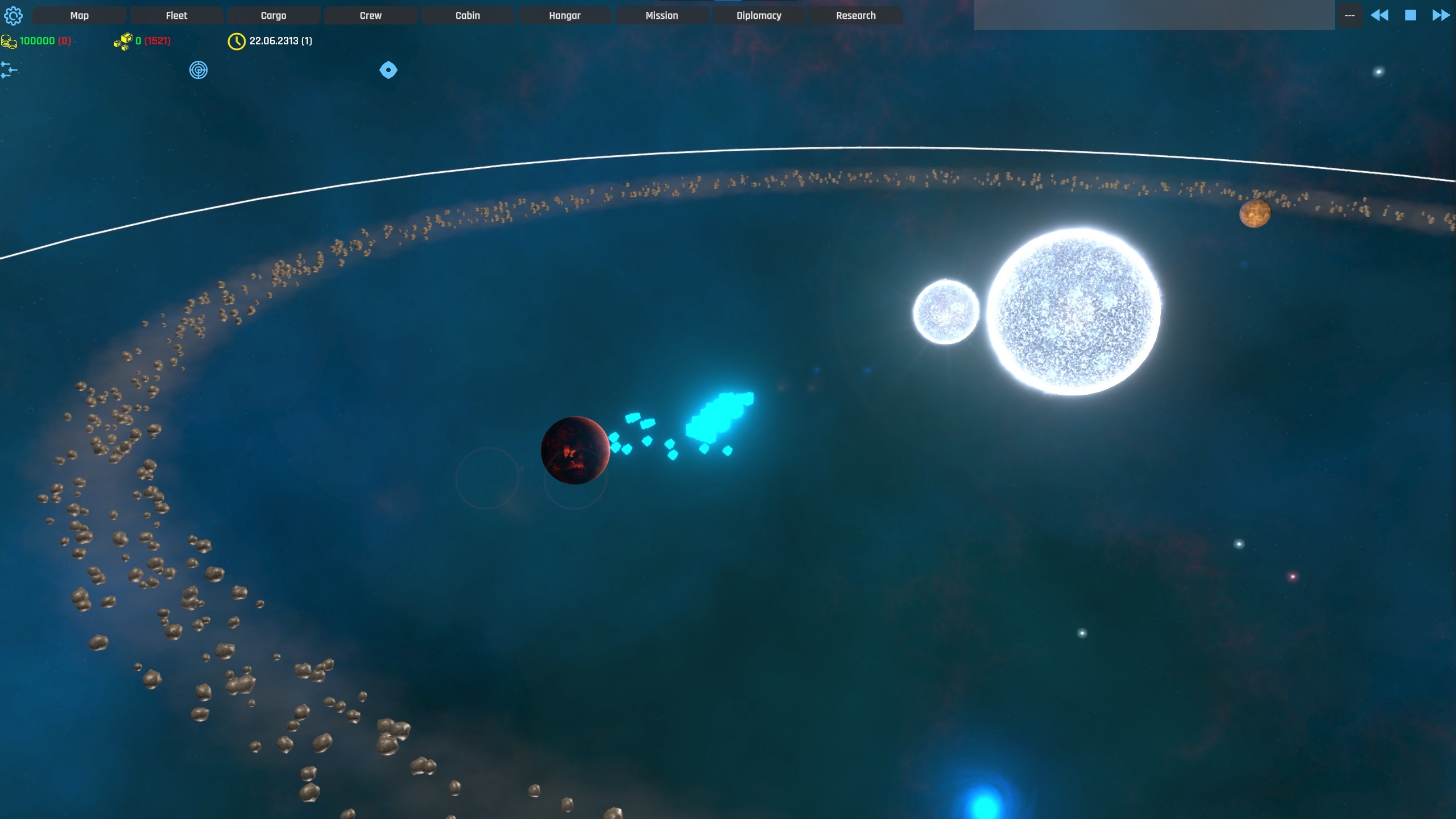
The billboard shader has been updated to eliminate color saturation issues caused by the bloom effect when multiple spaceships are in close proximity.
Update on Exploration System
I've focused on enhancing the exploration aspect of the game by upgrading the previous,
simplistic probe-based system to a more engaging, three-stage exploration process.
Stage One: Scanning
Players can now scan a planet if they have a spaceship equipped with a Scanner device.
This initial scan provides basic information, such as the presence of mineral deposits (without revealing quantities) and other general details. Completing this stage is a prerequisite for advancing to the next two stages.
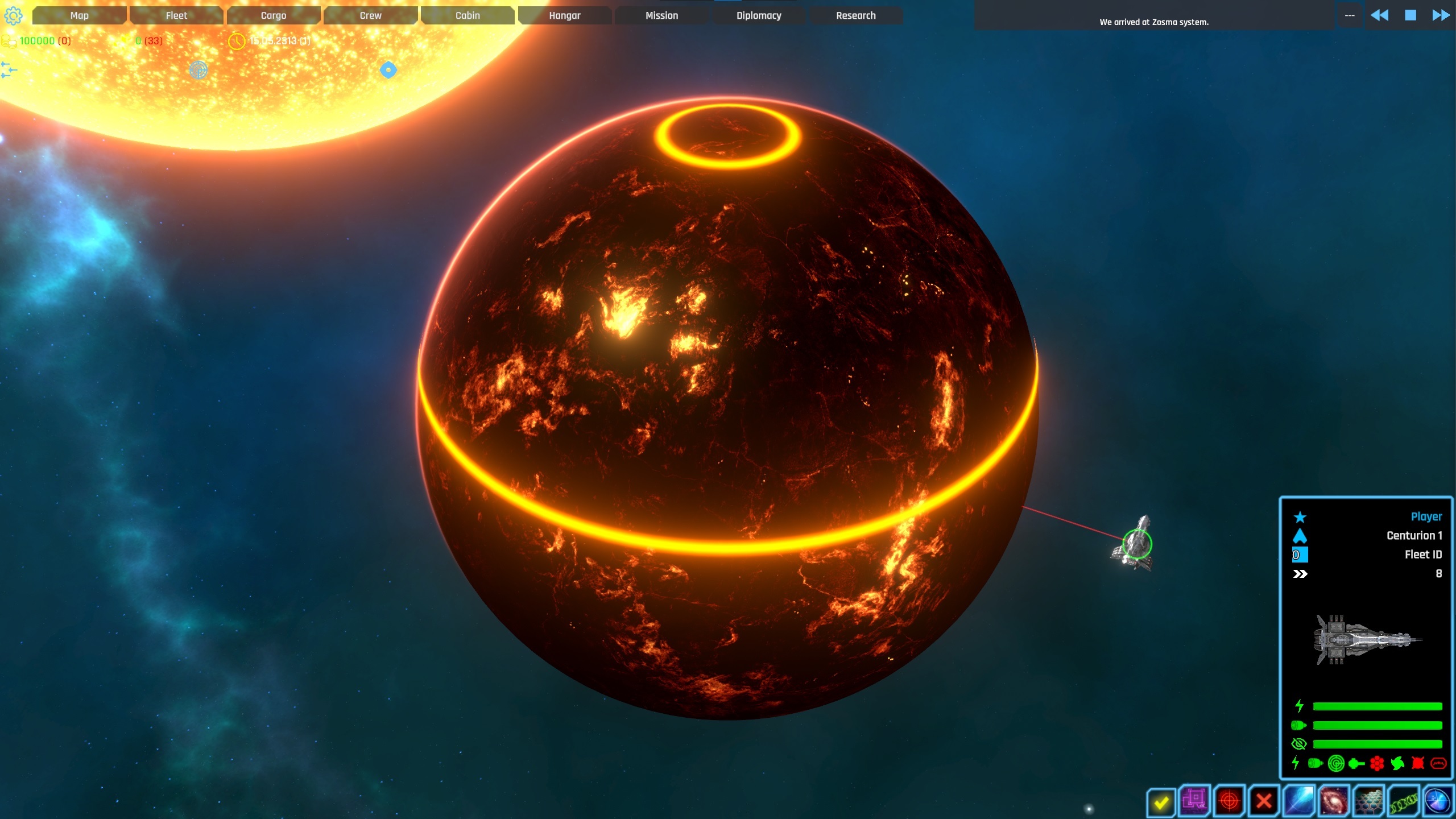
Stage Two: Probing
After scanning, players can deploy a probe if their spaceship is equipped with a probe launcher and has probes available in its cargo bay. Probing offers more detailed rewards, such as retrieving mineral samples, but also introduces potential risks, like the appearance of hostile entities.
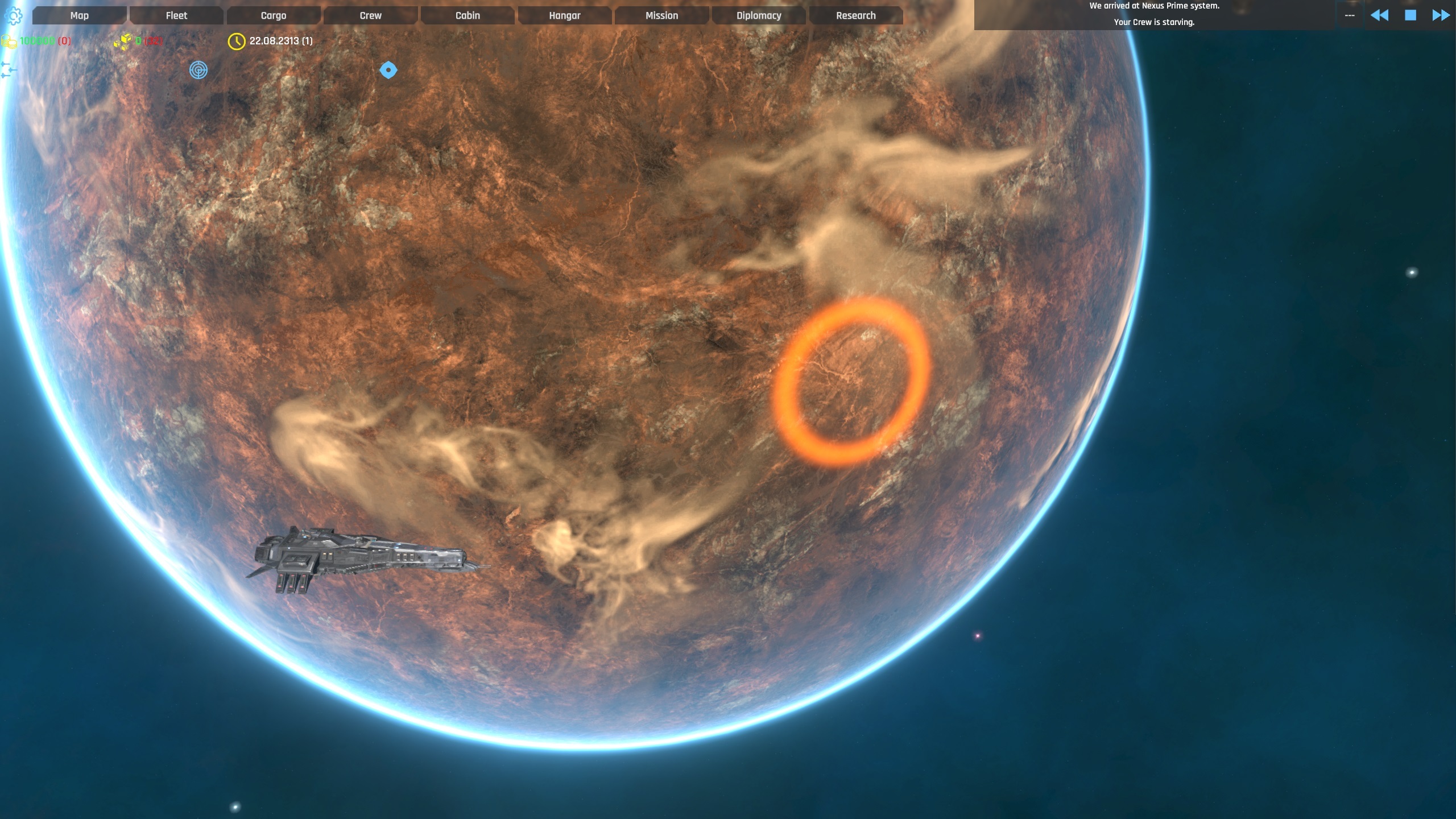
Stage Three: Away Team Exploration
The final stage involves sending an away team to the planet, provided the player has a transporter and available crew. During this stage, a dialogue tree will appear, prompting the player to make decisions that guide the exploration process. The rewards are greater, but so are the dangers. Players might need to decide whether to take risks for potential gains or play it safe, knowing that the wrong choice could lead to crew casualties.
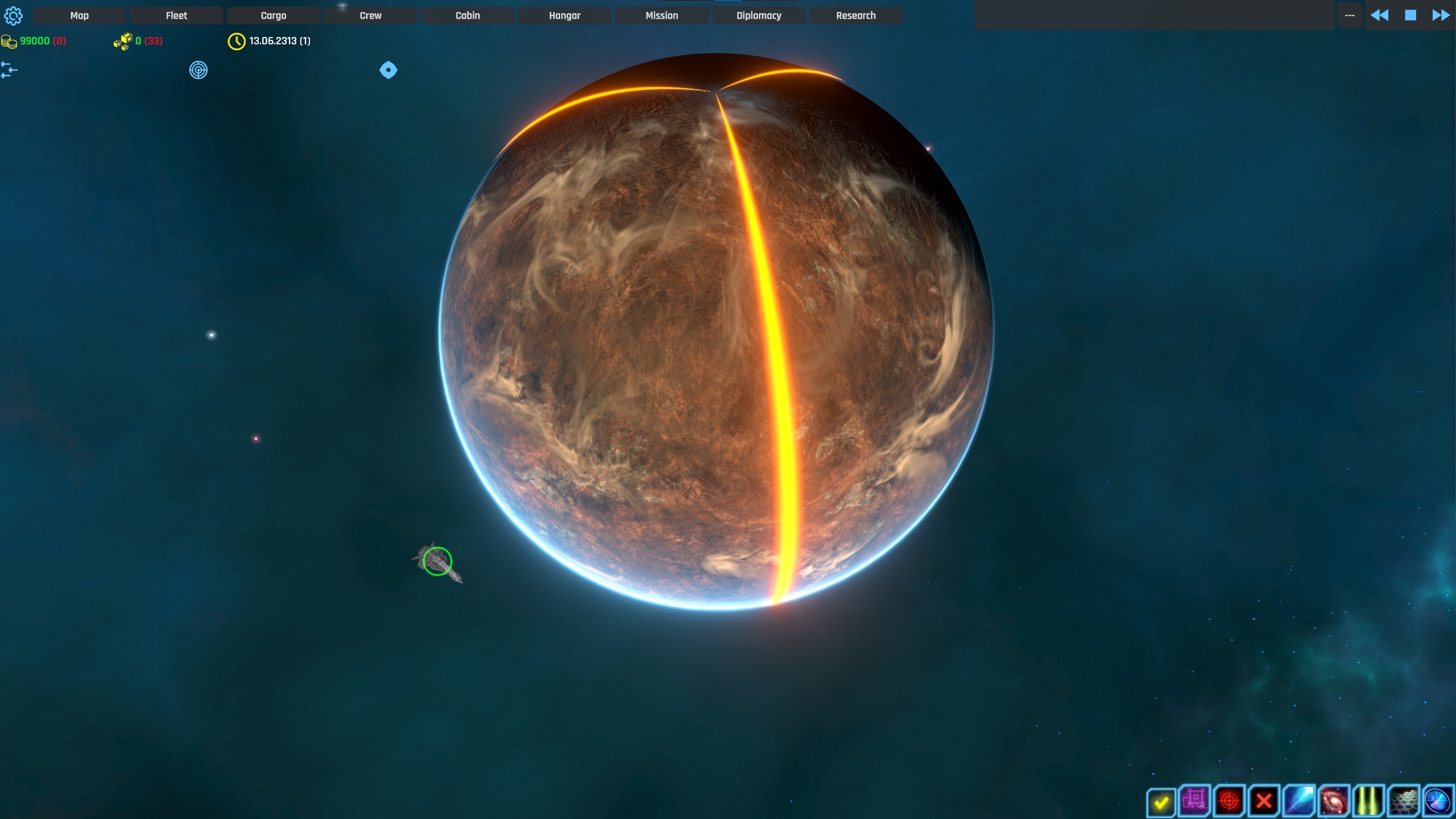
Additional Improvements:
Dynamic Description Panel: The description panel has been significantly enhanced to display dynamic information that reflects the state of the game. For instance, it shows the current exploration stage and additional details based on player choices and the overall condition of the solar system or galaxy.
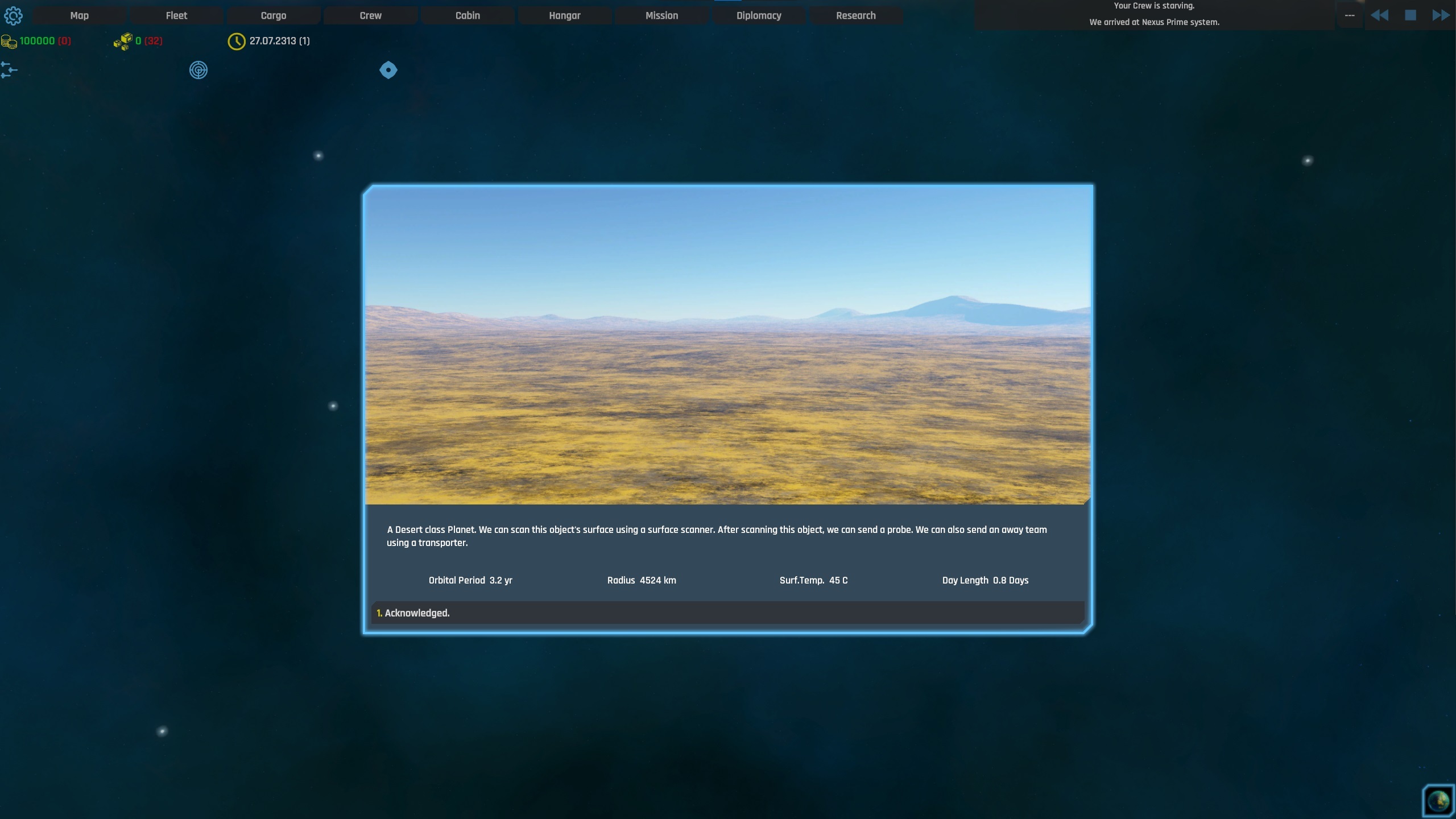
Enhanced Dialogue System: The rudimentary dialogue system has been replaced with a more robust dialogue tree (or graph), and I've exposed all necessary functionalities in the editor to support modding. This makes it easier for players or modders to create and customize their own conversation scenarios.
Thank you,
Tensorial