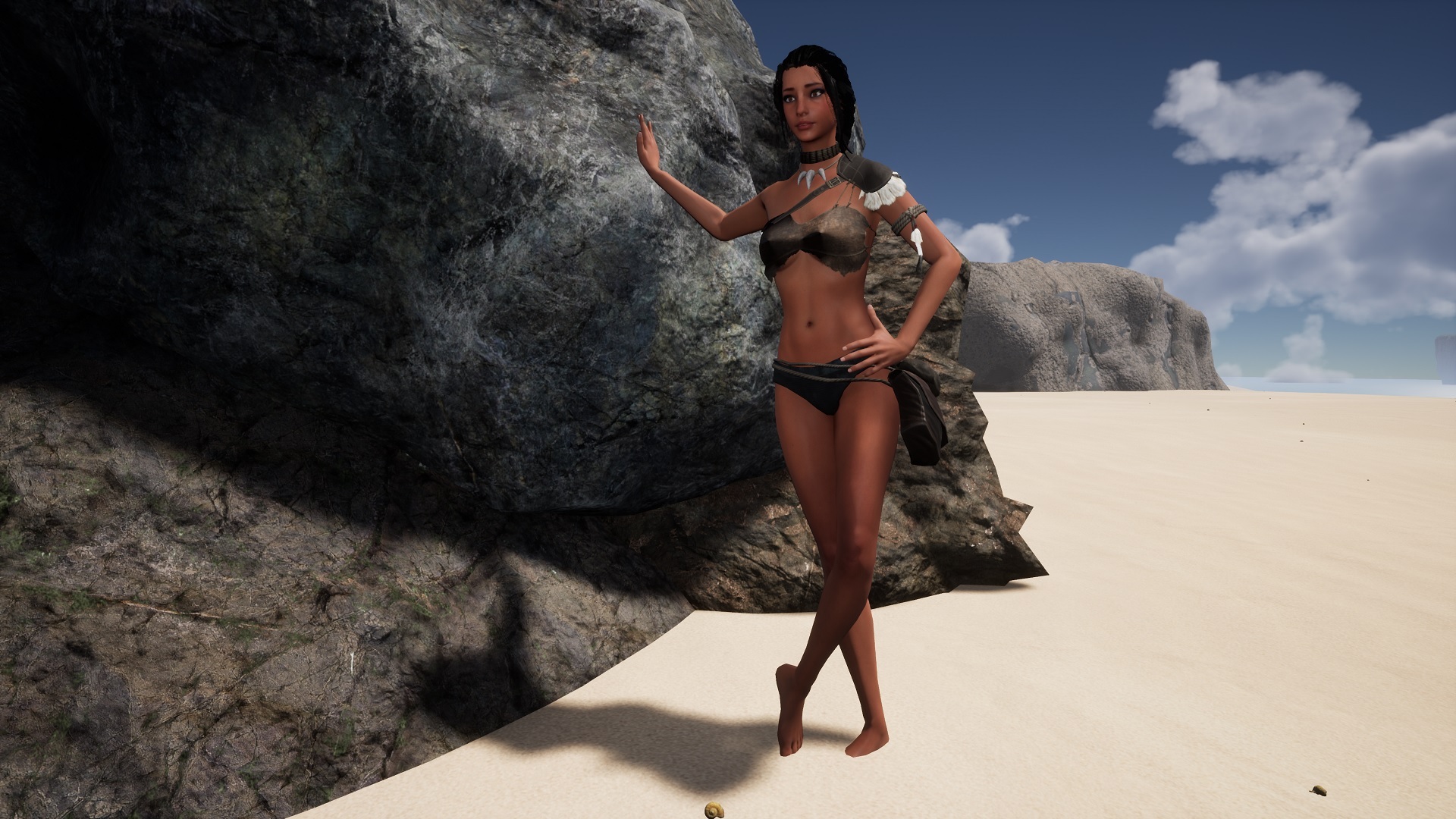
Status
SteamPeaks
ChartsSalesUpcomingPatchesEventsCalculator
New on SteamEvery app, DLC and depot the minute Steam creates itAppsEvery app on Steam, newest change firstPackagesSubs and bundles, and what each containsDepotsDepots, manifests and install sizesTagsSteam's user tags and the games under themDevelopers & publishersCompanies and their cataloguesTechnologiesEngines, SDKs and anti-cheat found in the filesChange historyEvery PICS changelist as it lands
SignalsNineteen readings of the whole catalogueCompareAny games side by sideRecordsAll-time peaks and the days they were setReportsWeekly and monthly write-upsAlerts & newsroomWatch a game, get told when it movesSteam statusIs Steam up, right nowWeb API explorerTry the endpoints in the browser
EventsSteam's own events and the sales calendarCalculatorWhat a Steam account is worth, and its pile of shame
/
Sign in
/
SteamPeaks
The ultimate resource for Steam data.
ExploreChartsSalesSales and festsUpcomingPatchesEventsRecordsTrendingSignals
DatabaseAppsPackagesDepotsTagsDevelopersTechnologiesChange history
ToolsCalculatorCompareSearchAlertsSteam statusAPI
SiteMethodologyFAQDiscordSupportSign in via Steam
Not affiliated with Valve or Steam. Game names and artwork belong to their owners. All times UTC.
PrivacyCookiesFair useStatus
AreaZ Demo›Events›Photomode
Major update

Photomode

AreaZ Demo · published 5 years ago

All eventsPlayers around this dateRead on Steam

Hi, added Photomode into the game!

Got inspired by some beautiful screenshots you made from this game, so decided to make it for you easier and implemented a Photomode similiar to AAA titles. Now you can use camera settings and various Poses to take pictures, you can share on your social media or game Steam Page.
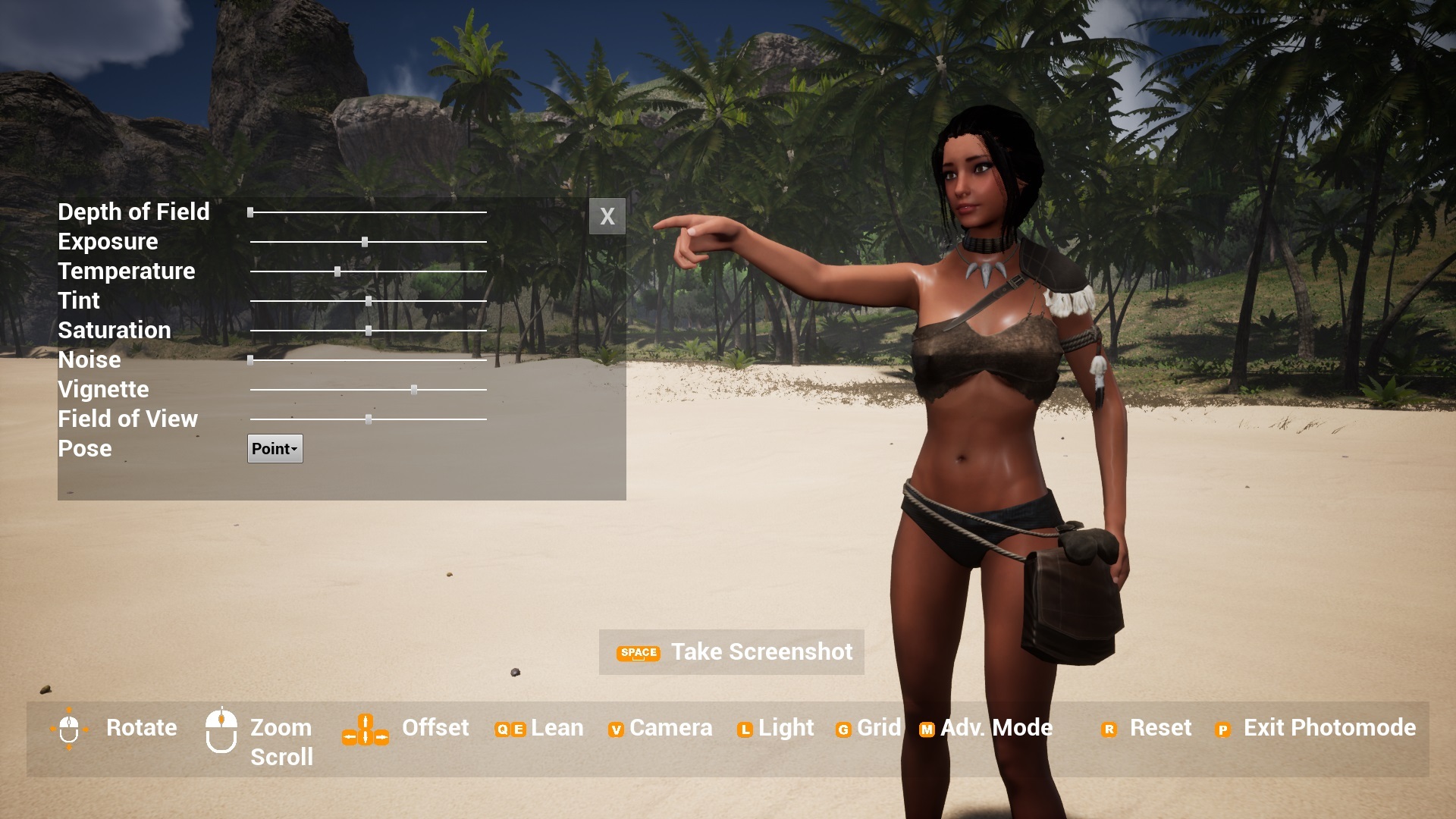
This Photomode version allows you:
- take screenshot to your harddrive
- rotate, zoom camera on character, use camera offset
- use advanced camera settings like Depth of Field, Field of View, Contrast, Tint, Noise etc.
- grid/cross can be switched on/off
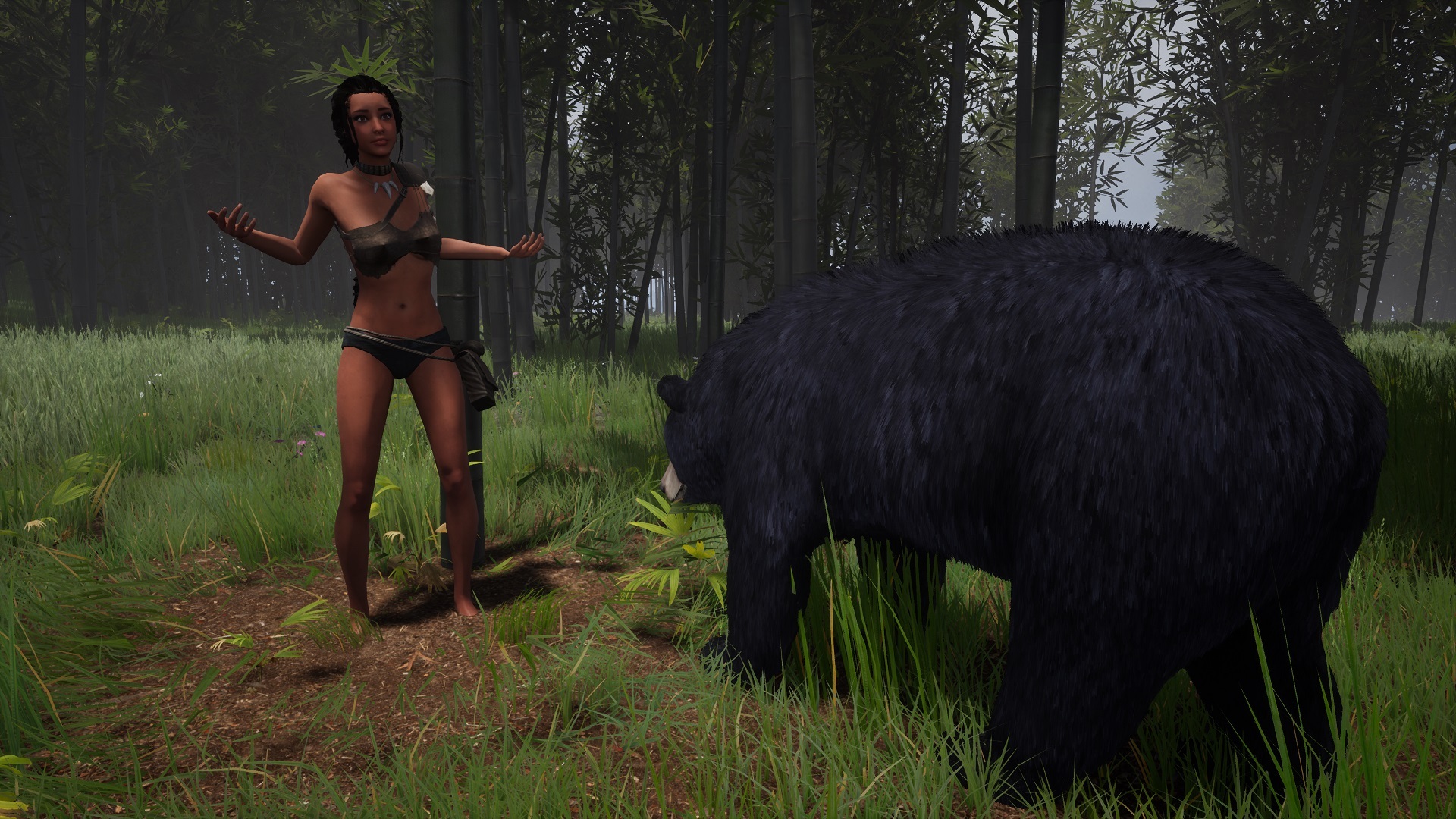
- choose from various character poses - that will help you to bring story to your pictures or create meme
Please note:
- Photomode settings will not reset when opening/closing Photomode. Will reset on game Respawn and Load, as they are not connected to Savegame yet.
- The character will freeze when in Photomode. Most of vital functions will be paused (so you will not drown underwater). After leaving Photomode, the animation like crafting will restart instead of continue.
- Animals will stop to move, but still perform the last animation in loop. This is not a bug, just there are too many animals and I have to set this new feature one by one.
- Spawn zones should not spawn new loot

- Environment and Items are NOT paused. So Sun/Day cycle will continue including Ocean Tide. Items can be damaged or cooked/burned. I might address this in future, as environment behavior is really complex here with dependencies on game world. its not just lighting day/night behavior.

Screenshots resolution is set to 3840 x 2160 in case you want to zoom or crop them.

Known Issues:
Using Spacebar to take screenshot, when in Advanced mode, Pose scroll down List, will not work properly. This is a Windows/UE issue, when space bar is used for Forms for list selection. I will try to solve this or bind the action to another key.
Some poses have wrinkled wrist. This will be fixed on Animation Update.

In future I plan to connect the Photomode screenshots with Steam functionality including Steam Achievements.

I will be really happy for your feedback and hope to see a lot of nice screenshots on social media and Steam page. It will help a lot with the visibility of the game.

Please feel free to use hastag #areaz_game on Instagram, #areaz on FB or #areaz on twitter it will help a lot.

Thank you for understanding and support.

Please report all issues on our discord:
https://discord.io/areaz

I will be also pleased to answer any questions.

Juraj Bachar
Game Creator

More from AreaZ Demo

Other announcements

All events
In-game event4 Sep 2026Update 0.58.1: what your GPU actually runsUpdate 0.58.1 - what the DX12 launch showed us, and what comes next The DX12 and DLSS 4.5 update did what it was meant to do. The jungle hitches are gone on every card we have seen, and the game now runs on machines it never ran on before, from a 2014 workstation card at 720p to a 5090 at 1440p. Update 0.58.1 is small on purpose. It is out today, mid fest, because the last week gave us more rea…Major update28 Aug 2026DX12 and DLSS 4.5 - Update 0.58DX12 and DLSS 4.5 are live The renderer is rebuilt. AREAZ now runs on DirectX 12 with DLSS 4.5, and on modern hardware the difference is not subtle. What you can expect: RTX 30 series - DLSS upscaling, more stable frame times, noticeably smoother traversal RTX 40 and 50 series - substantial gains on top of that thanks to frame generation All nextgen cards - the streaming hitches are gone. You m…Community6 Dec 2025🛠️ Help Shape AREAZ – New Crafting UI Options (Your Feedback Needed)Hey survivors 👋 I’ve been working on improving the Crafting / Inventory UI in AREAZ, with a big focus on helping new players better understand the two-hand crafting system from the start. Note: The crafting system itself isn’t changing — this is purely about clarity and usability. AREAZ crafting is based on what you hold in your hands , not just clicking a recipe — and I want to make that feel…