Update v3.2P: My Guitars, a friendlier calibration, and a full manual
GuitarSesh · published
The main and beta branches are both on v3.2P. That rolls up five versions (L, M, N, O and P). The highlights are below; the full list is in the in-game Changelog (Start Menu, Community panel).
A friendlier calibration
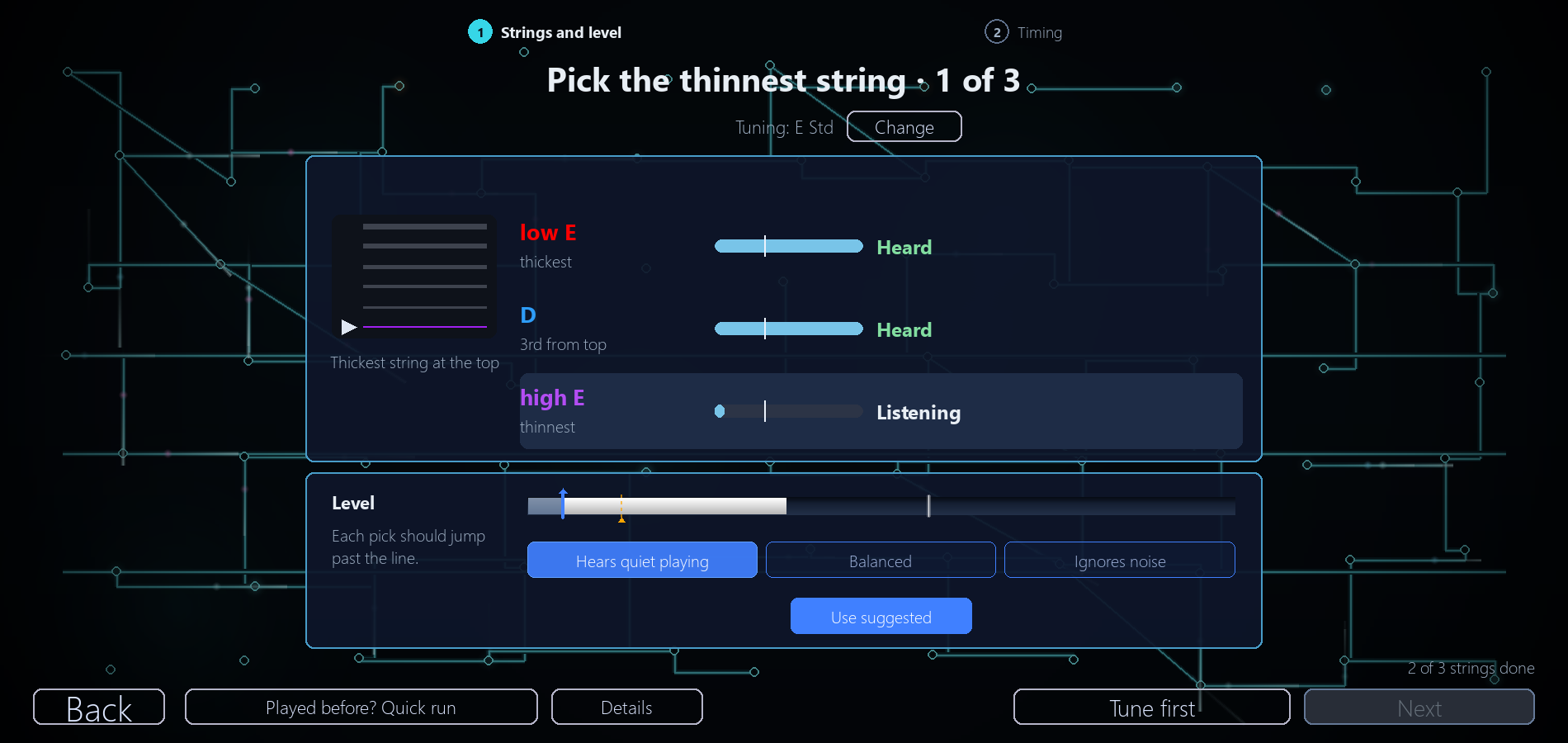
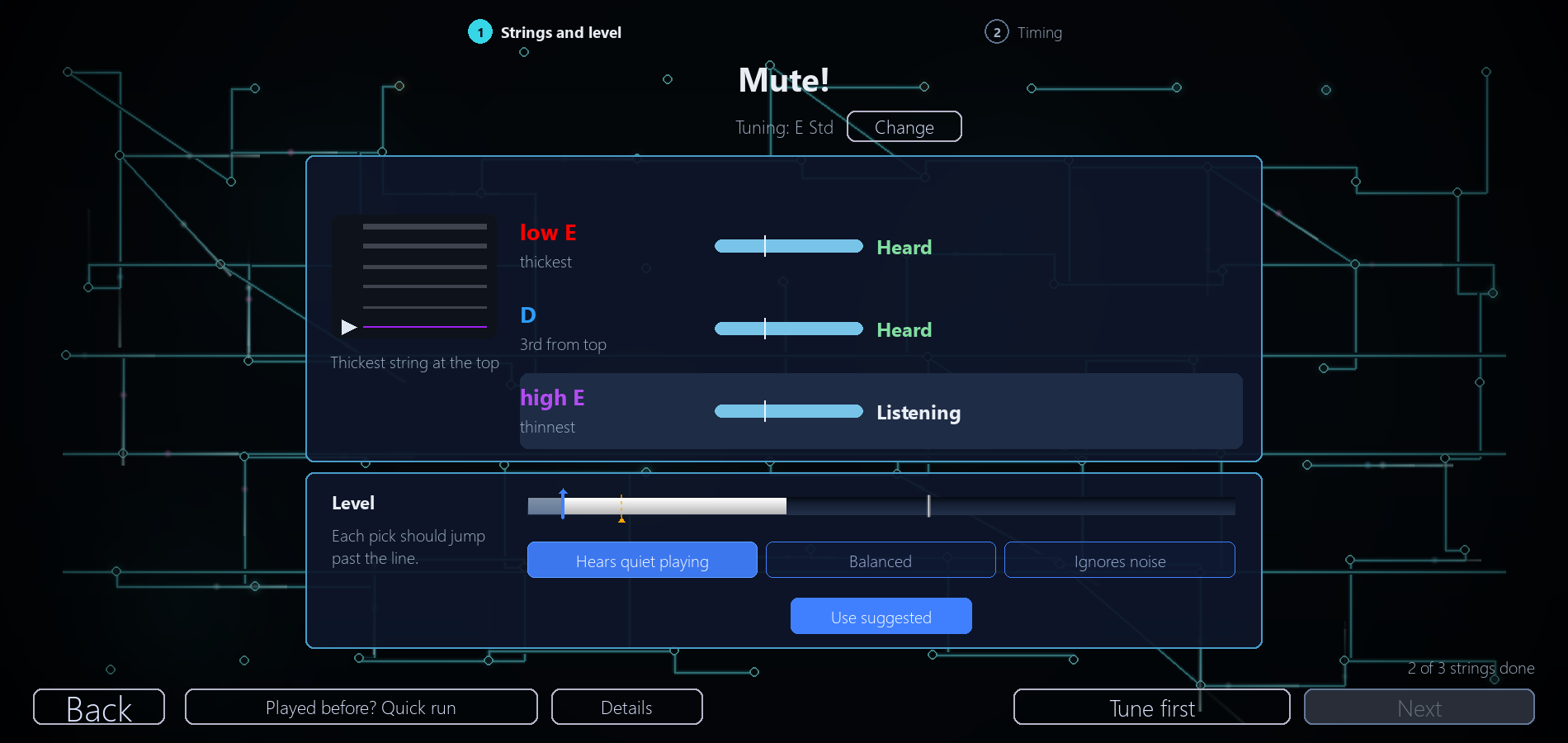
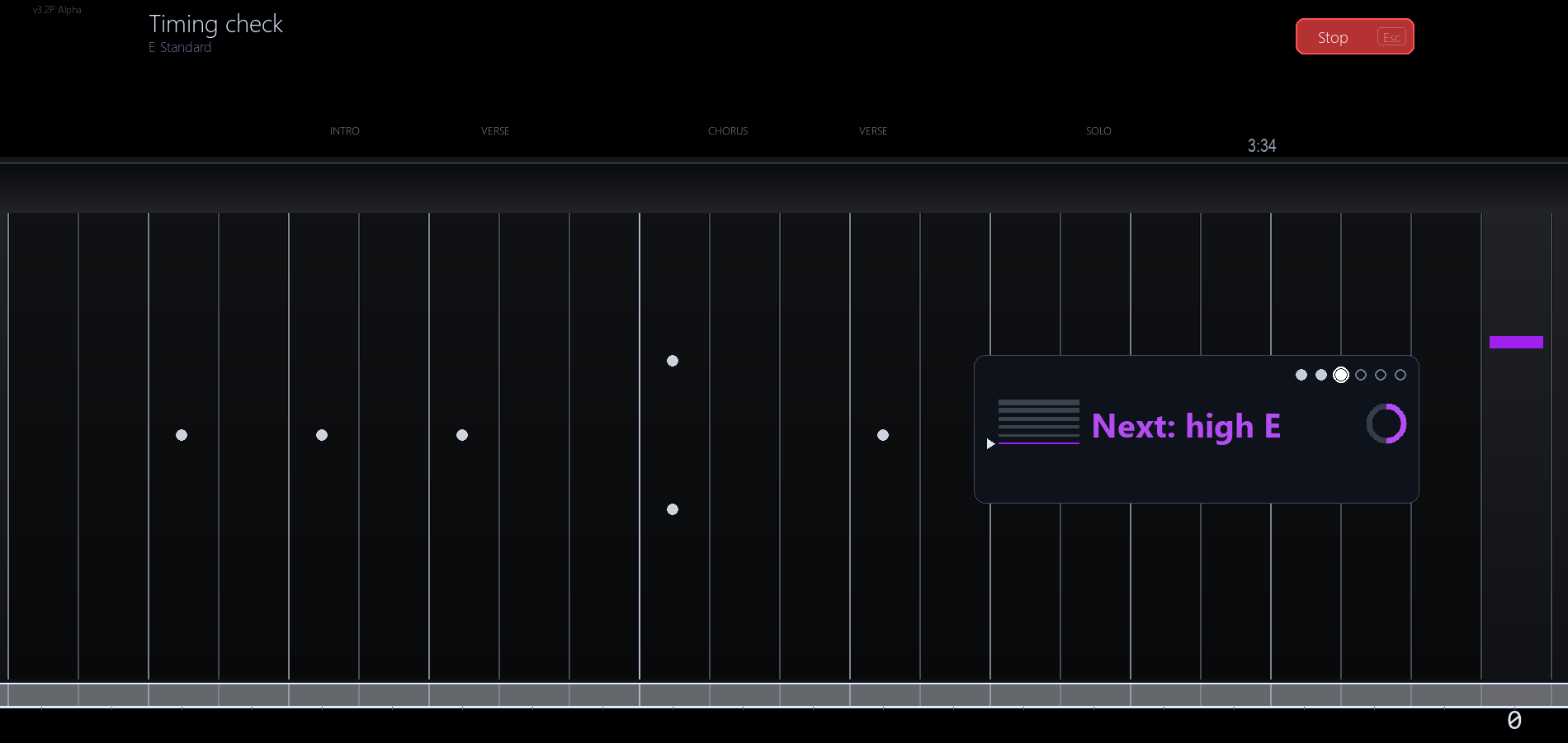
- Latency calibration is rebuilt as Calibrate input: check your strings and level first, then a short timing run.
- The string check asks for one string at a time by thickness ("Pick the thickest string"): pick it, then mute it when you see "Mute!". Each string shows whether its notes and picks came through, and says Quiet or Out of tune when that is the problem.
- The level choices are renamed Hears quiet playing, Balanced and Ignores noise.
- Calibrate input now checks that the game can hear the exact moment your pick hits the string, not just the note ringing. If it can't (usually because your signal is too quiet), it tells you before the timing run and suggests turning your guitar's volume knob all the way up, or switching to a slower run that only needs to hear the notes.
- Your hits are now timed from the moment your pick hits the string. Before, the game timed them from when it recognised the note, which takes longer on the thick strings, so the same playing could count as later on a low string than on a high one. Run Calibrate input once to switch this on; until you do, timing works as before.
- The Tuner's microphone button now opens Calibrate input.
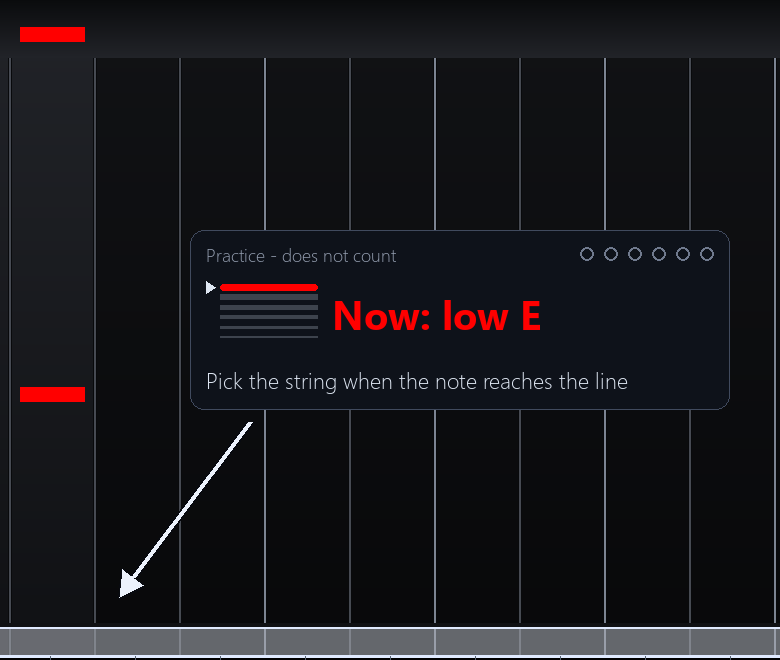
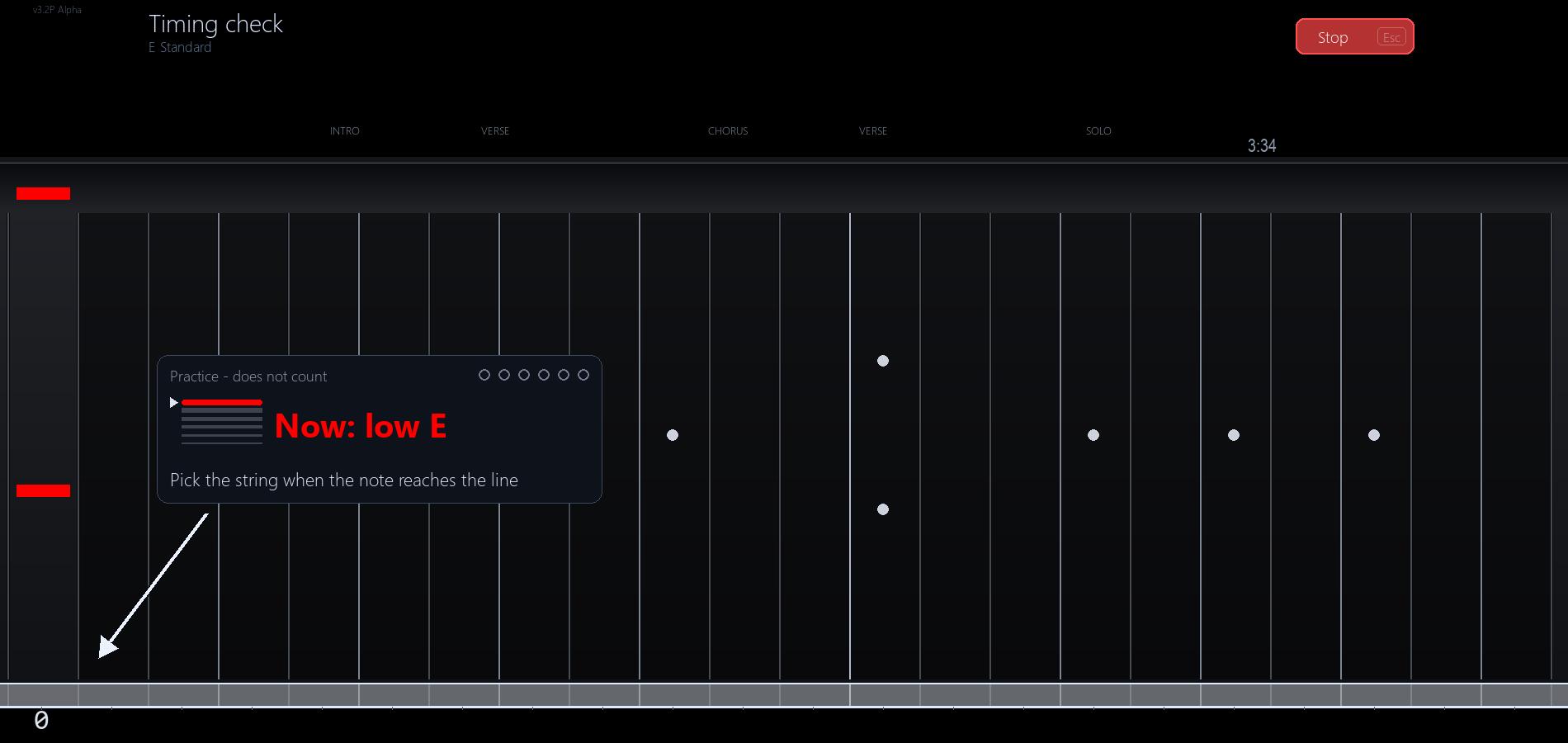
Lefties aren't forgotten: the timing check mirrors for left-handed play too.
A better tuner
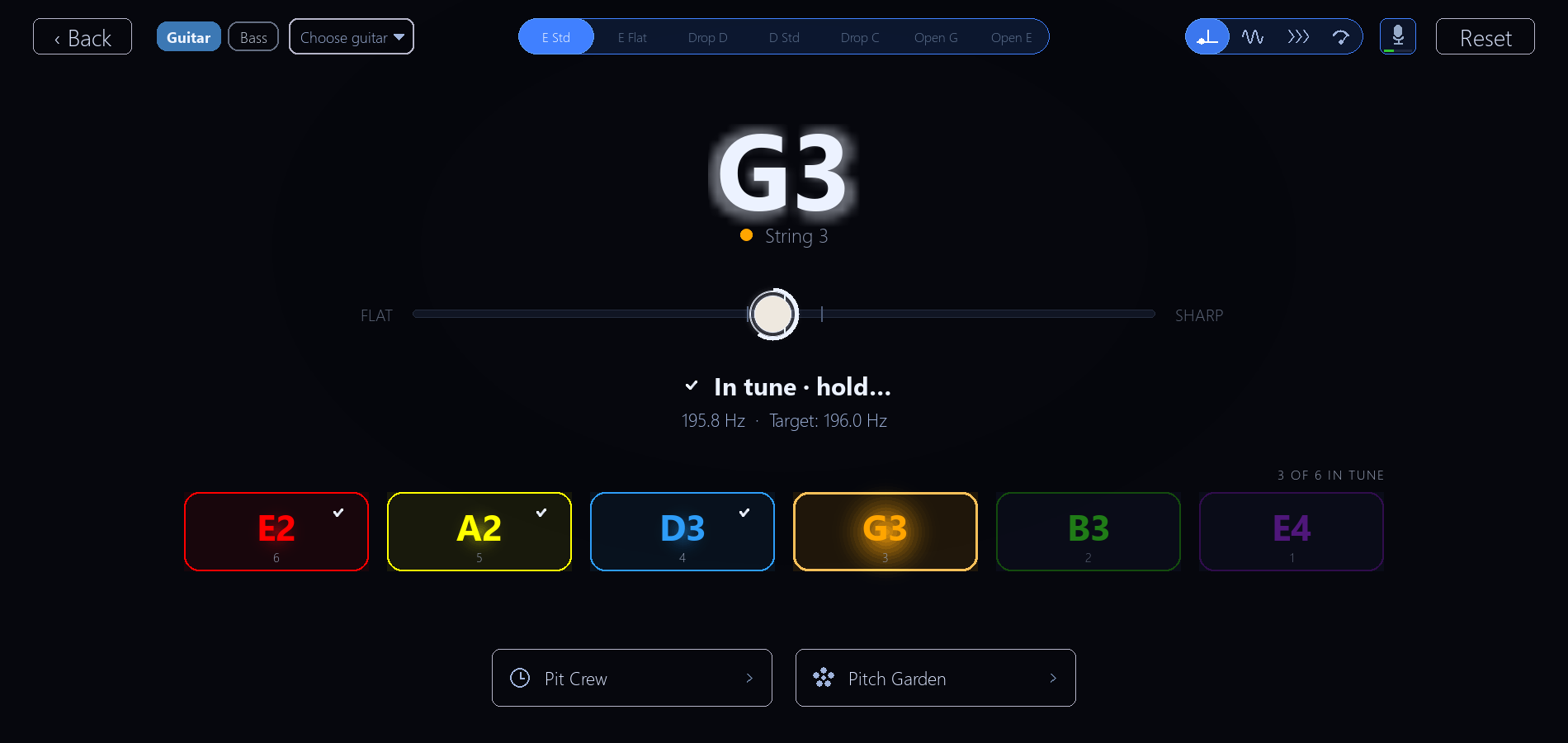
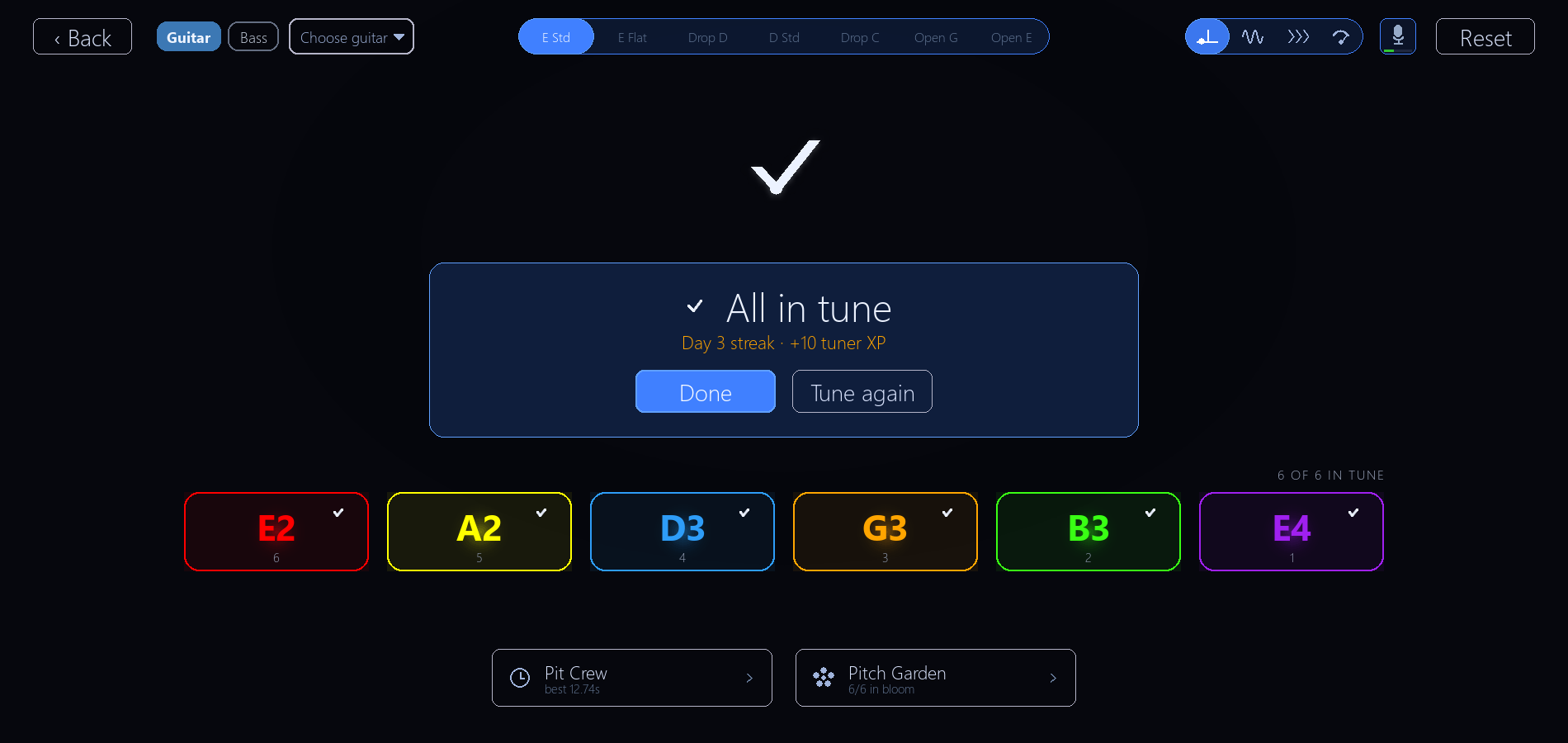
- A string is checked off only once a pluck holds in tune. A sharp attack no longer checks it early, or makes it lose and regain its check with a second ding.
- Plucking a string you already tuned takes its check away until it holds in tune again, so a string that has drifted can't keep an old check. It keeps its check while it rings out.
- Moving on to the next string no longer wipes the check off the one you just tuned.
- So when all six strings are checked and the Tuner says All in tune, every one of them really held in tune.
My Guitars
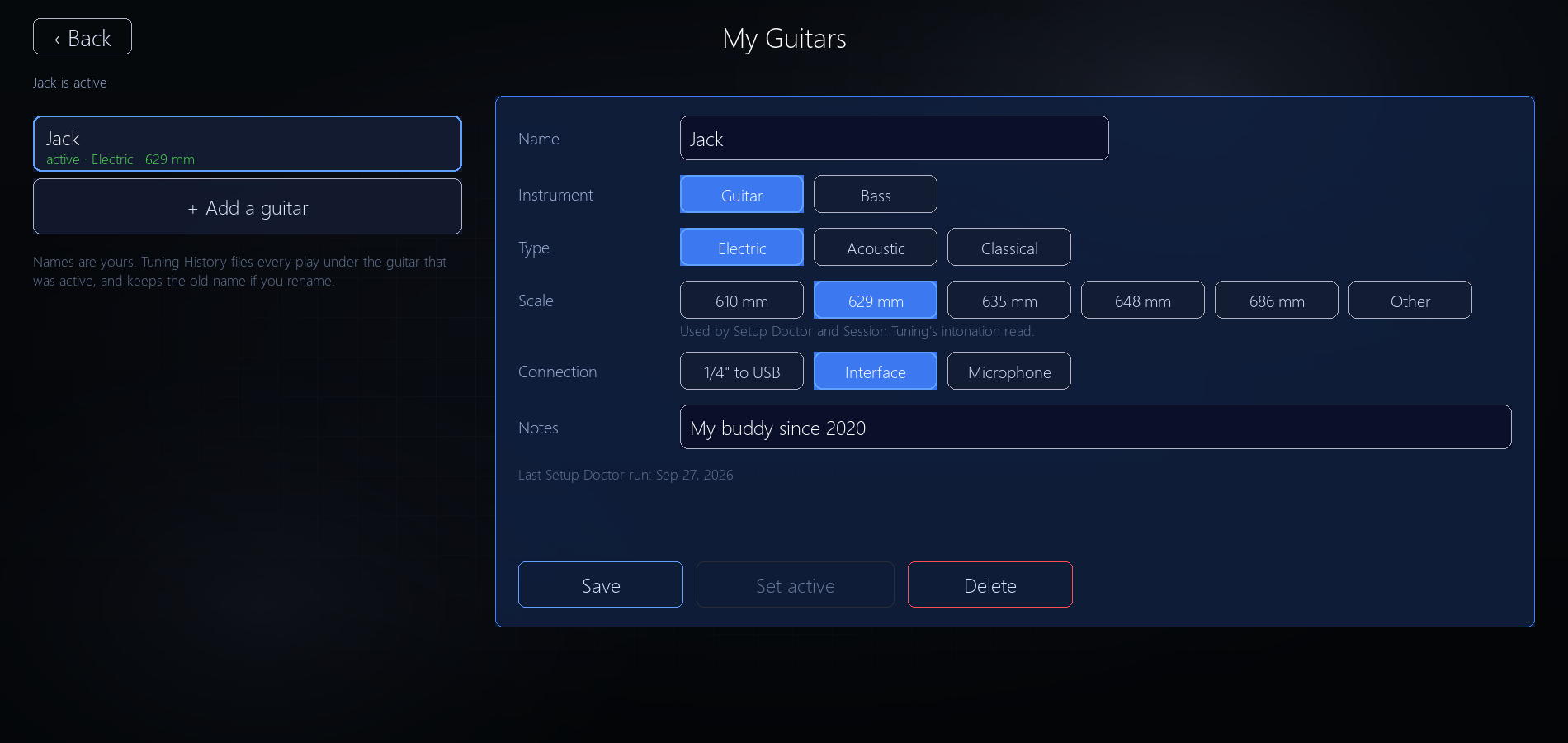
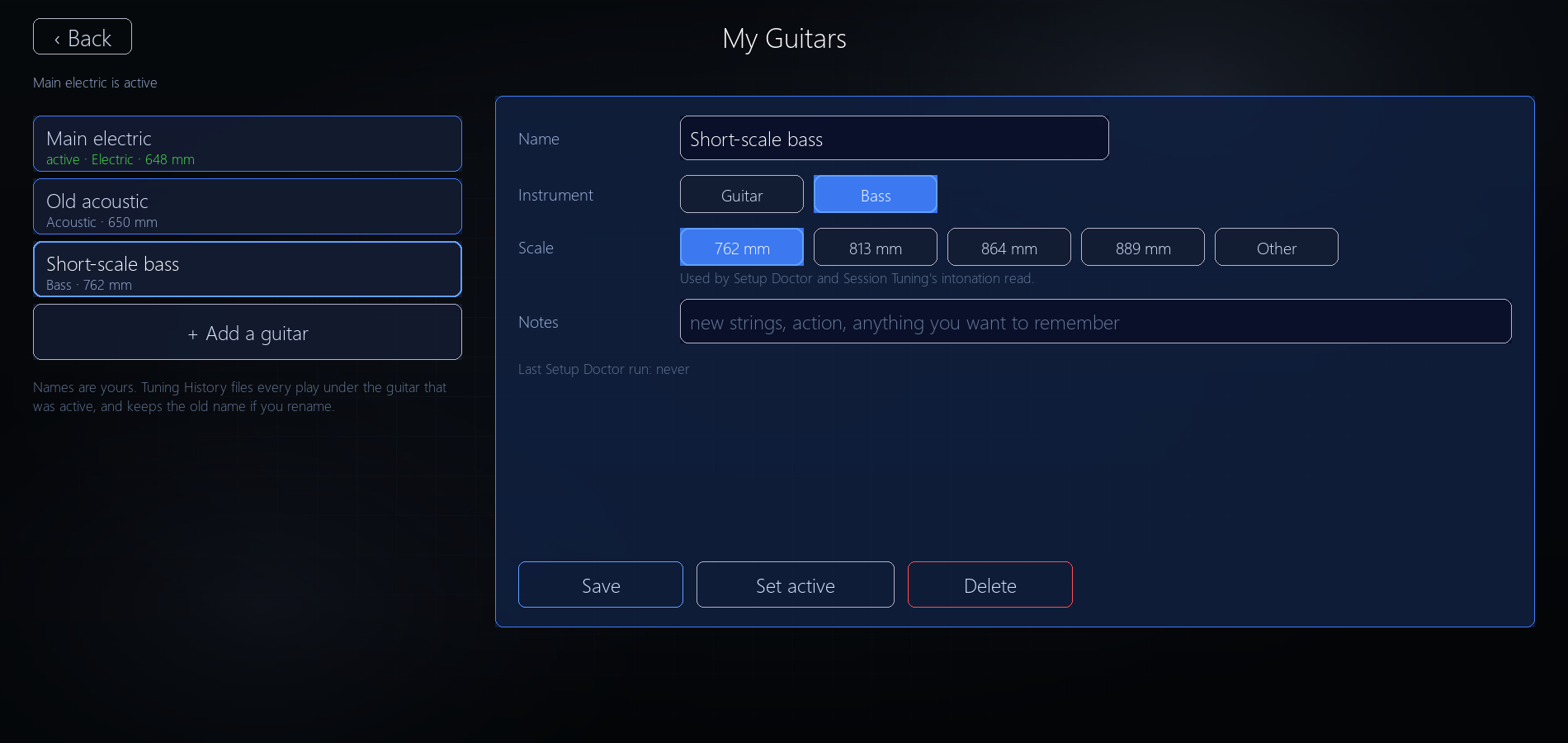
- My Guitars (under Guitar Input) keeps one record per instrument: name, type, scale length, connection and notes.
- A chip on the Tuner, Session Tuning, Setup Doctor, Chord Library and Amp & Effects switches guitars, and everything tied to it switches too. Session Tuning keeps each guitar's own readings.
- Haven't set one up? Nothing changes. A "Choose guitar" chip invites you to name the one you play.
- Why it exists: so the game knows which guitar each play was on, and how that guitar's tuning and intonation are holding up. Every play is filed under the guitar that was active. It's the groundwork for Session Tuning and for following each guitar's setup over time.
Setup Doctor: clearer intonation steps
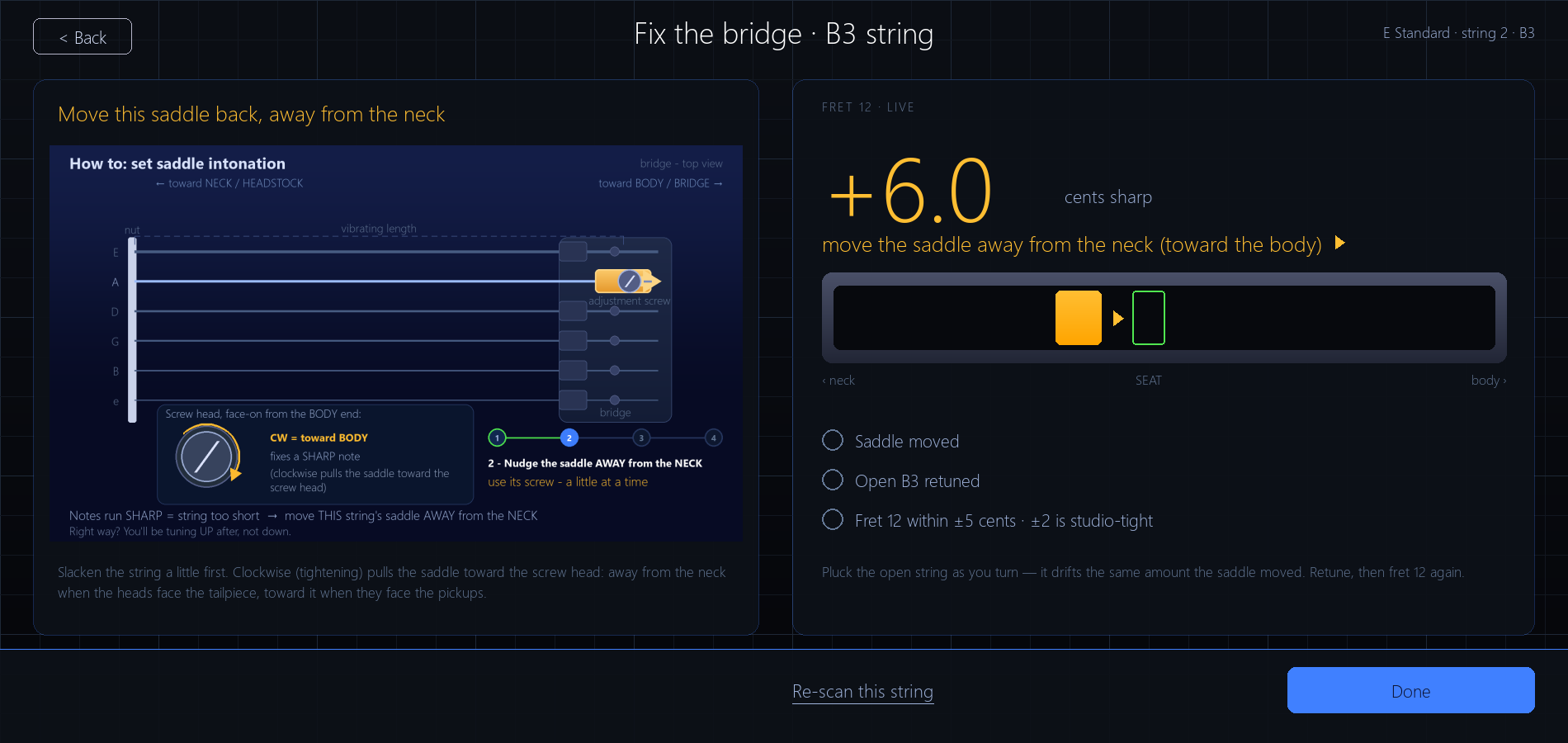
- When a string's 12th fret runs sharp or flat, the fix view reads it live, says how many cents off it is, and names which way to move the saddle and which way to turn its screw.
- A checklist tracks the fix: saddle moved, open string retuned, 12th fret within 5 cents.
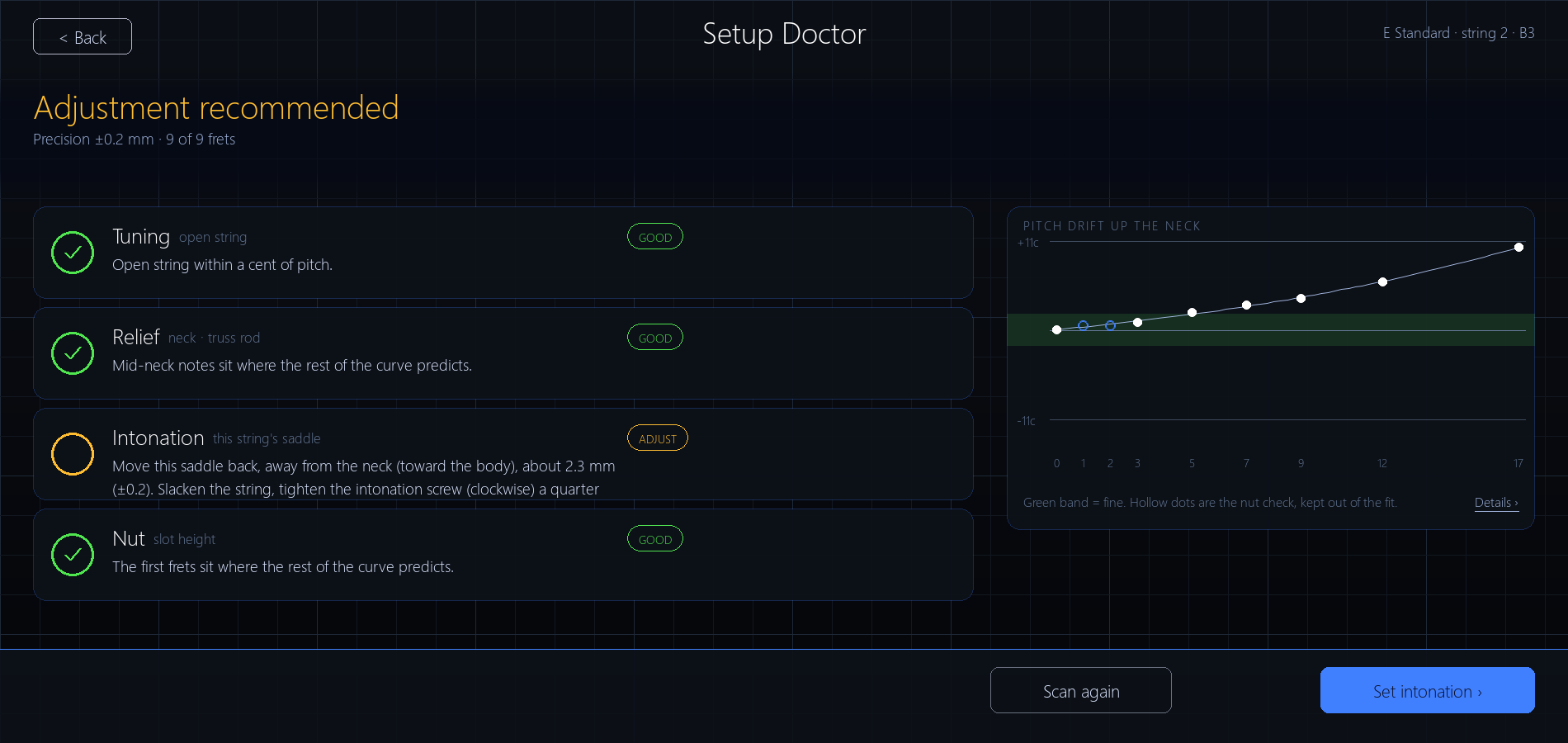
- The report now uses the words guitar techs use: its rows read Intonation and Relief instead of Bridge and Neck, and the button reads Set intonation.
Songs to play from day one
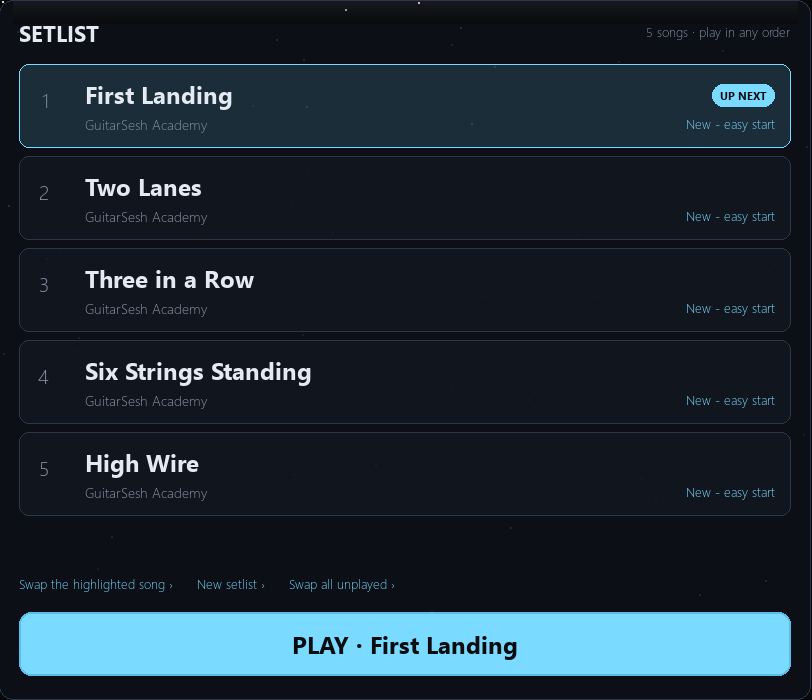
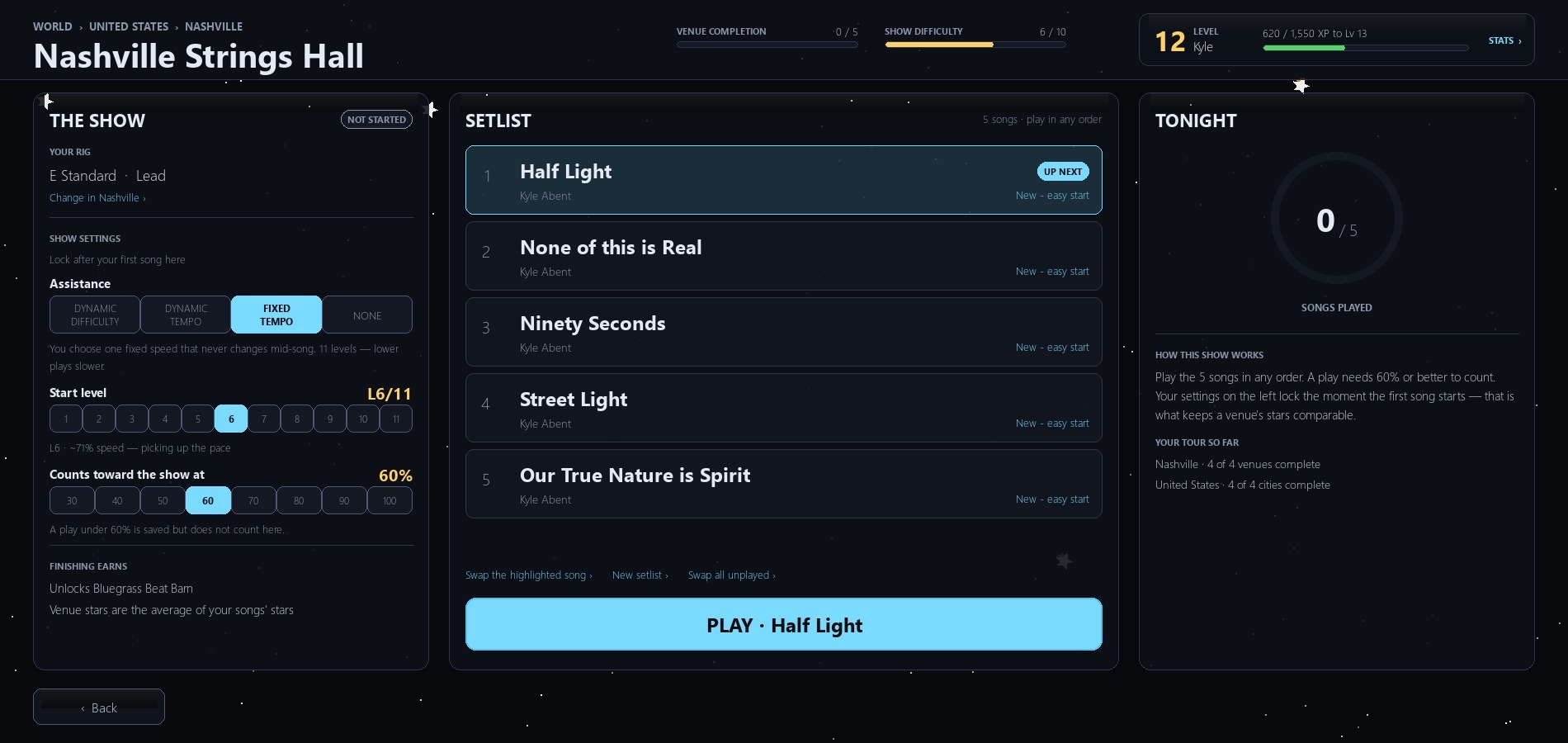
- A new player's Career venues come filled with songs to play, easiest first, starting with GuitarSesh Academy, and never repeating a song across venues.
- Suggest Songs in Setlists does the same: it fills a full setlist even with no play history, easiest unplayed songs first.
New setting: Skip intro silence
- Settings > Playback. When your part comes in late, the song starts a few seconds before your first note instead of making you wait through the intro. Off by default.
Gameplay UI fixes
- The amp and backing-track sliders in the pause menu's Volume panel now drag, and the mouse wheel moves them exactly 1% per notch, so a trackpad swipe no longer races to the end.
- The readout updates in one message as you adjust, instead of stacking a new message for every step.
- Some volume levels no longer slip down by 1% from one song to the next, and a change made while paused is saved when you stop the song, not only when you resume.
- Pausing or opening the Volume panel no longer leaves broken boxes on screen.
- With Dynamic Tempo on, the song's end time shows in the usual place again.
Career
- A country now counts as complete when you clear 3 of its 4 cities, the same moment the next country unlocks. Map, progress bars and Career Stats all agree, including for progress you already have.
- If you left a venue song to open Guitar Input or calibration and then came back, your next play could save as a Quick Play, even when it met the venue's accuracy, and the song stayed unplayed in the venue. Career now keeps tracking the song through that side trip.
- After you finish a venue and its celebration, you now land on its city, as "Back to City" says, and Back from the city goes back out to the map. Before, you were dropped back into the venue you had just finished, and Back could take you to the celebration screen again.
- After a song, the first Back press now goes back a screen instead of seeming to do nothing.
A full manual
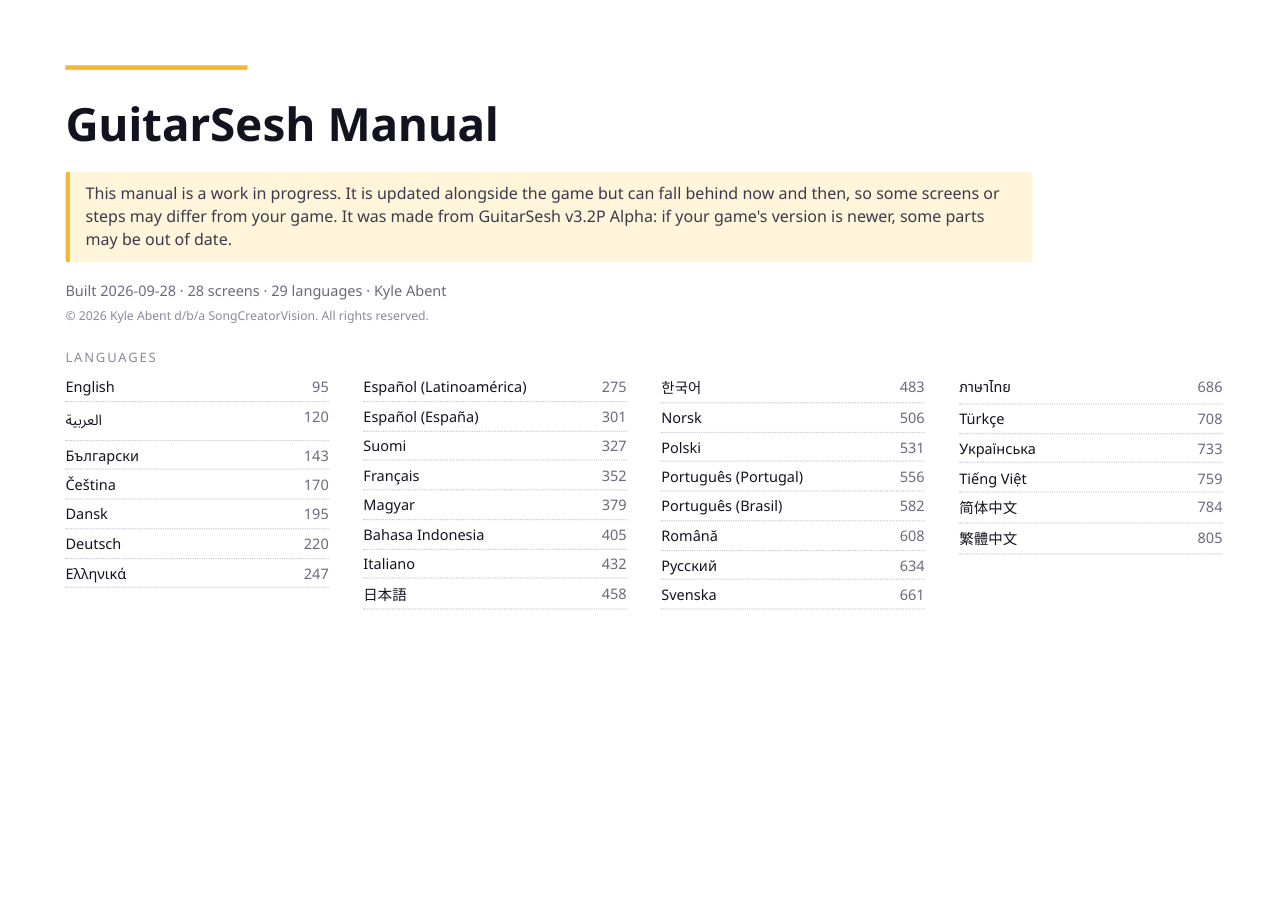
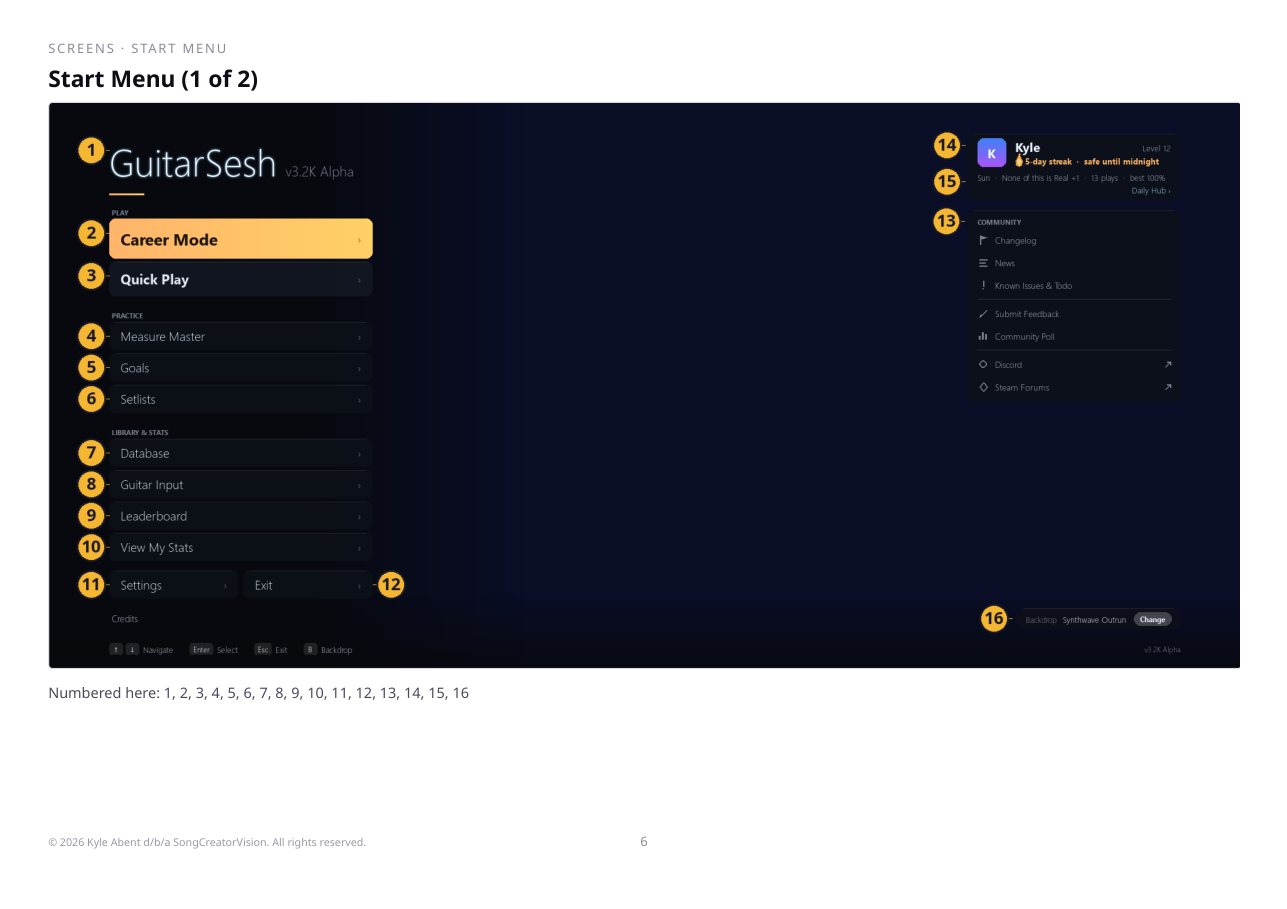
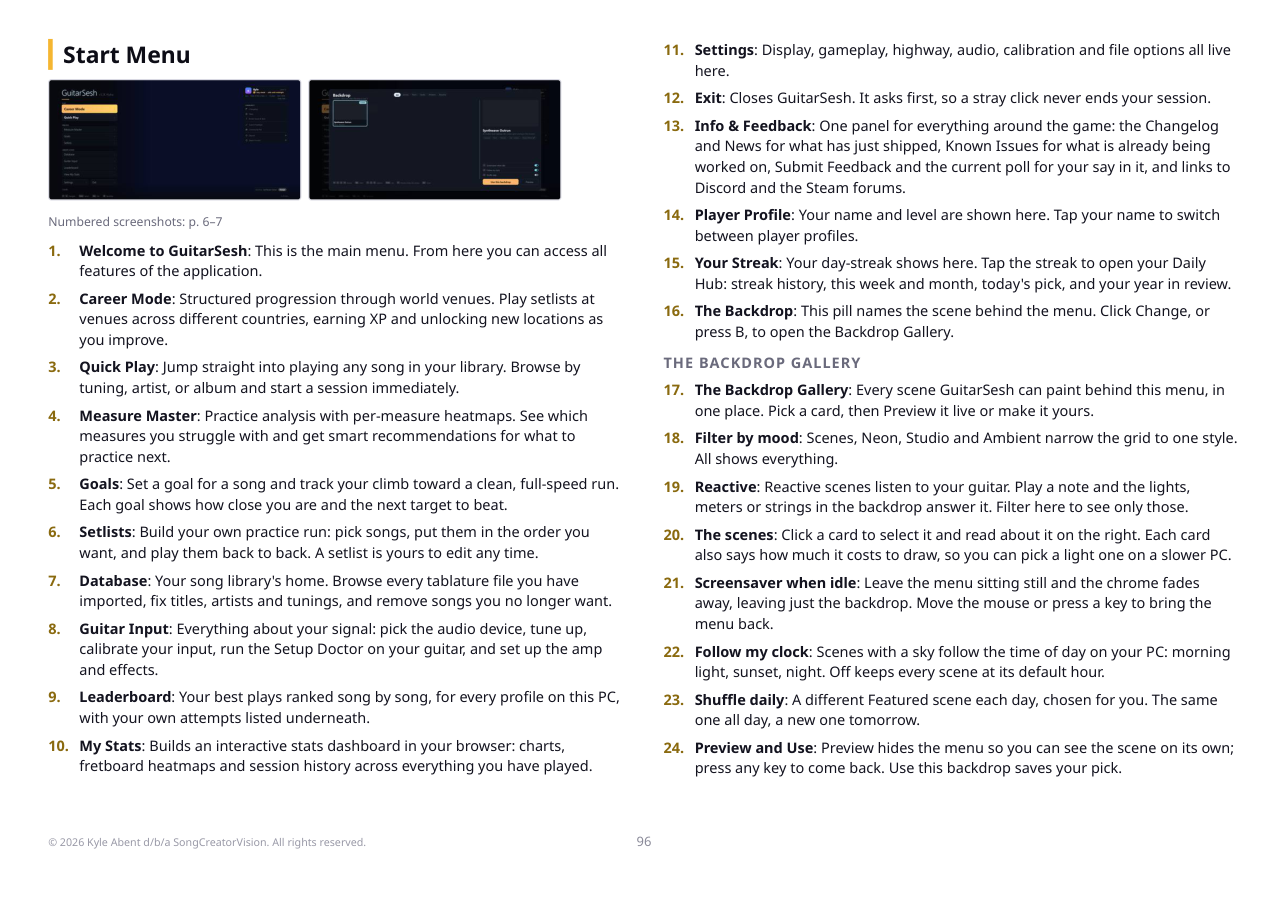
- GuitarSesh now ships with an illustrated PDF manual in all 29 languages, in the Manual folder where the game is installed. Settings > General > Account & Help has an "Open the Manual" row.
- The first-visit tours are gone; the manual covers what they showed, with pictures.
Misc fixes & improvements
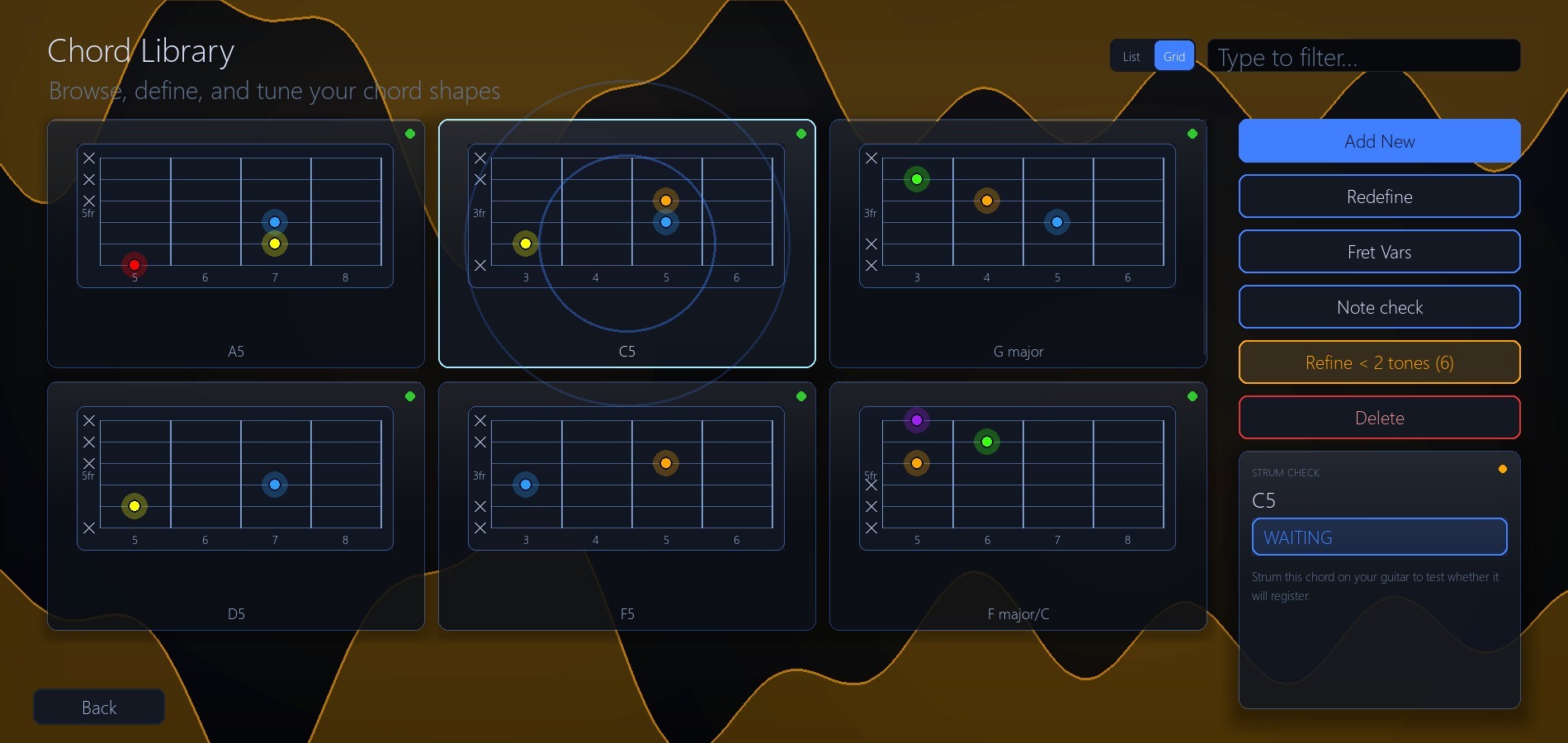
- Chord Library: Strum Check now listens the same way a song does, and a new Refine button walks you through chords taught with fewer than 2 tones.
- The Back button sits in the same spot, bottom left, across the game, and right-click goes back on more screens.
- Display: unchecking "Set as Primary Display" now switches your main monitor back to the one you had before. Before, it did nothing, and the game made its monitor the main one again on every launch.
- Spanish and Portuguese accents fixed in hundreds of places; new text is translated into every language.
More on the way
There's a lot more already built and waiting its turn. It just needs more testing before it reaches you, so expect more updates soon. A preview:
- Session Tuning: feedback on how your guitar's intonation is holding up, read from the notes you play, fretted notes included. A string that looks off is marked as possibly sharp or flat and points you to the Setup Doctor, and you can look back at any past day.
- Past Results: the results screen you get right after a song will be saved every time, so you can reopen any past one later. It's separate from the stats screens: a list of your past results, by day, opened from the results screen or the Leaderboard.
- A Pitch tab in the Song Report: see where your notes ran sharp or flat, string by string and fret by fret. If one string runs noticeably sharp or flat up the neck, the results screen gives you a heads-up and a shortcut to the Setup Doctor.
- A rebuilt Guitar Input screen: one card for your signal, and a Setup Doctor that lets you tune a string right there instead of sending you to the Tuner.
- Attempts: a run that stops short of the minimum accuracy still teaches something: where it ended, how far you got, and which bars keep stopping you. I'm working on using those attempts to make your next practice session count, aimed at the bars that actually end your runs.
Where pitch is heading: right now a note counts if it's within 2% of the target pitch or 2 Hz, whichever is wider. On most fretted notes that's about 35 cents either way; the low strings get more room (around 60 cents on the low E), and bends, slides and harmonics are looser on purpose. That's generous. Most ears notice 5 cents, and 8 or more starts to sound wrong. The Pitch tab is the first step: it reads each note after it settles, shows how close it was, and never changes your score. A stricter option for how close a note has to be to count is something I want, but a hit is judged the instant the note is heard, while the pick is still ringing sharp, so I'm measuring what can be graded honestly before promising a number.
Keep an eye out for my playtest sessions on YouTube: youtube.com/@KyleAbent :)
A big shoutout to Magwa, whose bug reports and help shaped a lot of this update: the pause-menu volume sliders, the Dynamic Tempo song length, the Tuner, the Career changes and more. Thank you!
A note on branches: I tested this update myself over the weekend, and it goes straight to the main branch, with the beta branch synced to match. Normally the beta gets a head start before main; this time they move together.
Thanks for playing! If something breaks, the Known Issues screen, Discord and Steam forums are the fastest way to reach me.