Status
SteamPeaks
ChartsSalesUpcomingPatchesNewsCalculator
New on SteamEvery app, DLC and depot the minute Steam creates itAppsEvery app on Steam, newest change firstPackagesSubs and bundles, and what each containsDepotsDepots, manifests and install sizesTagsSteam's user tags and the games under themDevelopers & publishersCompanies and their cataloguesTechnologiesEngines, SDKs and anti-cheat found in the filesChange historyEvery PICS changelist as it lands
SignalsNineteen readings of the whole catalogueCompareAny games side by sideRecordsAll-time peaks and the days they were setReportsWeekly and monthly write-upsAlerts & newsroomWatch a game, get told when it movesSteam statusIs Steam up, right nowWeb API explorerTry the endpoints in the browser
NewsSteam's own announcements and the sales calendarCalculatorWhat a Steam account is worth, and its pile of shame
/
Sign in
/
SteamPeaks
The ultimate resource for Steam data.
ExploreChartsSalesSales and festsUpcomingPatchesNewsRecordsTrendingSignals
DatabaseAppsPackagesDepotsTagsDevelopersTechnologiesChange history
ToolsCalculatorCompareSearchAlertsSteam statusAPI
SiteMethodologyFAQDiscordSupportSign in via Steam
Not affiliated with Valve or Steam. Game names and artwork belong to their owners. All times UTC.
PrivacyCookiesFair useStatus
TextvasNewsv0.9.8.1 Update
Game update

v0.9.8.1 Update

Textvas · published 7 Jul 2026, 00:58 UTC

All newsPlayers around this dateRead on Steam

Thank you for always using Textvas.


New Features

・Official support for animated GIF playback
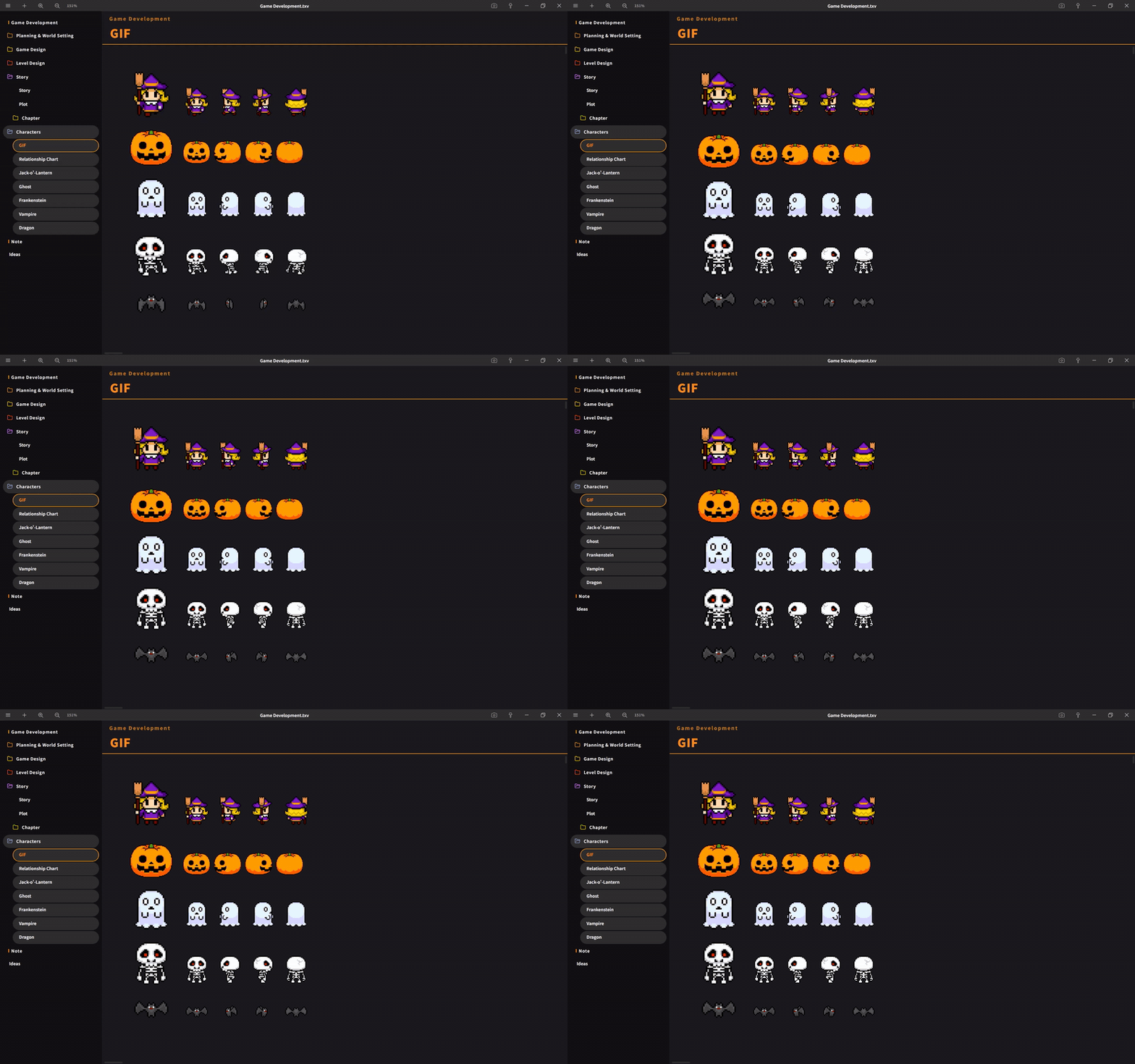


GIFs are now completely excluded from the lightweight processing (downscaling/thumbnail generation), so they will always play as animations using the original data regardless of size. In the previous version, large GIFs would sometimes be displayed as static images.

・Added a submenu to Auto Align, and introduced a new "Keep Size" option


When off (default), items are aligned by matching their heights as before. When turned on, items are automatically arranged flush to the top-left while keeping their original size.

Improvements

・Automatic Image Resizing


Added 3000px/2600px options to the maximum size choices. The default remains 1600px as before. Images below the size limit will still be placed without any processing, as before. Simplified the description text in the settings.

・Global Search Window (Ctrl+Shift+F)


The title bar now displays a "Search All" heading. Additionally, the search window has been changed to a fixed position at the top, so the window and input field no longer shift even when the number of results changes while typing, allowing you to search without losing your place.

・Screenshot feature


You can now cancel by right-clicking after launching it.


Bug Fixes


・Fixed an issue where, immediately after copying and pasting multiple cards, the handles would appear in a shifted position.
・Fixed an issue where multiple folders could not be deleted when multiple selections were made.


We will continue working to improve Textvas.

More from Textvas

Other announcements

All news
In-game event20 Sep 2026v1.0.5.4 UpdateThank you as always for using Textvas. New Features ・Auto-Align: added alignment edge options When arranging images of different heights, you can now choose whether to align them by the top, center, or bottom edge. For example, you can line up the bottom edges perfectly. Switch this from the Auto-Align menu on right-click. Your chosen setting is kept for next time. The default is top edge, so e…In-game event5 Sep 2026v1.0.5.0 UpdateThank you very much for always using Textvas. New Features ・Text Wrapping You can now drag the handles on the left and right of a text box to freely set the wrap width. No actual line breaks are inserted, so copying the text won't add unwanted line breaks. The handles are hidden while you're typing. To undo this, right-click and choose to remove the wrapping. The existing option to wrap to the…In-game event25 Aug 2026v1.0.4.3 UpdateThank you for always using Textvas. New Features ・Node Editor Memos In all three node editors (Dialog, Node Graph, and Flowchart), you can now add memos by right-clicking the background or pressing the M key. Moving, resizing, collapsing, renaming, multi-selecting, copy and paste, and Ctrl+F search all work exactly like memos on the Board. Memos you create are saved with the file. Note that con…