Thank you for using Textvas.
New Features
· Optimized Zoom and Pan Processing
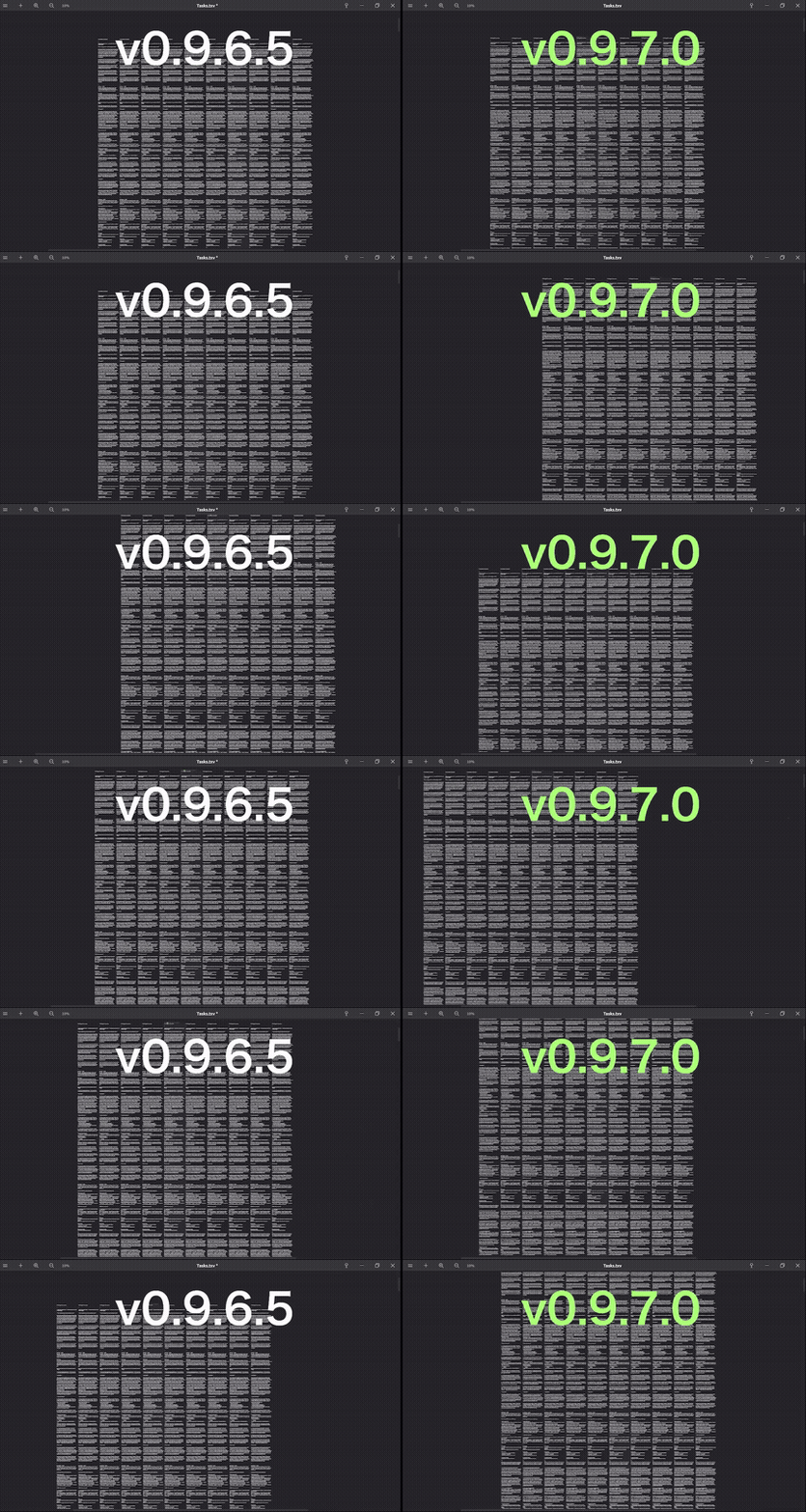
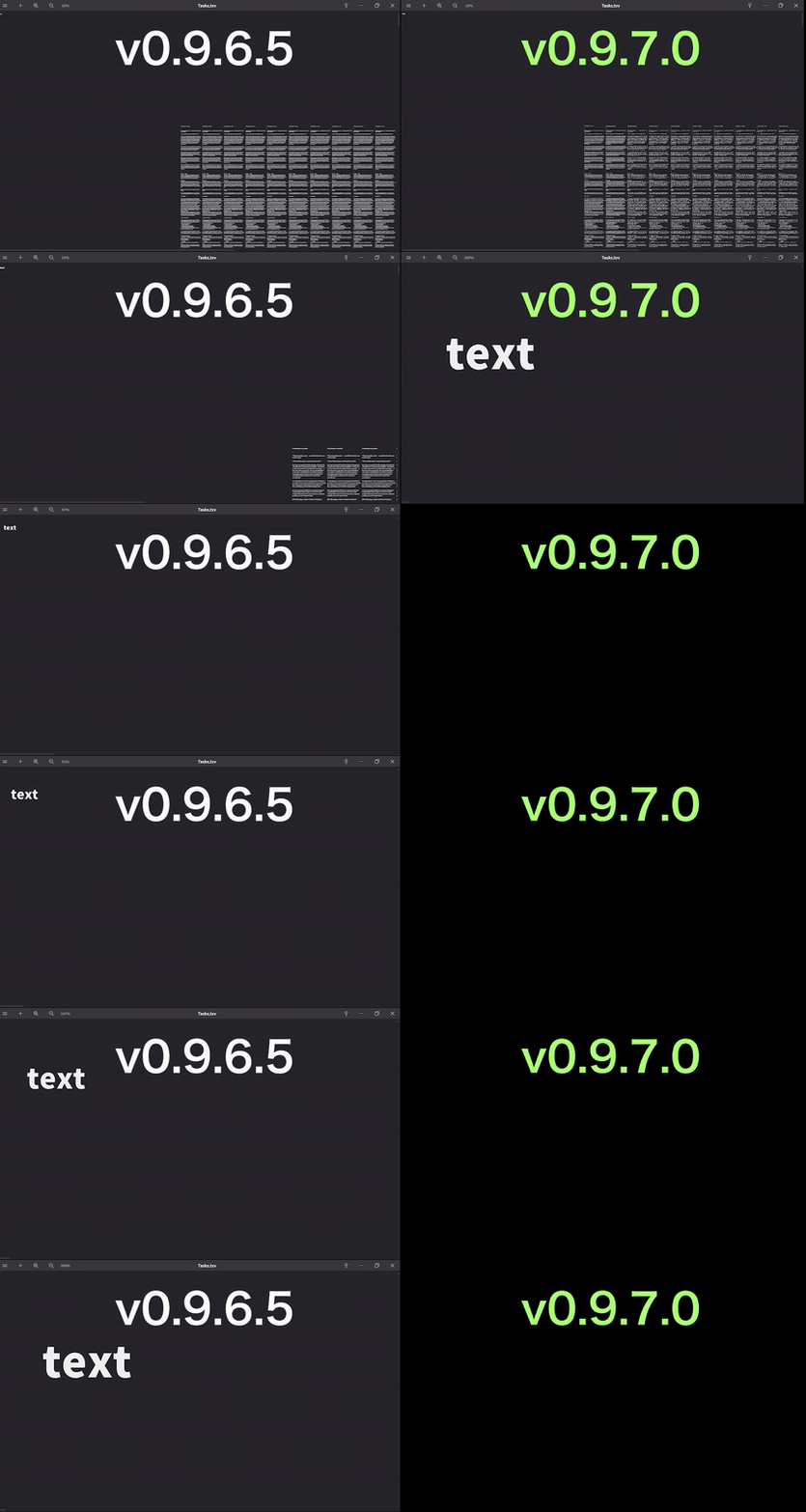
Board zoom and pan rendering has been optimized.
This improves performance. No settings changes are required, as it is applied automatically.
· Change Connection Line Color and Thickness
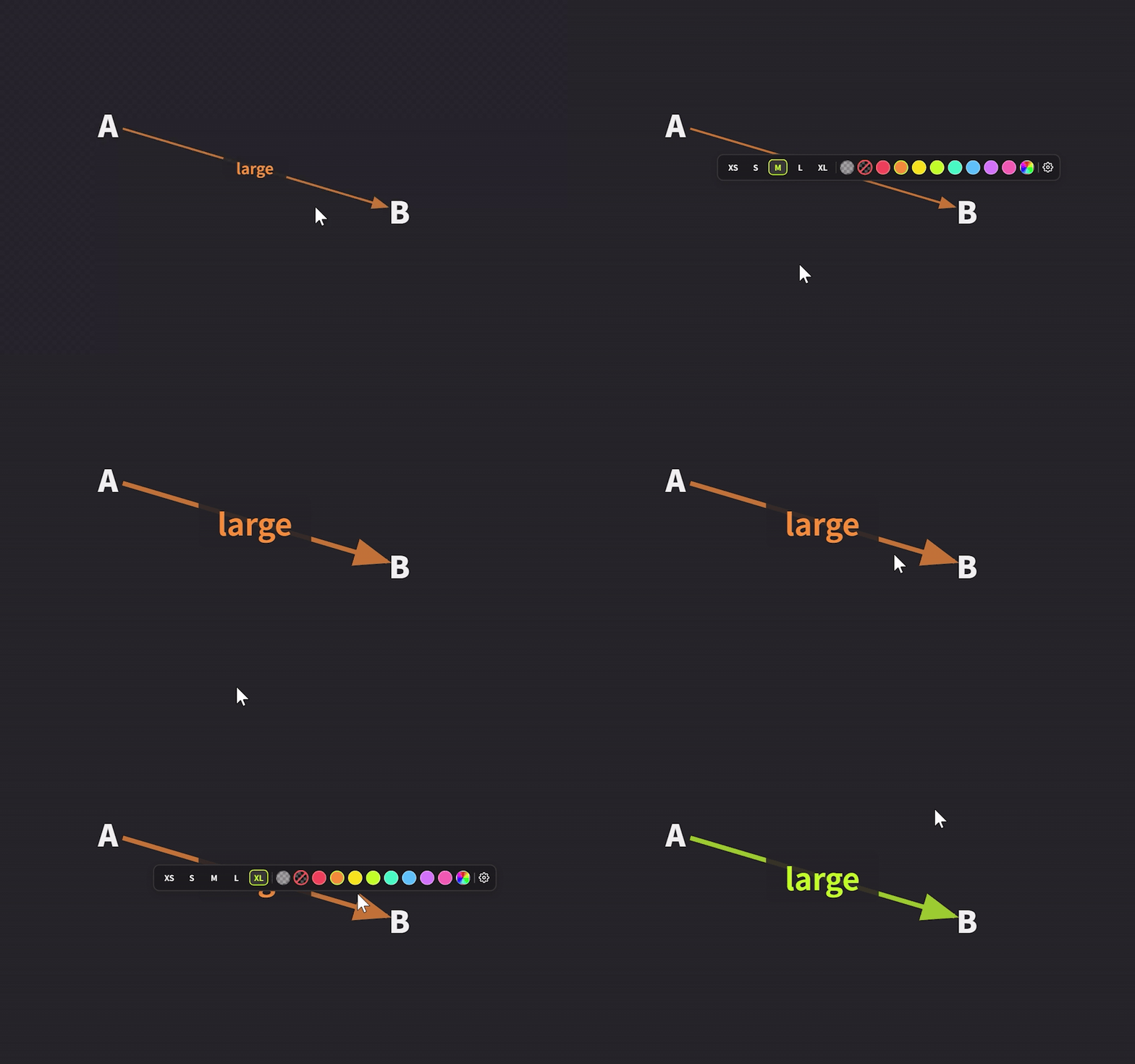
Clicking a connection line now displays a toolset, allowing you to change the line's color and thickness.
When you change the color and thickness, the connection line's text also updates to match in size and color.
The size and color settings are remembered, so the next connection line you create will use the same settings.
· Edit Note Titles
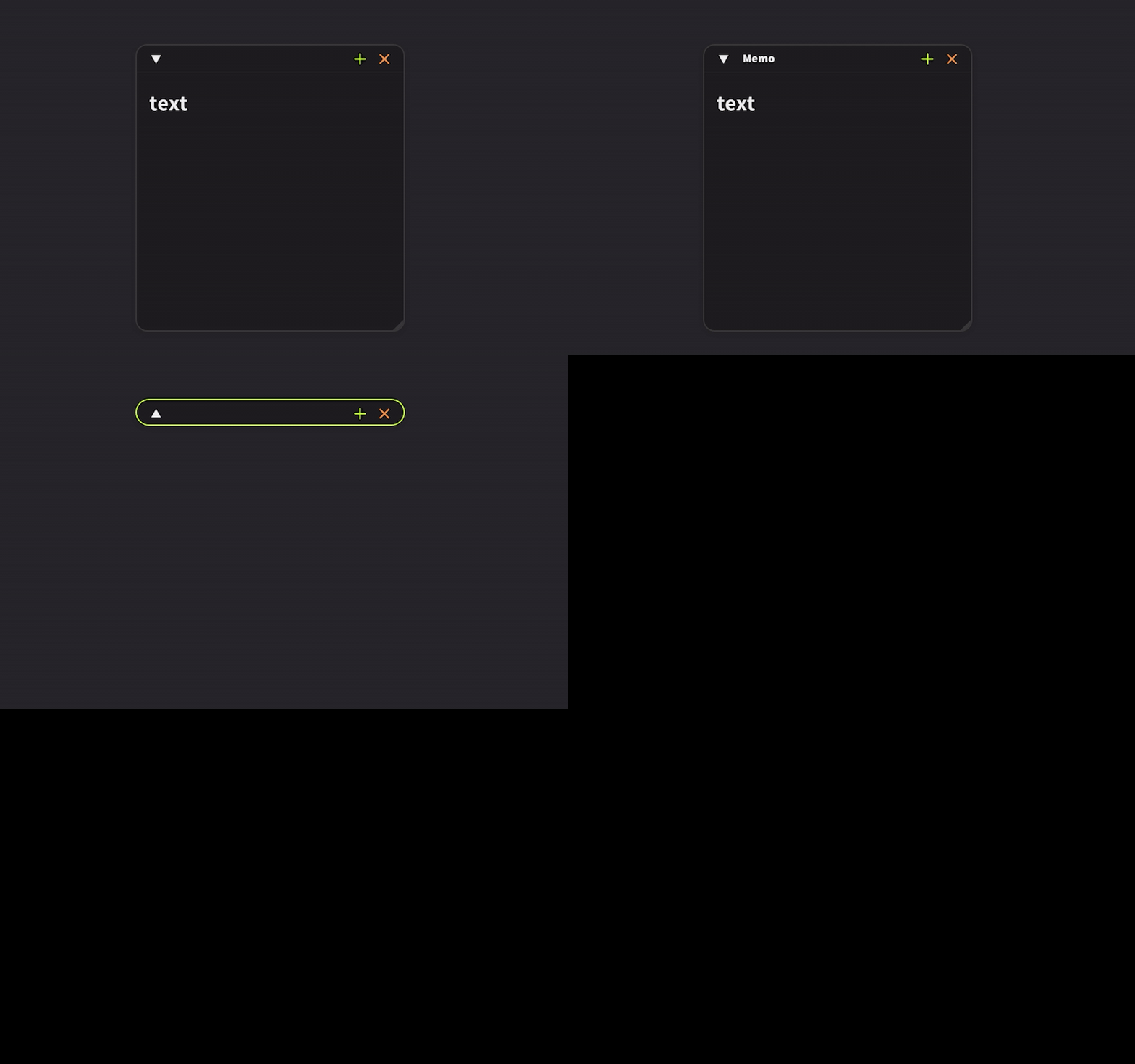
You can now add a title to a note via the F2 key or the right-click menu.
The title can be displayed and edited even when the note is minimized.
· Remove Trailing Whitespace
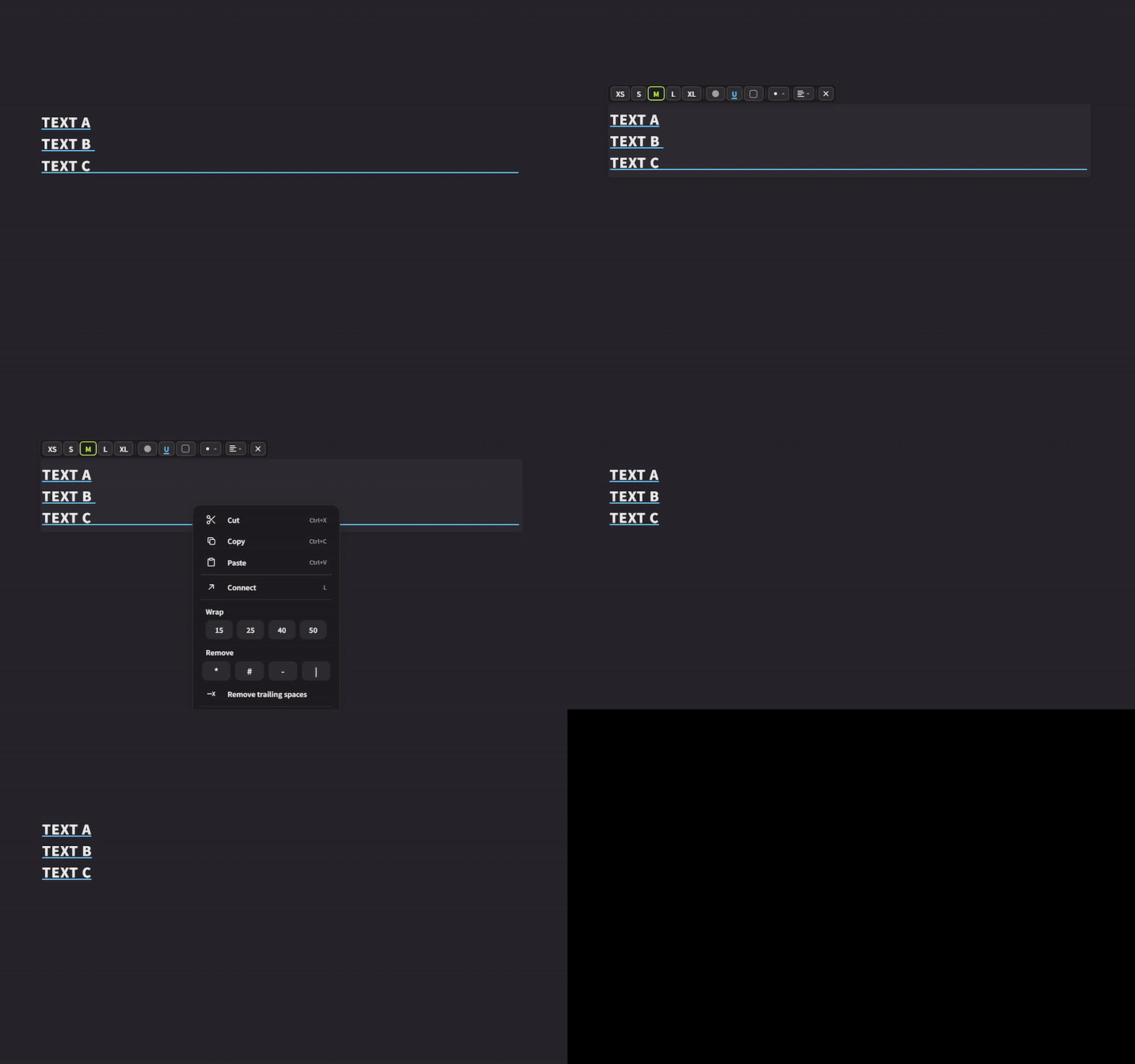
Added a "Remove Trailing Whitespace" option to the right-click menu.
This removes extra spaces, half-width/full-width spaces, and tabs at the end of each line, trimming cards that have become unnecessarily wide. Line breaks are preserved as-is.
· Wheel Zoom Toggle
Added a wheel zoom toggle to Settings → Controls.
When enabled, you can zoom using only the scroll wheel without holding Ctrl.
During this mode, scrolling with the wheel is disabled.
You can navigate the board by dragging with Space or the middle mouse button.
· Text Rotation
Until now, text could not be rotated, but it can now be rotated.
Improvements
· Adjustments to the Add Assets Window
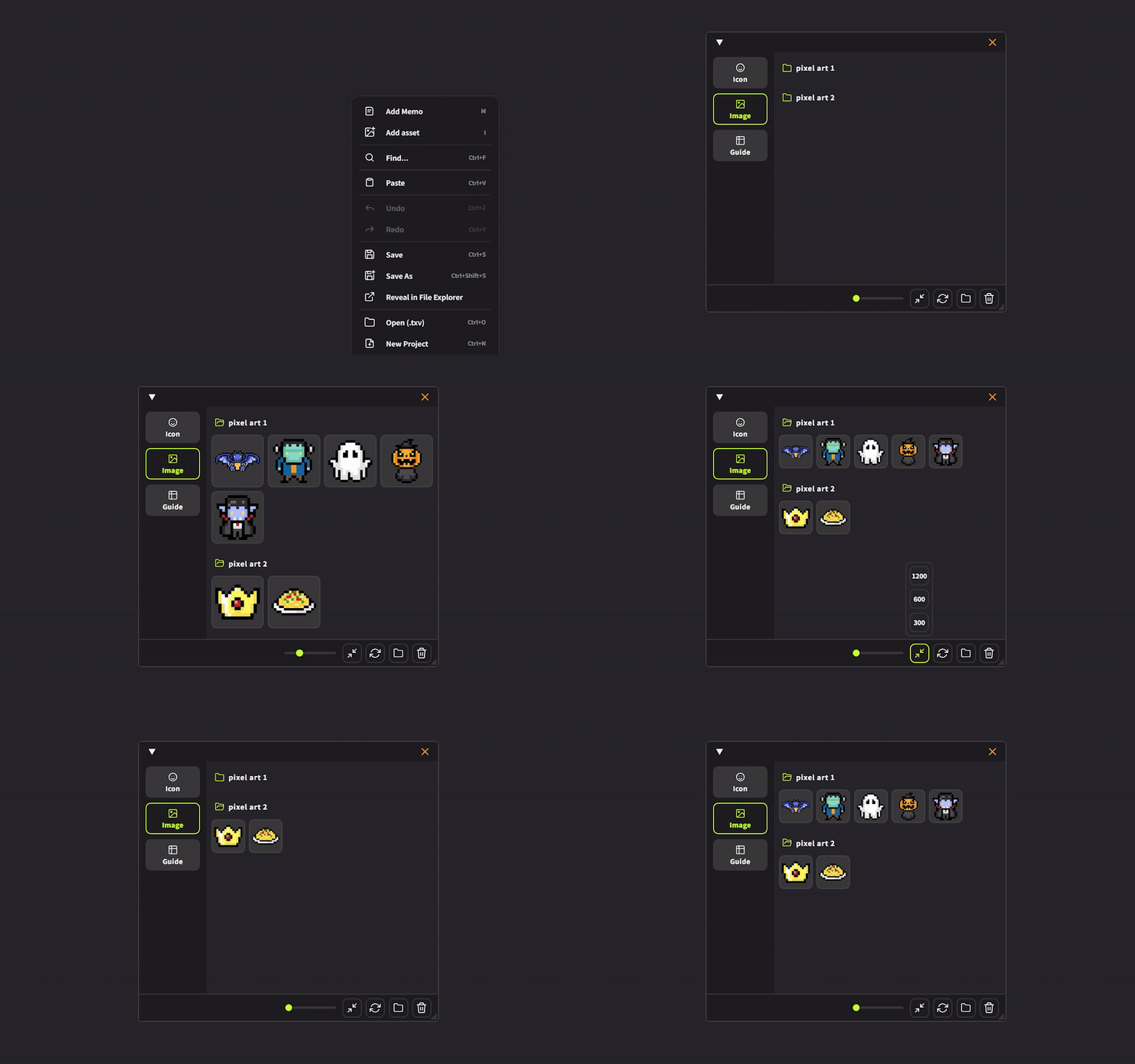
Changed so that resize options 300, 600, and 1200 can be selected directly from the popup.
Press again to deselect.
Added a new footer area for icons with a border along the top to clearly mark the boundary.
Added a slider to adjust the display size of thumbnails.
Added folder icons that can be opened/closed and reordered by dragging.
Expanded the resize detection area in the bottom-right corner to make resizing the window easier.
· Lighter Display for the Assets Window
Optimized the display of folders containing many large images.
Scrolling could previously slow down in folders with many high-resolution images, but display processing has been optimized for smoother handling. Cached images are deleted when a folder is removed from the trash. Original images are not deleted.
· Faster Launch from File Extension
Fixed an issue where opening a .txv file by double-clicking was slow to launch, especially for files with many images.
· Optimized Undo/Redo and Tab Operations
Revised the process that previously duplicated and serialized all data for each operation. Image data is now shared by reference rather than duplicated.
Additionally, identical images are now consolidated into a single instance in memory.
· Preferences as Independent Window
Preferences now open in a separate, independent window from the main application.
· Resize Handle Display for Images and Guides
Resize handles for images and guides now only appear when clicked.
We also improved this so that, when multiple images are selected, handles no longer appear on all of them at once, and only some are now shown.
· Guides Displayed in Front
Guides are now displayed in front of text and image cards.
· Free Guide Handles
Free guide handles have been unified to the same round handles used for images.
Additionally, the mouse cursor when moving guides has been unified to an open hand (and a closed fist when grabbing), matching the behavior for images.
· Display When Multiple Free Guides Are Selected
The dashed border that appeared when multiple free guides were selected is now hidden.
· Screen Navigation with Right-Click Hold
Screen navigation by holding the right mouse button was previously activated after 1 second; this has been changed to 0.2 seconds.
This is not available in fullscreen mode.
· Underline Toolbar Button
When underline is enabled for text, the U character itself is now displayed in the configured underline color, making it easy to see the current color at a glance.
· Note Window Width Adjustment
The note window can now be resized horizontally whether it is docked or open.
· Renamed Preferences Entry
"Shortcuts" has been renamed to "Controls."
Bug Fixes
· Fixed an issue where the title name color did not update after changing the tab text color.
· Fixed an issue where the note window could not be copied with Ctrl+C.
· Fixed an issue where the four types of guide lines were not included in the exported image content.
· Fixed an issue where auto-save dropdown items were cut off with an ellipsis in some languages.
· Fixed an issue where the L key shortcut could not create connections in notes.
· Fixed an issue where copy-pasting between notes caused connection lines to disappear.
· Fixed an issue where pasting while clicking the sidebar caused the pasted content to appear behind other elements.
· Fixed an issue where pressing the trash button in the Assets window caused thumbnails to reload or the scroll position to jump to the top.
· Fixed an issue where opacity was applied when multiple images were selected.
· Fixed an issue where resize handles also scaled up when zoomed in.
· Fixed an issue where the A4 label in the top-left disappeared when multiple A4 print guides were selected. It is now always displayed.
We will continue working to improve Textvas.