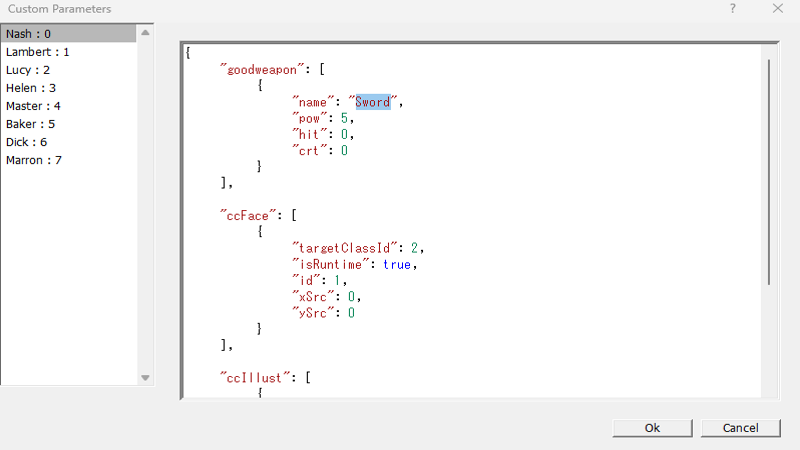
Custom parameters are a crucial element for breaking through the limitations of the game's default system and developing games with originality.
The basic usage involves placing a plugin file in the project's Plugin folder and setting custom parameters in the data.
This allows the data and plugin to work together, enabling behaviors that cannot be reproduced with the default system.
Custom parameters must be entered in JSON format, but the traditional dialog was not very user-friendly in terms of usability.
As a result, when parameters were complex, it was often necessary to write them in a text editor first and then paste them into the dialog.
This was a redundant process, and it would obviously be more convenient if parameter input could be completed entirely within the dialog.
In EX, this dialog has been improved.
Although it falls short of major text editors, features like keyword coloring and automatic indentation have been introduced, providing a level of comfort different from before.