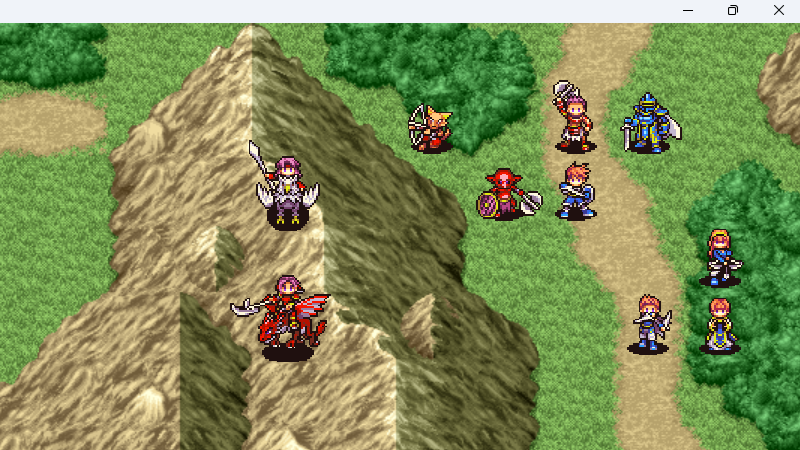
"How do I make the game fullscreen?"
We've been asked this question countless times.
And many game developers have likely received the same question from their players.
When you think about it, it's obvious.
Who would ever realize that you can go fullscreen by pressing the F4 key?
Even if you say they can find out by opening game.ini, when playing games on Steam, it's hard to even notice that a file called game.ini exists.
So, what would be the ideal way to go fullscreen?
The answer to this problem was actually quite simple.
We just needed to enable the window's maximize button, just like in a normal application.
In other words, you press the maximize button to go fullscreen.
There is no behavior more intuitive than this.
"How do I close a fullscreen game?"
This question will also likely decrease significantly.
The fact that the maximize button is visible means the close button is also visible.
In other words, if you press the close button, the game ends.
Players don't need to know about the Esc key, nor do they need to know that the Esc key can be changed in game.ini.