Bug Fixes
Fixed incorrect highlight on unused indicators in the ARM task step
Fixed being unable to insert 5 or more USP rods simultaneously
Fixed VU-2 sub-programs failing to start
Fixed a visual bug where restarting a sub-program on VU-2 multiple times would not light lamp correctly
Fixed automatic rods (AR) getting blocked during AZ-3 due to high imbalance — attenuation logic corrected
Fixed buttons being interactable through solid objects
Fixed ISP (ИСП) alarms triggering on incorrect signals
Fixed several tasks that lacked sufficient clarity
Fixed execution logic not being enabled by default for each AR
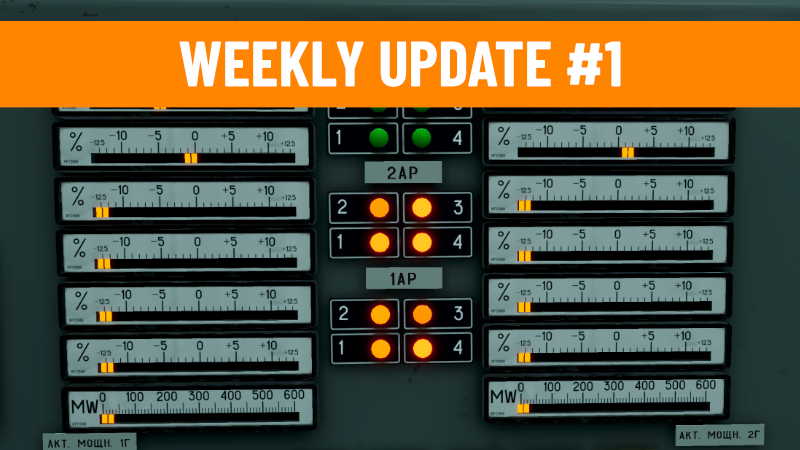
Fixed the AR Corrector indicator scale being incorrect in the positive range
Fixed a typo (ВКЛ, not БКЛ)
Removed 2 redundant mnemonics from the VIUB panel
Fixed the SUZ Emergency signal not being clearable via the Remove Signal button
Fixed negative imbalance (Y3M) not triggering the НЕДОП РАЗБ signal as intended
Fixed Power Protection Y3M using an incorrect equation for PS/AZ protection triggers
Fixed Local Power Protection (LAZ) using an incorrect equation for PS/AZ protection triggers
Fixed LAZ warning and emergency alarms firing while LAZ is disabled
Fixed incorrect label text on the СБРОС СБ button
Fixed reactor rods starting in a desynced state when launching at full power
Fixed measurement logic — added a 2-second delay before blocking
Fixed response animation on selsyns
Fixed various tooltip text errors
Adjusted YCM trigger voltage to 4V in line with the ChNPP training manual
Adjusted Corrector KpY.4 trigger voltage to 8V in line with the ChNPP training manual
Fixed LAR corrector toggle switch audio
Fixed AZSR malfunction alarm light up when power is removed
Fixed ISS malfunction alarm light up when power is removed
Fixed disabling AZMM should disable ISS and UZS probes and their alarms
Fixed disabling AZMM should switch UZS to UZSR
Fixed disabling ISS probes should disable readings on their value indicators
Fixed AZMM is required for ARM to be "in ready" state
Fixed LAZ automatic lowering when all odd or even zones are in -ΔN
Improvements
Clicking a selected rod now deselects it
Added ±0.1 m/s of randomness to rod movement for more realistic behavior
Added a [Sync] button for each AR to synchronize rod positions with one another
Implemented the ИСП ЧАСТ (execution part) signal, which triggers when 2 or more rods become desynchronized
KUA alarms now activate when the corrector reaches its lower or upper limit
Added subtle light variation effects to alarm indicators
Added click audio feedback for VU buttons
Expanded SKALA numerical and printer outputs to include temperature, pressure, water flow, thermal power, and more
New SKALA VU-1 Codes
K0[ANY]0000 — outputs the sum value of the entire core to the numerical display/printer
K1[ANY]0000 — same, but for the left side of the core only
K2[ANY]0000 — same, but for the right side of the core only
K0[ANY]YYXX — displays a single value for a specified channel number
Hint:
SKALA output devices are updated every 10 seconds.
Use K0N0000 to see reactor thermal power on numerical display in digital form.
If you experience any issues you can switch to last-update branch