RPG - "Feather of cyan"

● Command "Show Video" to add blend mode
● Command "Move Video" adds support for modifying multiple parameters: mute mode, volume, playback time, playback mode, blend mode, playback rate
● Add right-click function to preview objects related to image layer commands: move and wait, such as generating "move image"+"wait"
● Fixed the issue where the interface was displayed after the option was opened in single focus mode, but the focus did not return to the option when the interface was closed
● Add setting commands for the data grid layer and obtain support for numerical modes (game number)
● optimize:If there is no movement action, it will not change
● optimize:Archive screenshots no longer cut to the interface layer
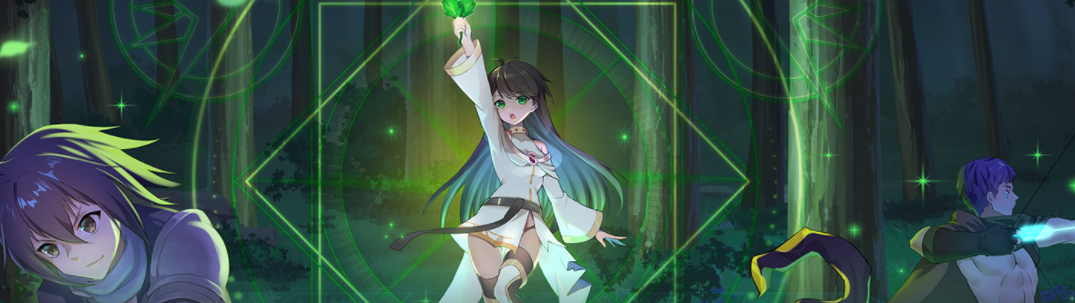
SRPG - "Formation of Light"
● Command "Show Video" to add blend mode
● Command "Move Video" adds support for modifying multiple parameters: mute mode, volume, playback time, playback mode, blend mode, playback rate
● Add right-click function to preview objects related to image layer commands: move and wait, such as generating "move image"+"wait"
● Normal attacks also add a hate value (100% damage) to avoid the problem of no attackers in the enemy's hate list when attacking passive enemies
● Add actor attributes: fly units (able to penetrate obstacles)
● Add setting commands for the data grid layer and obtain support for numerical modes (game number)
● Increase actor attributes: attack all units/only allow attack fly units/only allow attack ground units
● Normal attacks increase the ability to penetrate obstacles (such as allowing the character to attack flying units within obstacles)
● Fixed the issue where the interface was displayed after the option was opened in single focus mode, but the focus did not return to the option when the interface was closed
● Fixed an issue in character AI settings where maintaining the farthest attack distance from the target was ineffective (based on the range of regular attacks)
● Fixed some issues in the mode of penetrating teammates while allowing movement
● Fix the issue of displaying actor data incorrectly in certain situations when hovering over a grid with the mouse
● Fixed an error where certain attributes may stack infinitely when possessing passive skills
● Fixed an error in not learning the necessary class skills when setting our/enemy high-level on the map
● Corrected the problem of checking the status error after calling the additional status command in the event related to using skills in the battle screen
● optimize:Archive screenshots no longer cut to the interface layer
● Optimization example project: Change unlimited counterattacks for all characters to only receive melee attacks for counterattacks
● Optimization example project:AOE and ranged skills that allow attacks on flying units are allowed to penetrate obstacles by default
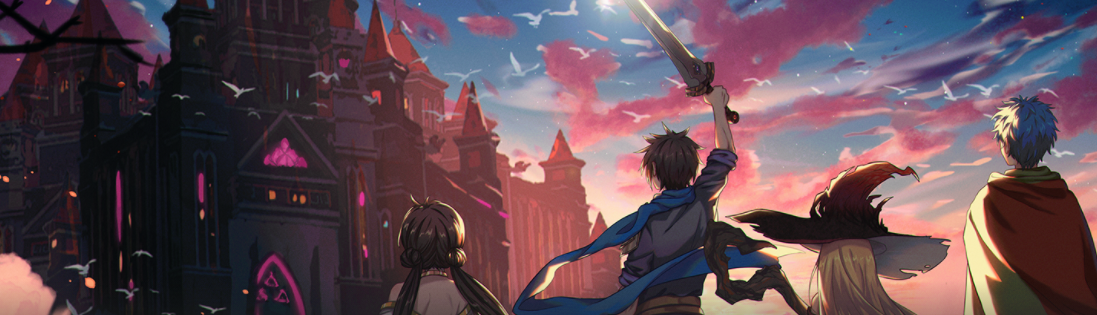
TBRPG - "Sword of dream"
● Command "Show Video" to add blend mode
● Command "Move Video" adds support for modifying multiple parameters: mute mode, volume, playback time, playback mode, blend mode, playback rate
● Add right-click function to preview objects related to image layer commands: move and wait, such as generating "move image"+"wait"
● Add setting commands for the data grid layer and obtain support for numerical modes (game number)
● Fixed the issue where the interface was displayed after the option was opened in single focus mode, but the focus did not return to the option when the interface was closed
● Fix the issue of incorrect configuration of some state effects in the example project
● Fixed an error in obtaining fighters through position through forced actions
● Optimization: Cannot counterattack even when unable to attack
● Optimization: If there is no movement action, it will not change
● Optimization: Archive screenshots no longer cut to the interface layer
● Other minor adjustments
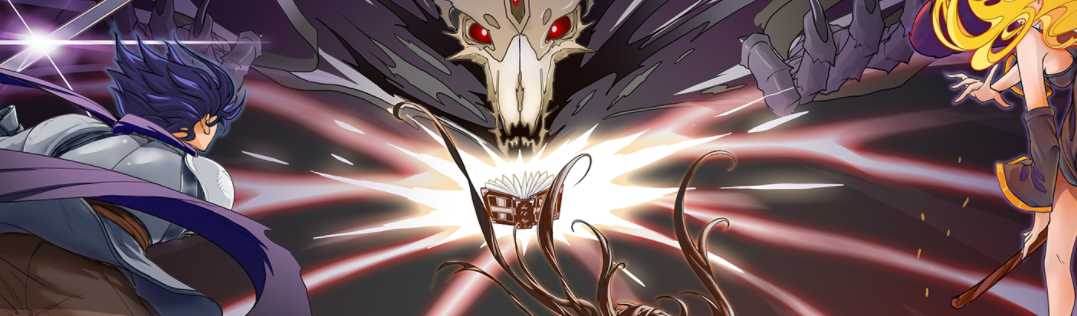
ARPG - "Book of black"
● Command "Show Video" to add blend mode
● Command "Move Video" adds support for modifying multiple parameters: mute mode, volume, playback time, playback mode, blend mode, playback rate
● Add right-click function to preview objects related to image layer commands: move and wait, such as generating "move image"+"wait"
● Add setting commands for the data grid layer and obtain support for numerical modes (game number)
● Fixed the issue where the interface was displayed after the option was opened in single focus mode, but the focus did not return to the option when the interface was closed
● Fixed an error in the scene object's fighter settings where some attributes in dungeon mode were invalid
● Fixed an error where the usage conditions of the skill editor were also displayed in the case of passive skills
● Fix the error of increasing threat points by repeating states
● Optimization: If there is no movement action, it will not change
● Optimization: Archive screenshots no longer cut to the interface layer
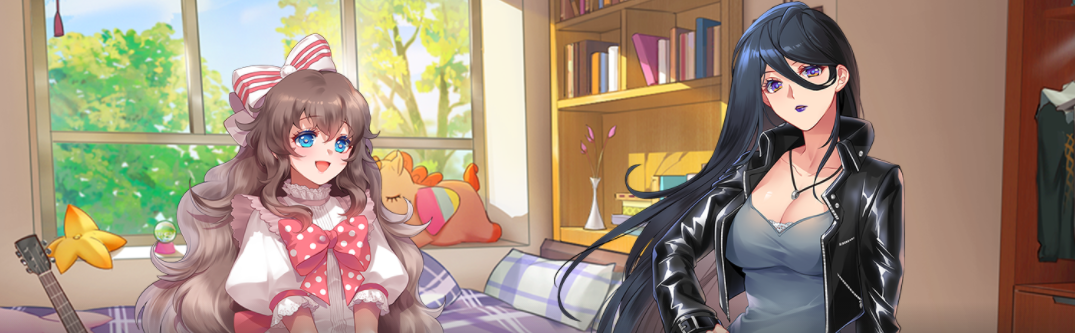
AVG - "Eyes of star"
● Command "Show Video" to add blend mode
● Command "Move Video" adds support for modifying multiple parameters: mute mode, volume, playback time, playback mode, blend mode, playback rate
● Add right-click function to preview objects related to image layer commands: move and wait, such as generating "move image"+"wait"
● Add setting commands for the data grid layer and obtain support for numerical modes (game number)
● Fixed the issue where the interface was displayed after the option was opened in single focus mode, but the focus did not return to the option when the interface was closed
● Fixed an error in the scene object's batter settings where some attributes in dungeon mode were invalid
● Fixed an error where the usage conditions of the skill editor were also displayed in the case of passive skills
● Fix the error of increasing threat points by repeating states
● Optimization: If there is no movement action, it will not change
● Optimization: Archive screenshots no longer cut to the interface layer
ACT - "Jump of sky"/"Shoot of sky"
● Command "Show Video" to add blend mode
● Command "Move Video" adds support for modifying multiple parameters: mute mode, volume, playback time, playback mode, blend mode, playback rate
● Add right-click function to preview objects related to image layer commands: move and wait, such as generating "move image"+"wait"
● Fixed the issue where the interface was displayed after the option was opened in single focus mode, but the focus did not return to the option when the interface was closed
● Add setting commands for the data grid layer and obtain support for numerical modes (game number)