DesktopDaily — Recent Update Roundup
Over the past few days, we’ve released a series of improvements focused on custom characters, multi-character conversations, persona management, animation quality, and performance.
Custom VRM Characters
You can now import and use your own VRM models from Settings > Character.
Supports VRM 0.x and VRM 1.x models
Manage multiple imported models and select them through preview cards
Choose each model’s motion profile and character voice
Automatically check model compatibility during import
Review potential issues involving bones, expressions, meshes, and polygon count
Use custom characters in conversations and everyday desktop interactions
Imported models remain on your device and are never uploaded
Please only import models you own or have permission to use, and follow the applicable terms for the model, character, and voice materials.
Multi-Character Conversations
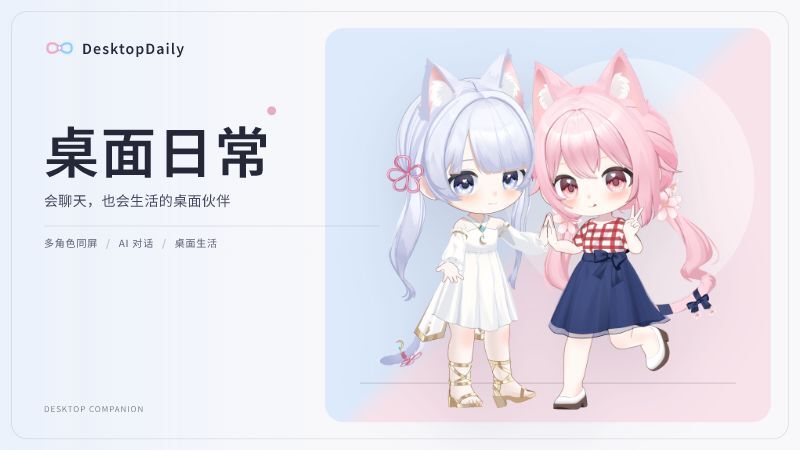
You can now have up to two characters on your desktop at the same time.
When a conversation begins, both characters can participate according to their own identities and personalities. Dialogue bubbles, voices, and animations are presented separately for each speaker, creating a more natural group conversation.
Built-in and custom characters can also be used together.
Character Persona Management
A dedicated Persona Management feature has been added to Settings.
Assign a different persona to each character
Import and export .persona.md files
Create editable copies of official personas
Preview, duplicate, delete, and reassign personas
Saved changes take effect from the next conversation
Persona files can define a character’s identity, personality, background, and speaking style—allowing the same model to take on an entirely different character.
Smoother Animation Transitions
We’ve improved transitions between conversation animations and idle poses.
Fixed sudden arm snapping during animation changes
Fixed abrupt changes in leg poses
Reduced pose differences between animation packages
Improved transitions back to the idle state after an animation ends
Improved Falling, Sleeping, and Transitions
We’ve removed the abrupt logo loading screen from several interactions.
Characters now recover naturally after falling, without showing a loading screen
Entering and leaving the sleep state no longer displays the logo loading screen
Added complete transitions for turning around, lying down, opening the eyes, standing up, and turning back toward the user
Improved character positioning, clothing support, and camera framing during sleep
The face close-up is no longer shown by default while sleeping; it now appears only when the cursor moves over the character
These changes make sleep interactions feel cleaner and more natural.
Better Performance When Minimized
When the game window is minimized, the background loop is now limited to 5 FPS, while actual rendering work is reduced even further.
CPU and GPU usage while minimized has been significantly reduced, without affecting normal behavior when the window is restored. DesktopDaily can now remain running in the background for long periods with almost no performance impact.
We’ll continue improving character animations, interactions, and customization features. Give the update a try, and let us know what you’d like to see next!