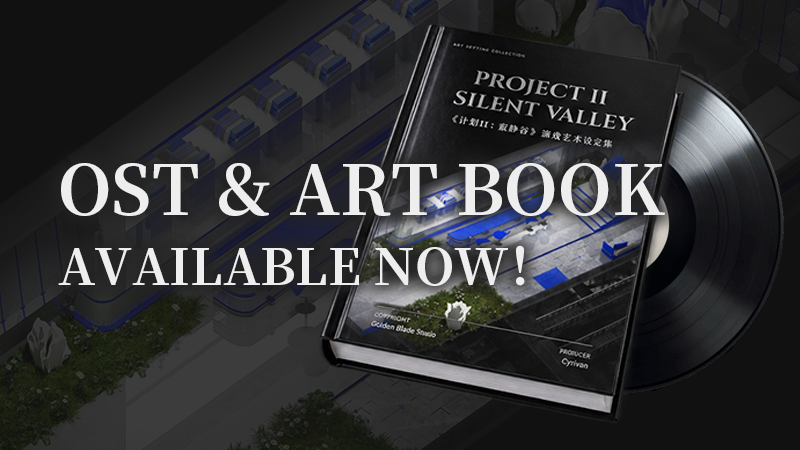
The Original Soundtrack (OST) and Digital Artbook DLC for Project II: Silent Valley are now officially available on Steam. Players who previously received a compensation key for the Digital Artbook DLC can now activate the key on Steam and download the content.
How to find the Digital Artbook:
Once downloaded, right-click Project II: Silent Valley in your Steam Library → Manage → Browse local files. You’ll find the Digital Artbook in the game’s installation folder.
Thank you for your continued support. We hope you enjoy the soundtrack and artbook!
More from 计划II:寂静谷 Soundtrack
Other announcements
Minor UpdateThis update includes the following fixes and improvements: · Fully resolved the stuttering and gameplay issues that could occur in Vesper's room after completing the investigation at the Obelisk. · Further optimized video playback to eliminate the flickering that could occasionally occur during video playback. Thank you for your support!Project II: Silent Valley Launch Compensation Artbook DLC Keys Fully DistributedAll Steam activation keys for the Artbook DLC provided as part of the Project II: Silent Valley launch compensation have now been sent by email to all eligible players. If your email has not received a reply, it means that your submission was sent after the 3-day compensation period had ended. The Artbook DLC has not been officially released yet, so activating the Steam key will not immediately…Game Update | Interaction, Video Playback & Bug FixesThis update focuses on improvements to character interactions, video playback, and several issues that could cause the game to freeze. · Improved the E-key interaction prompt · The E-key interaction prompt will now remain visible while the ESC menu is open. · Improved Osprey's small-talk interaction area · Osprey's interaction area for small talk has been adjusted and expanded. · You can now si…