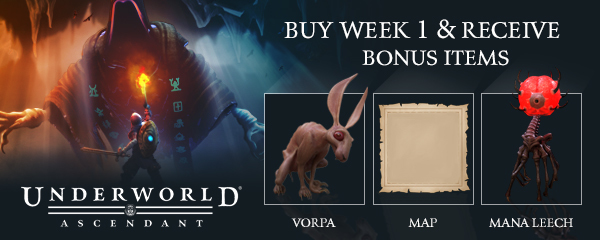
Players who have purchased the game before November 21 @ 9:59am PST can claim your bonus items at any time.
- Quest companion creatures – Find the “Player Stash” in the Midnight Forum (near Aelita) in Marcaul. The Player Stash has a map icon to help you find it. When you open your stash you will see the items in the auxiliary UI. Drag them to your regular inventory and equip them from there (there’s 1 special slot for equipping a companion, just like armor, etc.)
- Downloadable Map – You can find your digital map in the DLC Extras folder in your UA folder: C:\Program Files (x86)\Steam\steamapps\common\Underworld Ascendant\DLC ExtrasYou will also be able to access the folder from via the Steam library by right clicking the game, selecting Properties, Local Files tab, then select the Browse Local Files button.
Thanks for being the first to play Underworld Ascendant!
More from Underworld Ascendant - Digital Wallpapers
Other announcements
Hotfix Notes 4.3Hotfix Notes 4.3 - Fixed the brightness slider. On new and old saves, you may need to go to the Options menu and readjust your brightness slider. - Fixed the color vibrancy issue related to the brightness slider. Known Issue: - For the Upper Erebus side quest "Expel the Undead," the Animus may spawn outside of the area indicated on the map.Hotfix Notes 4.2Hotfix Notes 4.2 * Underworld Ascendant is finally available on Mac and Linux! * Fixed rare braindead AI issue and improved enemy awareness. * The map can be freely accessed using the assigned hotkey. * Includes if the player changed the Map hotkey to a non-default setting. * Fixed a hitch when selecting water arrows for the first time in a session. * VSync is now default to ON for new installs…Update 4 - Hotfix NotesUpdate 4 Hotfix Build Notes Hi all, We've just released a 1.5GB hotfix for Update 4 on PC! Here's what changed: · Reduced the force used to move carried objects against obstructions in some cases that were causing the player to be pushed in the opposite direction (for example, you might have been lifted off the ground while stacking crates). · Some wooden platforms that were floating are once a…