Hello Players!🍕In Italian Pizza Simulator🍕, we want players to have full control over how their pizzeria looks and that includes the pizza boxes your customers receive. That’s why we created a modern packaging editor that lets you design your own box layouts using stickers, patterns and decorative elements.
Here are some of the key features of the editor:
🖱️ Simple and intuitive interface
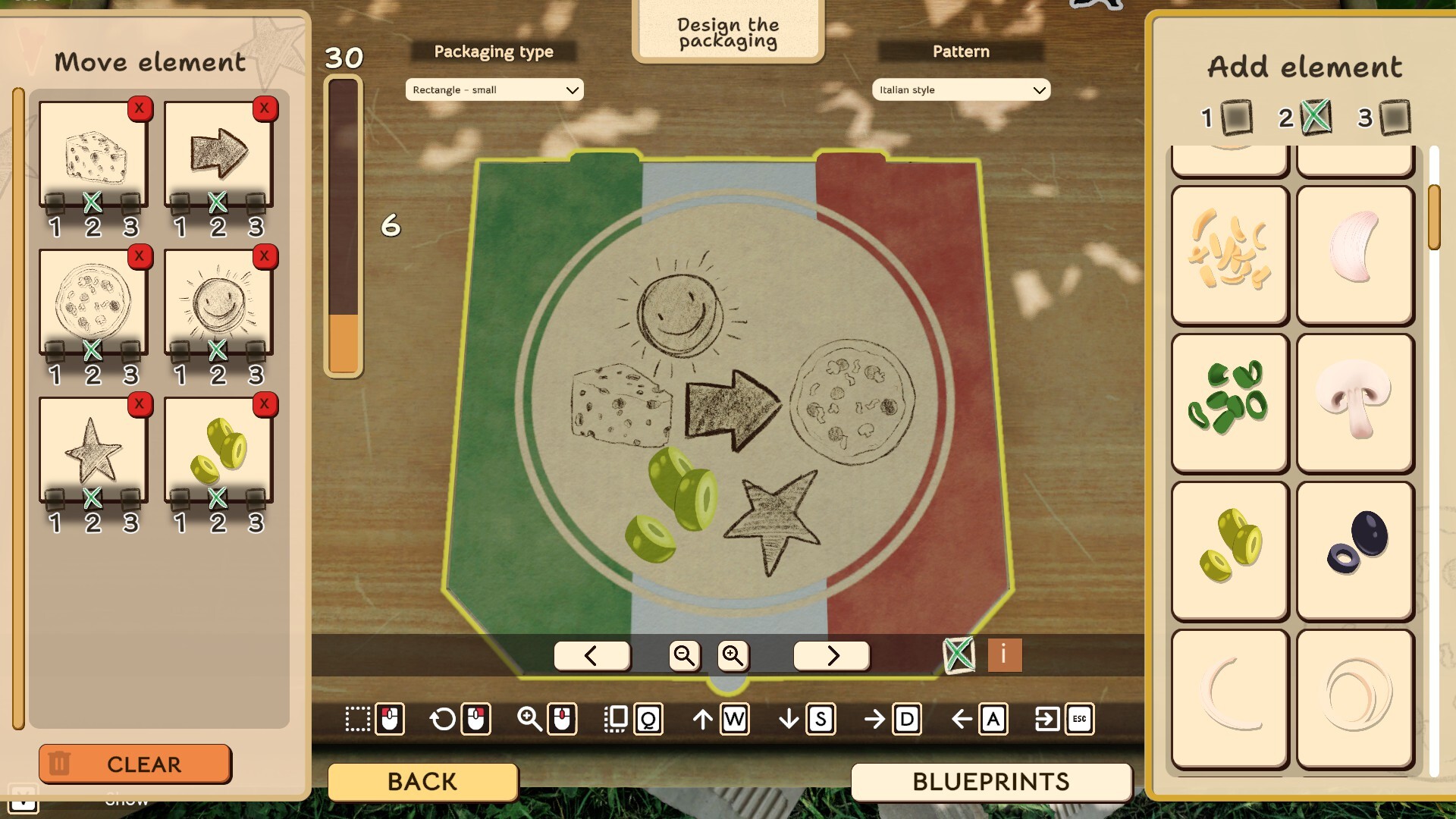
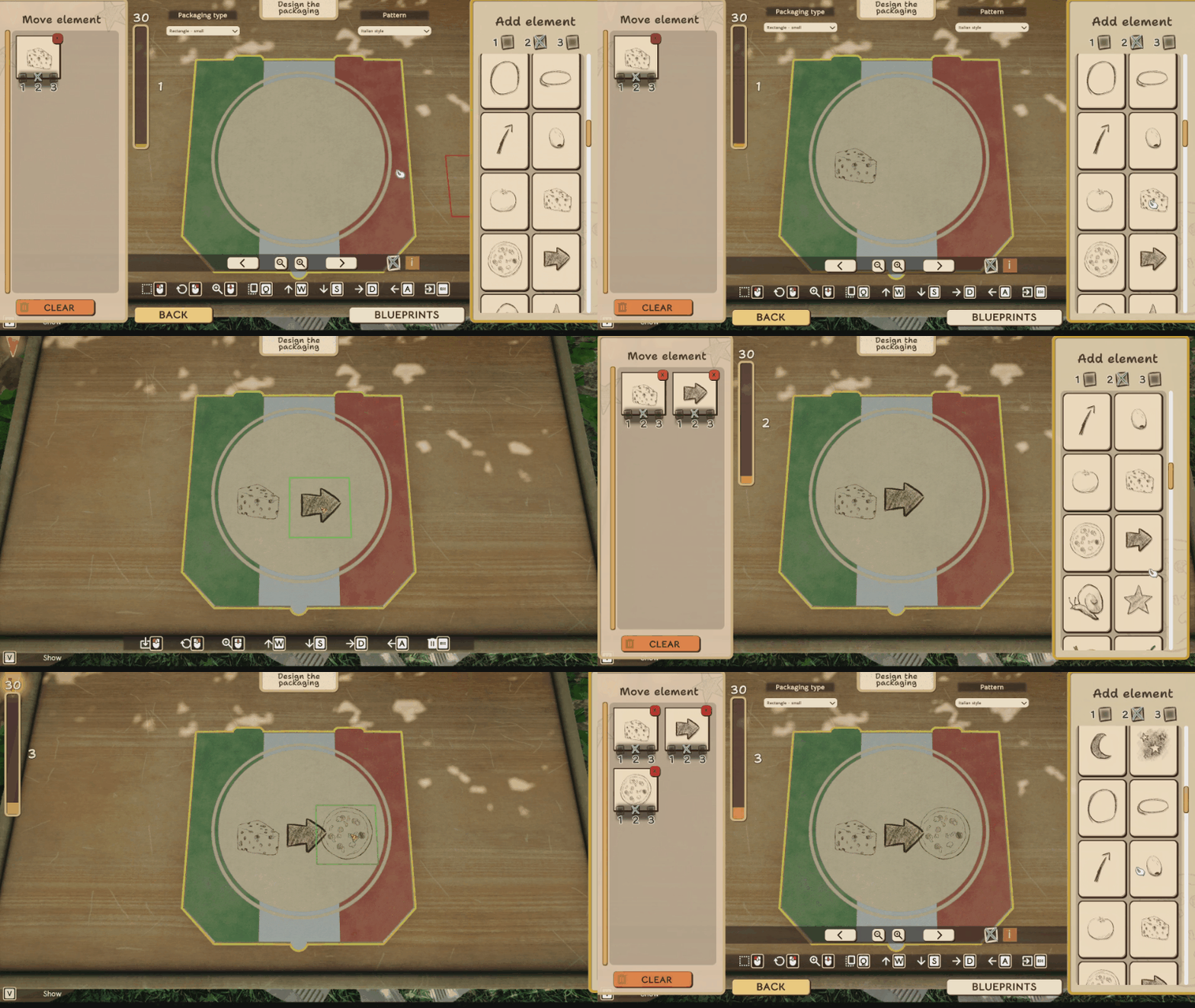
Designing a box is quick and straightforward. You can simply drag a sticker or pattern from the side panel and drop it directly onto the box preview. This makes experimenting with different layouts easy and keeps the whole process smooth and creative.
🎯 Precise editing tools
Every element you add can be selected directly on the box with your mouse or by choosing it from the element list on the left panel. Once selected, you can move, rotate or remove it freely, allowing you to adjust your design exactly the way you want.
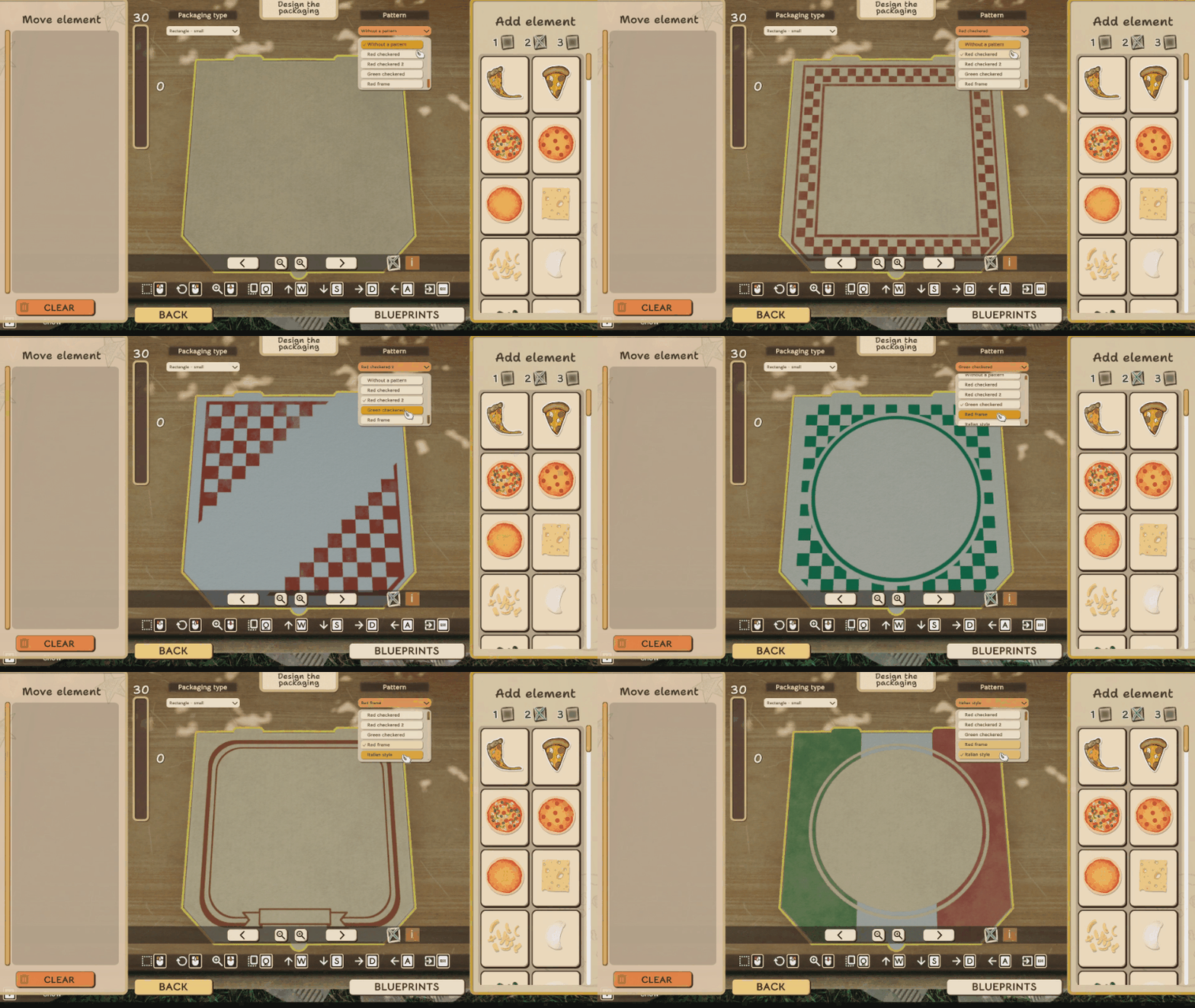
🧩 Three-layer system
The editor includes a three-layer system, which allows stickers and patterns to be placed on separate levels. Thanks to this, elements can be layered cleanly without overlapping issues, giving you more freedom to create visually appealing compositions.
📏 Managing space and design cost
Each sticker has its own cost, and every pizza box has a limit on how many elements it can contain. This encourages players to think creatively and use the available space wisely when planning their designs.
📦 Save and reuse your designs
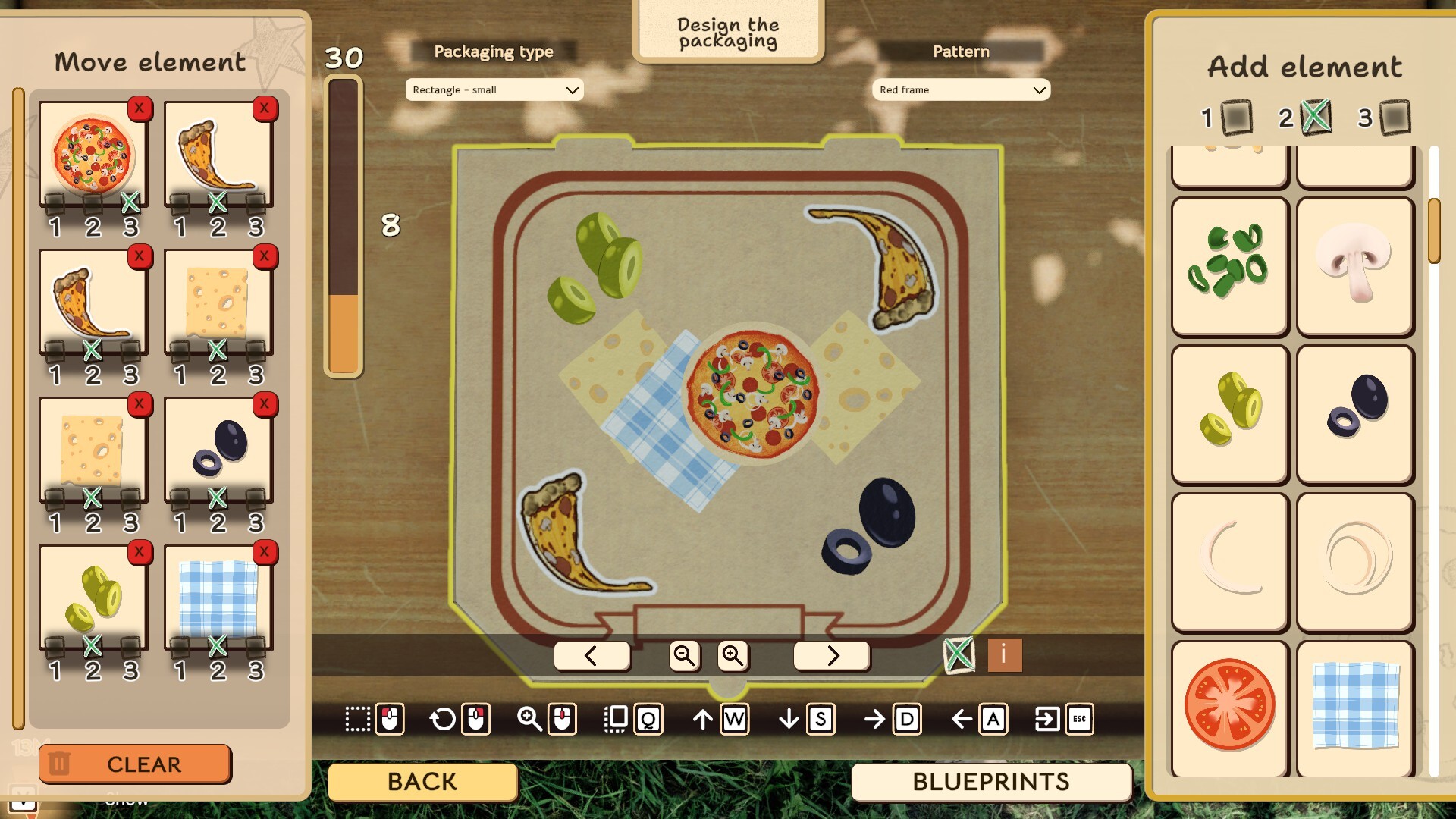
If you create a box design you like, you can save it as a template. This allows you to quickly reuse your favorite layouts for future orders and helps you build a consistent visual identity for your pizzeria.
We’re excited to see the kinds of creative pizza box designs you’ll come up with!
Will your pizzeria go for a clean, classic look… or something a bit more playful? 🎨🍕
Let us know what you think and show us your designs!

See you soon,
Italian Pizza Simulator Team