https://www.youtube.com/watch?v=cQqOrauxGG8
IMAGE RESIZE is a new feature that will enhance the way you organise your workspace.
Trim off excess space easily by cropping your current image or increase your canvas to accommodate more assets.
Using the 'Anchor', you can specify from where your image is resized or cropped. The Image Size Adjuster window also lets you add new layers to your current image as well as resize your canvas, at the same time.
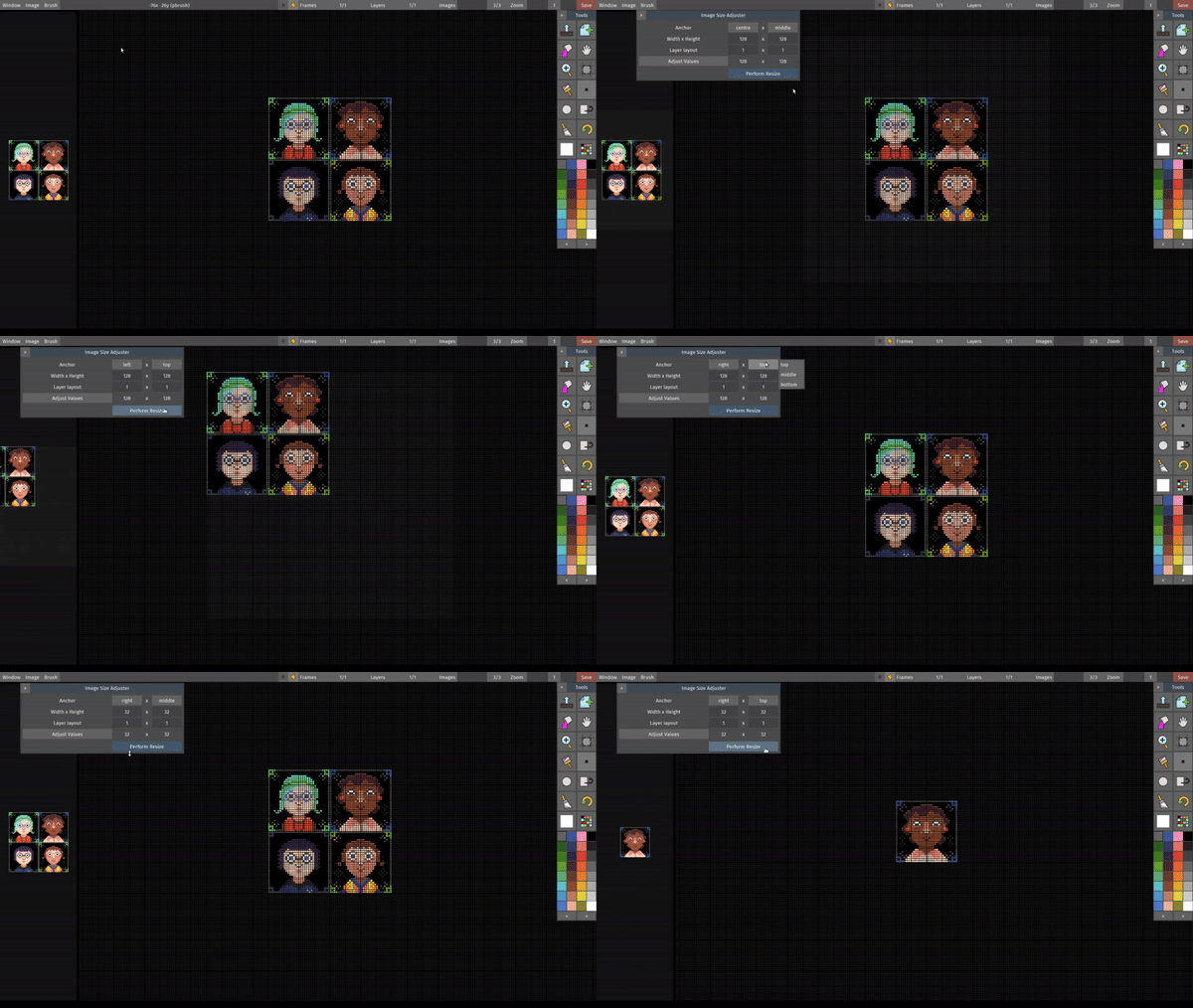
Resizing an image in various ways
Have a go at this new feature and tell us what you think! We want to improve the window interface for this feature so your feedback will help tremendously.
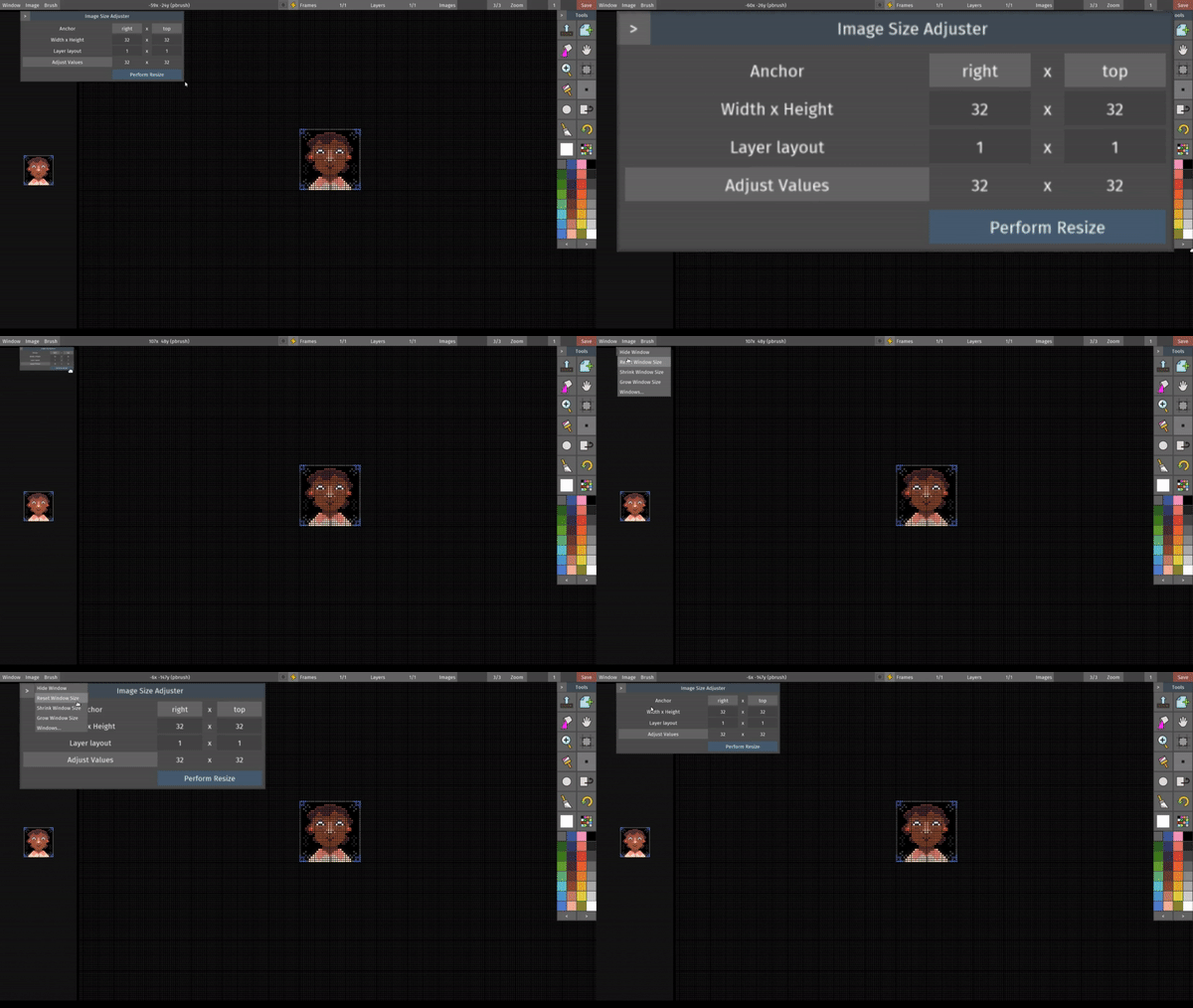
Scale your windows up to see better
With the new user interface design and structure, we now have our own windows system.
This gives us complete control over the application and allows us to do magical things like saving your preferences (which includes the layout of where the toolbox and preview area lives), creating our own buttons and menus and having the windows scale to accommodate legibility.
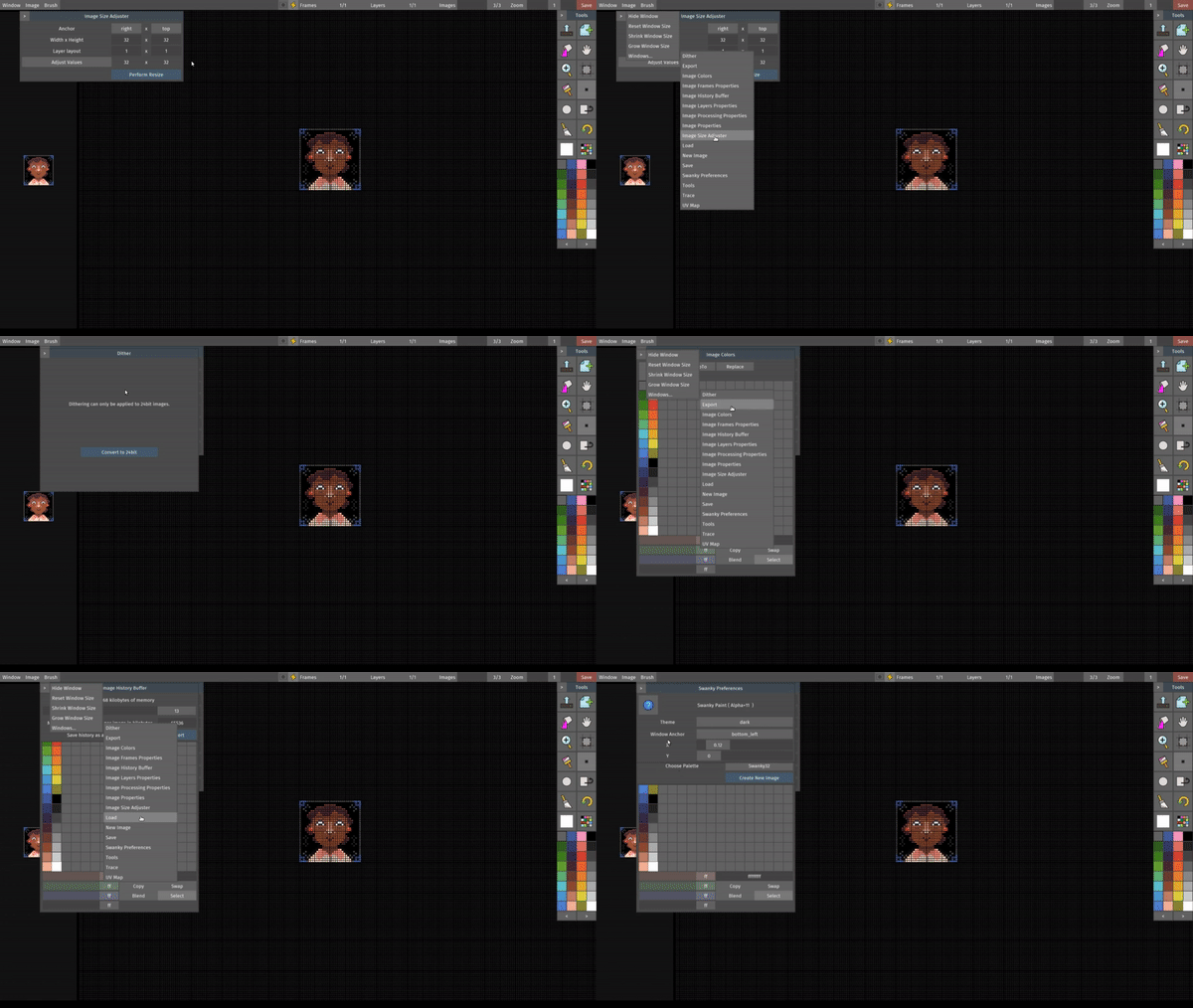
Windows inception - we put windows in your windows
You now have access to all other windows from a currently opened window. This should make it easier for you to get to where you want without having to navigate to the menu bar. It's the little things, innit?
It's almost time! We're posting videos of the new features you'll be seeing in the next version of Swanky Paint leading up to the official release party on the 4th of August, 2018 so see you next time!