This time I reworked another feature of the game, that was not touched for a long time and needed an update to the new gameplay.
Center of Mass Logic
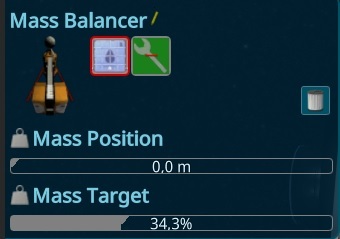
I updated the Center of Mass, to make it easier to see what's going on. The old “possible area” was not very intuitive, so I added a manual logic and an acceptable offset to the perfect mass balancing. The Player can now change the Target Mass and the extension of the Mass Balancers Water Balloon.
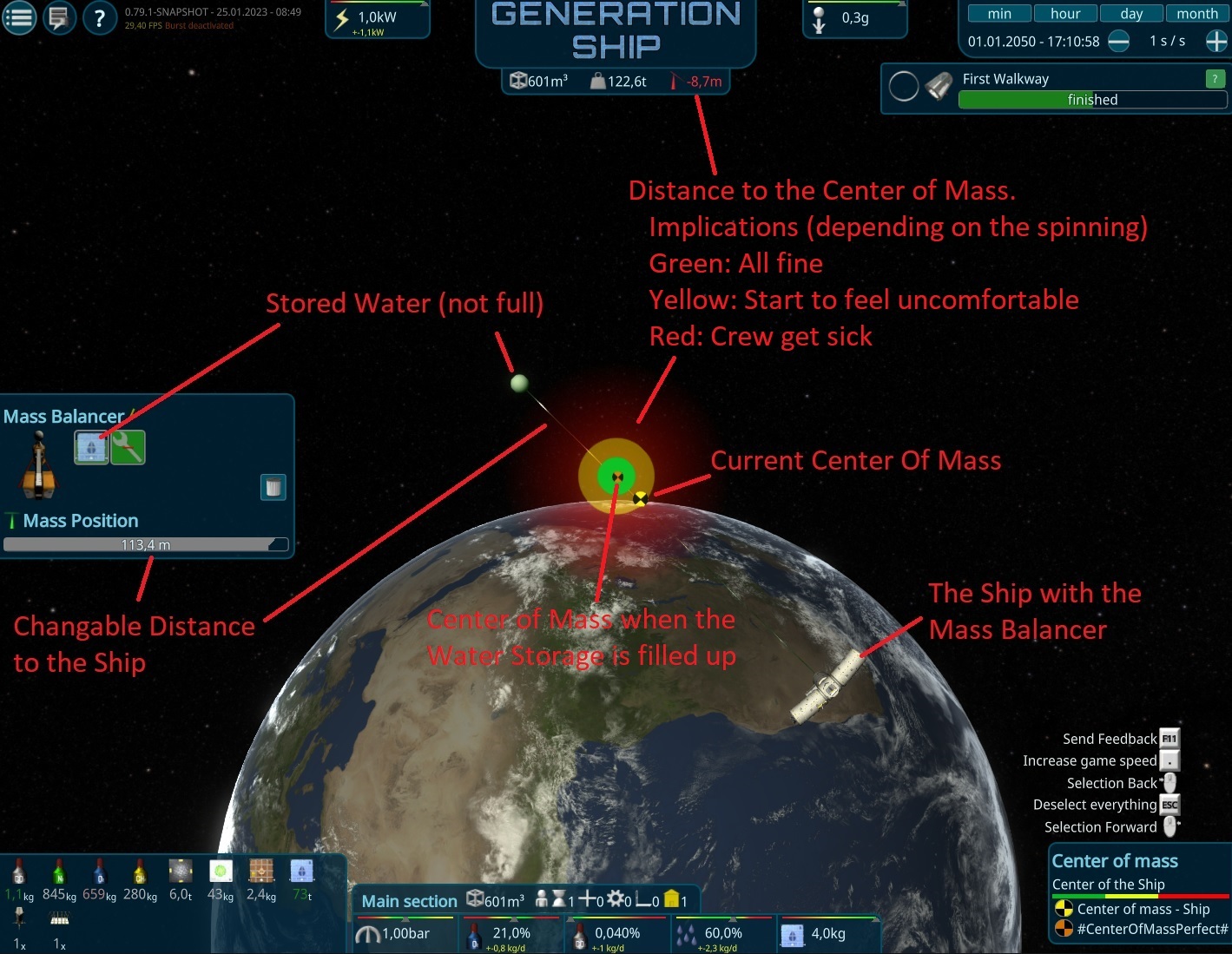
Center of Mass Overlay
To visualize this, I reworked the Overlay for it. It will also become visible, when the Mass Distance is changed by the player with Drag&Drop. Then it also shows the Center of Mass of the Ship when the Mass Balancer reached its target fill level. In case of the normal overlay, it shows the ships Center of Mass when all of the balancers reached its target fill level.
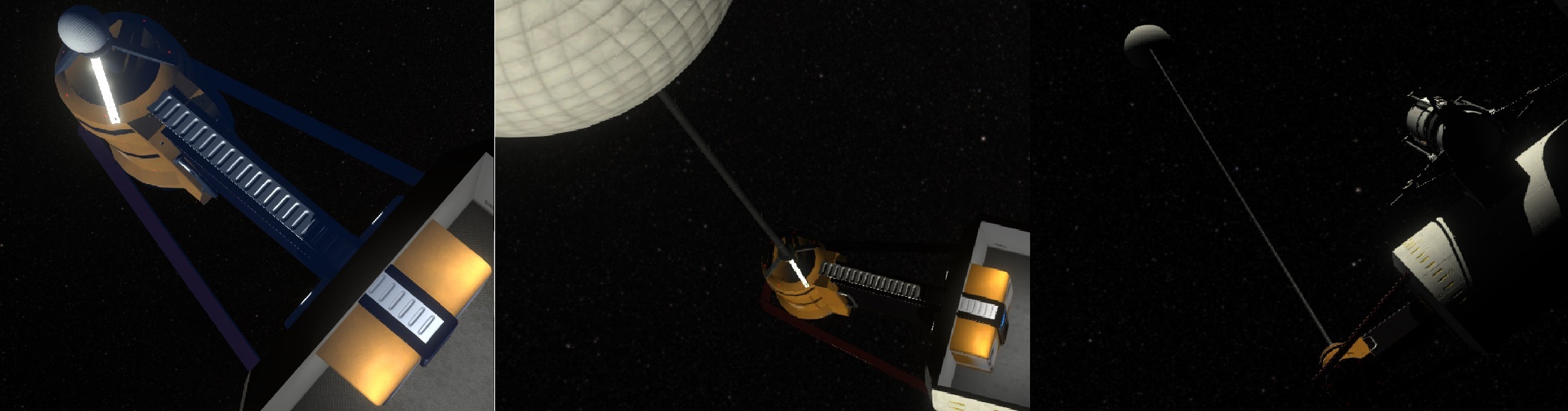
New Mass Balancer
This iteration I migrated the Mass Balancer to the new Interior Item System. It’s similar to the Dock reaching to the outside of the ship, to not disturb the player. The construction is made out of a big balloon that can be filled with 100T of Water. The Balloon can be extended via pipes that can be moved out. Similar to drilling oil, the pipes get mounted or unmounted when moving further. The tube storage and a connection is in the inside of the ship, so the crew can easily maintain it.
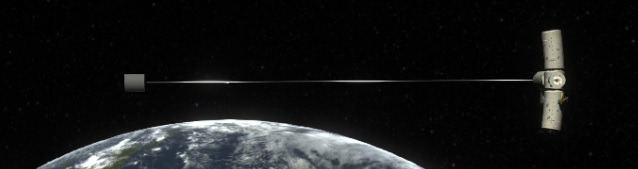
Early Artificial Gravity
The artificial gravity was a late game feature till now, due to the mass balancers moving their mass to the outside of the ship. But in reality it's also possible to use that technique for a small ship towards the other direction. This makes it now also possible to start the artificial gravity for the small new starting ship. I added an Achievement and Explanation later in the game as to not overload new players too much.
Improved Help System
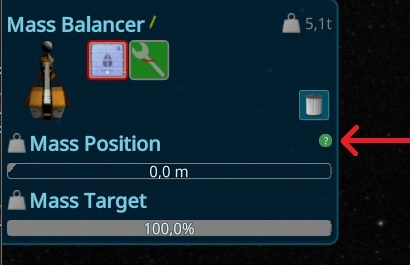
To show that system to new players, the help has been changed. The Help menu now contains the old help for the activities, as to have one central place. Instead there are now context relevant help buttons, shown in green if they have not been seen by the player.
Door Interior Item
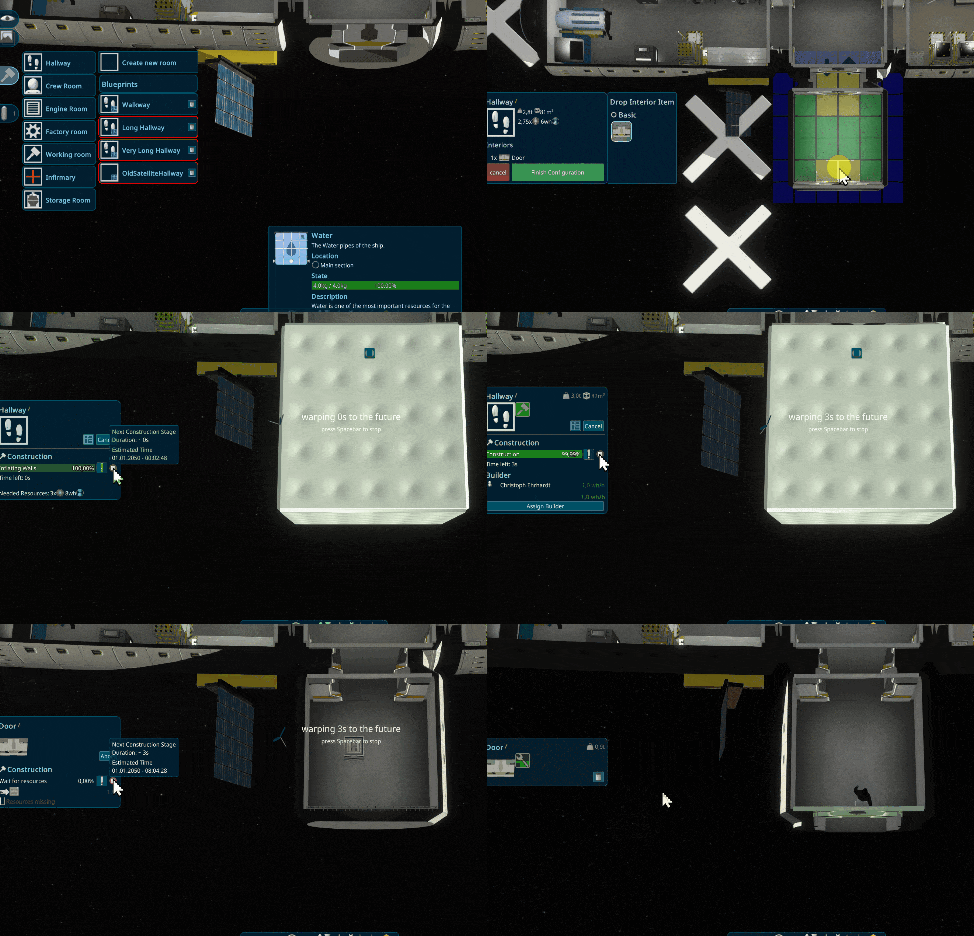
All testers asked about adding doors in finished buildings, so I had to support that and created a door interior item. It also has the effect that it’s easier to open and close the doors. All new rooms must get a door interior before they can be built.
Time Warp shortcut
To improve the playing speed and make it more convenient, you can now start the time warps by just pressing the Tab Button. It will timewarp if there is a useful timewarp, e.g. it will timewarp to the end of the sleeping when the person is selected; or when a construction site is selected, to the end of the construction.

Better Interior Item Resources Interface
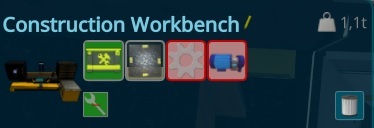
Each interior item has Containers and they were all shown without a logical structure. The condition has been moved to its own place, and the others are now sorted by the input and output storages. When the interior has Recipes like the workbench, the items are split by a Progress element, to make it even better to see what’s going on.
Outside Ambient Occlusion
To make the outside of the Ship better visible in the shadow of the sun, an ambient occlusion for the outside of the ship has been added.

Dynamic Star Background
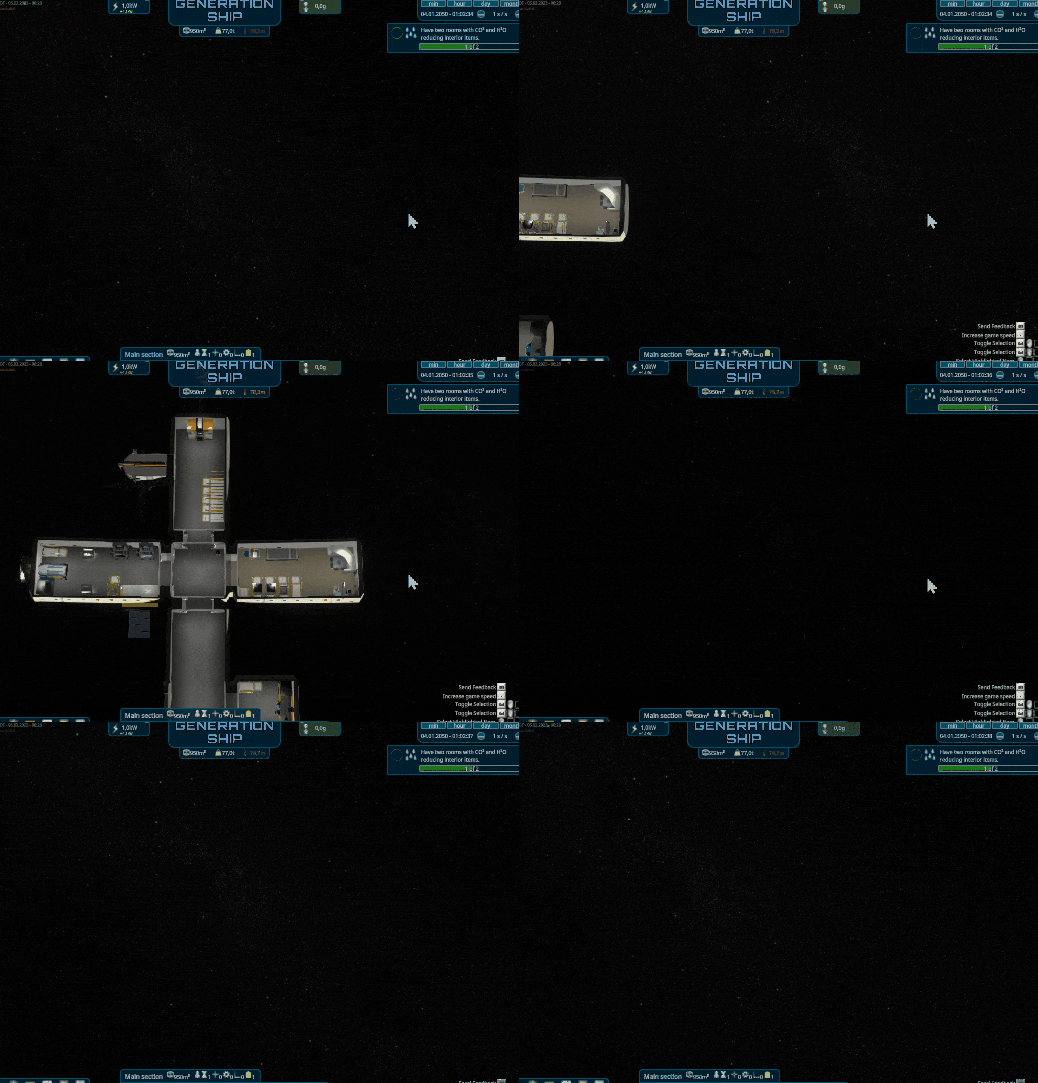
Players have reported feelings of dizziness when engaging in the time-warp feature while rooms are visible. To combat this, I have implemented a feature that allows players to adjust the background brightness. By default, the background brightness will be dynamically calculated to match human perception, providing a more comfortable experience while time-warping.
Speed visualization
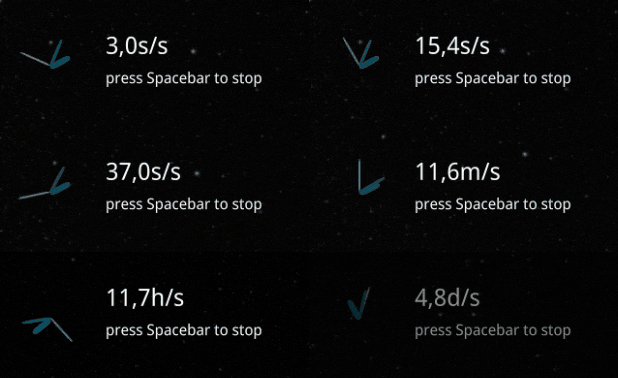
Analoge spinning clock to the timewarp overlay. This was a suggestion from the growing community, thanks to Revolus for the idea.
Other changes
- Fixed wrong Door button
- Fixed special cases for Transport Tasks not updated Task (Thanks to ichio)
- Fixed ship was not spinning anymore when it should be
- Fixed mouse capture was not working in special places on bars
- Fixed wrong offset at dragDrop a bar
- Fixed Engines start effect when the first engine is on.
- Fixed duplicate resource container visible in ch4 engine
- Fixed Not centered Problem Icon over N2Releaser
- Fixed HideTopOfWalls Mode changed after adding the first interior item
- Fixed Creating a room with preadded interior items takes too long time
- Fixed Box arrival with small boxes still not starting the interior construction in special case
- Fixed position of Room Problem icons in Scene
- Fixed Part of the StackStorage Model was in the floor
- Fixed Recipe not stops assigned persons activity
- Added better Spawnpoints for DockingPort
- Improved Intros Camera at the end not aligned good
- Move Dock to separate interior Item category
- Take Resources From Storage is sometimes shown 0.0x. Dynamic adding more numbers there.
- Adapted stats for old Hydroponic Box (thanks to EkuDza)
- Show the Construction Bar on top also for rooms.
- Hide not needed containers for interior items in construction/dismantle phase
- Added Warning for Paused Constructions
- Added Storage Setup to the Blueprints
- Hide Delete Recipe Button in output state, due to it has to be first emptied
- ConstructionStorage should always merge automatically on arrival
- Remove input and Progress container when recipe is done instead of later when its finished
- Wrap line when too many resource Filters are active in a storage
- Closed a hole in a room part mesh when ceiling is cut.
- Better SupplyShip Speed when flying away
Want to see more?
I also post the progress and more pictures to our Discord:
And don't forget to wishlist and follow us to keep up to date.
https://store.steampowered.com/app/1638030/Generation_Ship/