v[1.0.42] Canceling the Contracts
major updateRetail Company Simulator · published
1- Canceling the Contracts
You can cancel the contracts you've signed if you pay its penalty.
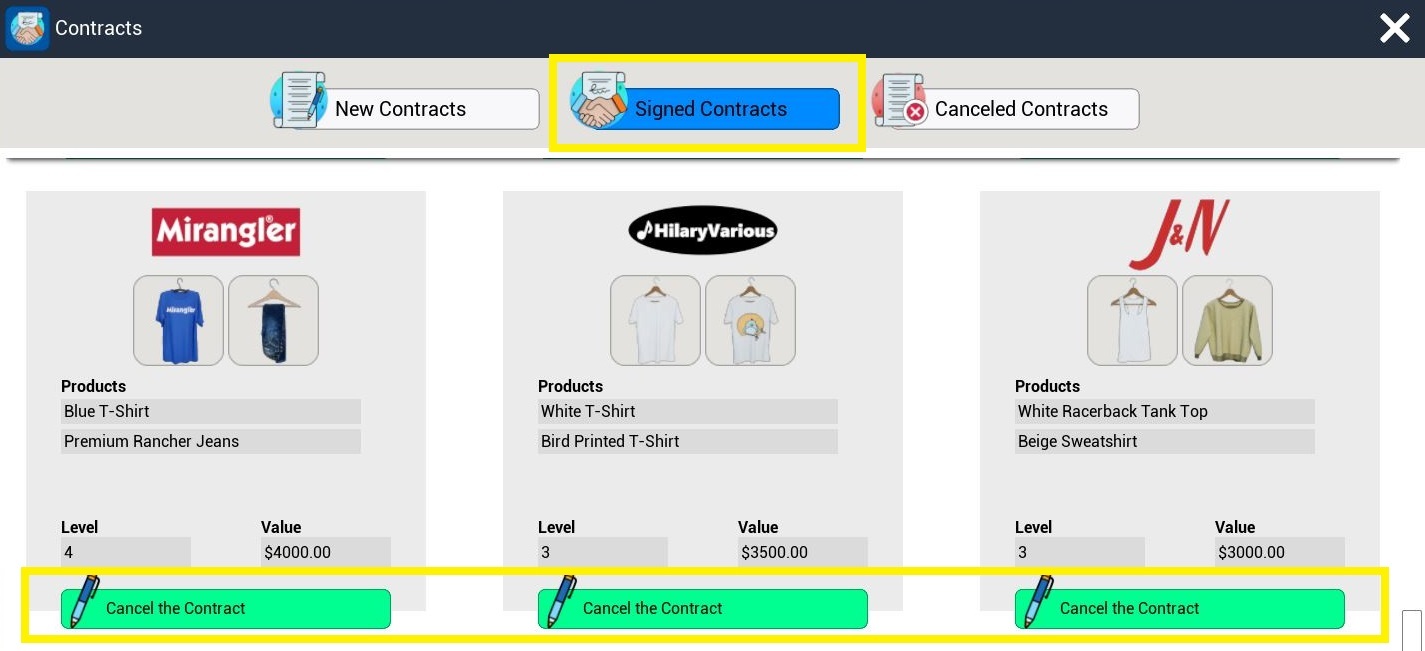
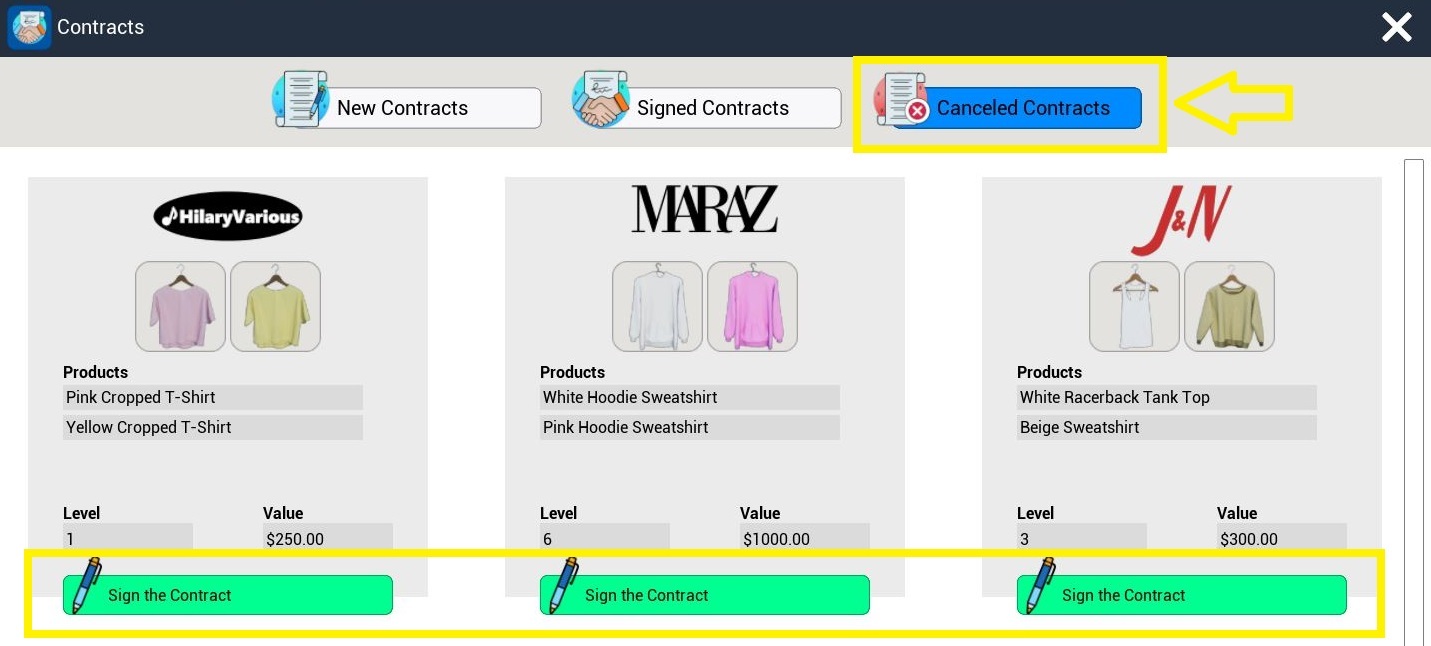
When you cancel a contract, it goes to the "Canceled Contracts" section. You can find them there if you want to sign a contract again.
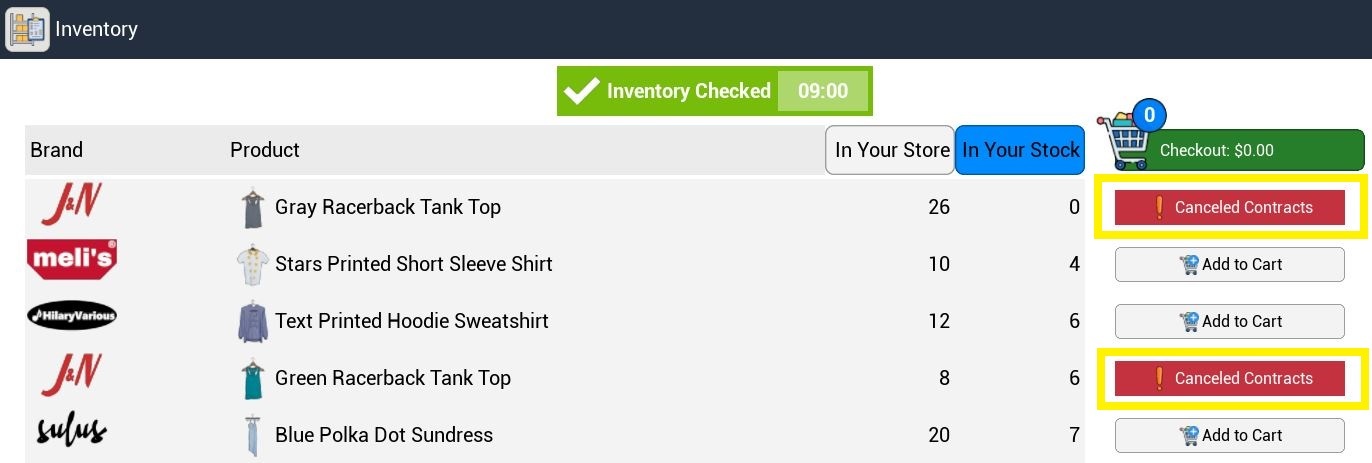
If you have the products of a canceled contract, you can see them in the inventory menu.
(They'll disappear from the inventory when there is no stock in your store and warehouse.)
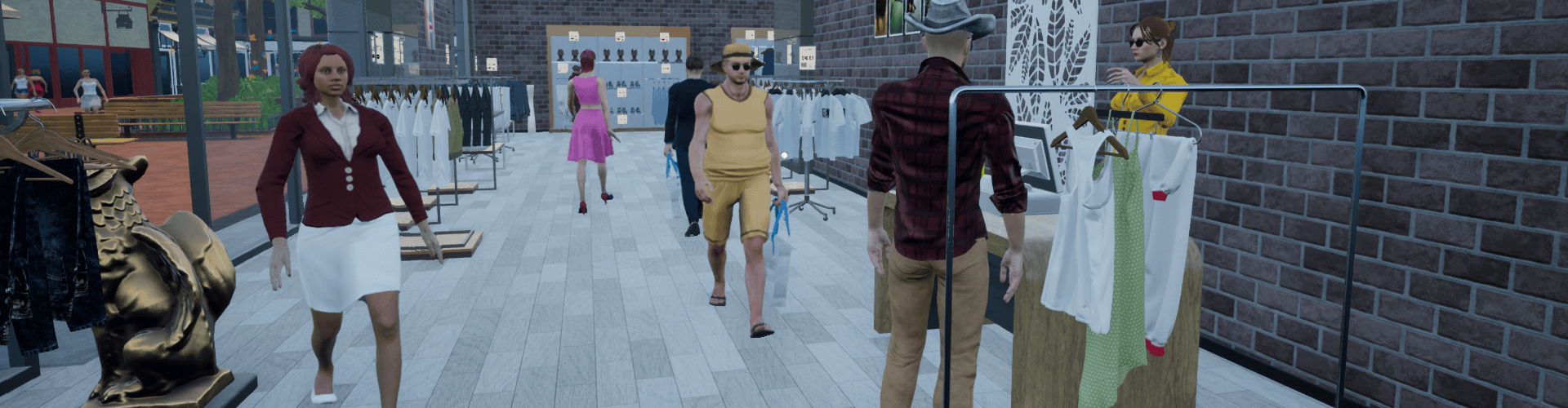
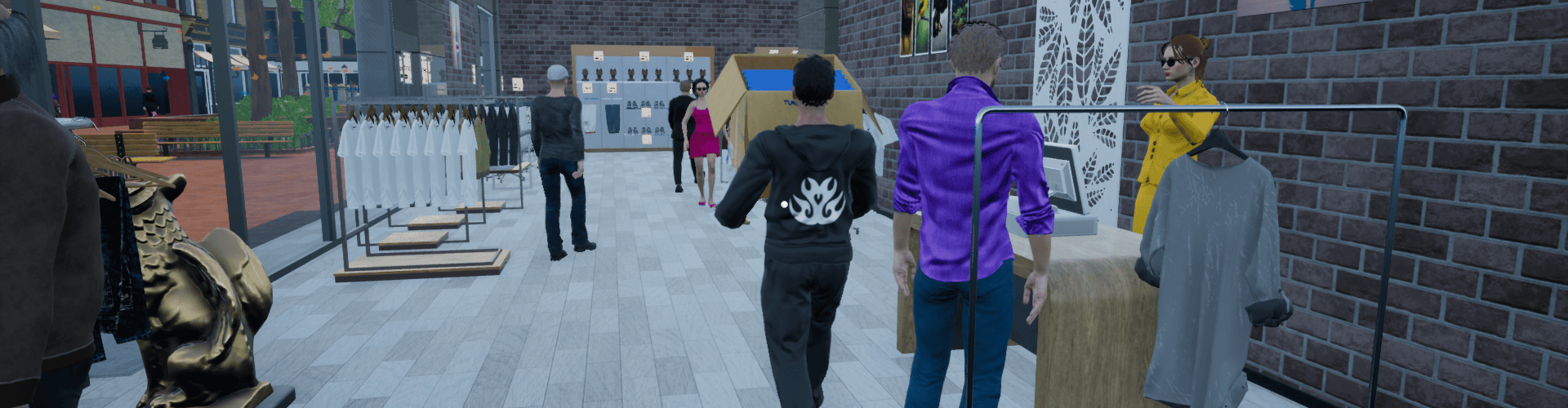
2- Customers and Stockers Not Going Through the Walls, Racks, and Cash Registers
It's fixed now.
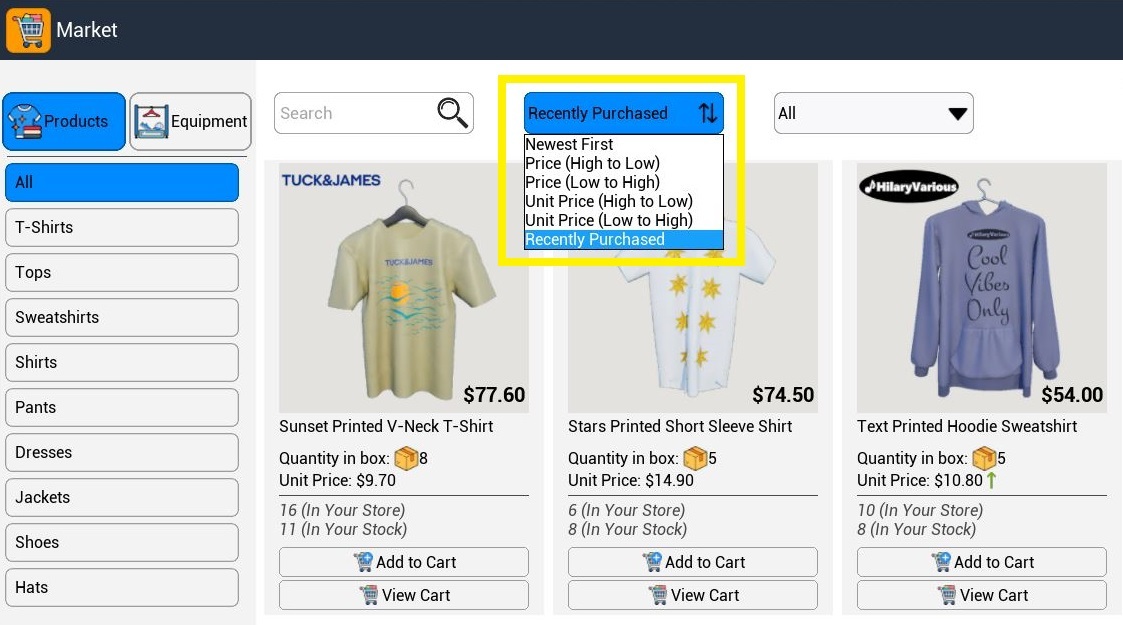
3- Market Sorting - Recently Purchased
There is a new sorting feature in the market: Recently Purchased.
Thank you so much for your feedback and support :)
Upcoming Features
- Tablet
- Removing Computer
- New Product Types
- New Racks
- New Achievements
- Wider Warehouse Doors
- Bank - More Credit Options and Early Pay
- Hungarian Language