Huge Update Available - What's New?
major updateDeconstruction Simulator · published
Hello Deconstructors! 👋
The day has finally arrived! The massive, FREE Huge Update for Deconstruction Simulator is available right now! 🚀
https://store.steampowered.com/app/2487150/Deconstruction_Simulator/
This update fundamentally changes the way you play, introducing entirely new mechanics: from precise roof dismantling and material recovery to actually building your own modular homes and expanding your business.
To help you get familiar with these massive changes, we have gathered the key features below in a quick visual guide. Remember that you can always find all of these tutorials directly in the game by opening your Decopedia!
Here is exactly what awaits you in this Huge Update:
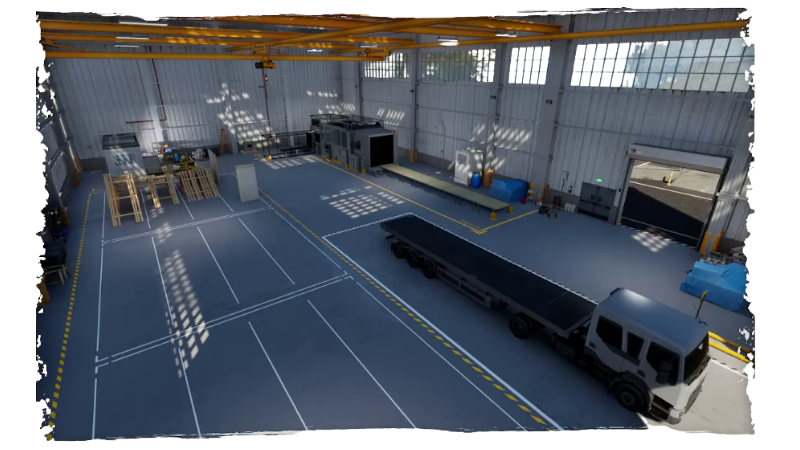
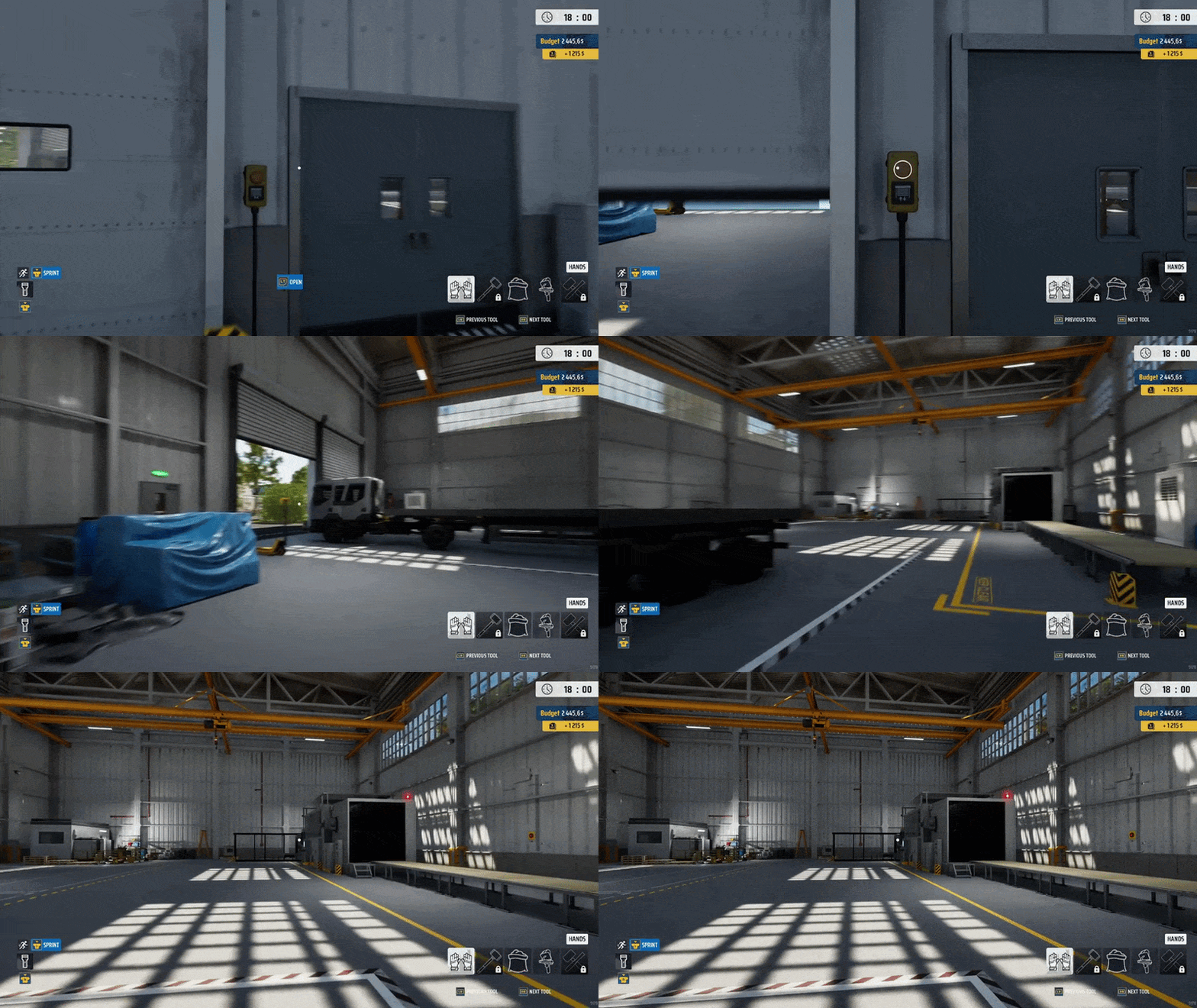
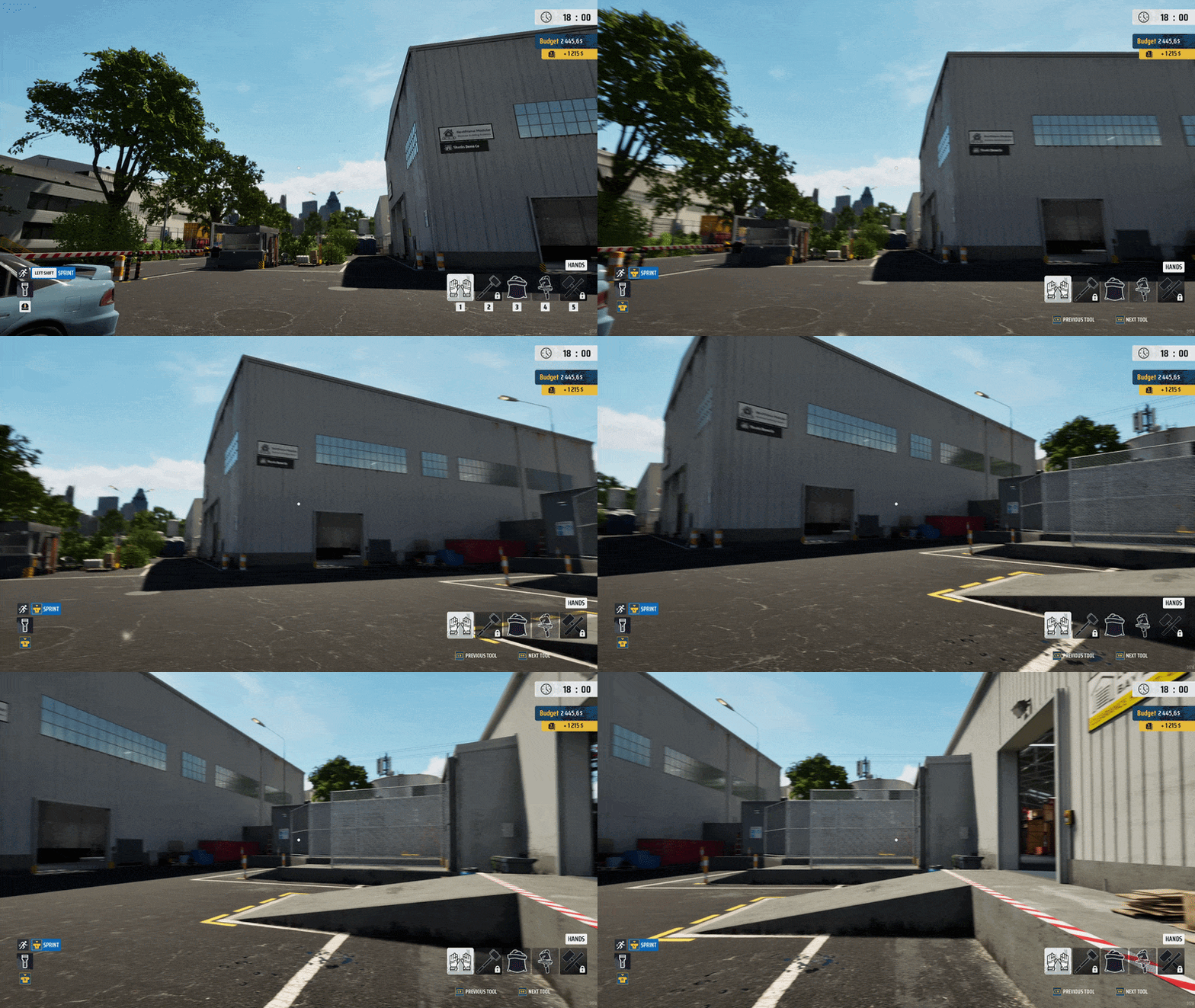
Modular Construction Warehouse
The Modular Construction Warehouse is the operational hub of your new specialization. It houses the Prefabricator, storage areas, and the equipment required to handle building modules. This is where you manufacture, store, and prepare wall and roof modules for transport to construction sites.
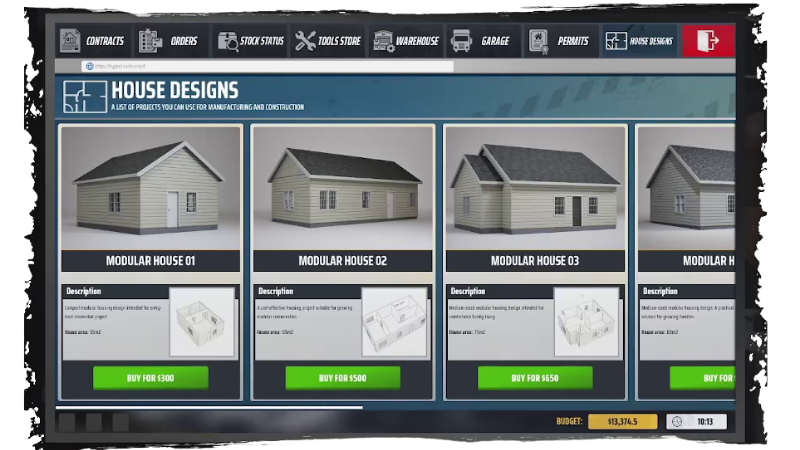
House Designs
House Designs unlock access to new modular house construction contracts. Each new design allows you to take on more challenging jobs and build larger, more prestigious properties. Purchase your first design and begin your journey into modular home construction!
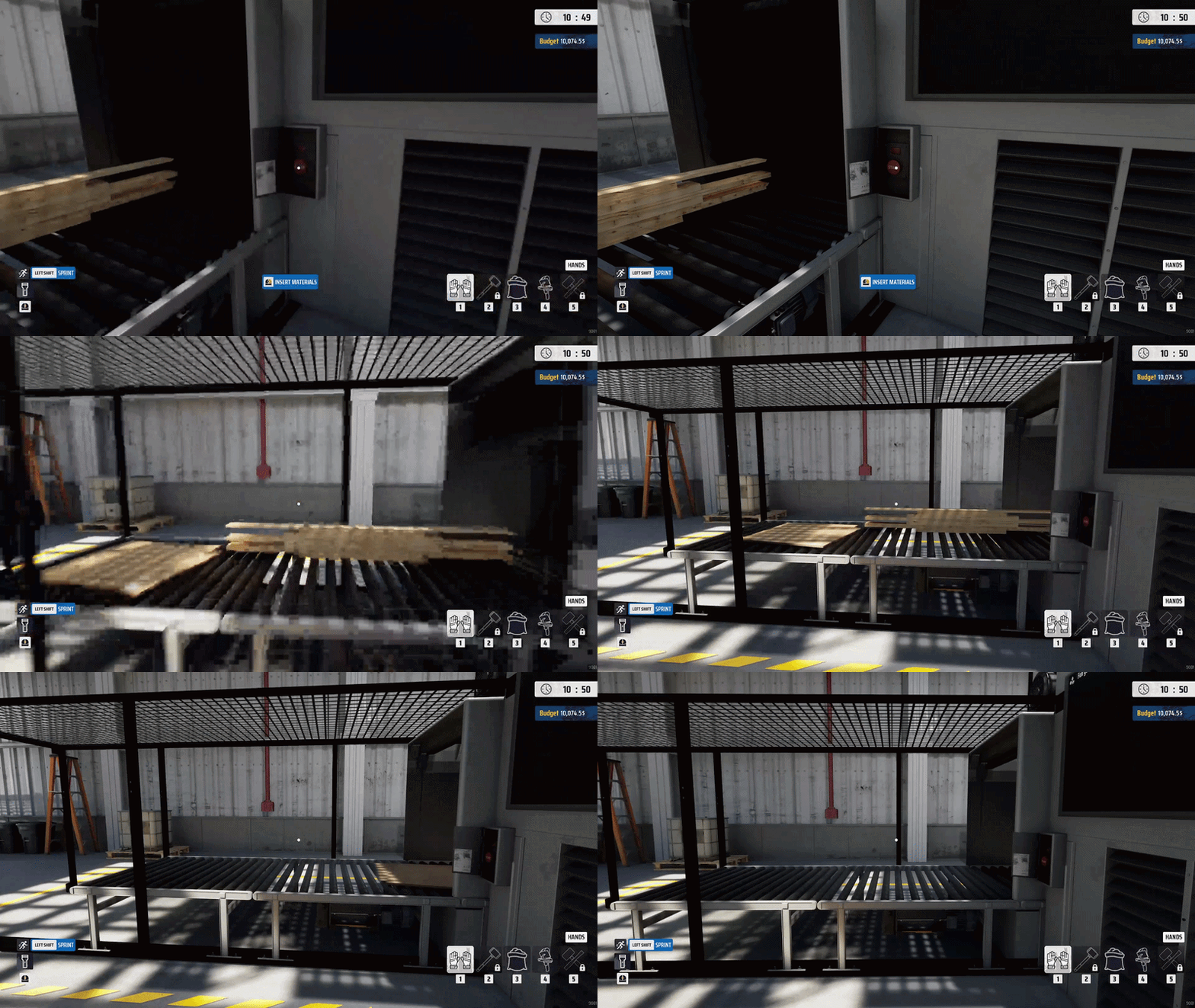
Prefabricator
The Prefabricator is used to produce modules required for modular house construction contracts. To get started, first purchase a house blueprint in the House Designs tab. Buying a blueprint unlocks new contracts that require construction of the selected house.
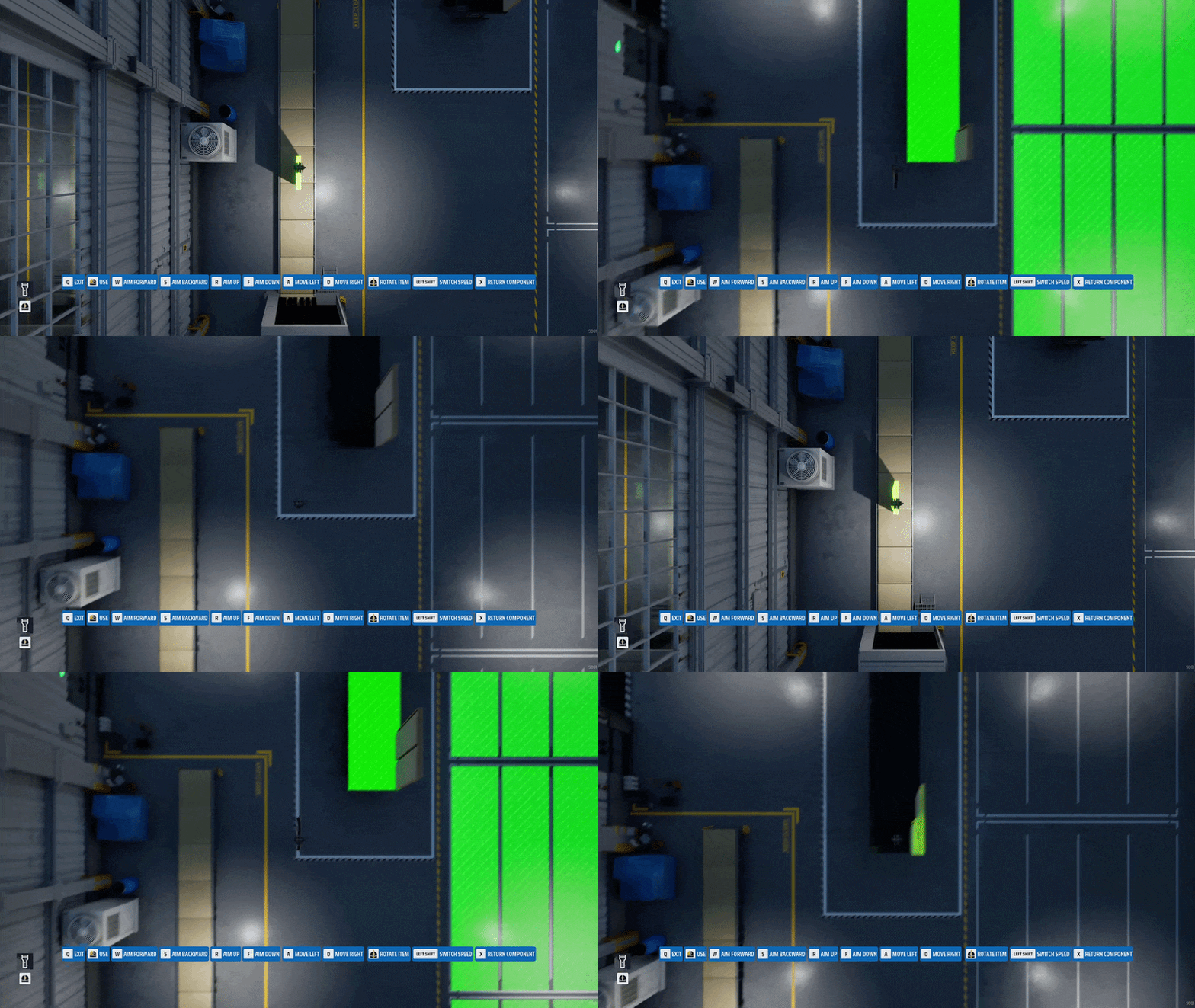
Overhead Crane
The Overhead Crane is used inside the warehouse to transport completed building modules. It allows you to pick up modules produced by the Prefabricator and place them onto a truck trailer or in a storage area. Due to their size and weight, modules cannot be moved by hand.
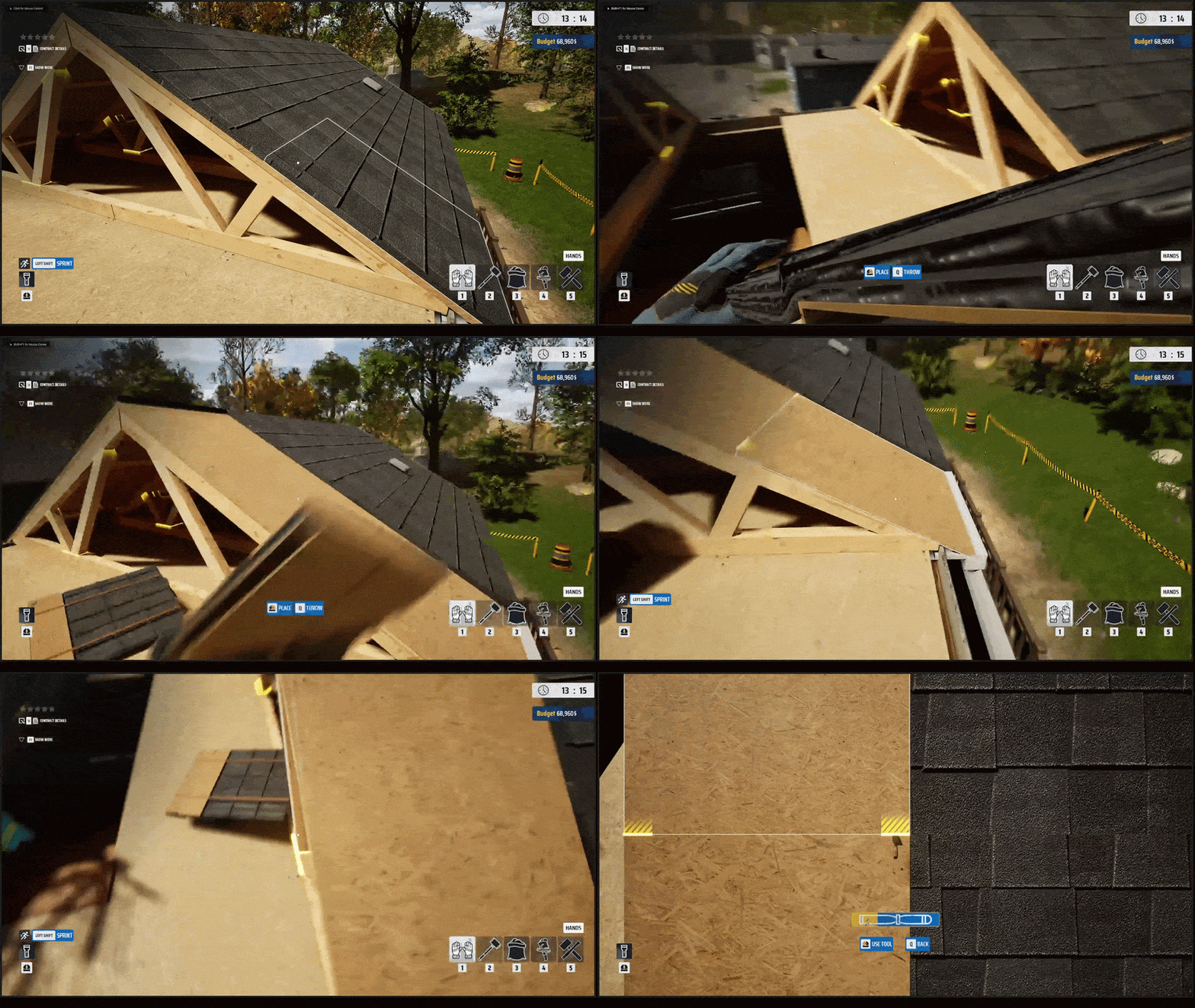
Roof Dismantling
Roofs don't have to be demolished right away! They can be dismantled piece by piece, allowing you to recover valuable materials. Remove roof tiles, OSB boards, and structural planks, then place them on the appropriate pallets. Careful work will help you recover more resources and increase your contract profit.
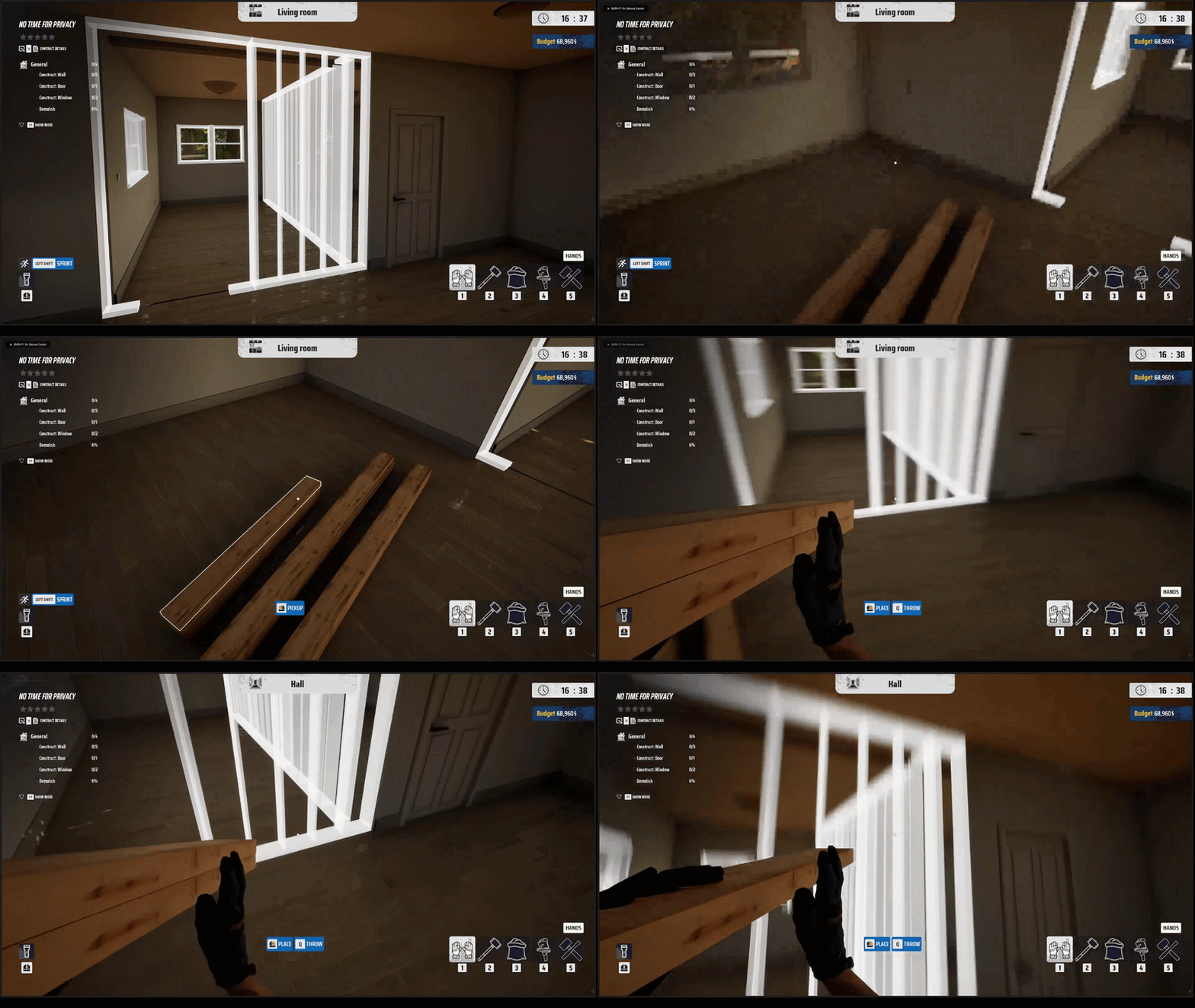
Construct Walls and Roofs
You can now build walls and roofs to complete missing sections on contracts. Use recovered materials to construct new structures and repair damaged ones. Each wall requires structural beams, planks, and OSB boards, so be sure to gather the necessary resources before you start building.
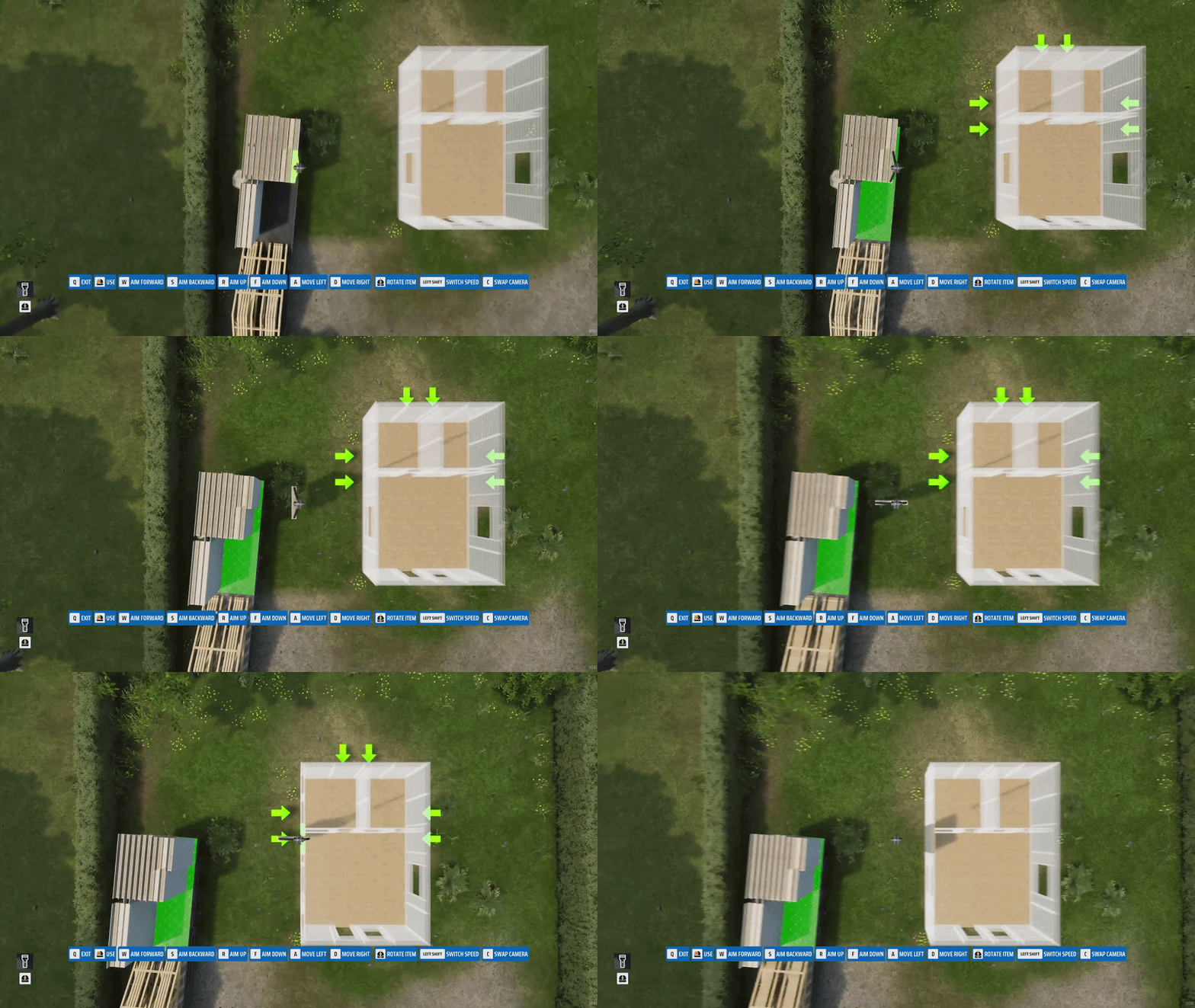
Modular House Construction
Modular homes are built from prefabricated modules produced in the Prefabricator. After transporting them to the construction site, use a crane to place each module into its designated ghost slot. Construction is completed level by level — wall modules are placed first, followed by roof modules. Every module must be placed in the correct slot to complete the construction.
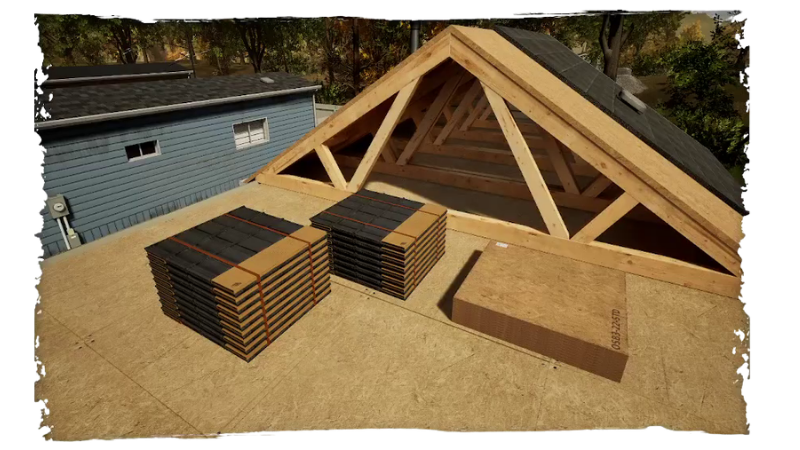
New Resources
New resources mean new opportunities! You can now recover additional materials while dismantling buildings. Take apart roofs to collect roof tiles and OSB boards. Recovered resources can be used for construction and module production.
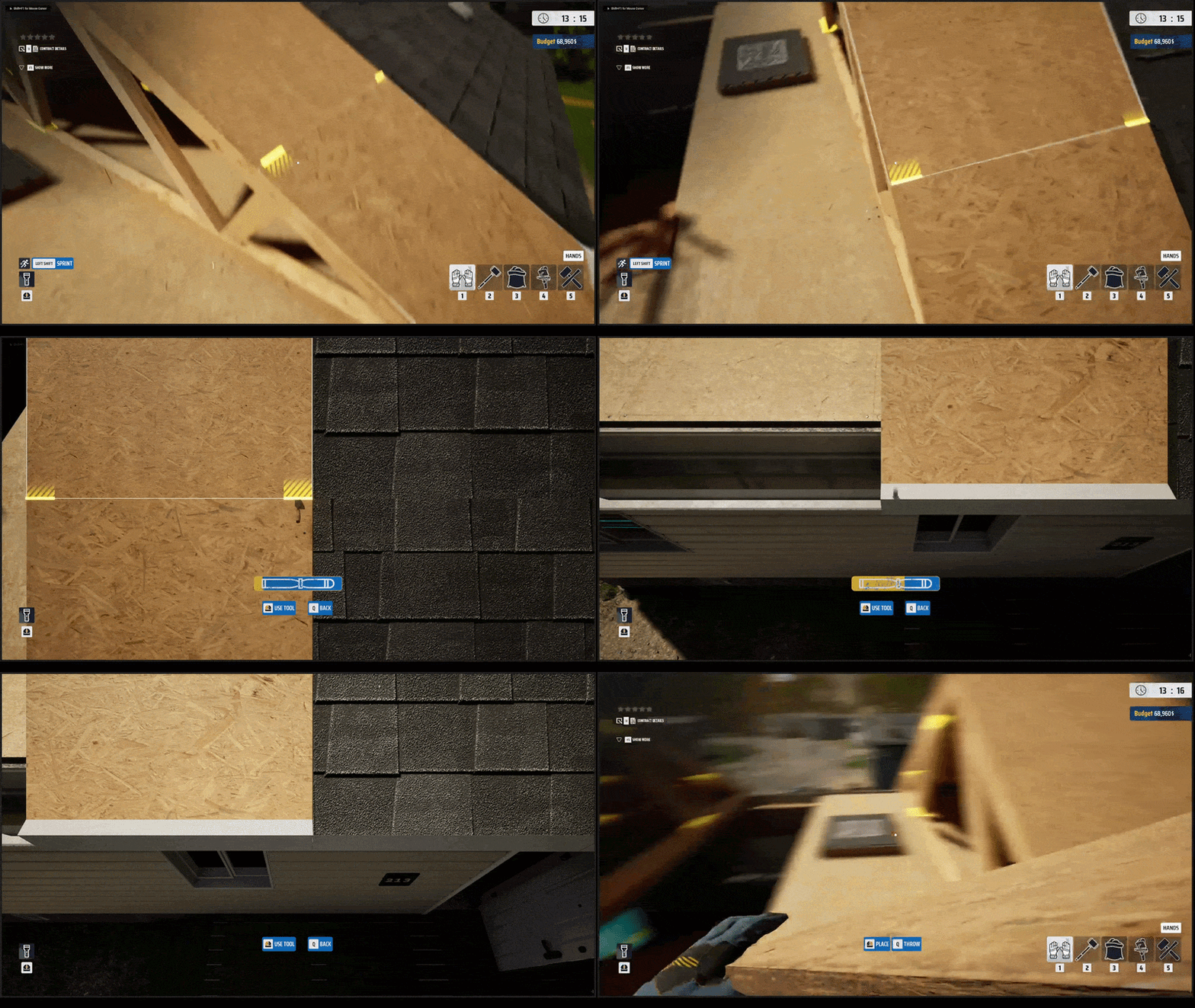
Board Pallet
Did you remember to bring a board pallet in your vehicle? You'll need it when dismantling roofs made of OSB boards. Carefully remove the individual sections and stack the recovered boards onto the pallet.
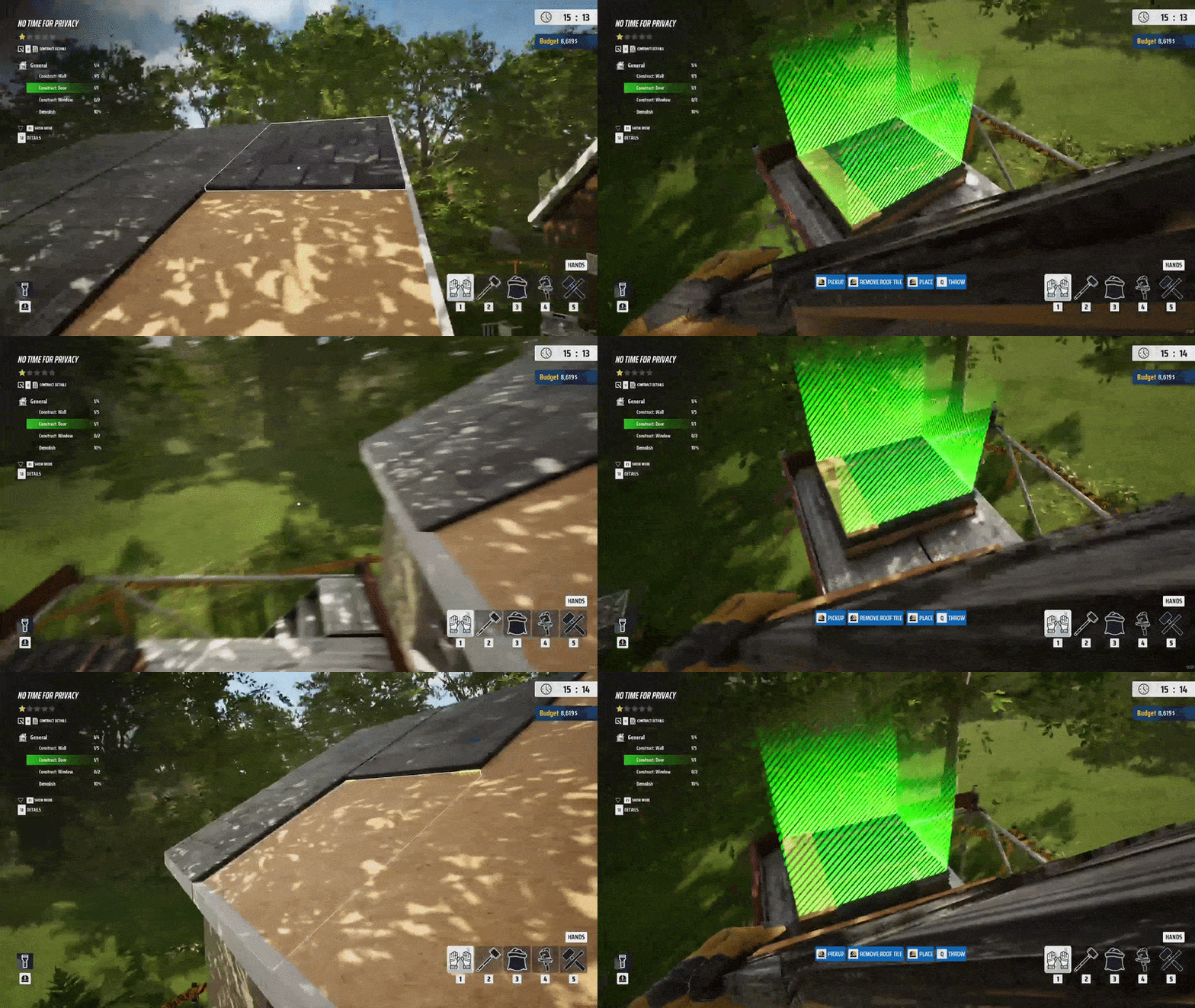
Roof Tile Pallet
Don't forget your roof tile pallet! It allows you to recover materials while dismantling roofs. Carefully remove roof tiles and place them onto the pallet to avoid damage.
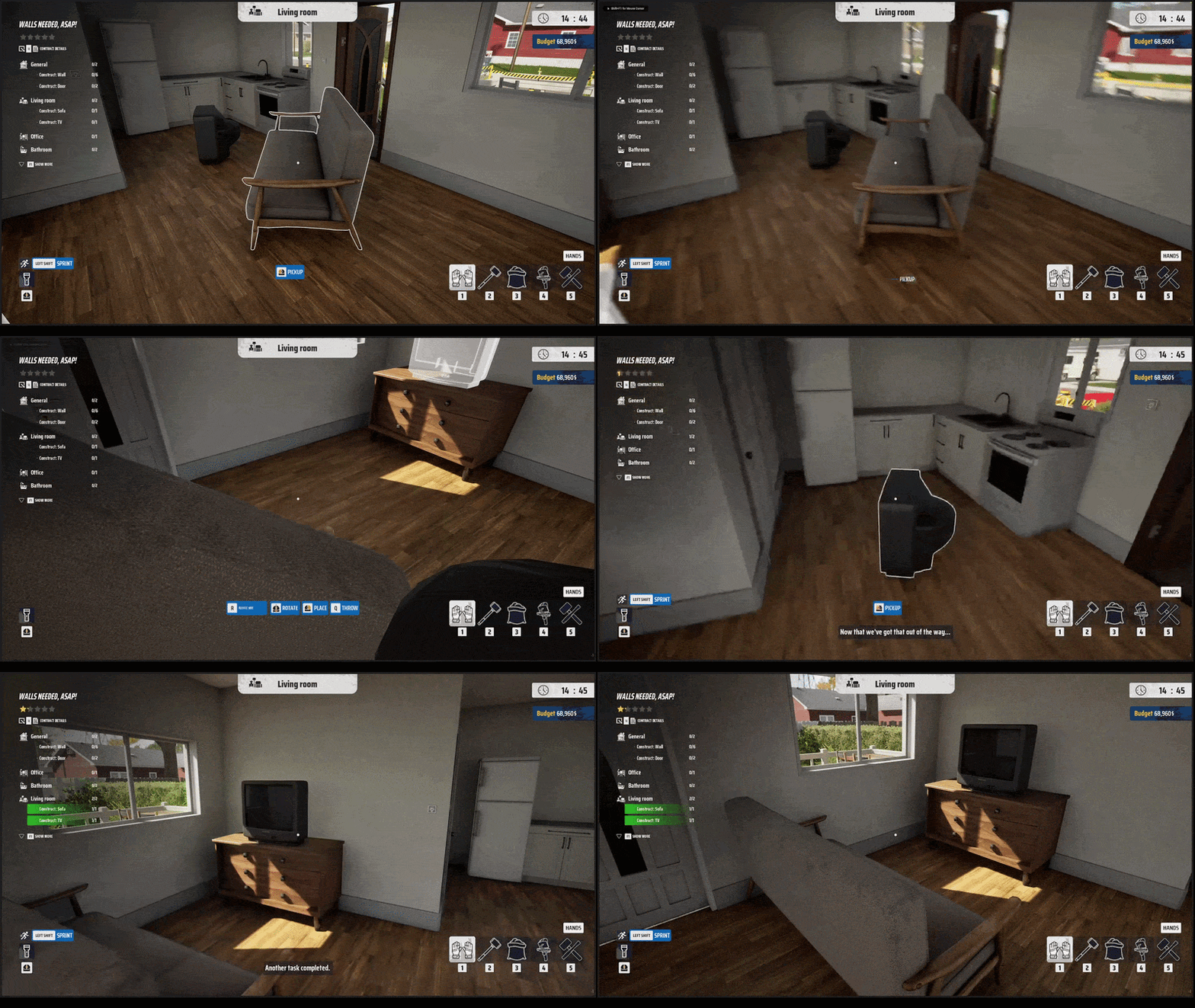
Construct Furniture
Building contracts are not limited to walls and roofs. Some tasks require you to place furniture and interior elements in their designated locations. Place each object in the correct position to complete all required placements and finish the contract.
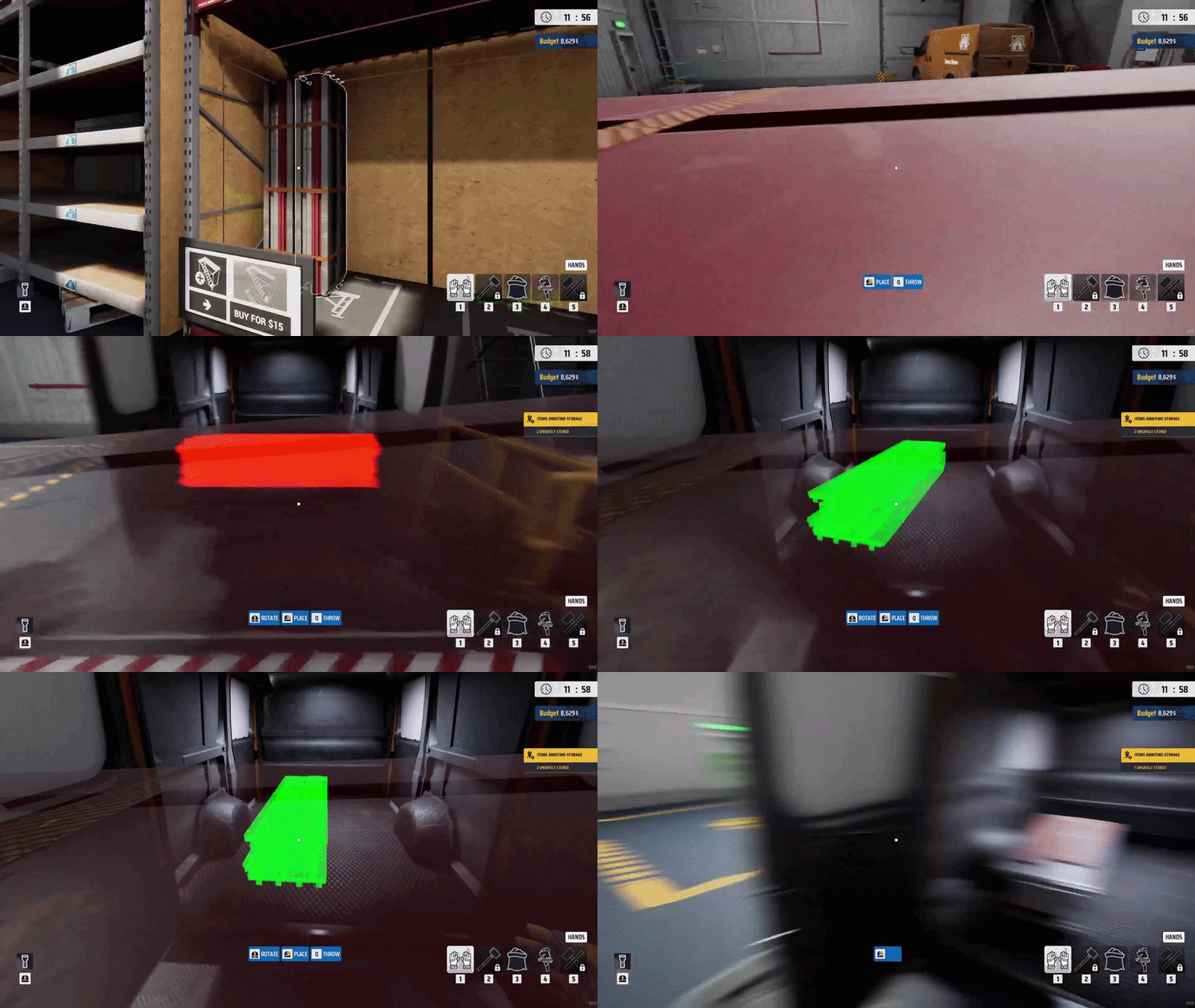
Scaffold Segment
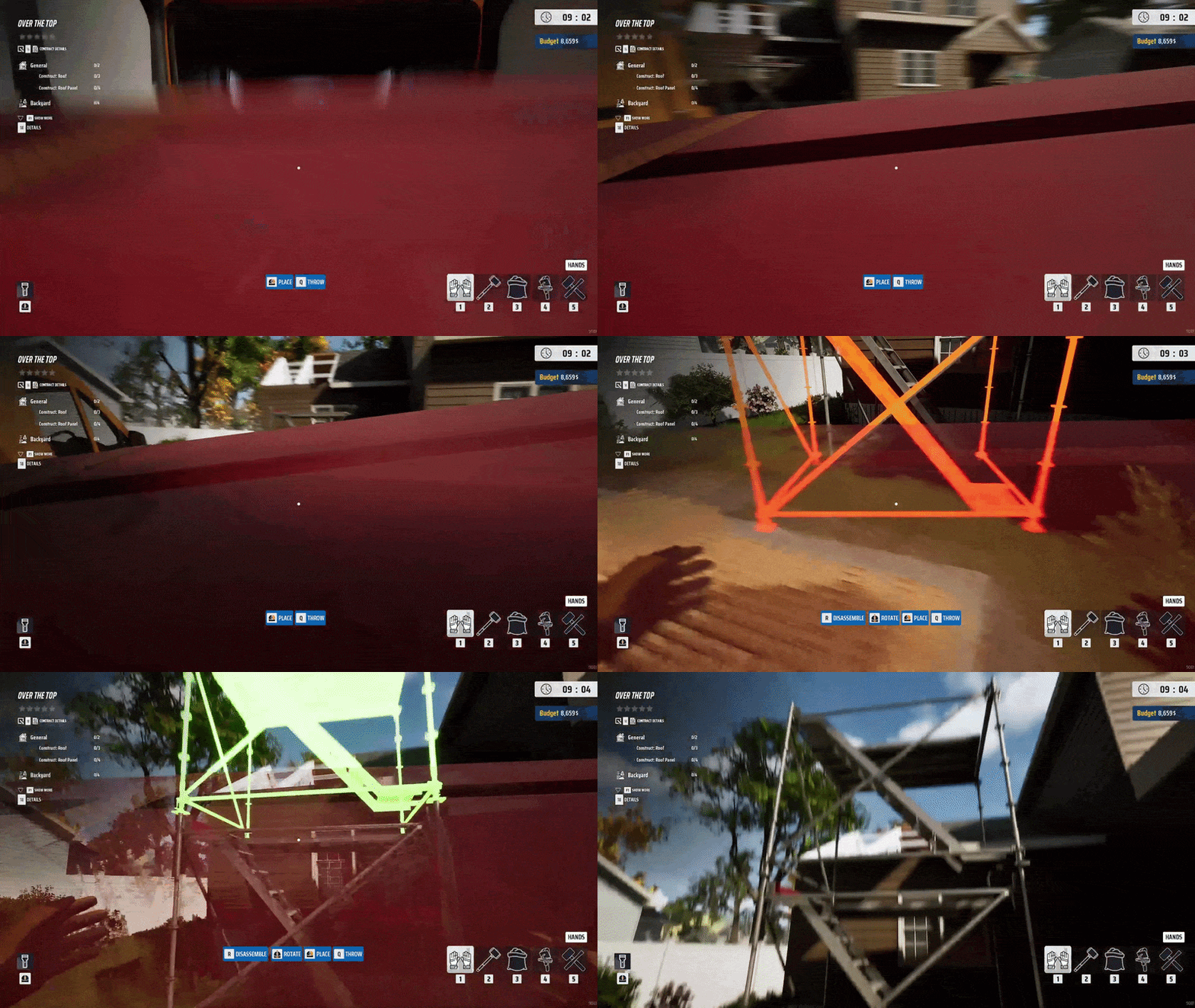
Scaffold Segments provide safe access to elevated work areas during demolition and construction contracts. Purchase them in the shop, transport them to the contract site, and stack them to build a temporary scaffold tower. The higher the roof, the more segments you may need.
New Area Unlocked!
Grab your hammer, jump into the game, and let us know what you think about the new features!
Join our community and don't miss future updates:
Add Deconstruction Simulator to your Wishlist

Have fun!
Deconstruction Simulator Team