EC135 Helicopter Update Now Released!
major updateAerofly FS 2 - Aerosoft - Germany Helgoland · published

Greetings fellow flight simmers,
We are happy to announce the arrival of a new big update for the Steam Release version of Aerofly FS 2!
This exciting new update adds many new features and a new aircraft to the ever growing fleet:
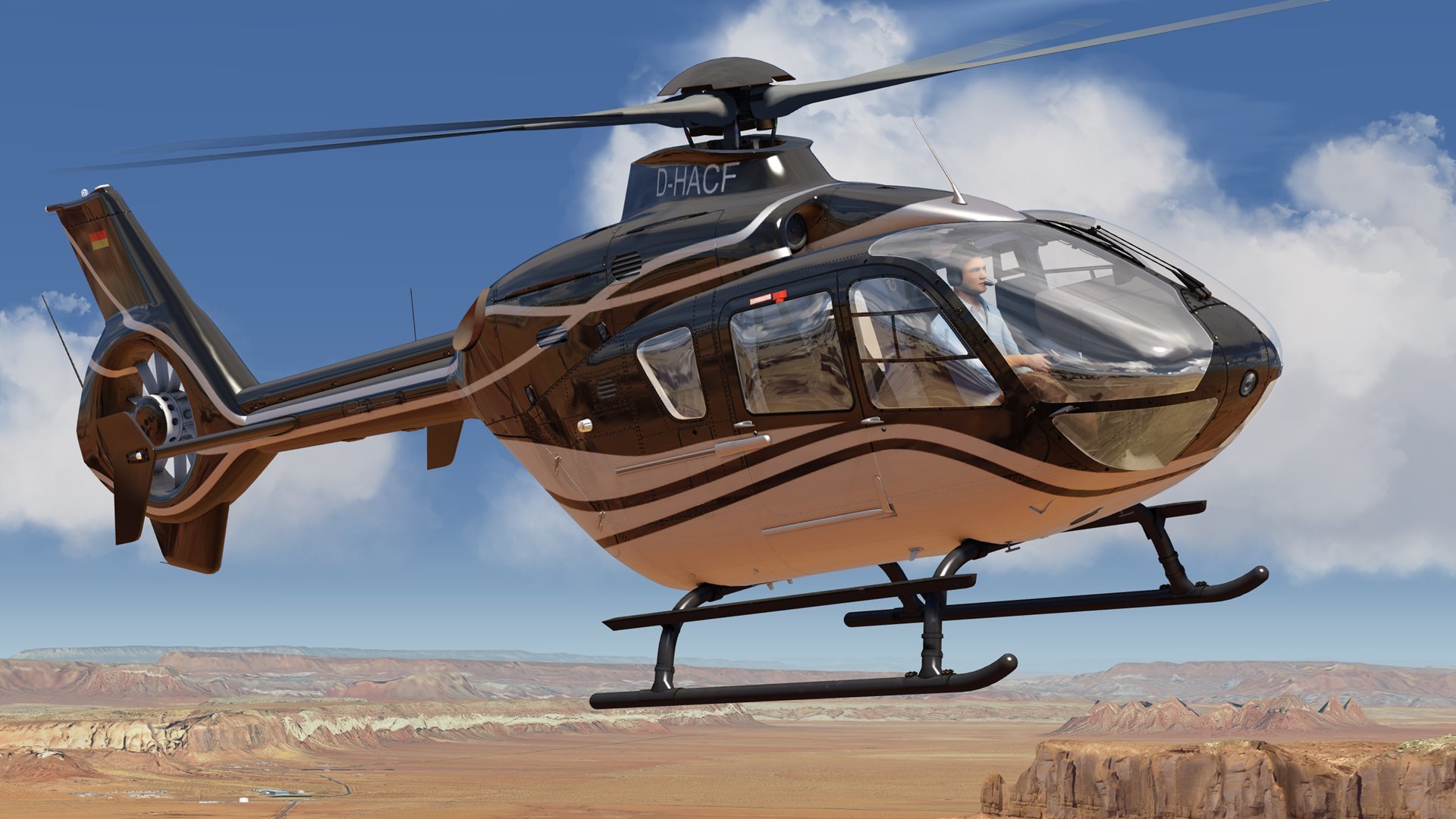
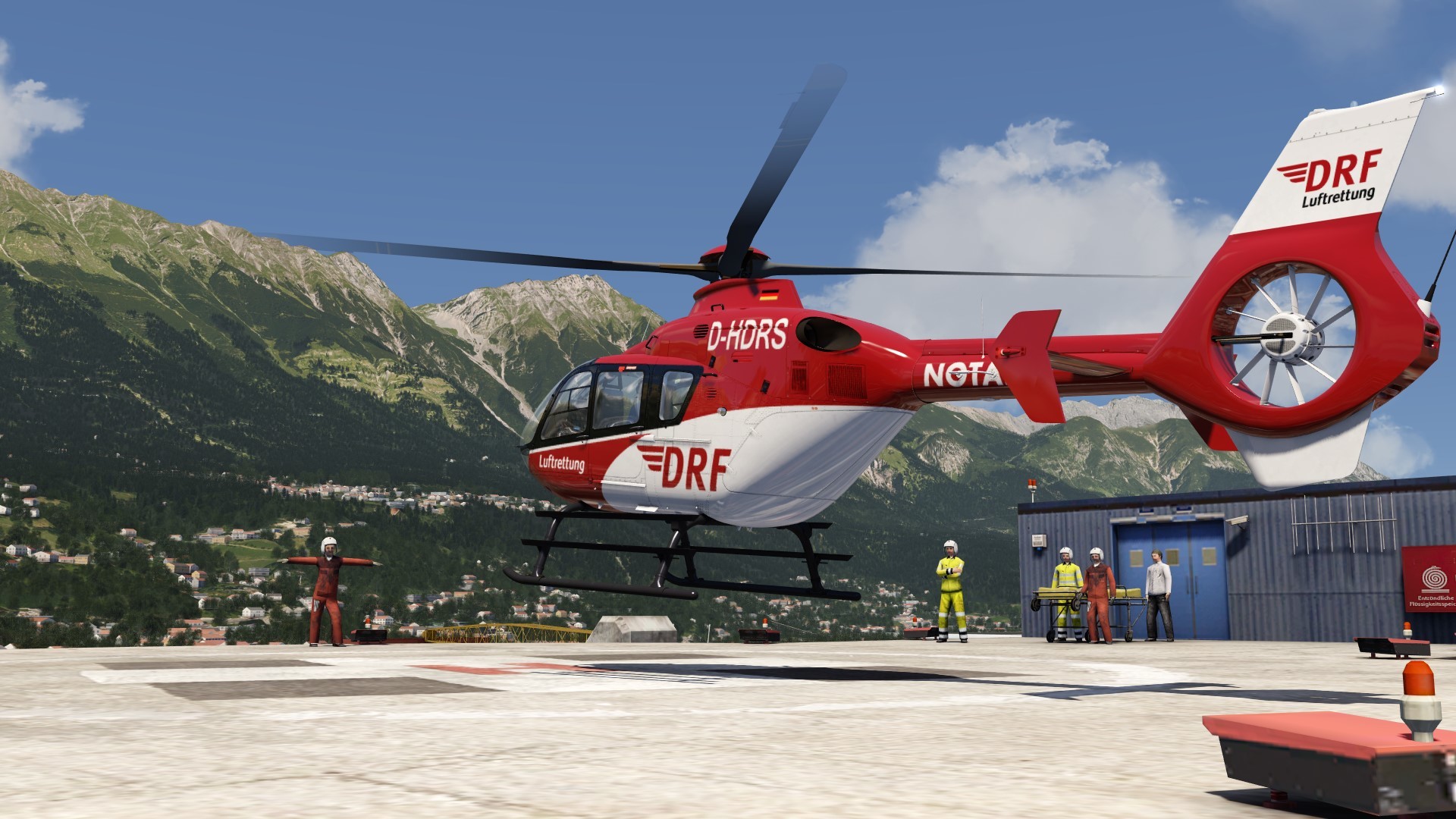
The EC135 helicopter.
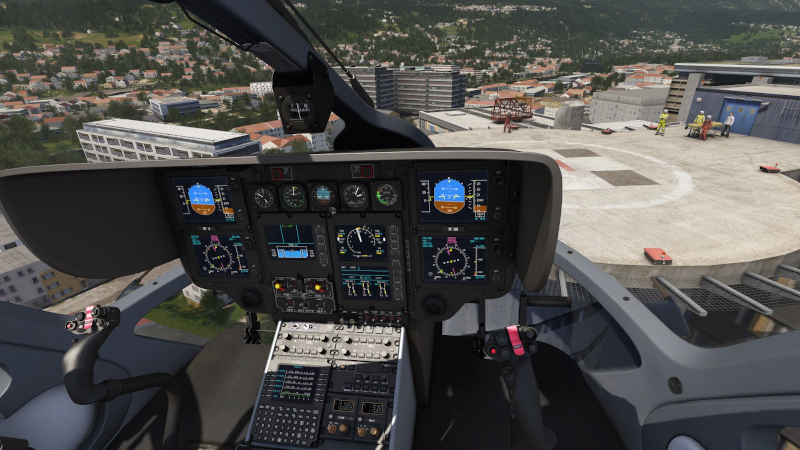
This brand new helicopter is a detailed simulation of the real world aircraft with custom autopilot and stability augmentation system that make it really easy to fly a helicopter especially for beginners. If you turn all that assistance off with the red button on the stick you'll be able to fly it like a normal helicopter and enjoy the high fidelity physics simulation in full glory.
The EC135 also features a detailed turboshaft engine simulation with real-time simulation of the thermodynamic processes, custom FADEC, realistic boot sequences and startup and and of course a detailed and realistic rotor physics simulation. And of course you can also start this aircraft cold and dark!
The update also features new features like a cold-and-dark menu option, new route planning with real world procedures, aircraft system improvements and a lot more. See the full change-log below:
Additions:
- EC135 twin turboshaft helicopter
- New implementation of the location dialog with airport search by ICAO, IATA or name, ground images visible in airport diagram
- Selection of cold-and-dark, before start and ready for taxi in the location menu
- New implementation of the navigation dialog with search function, departure (SID), arrival (STAR) and approach (APPR) selection
- SIDs, STARs and APPRs can be selected from inside the cockpit via (M)CDU devices in the A320, B737, B747, B777, C90GTx, LJ45, Q400 as well as Just-Flight add-on aircraft with the GPS 430 or 530 devices
- A320 and Learjet 45 cold and dark with new turbofan engine simulation
- A320 realistic altitude callout, retard and minimums callouts, caution and warning sounds, ground proximity warning system (GPWS - "terrain", "pull up", "too low flap",...), low energy warning ( "speed, speed"), altitude alert and many other new sounds
- C90GTx EFIS avionics upgraded with working menus allowing selection of v-speeds, rose/arc mode and much more
- LJ45 automatic flap trim compensation added
- Copilot manages pressurization if no user interaction is made, preventing unnecessary caution messages in the aircraft when there is no destination airport set
- Las Vegas McCarran International airport (KLAS) several new helipads added
Changes:
- Numerous bug fixes and improvements
- B58 now has more engine power and more propeller inertia, engine sound improved, DME hold function added
- DME time indications now correct after frequency change
- Modification to the multi threading code to speed up scenery loading. Program startup and scenery loading during simulation should be a lot faster if you have a CPU with 4 or more cores. *
* Note: For better startup time all scenery folders have been renamed so we can avoid loading all scenery TSC files during program start. Instead we now scan the scenery folder names for ICAO codes or longitude/latitude coordinates and check them against our global airport database. The TSC files are then only loaded when the aircraft is near that airport or scenery and no longer during each startup. This should not affect user generated sceneries. But if you have a lot of user created scenery then startup time can only improve if you change your user scenery folders to this new naming convention. It would be great if scenery developers could please migrate to this new approach so that Aerofly FS can stay super fast even with a lot of user scenery installed.