December Update
major updateBattle Map Studio · published
Merry Christmas and happy holidays! I hope you are enjoying the season as much as I am. I have some awesome additions to share with you in this update, so let’s get started.
Official Hero Forge® Support
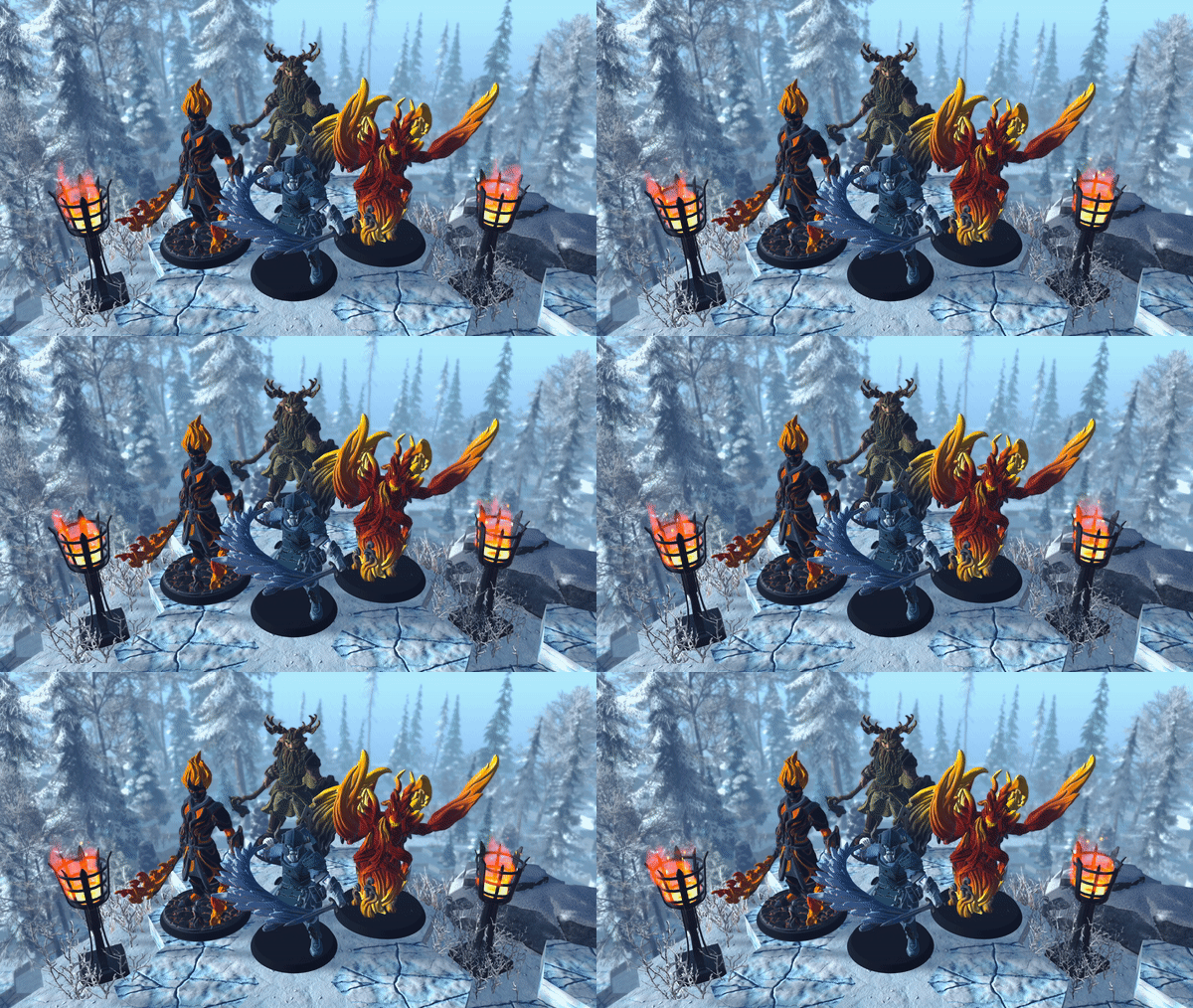
A little while ago I met with the folks at Sky Castle Studios about bringing Hero Forge® support to Battle Map Studio. They introduced me to their API and gave me the OK to integrate it to Battle Map Studio. Since then, I have been working on adding Hero Forge® support and improving Battle Map Studios' asset management tools.
Importing a Hero Forge® Mini
To get started with importing your Hero Forge® minis to Battle Map Studio, navigate to the Asset Manager and then select the Hero Forge® tab.

Before importing minis, you’ll need to connect your Hero Forge® account by inputting your Hero Forge® Access Key (find it here). If you don’t have a Hero Forge® account, create one here!

Scroll down to view all of your cool Hero Forge® minis!

Once your Hero Forge® account is connected, just select a Hero Forge® mini and click Import. Now you can use your Hero Forge® mini in Battle Map Studio!

Hero Forge® minis are imported as characters, so they can move, attack, die, and use the built-in character sheet!


Wall Updates
Since I added layers to Battle Map Studio, I’ve been thinking of updating walls so that they can be layered seamlessly and connect with other styles smoothly. So, in this update, I normalized the base wall model so that each typical wall style is consistent with one another.
Quick Walls
If you didn’t already know, Battle Map Studio has a nice tool to quickly create rooms. When using the Dragger tool (hotkey is M), select the House icon button to open the Quick Wall options.

Here you can select a built-in room set, or customize your own. Once you have your wall, entrance, and tile configured, just drag on an area to create a perfect room filled with tiles!

A convenient feature of Quick Walls is that you drag areas to overlap with other rooms to quickly merge and connect rooms.
Colonnade Mode
A player kindly suggested that there was an easier way to make colonnade rooms. I was able to add a new corner archway to most wall styles, so now you can make rooms with archways all the way around.

If you want to quickly create colonnade rooms, there’s a new feature for that! To activate Colonnade Mode, simply hit Customize in the Quick Wall options window and then check the Colonnade Mode toggle.
Winter Asset Pack
In the spirit of the season, I put together a big pack of new winter-themed assets!

New Assets:
- 6 Snowy Spruce trees
- 6 Snowy Fir trees
- 6 Snowy Birch trees
- 7 Snowy Bushes
- 9 Snowy Debris
- 7 Snowy Logs
- 1 Frozen Road Tile
- 6 Snowy Stone Tiles
- 9 Snowy Grasses
- 3 Snowy Rocks
- 9 Undead Warriors
- 3 Iron Sconces
- 3 Snowy Stone Walls
- 4 Snowy Stone Entrances
- 5 Iron Braziers
- 1 Stone Stool
- 1 Stone Table
- 5 Dungeon Chests
- 6 Small Dungeon Chests
- 1 Wooden Ladder
- 2 Stone Baluster
- 3 Stone Tombs
- 1 Trap Door
- 1 Metal Bars Tile
- 7 Iron Chains
- 3 Dungeon Candles
- 3 Snow Walls
- 4 Snow Entrances
- 8 Dungeon Pillars
- 2 Dungeon Altars
- 2 Golems
- 1 Hide Tent
Polish
- Refined the Quick Wall window to reflect current UI styles.
- Holding Shift exclusively (instead of Z) will now ignore ray-casting units during selection.
- Hitting Z (instead of holding Z) will now toggle raycasting targets during painting.
- Replaced Oriental Spruce trees with Fraser Fir trees.
- Created two new built-in palettes named Sazi Pueblo and Frozen Fortress.
- Reactivated 8 grass styles and renamed each of them to Patchy Grass.
- Updated Tilt Five SDK to 1.2.2
- Fixed a bug where water was unavailable in the terrain options and new map window.
- Fixed a bug where you could drag-move a character when using the brush.
- Fixed a bug that caused Tilt Five to not render anything to the glasses.
- Fixed a bug where creating a water tile would throw an error while using some tools (e.g. rain).
- Fixed an input bug where hitting the key to toggle the layer gizmo would trigger when editing an input field.
Enjoy!
-Bradley