Workshop Update
major updateBlock in the Lock Soundtrack · published
After a year in development, the update is finally finished.
Level Editor and Steam Workshop
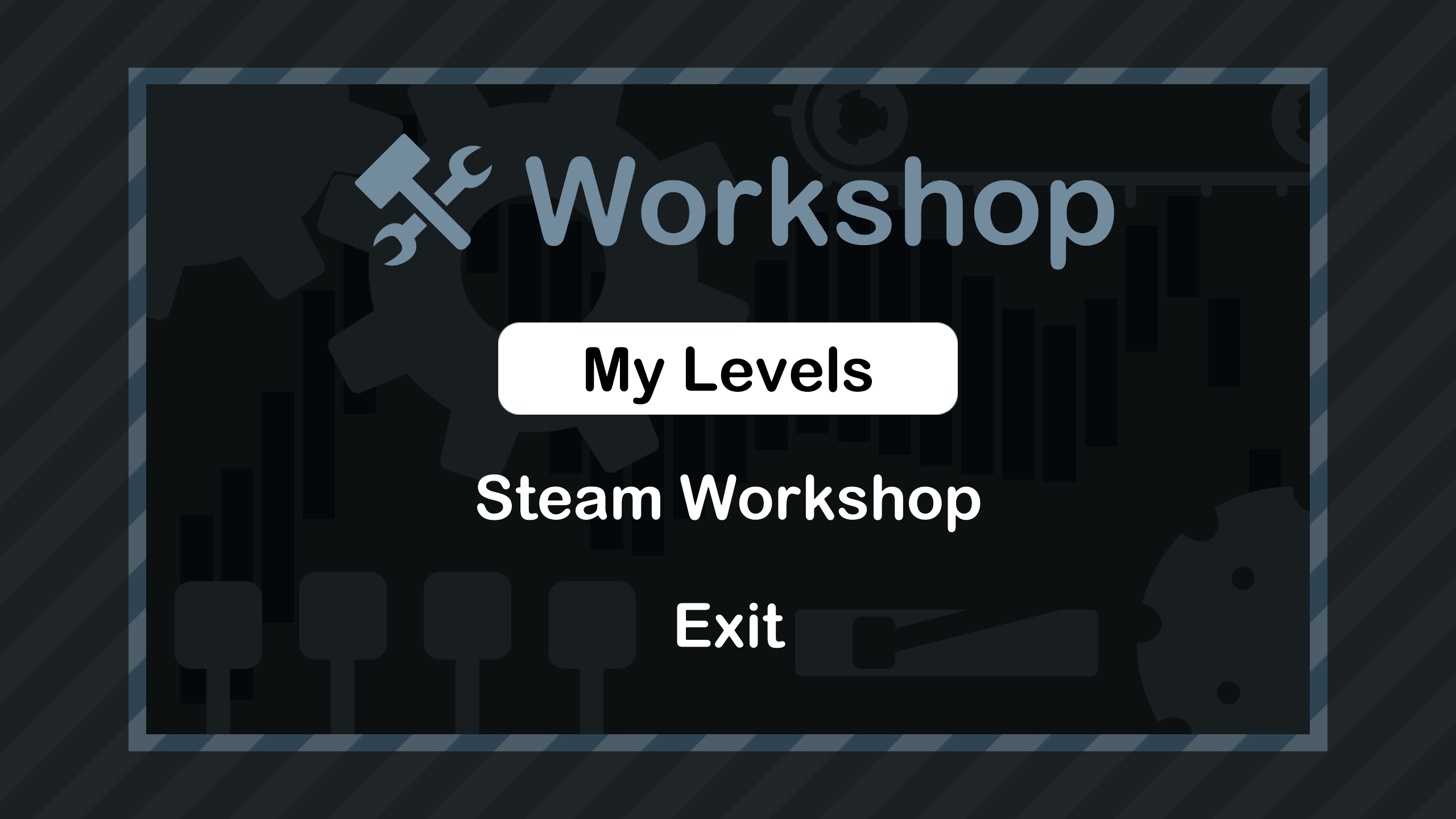
When pressing 'Start' in the Main Menu, you will now see a 'Workshop' button in the bottom left, which will lead you to the B.i.t.Lock Workshop. Here you can make levels, share them and play levels that you have subscribed to in the Steam Workshop.
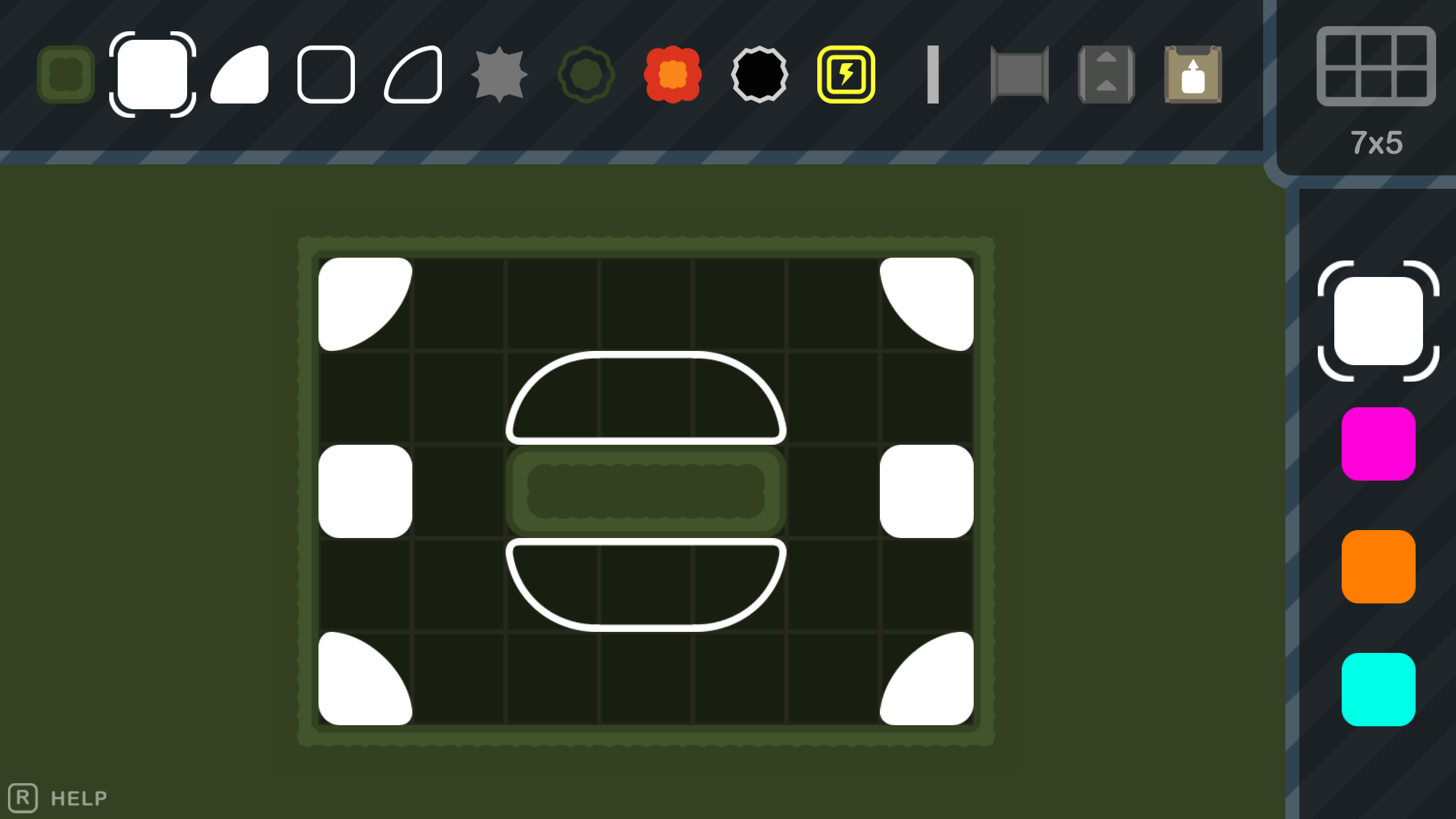
Making new levels is fairly easy and straightforward. You can place and erase blocks, select, move and copy sections and even change the world size and theme. Just like in the game, you can undo your actions (and redo too). Play testing can also be done instantaneously with the press of one button. All controls are shown when you hold the 'R'-key, however the controls are keyboard + mouse only.
Sharing a level is just a simple button press in the Workshop Menu followed by filling out some level informations (title, description, etc.). Playing other levels is jus as simple. By subscribing to items in the Steam Workshop, they are automatically downloaded and ready to be played.
Free to Play
As already mentioned in my last post, the game has now changed from paid to free to play. This change was made, so that I can reach out to more people and make the game more available.
Linux Support
To make this game even more available, I have added Linux (64bit) support.
Additional Patch Notes
Audio
- 9 new Music Soundtracks
- Many new sound effects to make the game feel more alive
Visuals
- Changed some sprites and colors for certain Blocks (Solve, Wave, Connector)
- Made credits prettier
- Cool animations for the Workshop Menu
Levels
- Out of Reach (World 4 Level 7): Made the level smaller so you don't have to move around so much
- Energy Belt (World 5, Level 10): Changed the level to make it a tiny bit less confusing
- End Game (World 6 Level 1): The goal is on block lower to make it more symmetrical
- Renamed some levels with silly names
Gameplay
- After clearing a level, the amount of taken steps will be displayed
- Doors can no longer be entered sideways
- Blocks don't get energized inside door from sideways
- Sticky Blocks got a performance boost
- Blocks should no longer get bounced or shifted into each other
Misc
- Default Volume is now at 50%
- Credits can be accessed in the Main Menu (yay for developers)
- Lots of bugfixes that nobody even knew existed, because they were only possible once the level editor was completed
What's next?
Sadly, I think this will be the last major update. I've been working on this game for long enough and I want to move on to the next. There might be the occasional bugfix and I will also be there for the community, but don't expect anything new unless the game explodes in popularity.
However, the Weekly Challenges will still continue! Every Saturday, new levels will be available to play for one week on peyda.itch.io/bitlock. I always announce them on Twitter (@PeydaPete).