Build 26855055
buildTask Force · public · first seen
Task Force 0.7.14.2246

Summary
The menus now make noise. The main menu, the in-game menu and the Workshop page all play their own UI sounds. The HUD plays none, because in a match you are busy getting shot at.
There is one small problem: this is a Steam post, and Steam posts are silent. So every UI sound below has been carefully transcribed by our team. Please read each one out loud as you go. Your roommates will understand.
The Theme
Military hardware and comms:
- Switches, selectors and a rifle bolt for anything you do with your hands.
- A radio's squelch and roger beeps for anything that opens, closes or answers.
- A low thump under anything that commits.
Changes
Getting Around
- FOCUS: The mouse enters a menu item, or the controller focus moves. A dial clicks into its next detent: "tk." That's it. That's the whole sound. It's the quietest one in the set, so please read it quietly.
- NAVIGATE: A page opened from the menu. A heavy switch is thrown and the comms open: "KA-CHUNK, kssshhhh." Imagine this part is very loud.
- BACK: BACK, a step on the trail, or B on the controller. The comms cut out and the switch is let go: "kshh-tk." Like hanging up on someone, but tactically.
Pictured above: the mouse resting on SERVERS. "tk." Click it: "KA-CHUNK, kssshhhh." You are now on the server list. Congratulations.
Settings: A Symphony of Little Clicks
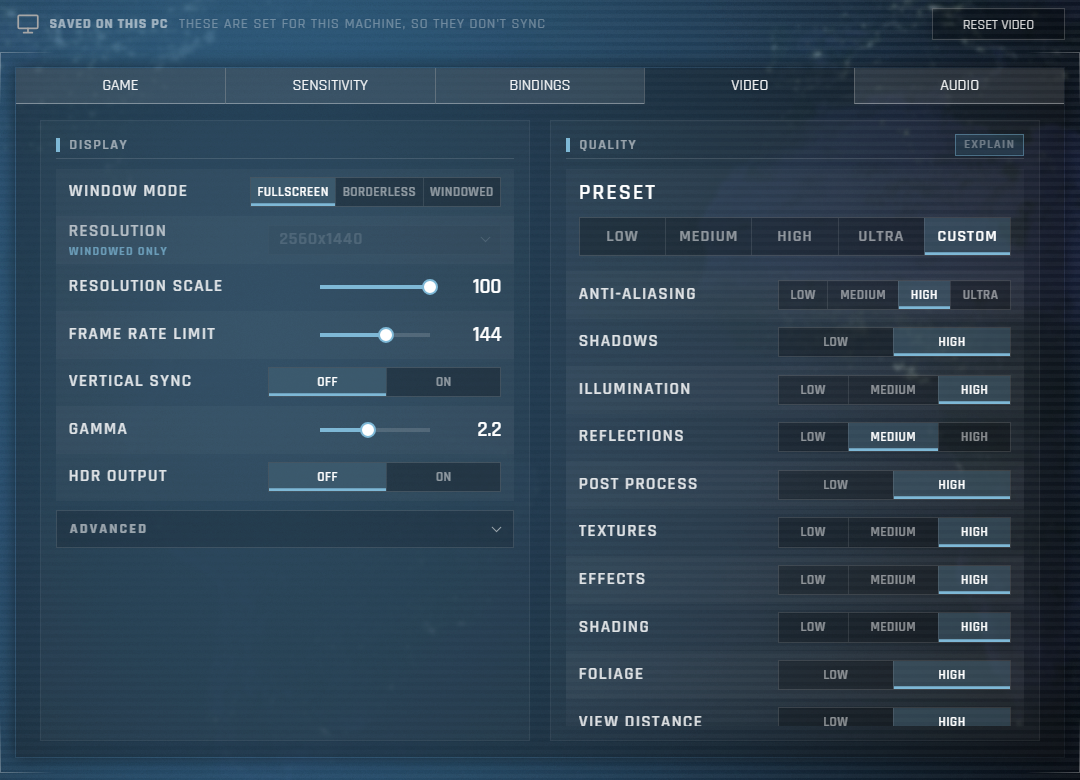
- TAB: GAME, SENSITIVITY, BINDINGS, VIDEO, AUDIO. A rotary selector clicks over and settles: "chk-chunk." Go through all five. Chk-chunk chk-chunk chk-chunk chk-chunk chk-chunk. Say it with me.
- SELECT: Pick LOW, MEDIUM, HIGH or ULTRA. A tactile switch and its second contact: "tik-tik." Two contacts. We counted.
- SLIDER: Every step is a small tick on the track, and the pitch rises with the value. Drag the frame rate limit up to 144 and it goes "tik tik tik tik TIK TIK TIK," a tiny staircase for your ears. It sounds very proud of your monitor.
- TOGGLE ON / OFF: Open the ADVANCED section, turn EXPLAIN on, or flip any checkbox: a toggle snaps and its little lamp lights up ("SNAP, ping!") or goes out ("snap, fwoo."). Please mourn the lamp.
Every Dialog Is a Radio Call
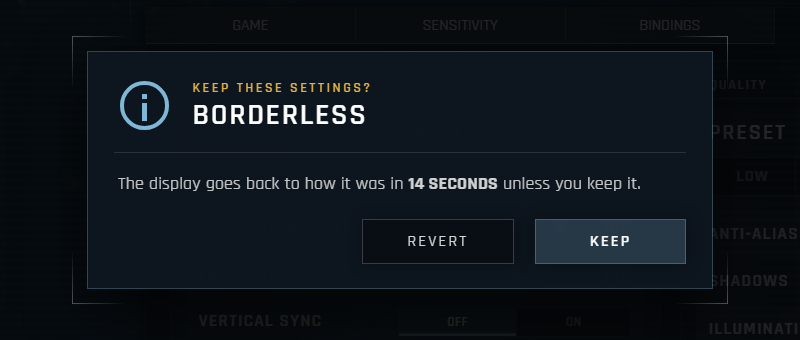
Pick a new window mode and the game asks whether to keep it. That's a dialog, and every dialog is a transmission.
- OPEN: A click, the squelch and a roger beep: "Tk, KSSSHHHHT, bip." Imagine the squelch nice and crisp. Crisper. Okay, that's enough, people are trying to sleep.
- CLOSE: Press REVERT, or close a dialog without doing anything. The beep falls away with one last click: "beeeooooo, tk." Over and out.
- CONFIRM: Press KEEP and you have committed to something. Hold that thought: we're getting to our favorite sound.
Meanwhile, on the AUDIO Tab
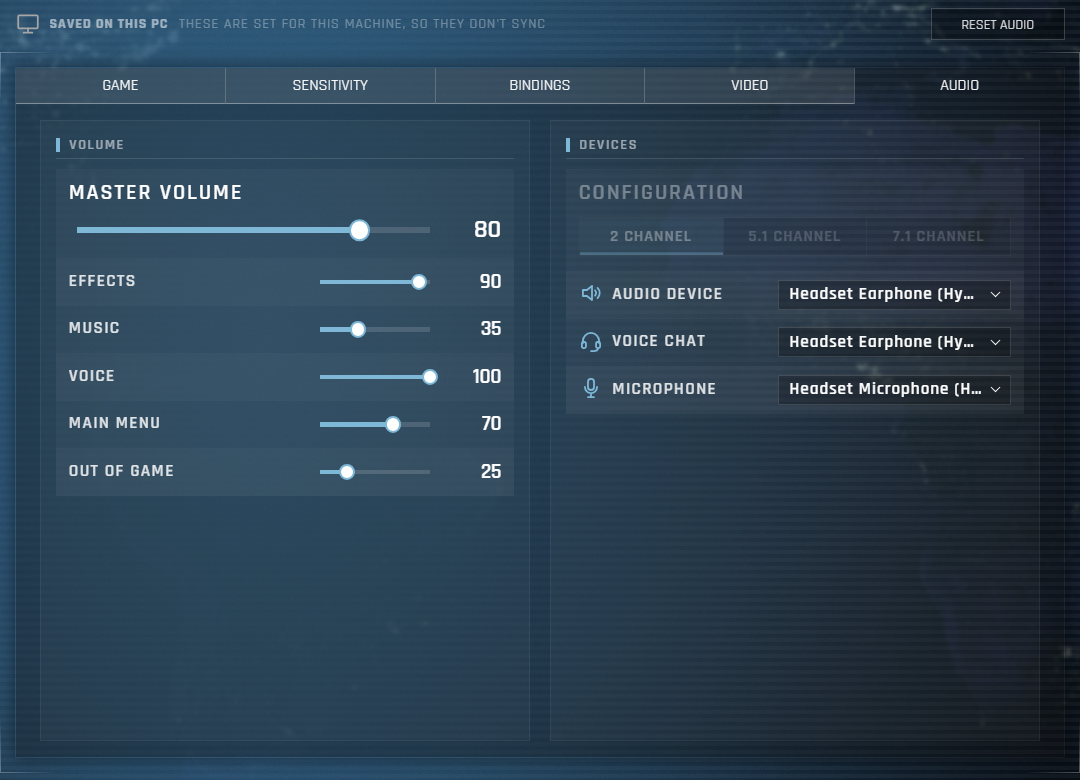
A large number of sliders, every one of which ticks as it moves. Drag one all the way up and the ticks climb the stairs. Drag it back down and they walk back down again. We recommend trying this at least once, purely for science.
The Big One: KA-CHAK
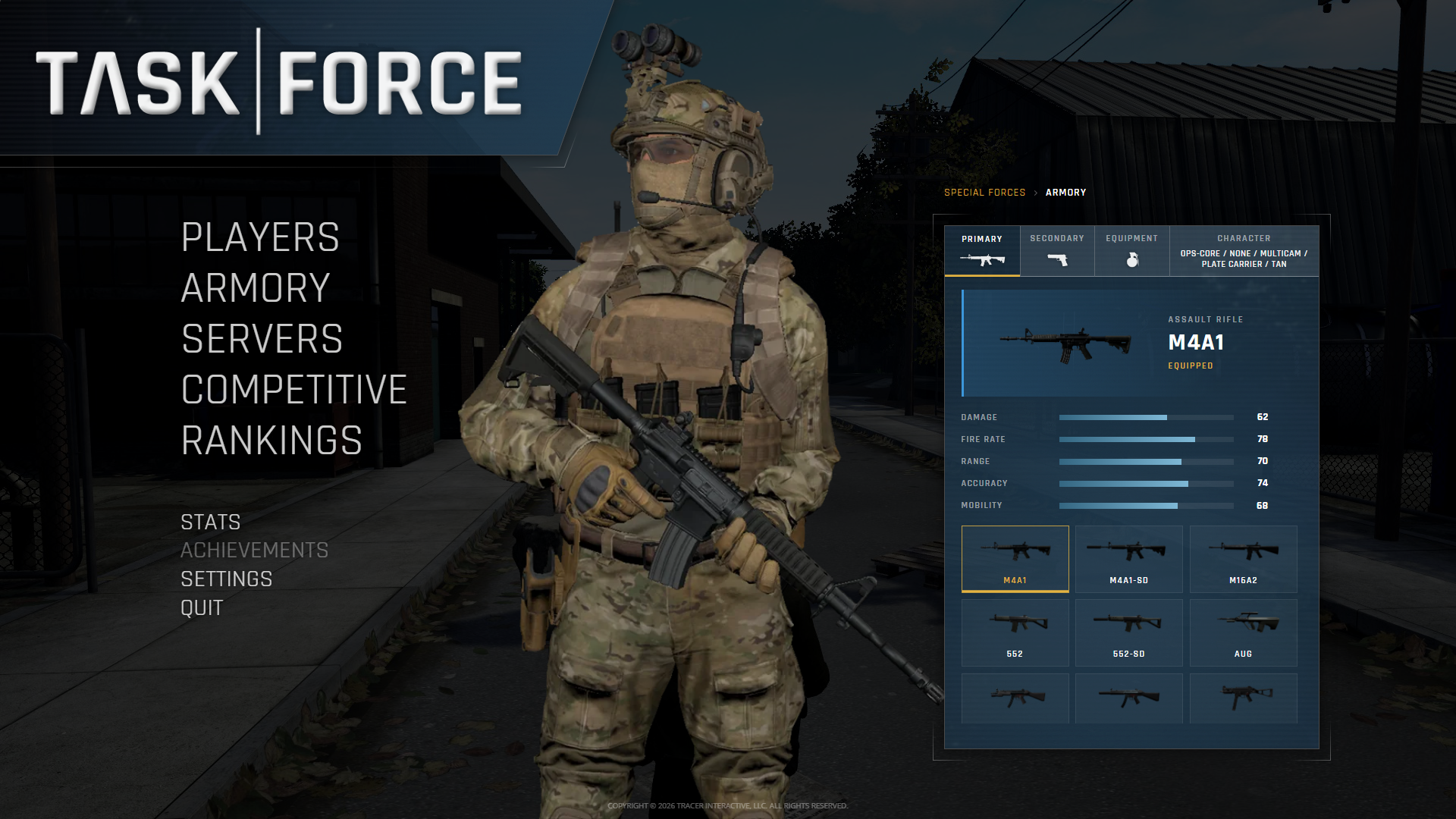
- CONFIRM: Anything that actually does something (joining a server, sending, saving, equipping, kicking someone) is a rifle bolt pulled back and slammed home, with that low thump underneath: "SHHK-KA-CHAK. THOOM." Imagine it in your chest. The in-game ARMORY is the best place to try it. Pick the M4A1: KA-CHAK. The AUG: KA-CHAK. The MP5: KA-CHAK. You now own a lot of KA-CHAK.
- ERROR: Go for a locked slot and you get two hard, low buzzes: "BZZT. BZZT." Same when you press a grayed out button anyway, like CONNECT on a full server. The game is not angry with you. It is just very, very firm. (The server is also still full.)
The Rest of the Radio Chatter
- SUCCESS: Something you waited on came back good, like a report sent or a Workshop upload finished. Two rising radio beeps: "bip, BIP!" Read the second one with enthusiasm.
- REFRESH: A scan sweeps up, then a tick when it lands: "fweeeeeeip, tk."
- NOTIFY: The game puts up a message for you. Three radio beeps: "bip bip bip." Attention, soldier.
Loud Where It Counts, Quiet Everywhere Else
We know what you're thinking: "a menu that beeps at me all day sounds awful." Us too. So:
- Small sounds stay small. Focus, select and slider are short and quiet. The big ones are saved for real actions, so running the controller down a long list is "tk tk tk tk," not "KA-CHUNK KA-CHUNK KA-CHUNK."
- One press, one sound. If two sounds land on the same press, only the more important one plays. No KA-CHAK-BIP pileups.
- Mashing is thinned out. Rapid repeats of the same sound are dropped, so if you mash a button, the menu politely declines to mash back.
- No sound files. Every sound is built by the game when the menu loads, a few takes of each, so repeats don't sound identical, and each play wanders a little in pitch. No two KA-CHAKs are quite alike. Like snowflakes. Loud snowflakes.
- No delay. The sounds play in the menu itself, so the sound lands the moment you press.
- Controllers too. Moving the controller focus ticks, B cuts the comms on the way back, and the rest uses the same sounds as the mouse.
Known Issues
- This post makes no sound. This is working as intended, unfortunately.
Let Us Know
Jump in, click everything, then tell us on our Discord which UI sound is your favorite. Please write it out as a sound. We need to know how you spell KA-CHAK.
Depot changes
| Depot | New manifest | Previous manifest |
|---|---|---|
| 611301 | 4837035536089801715 | 462810468182024183 |