Space Engineers 2: “Smoother, Stable & Faster” Update Live Now!
major updateSpace Engineers 2 · build 24759379 · published
Hello, Engineers!
The latest Space Engineers 2 update is here, focused on making your experience smoother, clearer, and more reliable. We’ve introduced a new Save Game Screen with better autosave handling, a refined Flight HUD, stronger performance and stability, and a range of quality of life changes across the game.
We’ve also made your first steps into the Almagest System clearer, with updated early contracts, tutorial changes, and more guidance as you begin exploring, building, and surviving.

“Smoother, Stable & Faster” Update expands and deepens the Space Engineers 2 systems across the board. We are building on the cornerstones established in earlier updates, adding more design depth, more functionality, and new layers of interaction. These expansions strengthen existing mechanics and move them closer to the long-term vision for Space Engineers 2.
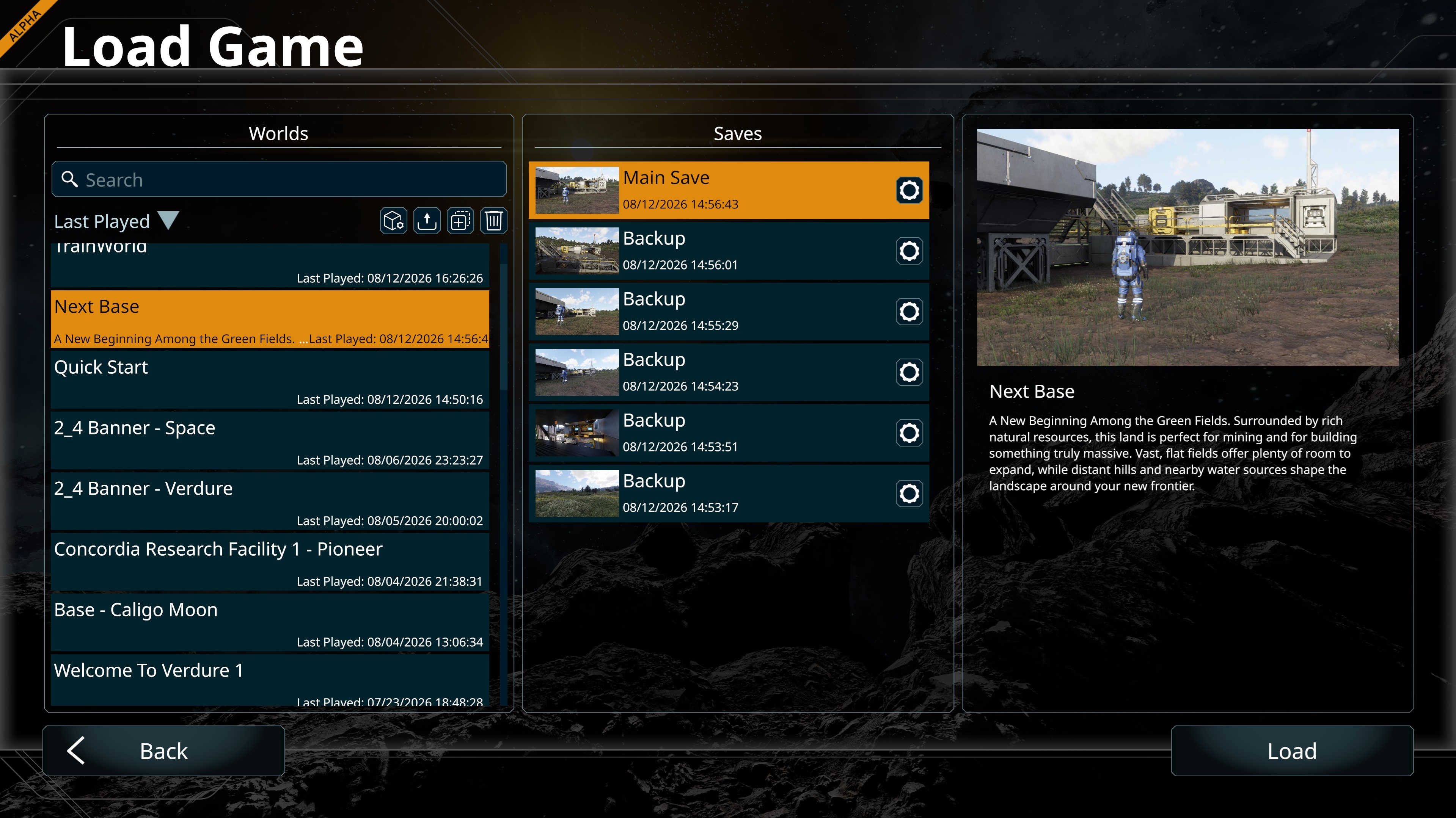
New Save Game Screen
The new Save Game Screen now gives you more control over your progress!
Each world now keeps up to 5 autosaves and 5 manual saves with autosaves stored separately so they no longer overwrite your standard saves.
The game also automatically creates an autosave whenever you enter a cockpit - because it knows you might need it soon. 😀
Improved Flight HUD
Speed and altitude indicators have received a visual overhaul, and Boost Mode is now easier to identify at a glance.
Watch on YouTube
We’ve also added a Thrust Overload warning. If you mined a little too much and your ship becomes too heavy for its available thrust, or your atmospheric thrusters start losing effectiveness as you leave the atmosphere, you’ll now get a clear notification in the center of the screen.
Speed Limiter
Ships now have a 20 m/s Safe Speed Limiter enabled by default, helping prevent accidental collisions and damage. You can hold SHIFT to temporarily exceed the limit, or double-tap SHIFT to disable it until you turn it back on.
You can also disable the limiter entirely from the cockpit settings.
New Jetpack Behaviour
The jetpack uses a similar system. Double-tap SHIFT while flying forward to activate Boost Mode without holding SHIFT continuously. Boost remains active until you release the forward key.
Minimum Hardware Detection
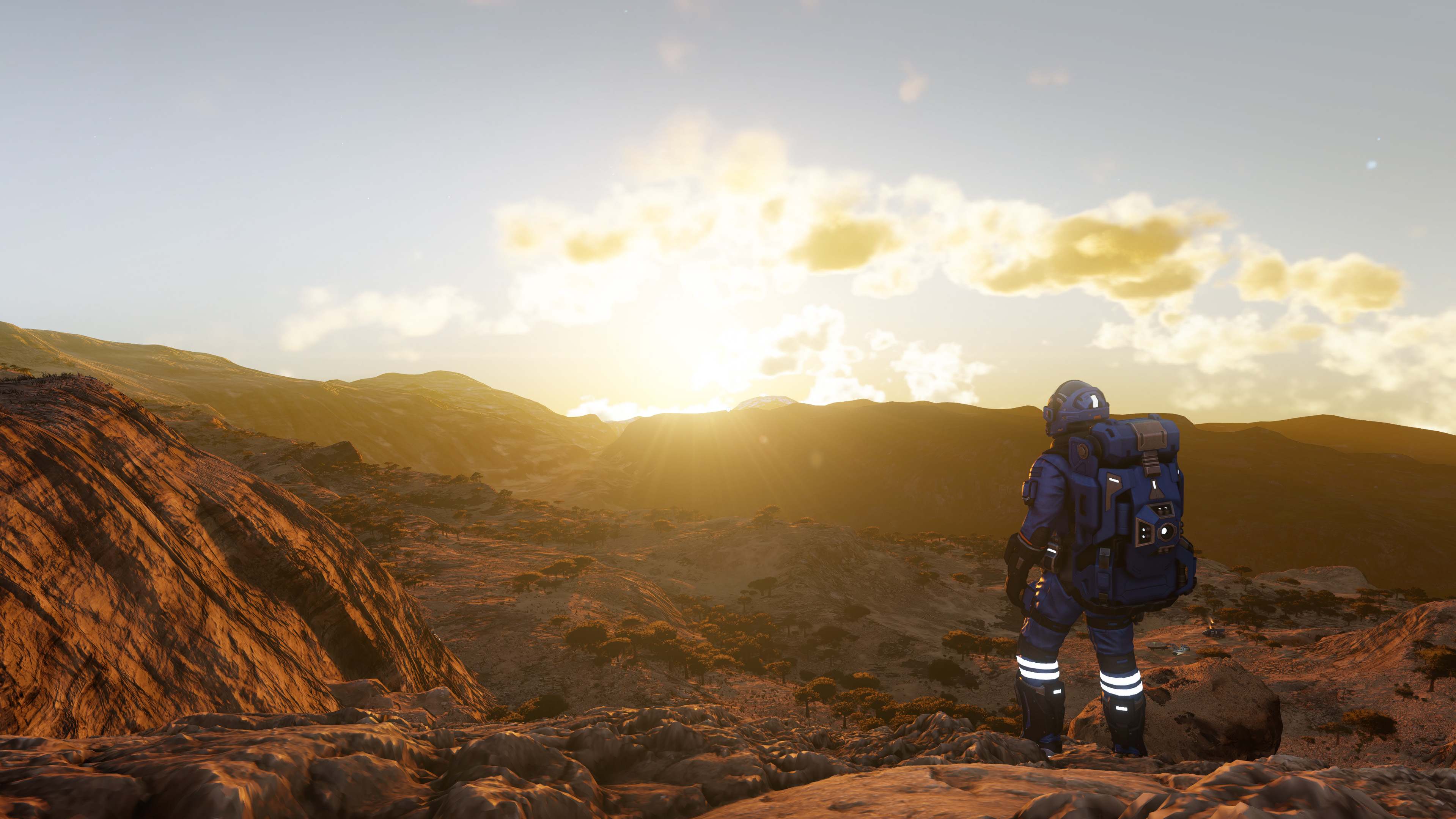
Space Engineers 2 now does a better job of detecting your graphics hardware and selecting appropriate graphics settings automatically.
We’ve expanded GPU detection to cover a much wider range of hardware, including newer and less common graphics cards. This helps the game choose settings that better match your system from the start, while avoiding unnecessary prompts when your current settings are already suitable.
Performance
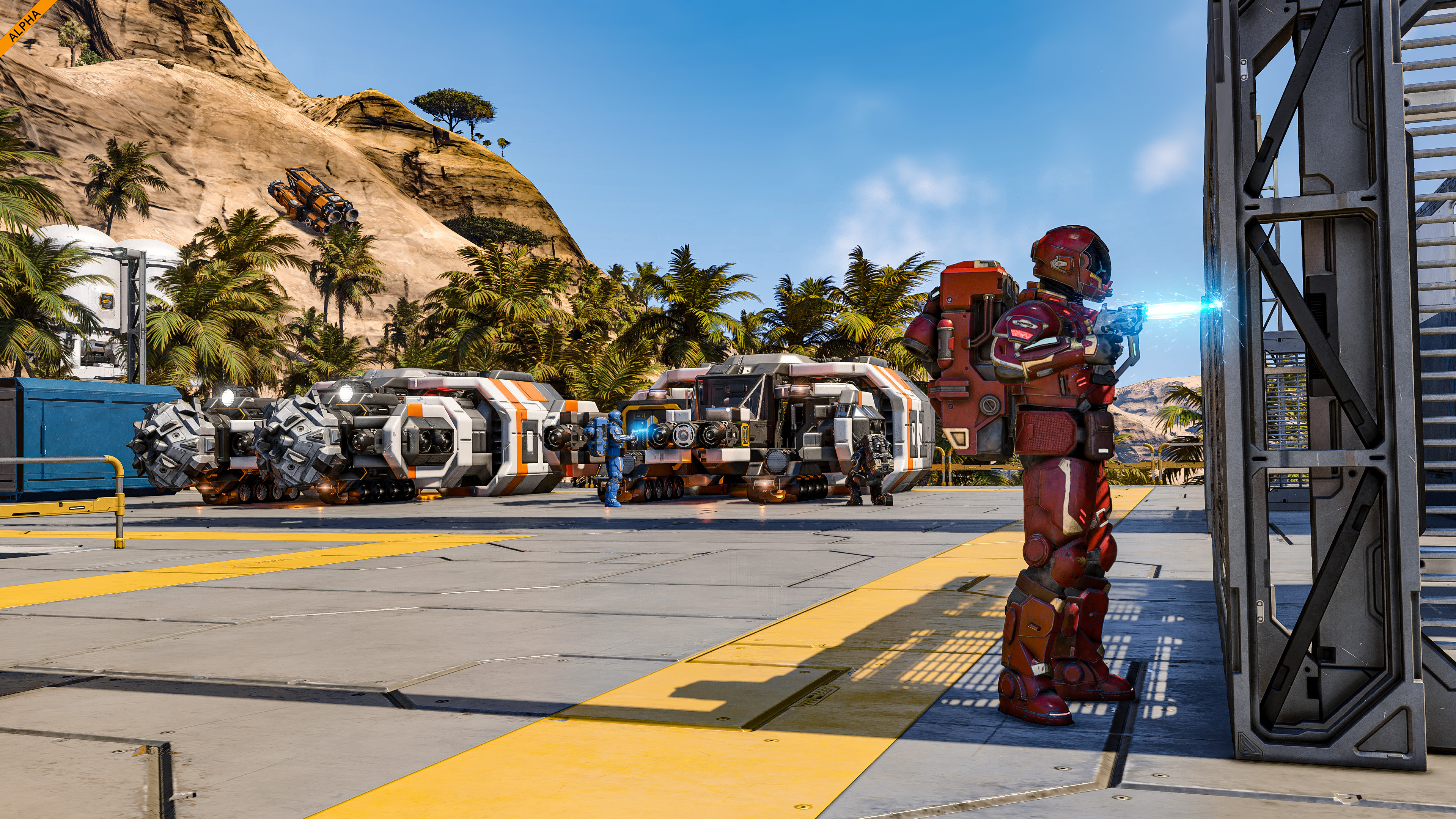
We’ve made significant performance improvements across Space Engineers 2. UI and in-game menus should feel smoother, frame pacing is more consistent, and GPU performance has been improved to reduce sudden highs and lows during gameplay.
Long play sessions should now maintain performance more reliably, while pasting blueprints, working with large grids, previewing blueprints, deleting grids, and large-scale destruction all benefit from further optimizations.
This is not the end of our performance work. We’re already working on further performance gains as we speak.
Stability
We’ve greatly improved the overall stability of Space Engineers 2 in this update, with big changes across the game.
We’ve also made big progress in areas where stability issues are detected and reported, helping us identify any problems faster and react more quickly when they appear. Alongside this, we’ve made a number of background improvements to help keep Space Engineers 2 running to the high standards we expect.
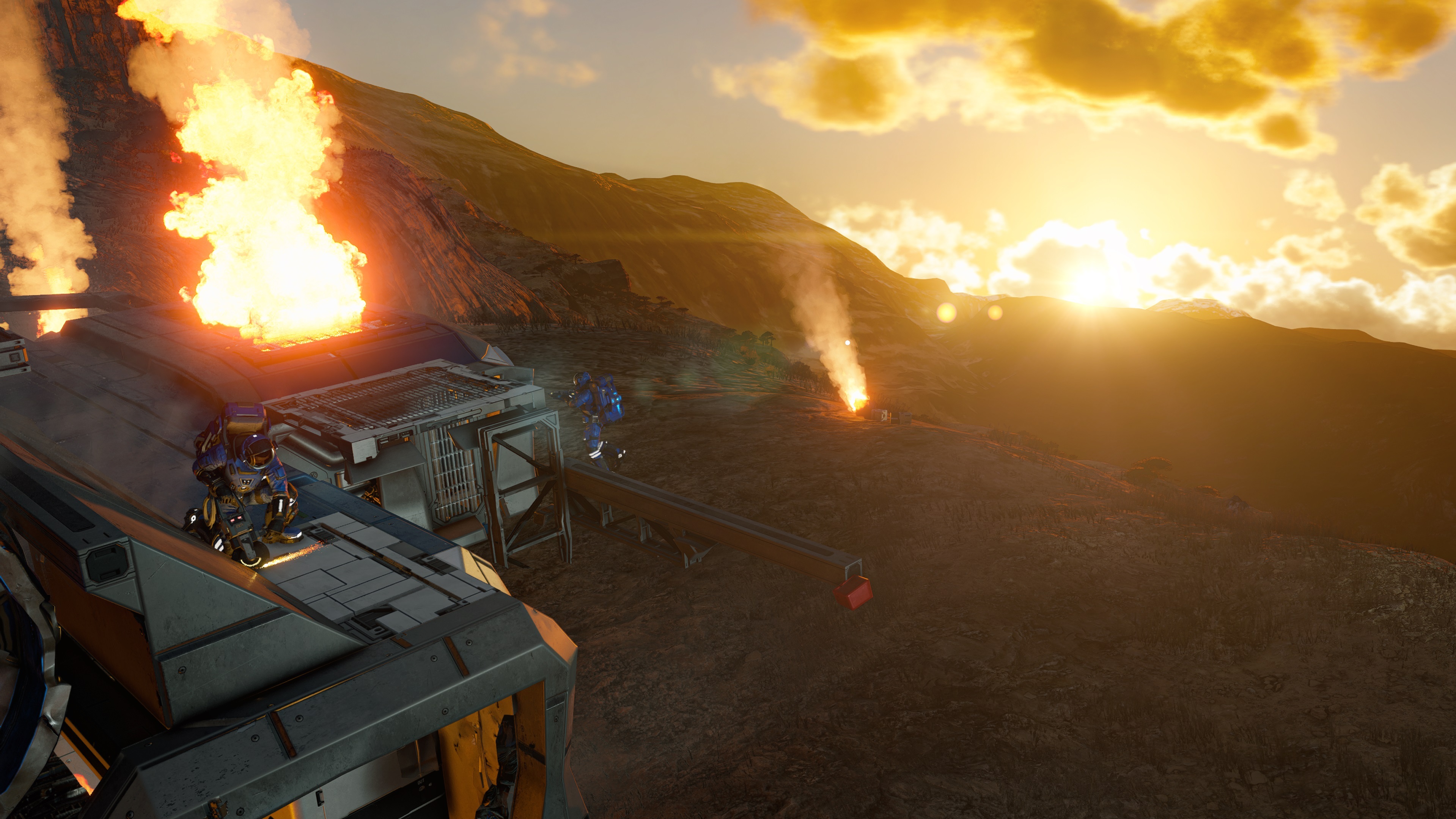

Tutorial Improvements
We’re constantly refining your first steps into the Almagest System to make the early experience clearer, smoother, and more fun.
Iron, Silicon, Nickel, and Cobalt ores can now be found just beneath the ground near the First Station and the Barn. Energy Generation and Conveyor contracts now stay within 30 km of the Outpost, and we’ve redesigned the contracts to make your goals clear at first glance. We’ve also added better respawn points guidance.
And at the Barn, you’ll now find an unfinished rover ready to experiment with. Show us what kind of rovers it inspires you to build!
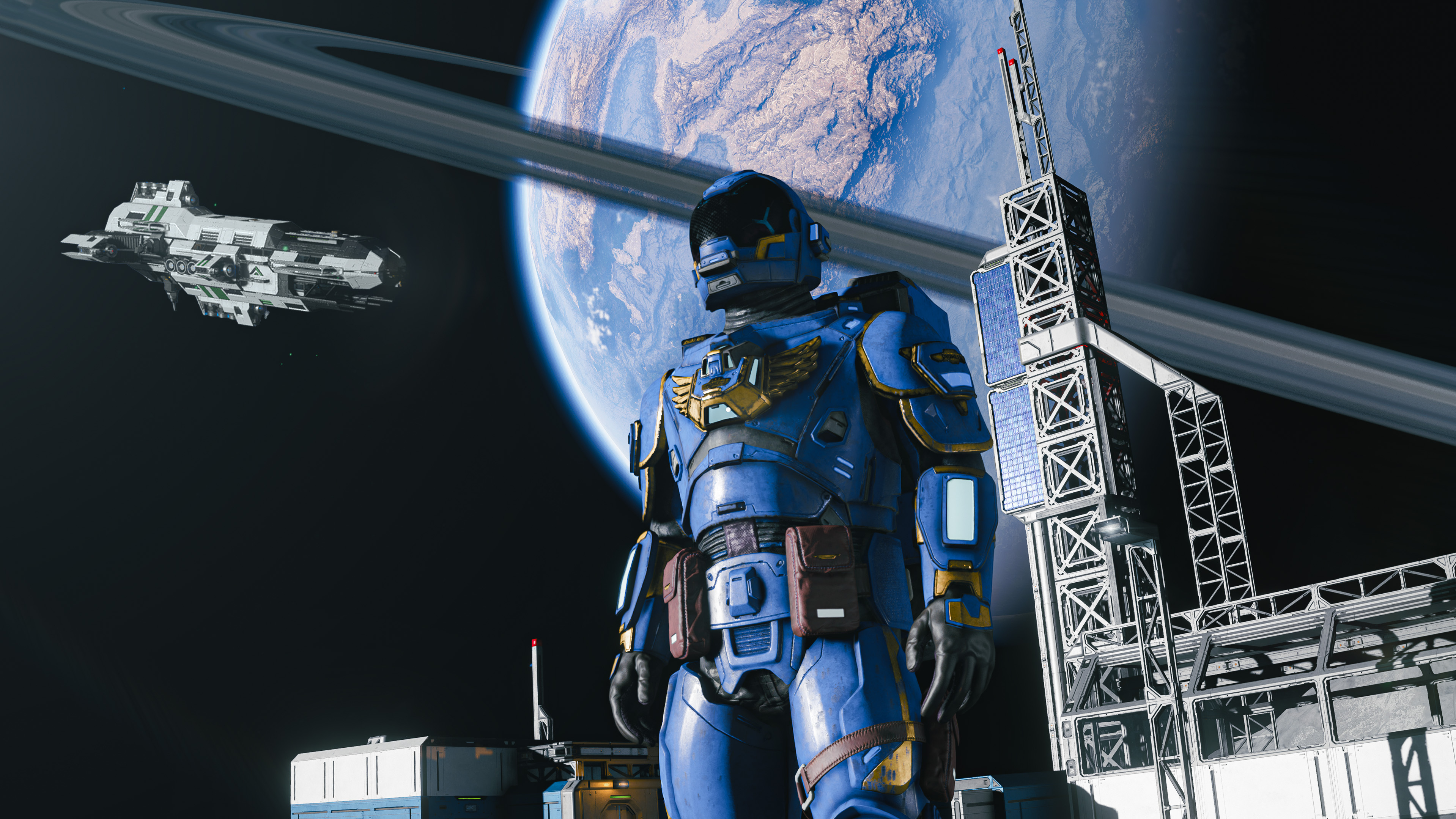
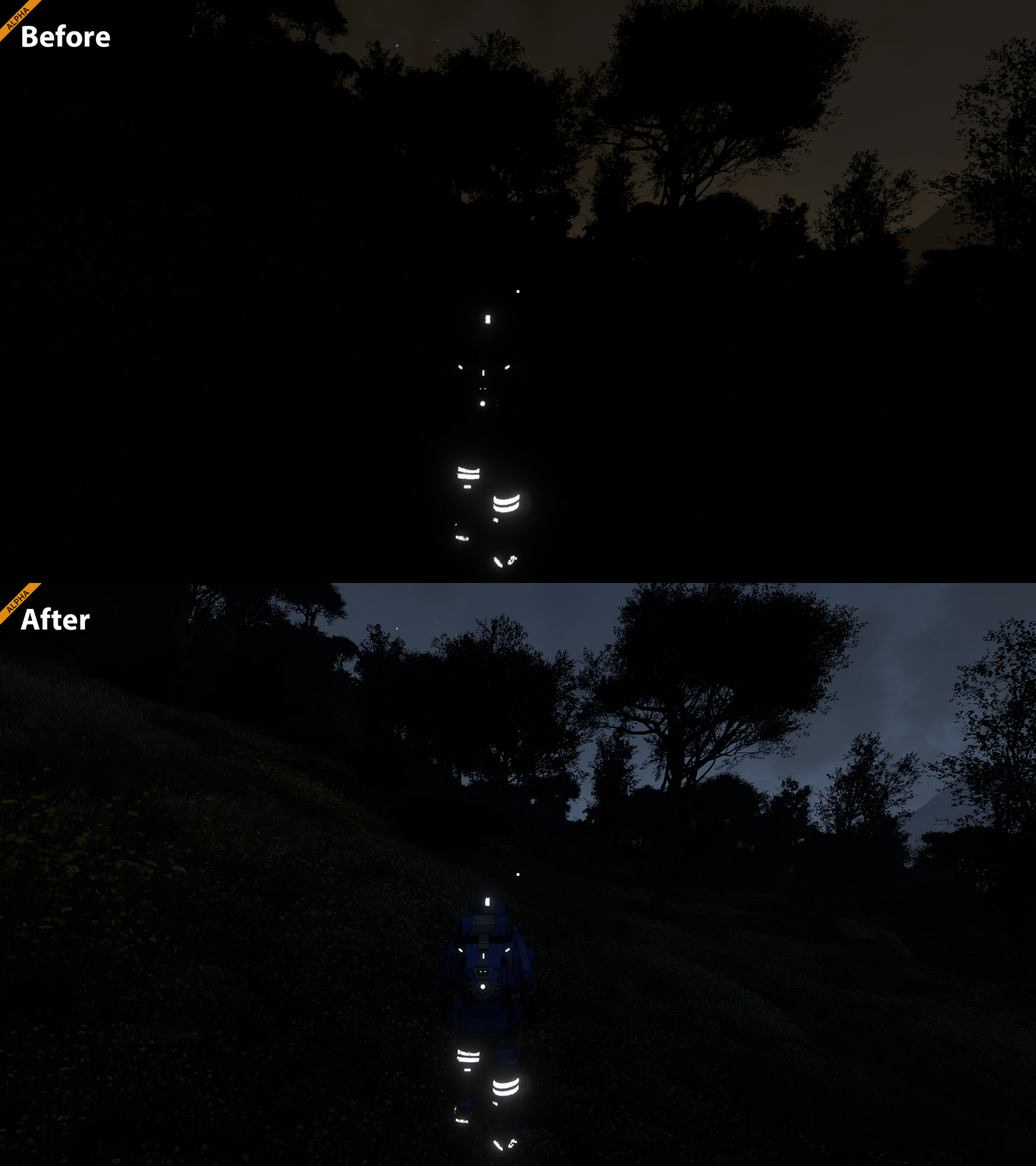
Improved Nighttime Visuals
We’re constantly tweaking and improving the visuals of Space Engineers 2 with every update! Based on your feedback, we’ve adjusted nighttime lighting to improve visibility, especially on Verdure where nights could become too dark.
This is another step toward our long-term goal of a more realistic and varied nighttime lighting system across all planets in the Almagest System.
Additional Improvements
For full details for this update, see the complete Changelog.
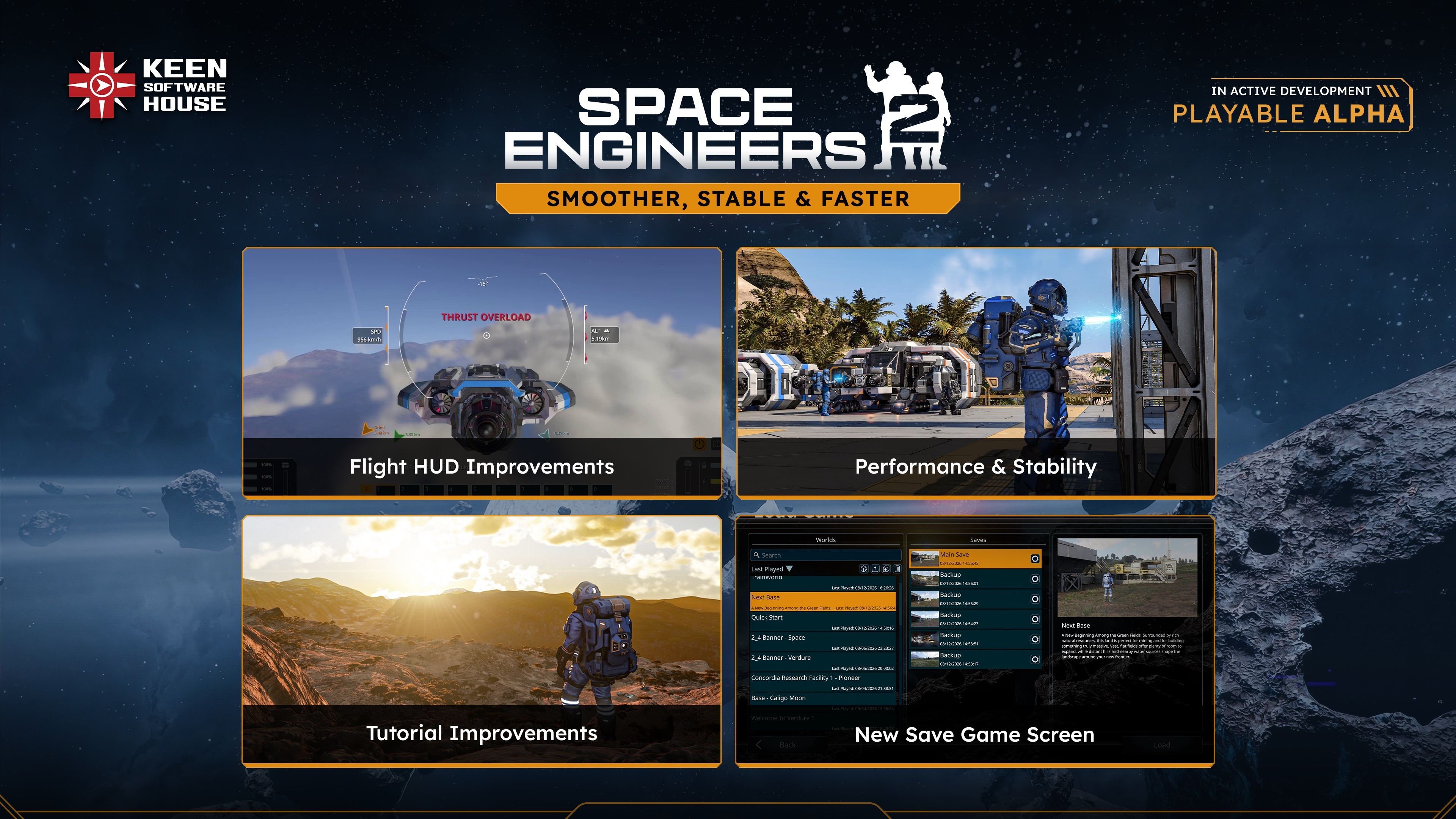

We’ve updated the Space Engineers 2 Pioneer Edition with new exclusive content for our early supporters!
This time you can enjoy amazing Space Engineers themed wallpapers for your desktops and phones.
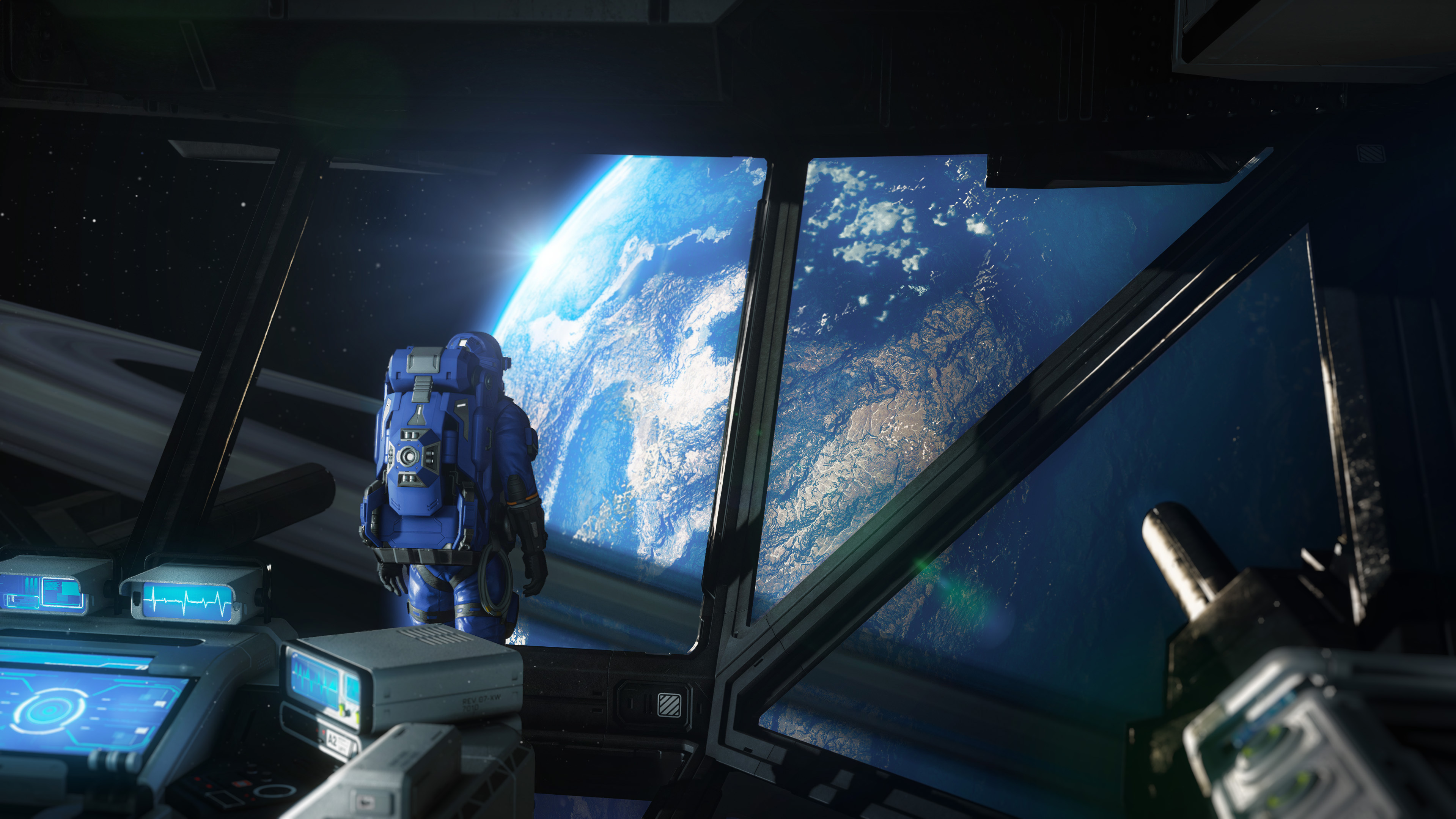
As Space Engineers 2 continues to evolve, we’ll keep expanding the Pioneer Edition with even more behind-the-scenes materials and digital extras.
Buy Pioneer Edition now and help us build Space Engineers 2 faster!
https://store.steampowered.com/app/3365540/Space_Engineers_2_Pioneer_Edition/

Please keep in mind that this update is still an Early Access and Alpha version of Space Engineers 2.
- Some features of this update will need a new game to be started / Will need new save to be present. (Improved Tutorial)
- Subgrid Projection Support: Copy/pasting projections of blueprints with subgrids is planned, but not fully supported yet.
- Planet modding is not fully supported at this stage of development - we will bring you modding support for planets at later stages!
- We are always keeping previous versions of the game available after major updates. This means you can return to an earlier version at any time and, for example, save your blueprints or creations. You will find these builds in the Steam Beta tab.
For full details, visit the full Changelog.

Q: Will we get support for Blueprint Projections with Subgrids?
A: Copy/pasting projections of blueprints with subgrids is not fully supported YET. You can build on pistons and rotors individually, but when you paste a grid that includes connectors, rotors, or pistons, only the main grid will be projected for now. We are definitely planning proper support for subgrid projections in a future update.
Q: Will a New Save be Required to get the new features?
A: Some features introduced require starting a new game to be visible/present: Improved Tutorial.
Q: Where is the feature/block “X”?
A: We’d love to have them in the game right now too! Some features need more time and testing to reach the quality we aim for. You can check our updated roadmap for an overview of what’s coming next and when you can expect your favorite features to arrive.
Q: What about multiplayer?
A: We want multiplayer to arrive when the core survival, progression, contracts, and engineering systems are strong enough to support it properly. That is why we are starting with focused 4-player co-op before moving toward full multiplayer and dedicated servers later.
Q: And NPCs?
A: Development of NPCs is already in progress.
Q: Is water still coming?
A: Yes. Water is still planned, but it has moved further down the roadmap. It is one of the most technically complex systems we are building for Space Engineers 2, and we want to give it the time it needs. Development continues in parallel.
Q: Why does the Almagest system map have sectors you can’t access?
A: More sectors will be added in the future updates. We also plan to introduce new contracts and new contract types.
Q: Will the sector resources differ in the future?
A: Yes, we plan to make resources more dispersed - not every resource will be available in every sector, encouraging exploration and trade between regions. Also the production chains are just a baseline and you can expect more changes as the development progresses.
Q: Can planets be modded?
A: Planet modding is not fully supported at this stage of development - but do not worry, we will bring you modding support for planets in the future updates!
Q: Will the price of Space Engineers 2 rise later down the line?
A: Yes. Space Engineers 2 is still in the playable Alpha stage, and the current price reflects that. As we add more content, systems, and features leading up to the full release, we expect the price to increase.
We do not have exact timing or pricing details to share yet, but if you want to join early and support development, now is the best time to get Space Engineers 2 at the current lower price!
Q: Should I purchase Space Engineers 2 now?
A: If you’ve been waiting for wheels, hinges, warheads, automation, and more reasons to engineer practical vehicles and reactive systems, now is a great time to jump in. Space Engineers 2 is still in playable Alpha stage, so expect an evolving experience - but your feedback now helps shape where the game goes next.
If you prefer to follow development until more features arrive, add Space Engineers 2 to your wishlist!
You can also follow development through our weekly dev diaries, and subscribe to our newsletter.


The best way to provide your feedback is through our Support Portal. You can always find a direct link to the support portal from within the game - just press F1 to access the help screen!
This platform is your direct line to the developers and the Space Engineers community. Here, you can:
- Create a Bugreport
- Create a ticket with your Feedback/Idea
- Vote on other ideas or bug reports
- Comment and Interact with fellow players
- Suggest solutions and provide valuable feedback to help shape the future of Space Engineers 2

Stability
- Fixed the game briefly becoming unresponsive after opening a menu or quick-loading
- Fixed a crash when accepting a contract
- Fixed a crash in the cockpit HUD
- Fixed a crash when viewing a Wind Turbine in the Terminal
- Fixed a crash when reading save metadata on the Load Game screen
- Fixed a crash in the main menu when reading the most recent save
- Fixed a crash when cycling toolbar slots
- Fixed a crash when refreshing Workshop items
- Fixed a crash in terminal inventories
- Fixed a crash during grid connection processing
- Fixed a voxel physics crash when entities are removed
- Fixed two replication crashes
- Fixed a crash in analytics when world loading fails
- Fixed unexpected shutdowns during startup, gameplay and exit
Performance
- Reduced load time on minimum specification machines in the Tutorial Stage
- Improved planet texture streaming performance
- Reduced UI spikes during gameplay
- Fixed UI performance drop when welding without available resources
- Large blueprints no longer slow down the render thread after being destroyed
- Fixed world lagging
- Fixed hardware misclassification on minimum specification systems
Functional
 Bounty – Weapons Smuggler contract now starts correctly, including the GPS marker and HUD description
- Blocks that could never be unlocked through contract progression are now unlockable
- The character is no longer pushed or pulled unexpectedly while moving over terrain and slopes
- Angular Based Gyro flight mode no longer lags when detecting movement input
- The Select World screen now shows newly subscribed worlds without a restart
- Changing the Super Dampeners setting in Advanced Settings now works correctly
UI
- Fixed sections that could not be scrolled when accessed from certain screens
- The scroll wheel in the Terminal no longer switches toolbar slots
- HUD status icons no longer turn red while resource levels are high
- The Speed Limit icon now disappears correctly during boost flight
- Thrust Overload is no longer shown on wheeled grids without thrusters
- Fixed missing and non-persistent orange UI elements
- Fixed the "Control Turret" and "Reload" labels in the Control Panel
- Event Controller now keeps the Compared Value after the Terminal is reopened
- Long block errors are now displayed in full in the Terminal
- World names in the Load Game list are no longer cut off when there is space to show them
- Fixed the alignment of the Last Played date on the Load Game screen
- The "You are here" marker in the solar map now shows the correct position
Animation
- Fixed the character getting stuck playing the falling animation
Visual
- Fixed visible seams between voxel triangles
- Tree shadows no longer change too harshly
- Fixed flickering global illumination on shadowed planet and moon surfaces
- Fixed tiny voxel leftovers remaining in the air
- Fixed blueprint preview issues
- Falling particles no longer appear when the character is not falling

https://steamcommunity.com/sharedfiles/filedetails/?id=3763508197 https://steamcommunity.com/sharedfiles/filedetails/?id=3708147319 https://steamcommunity.com/sharedfiles/filedetails/?id=3767882563 https://steamcommunity.com/sharedfiles/filedetails/?id=3616891591 https://steamcommunity.com/sharedfiles/filedetails/?id=3742852789 https://steamcommunity.com/sharedfiles/filedetails/?id=3718968403 https://steamcommunity.com/sharedfiles/filedetails/?id=3718084095 https://steamcommunity.com/sharedfiles/filedetails/?id=3771684535 https://steamcommunity.com/sharedfiles/filedetails/?id=3766453307

🛠️ Feedback & Support - https://support.keenswh.com/
🗺️ Roadmap: https://2.spaceengineersgame.com/roadmap-2/#current
🛰️ Discord: https://discord.gg/keenswh
📫 Newsletter: https://www.keenswh.com/newsletter
➡️ Connect and find us on your platform of choice: https://www.keenswh.com/connect/