New Designer: Draw, Build & Animate Like Never Before
major updateCrosshair X · build 22914196 · published
On SteamNotes only · this build shipped before we watched the app
Hey everyone!
We built a new Designer to help you unlock your full creative potential. Pixel-perfect placement on an interactive grid canvas with freehand drawing tools, and so much more!
The original Designer is still available — this one just takes things further.
🎨 The new Canvas
Features
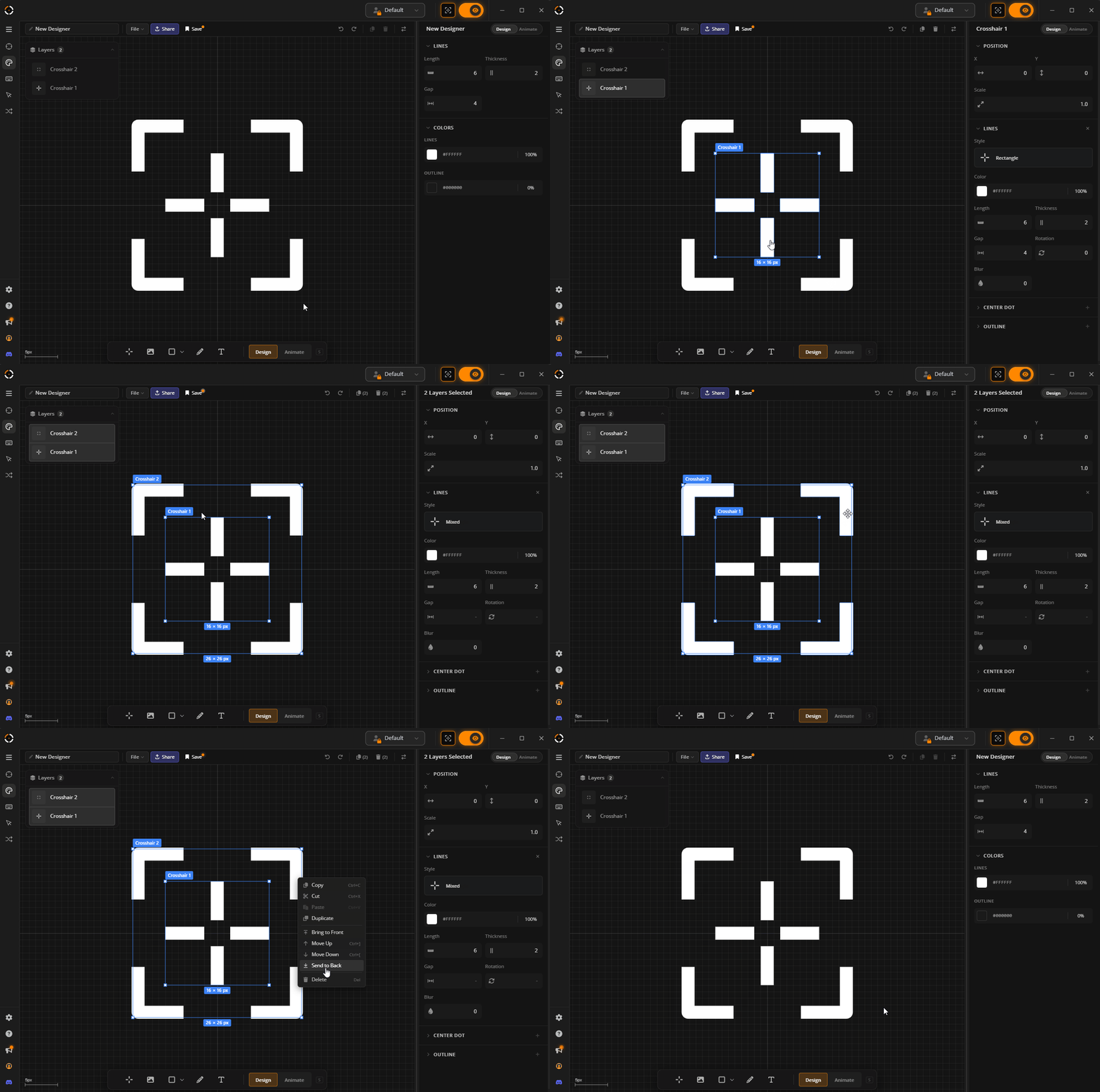
- Scroll to zoom, middle-click to pan, and click to select layers directly on the canvas.
- Drag to move and resize layers. Click and drag an empty area to marquee select multiple layers.
- Drag and drop images onto the canvas to add them as layers.
- Right-click context menu and full keyboard shortcut support.
✏️ Freehand Drawing + New Layer types
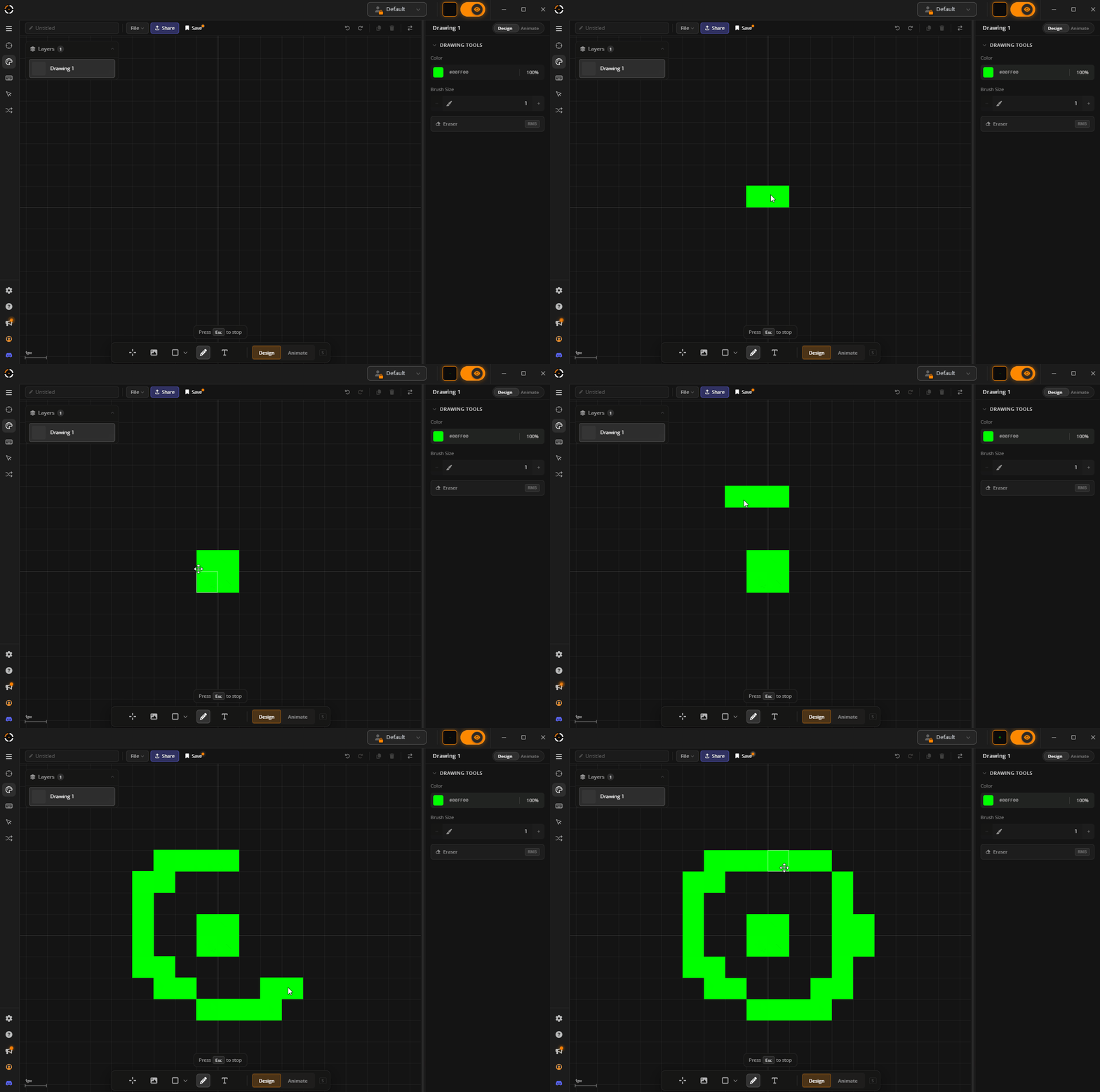
We have finally implemented one of the most requested feature: Freehand pixel drawing for Crosshair Designs.
New Layer Types
- Draw — Interact directly with the canvas and draw
- Shape — Rectangles, ellipses, and triangles can now independently be added to your design with animation support
- Text — Finally you can also add text to your design with animation support
🆕 Line Shapes & Arm Rendering
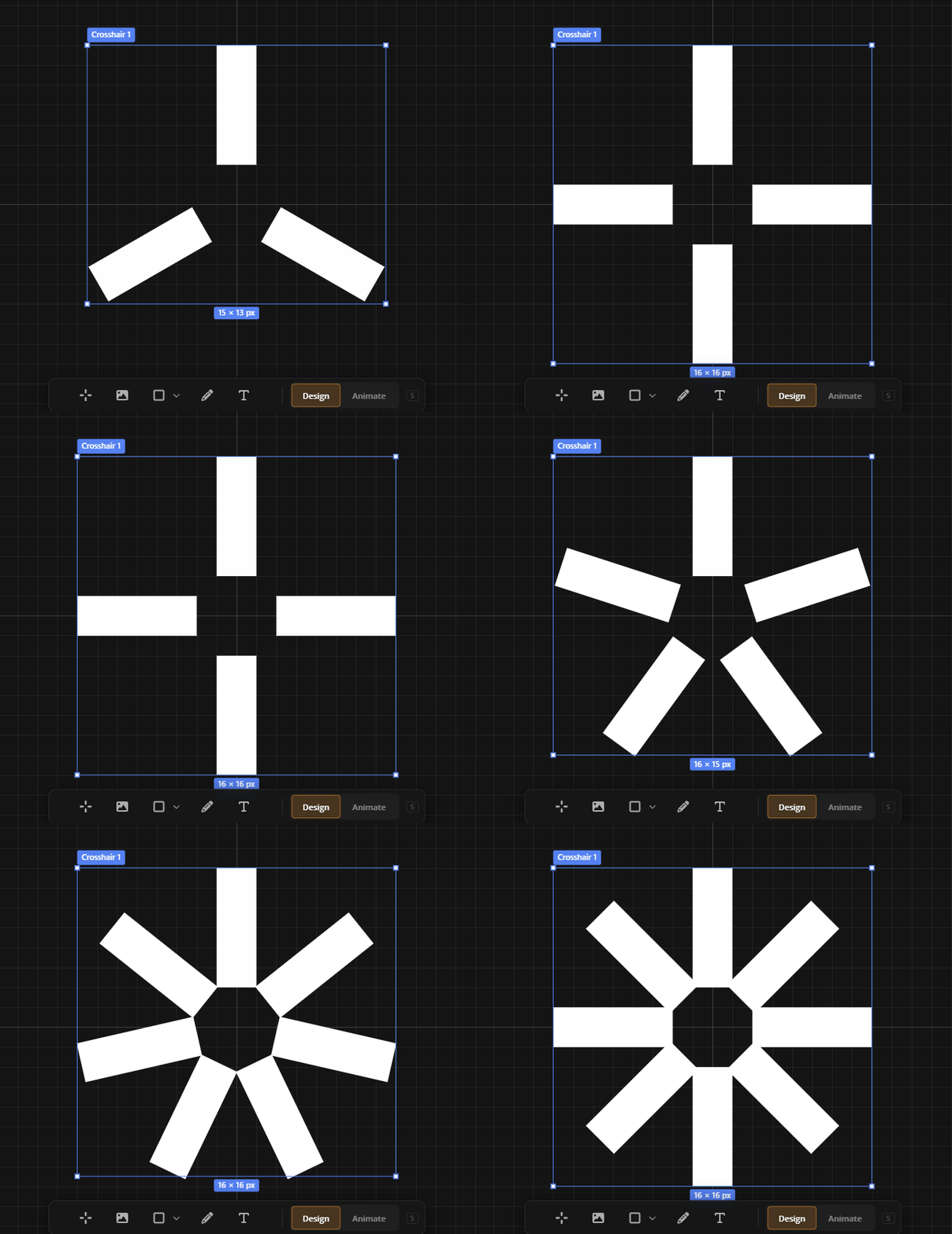
- New arm renderer supporting 3–8 evenly-spaced arms with per-arm visibility toggles.
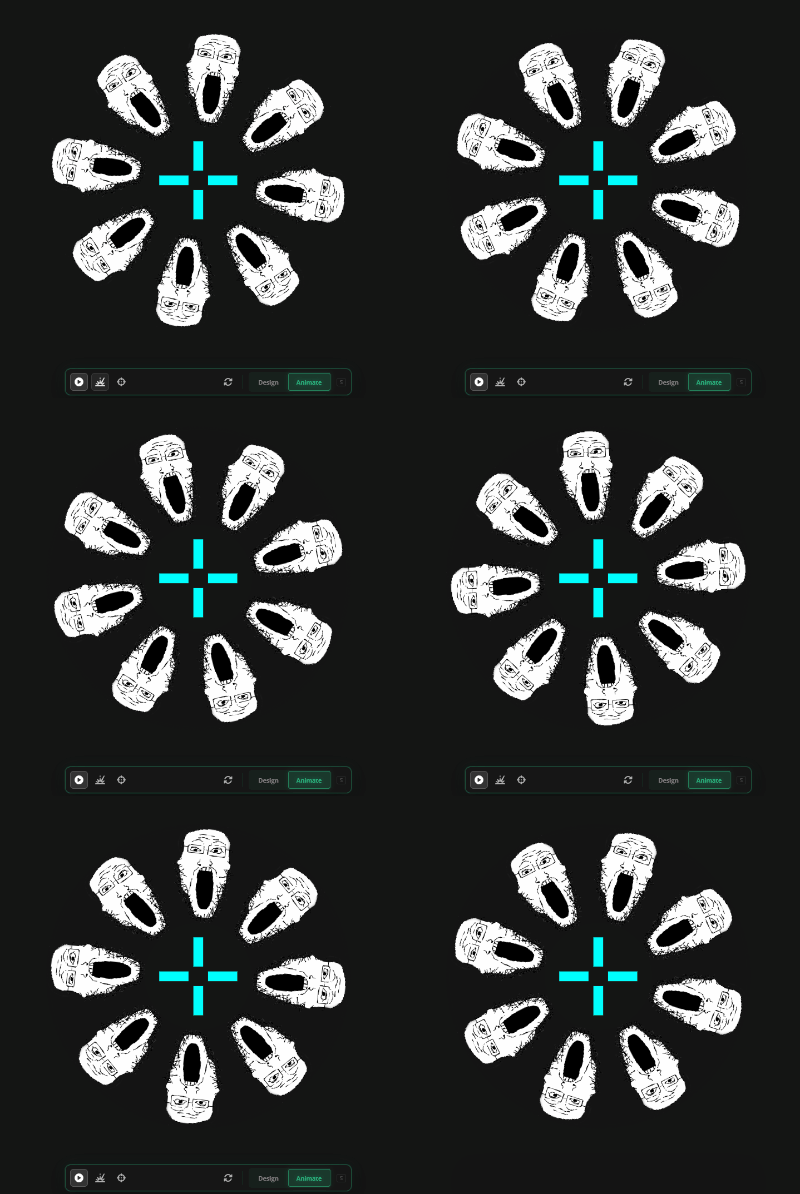
- Two new arm shapes: Image and Text (Yes you can make crosshairs out of images now)
- Supported line shapes:
- Rectangle
- Triangle
- Chevron In
- Chevron Out
- Arc
- T-Shape
- Image (new)
- Text (new)
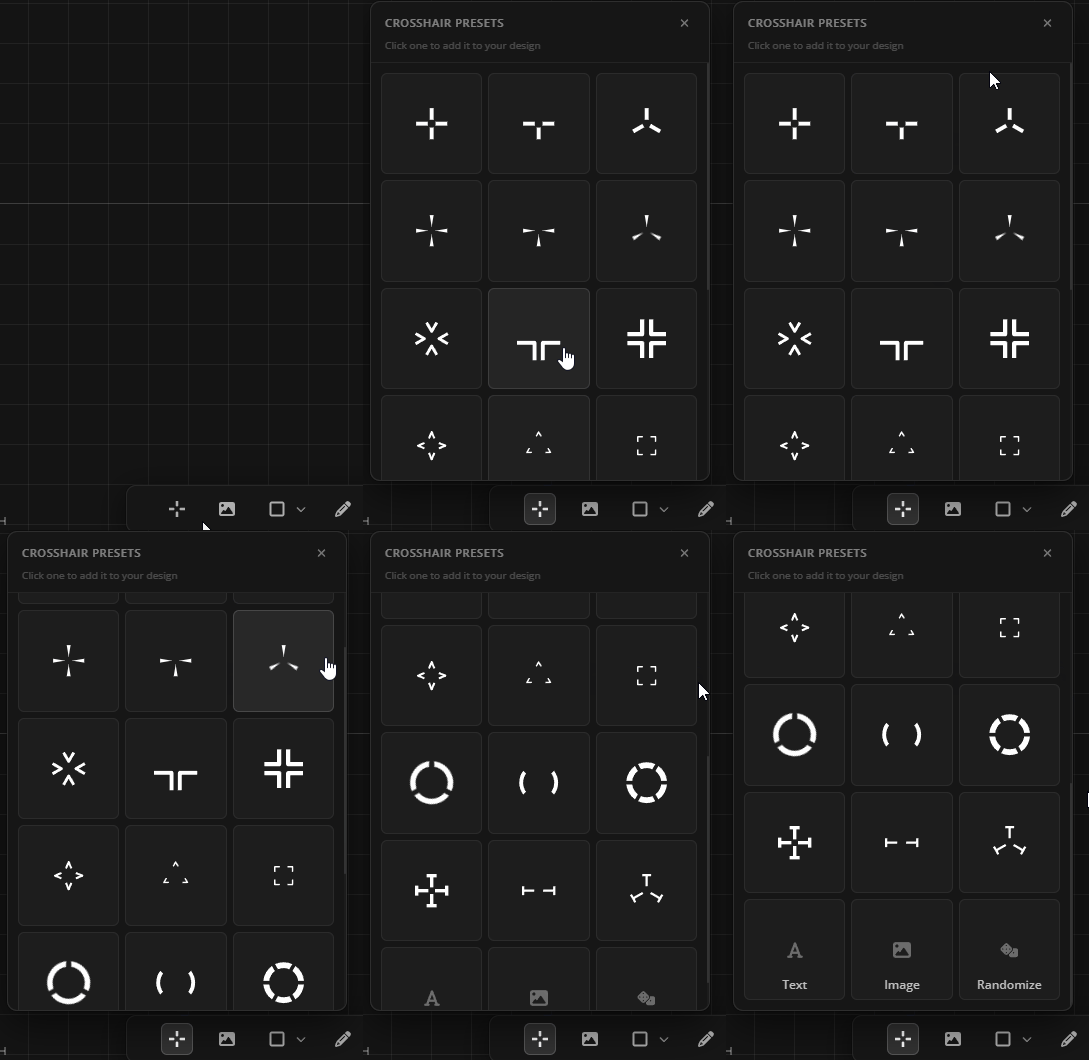
Presets
Varying Arms
⚡Animation Changes
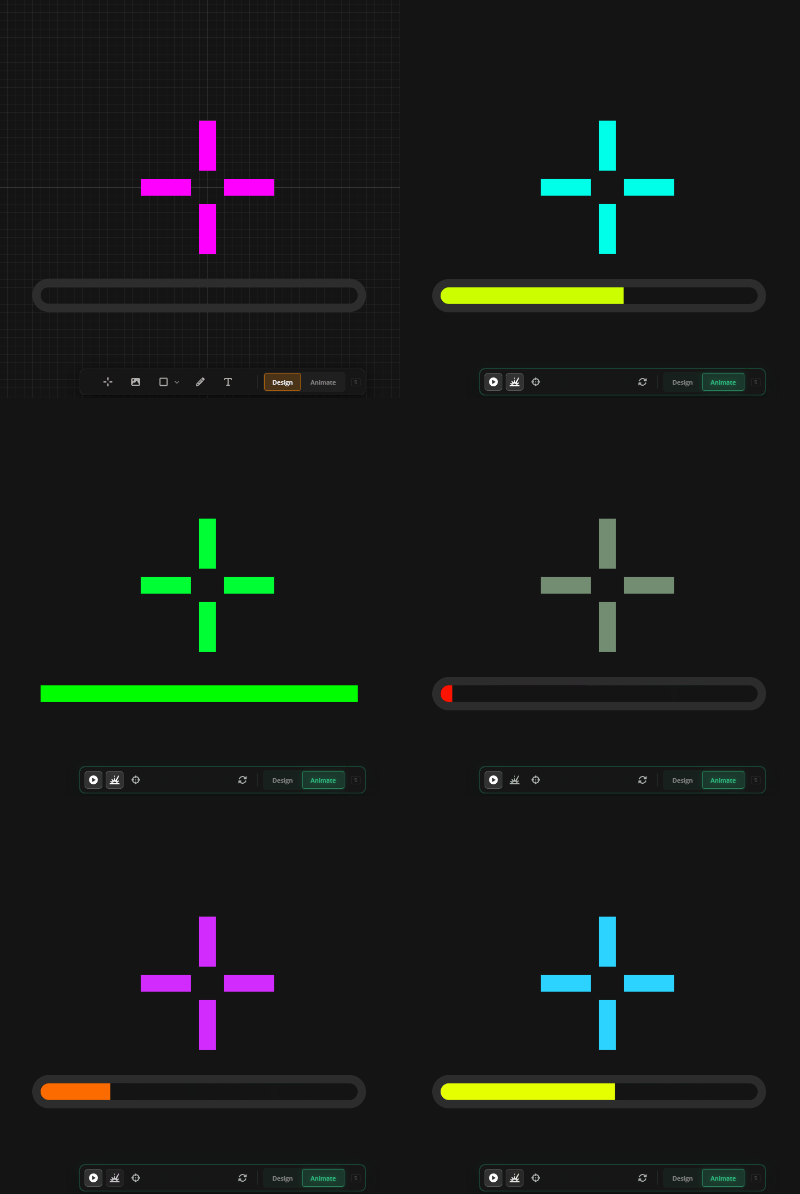
- Multi-stage animations — chain multiple stages together to create more dynamic and complex animations.
- Image layers can now be animated — animate width, height, opacity, rotation, and position on fire, aim, or autoplay.
- Shape and text layers are fully animatable too — each with their own set of properties.
📋 Design Quick Actions
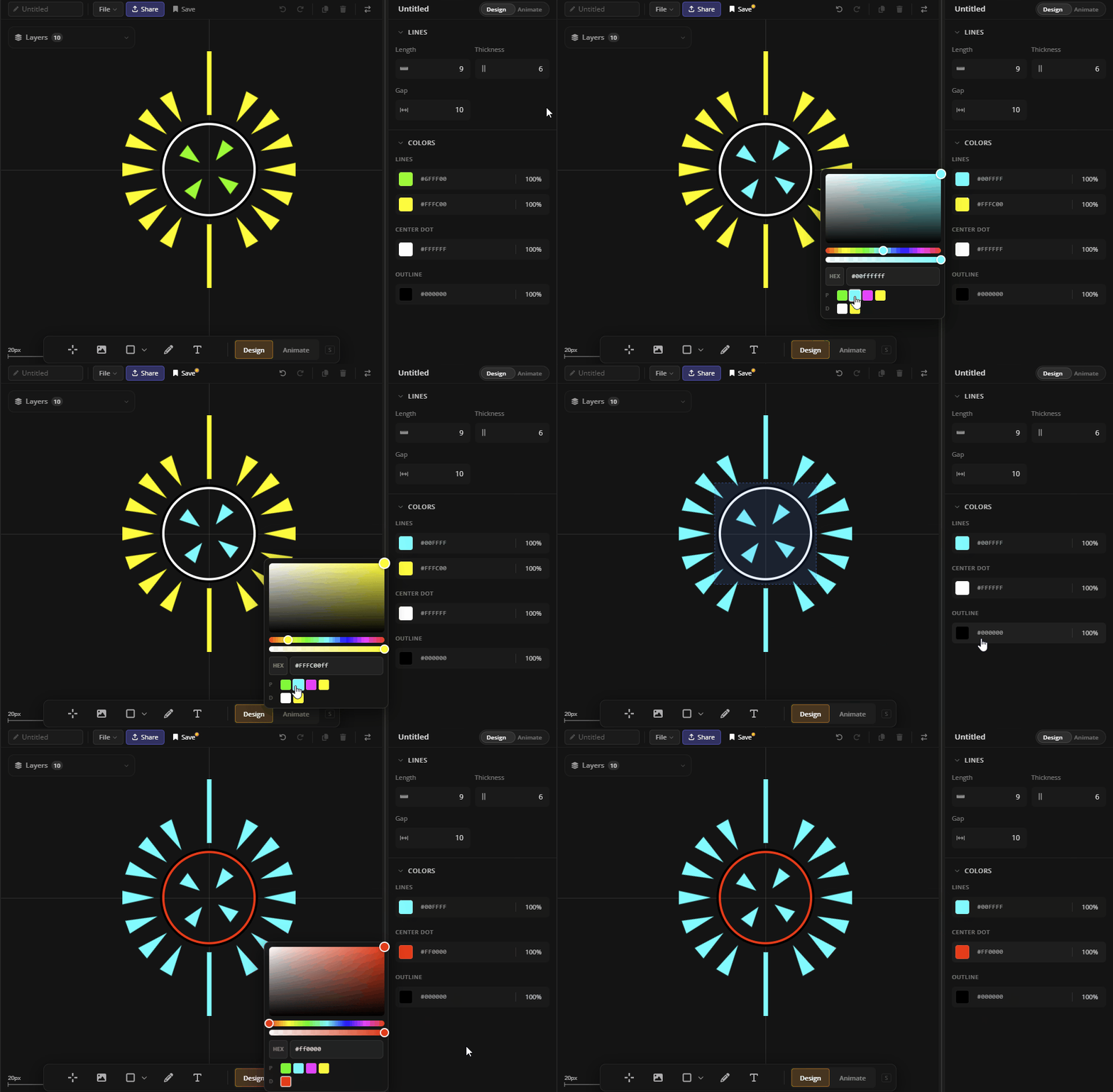
- New summary view showing common properties across all layers in your design.
- Change colors, outlines, and opacity globally — no need to edit each layer individually.
- Get to the look you want faster by iterating on the whole design at once.
👋 Until next time
Thank you for sticking with us — this update has been a long time coming. We're excited to see your designs and hear your feedback. Come share what you build.
💬 Join the Crosshair X Community on Discord
GLHF 🦆