Build 18174182
buildWhirligig Media Player · whirligig_v5.57 · first seen
Major update - feature updates, bug fixes and much more
Hi Everyone,
I've been working on a lot of new things and fixing bugs along the way. Some of the new features are large but probably irrelevant to most, while others are smaller and beneficial to everyone.
I've been doing extensive testing and releasing beta versions for people to test for a while now. My reluctance to release a new default version in fear of breaking it for users has meant that now I'm finally releasing the update, there has been a lot of changes. Hopefully you'll find that this latest version runs better, loads more features and better desktop support.
Updating your builds to default can be a difficult process and with VR still changing and developing it's a bigger minefield as you have people with cutting edge technology alongside people with first generation tec. Because of this there will be instances where people find bugs or issues they previously didn't have after the update.
What to do if you are having issues
Return to the previous default version
The previous default version is still available in beta "whirligig_v5.25" and if you have real issues switch back to that version. If you're not sure how to switch to betas it's very easy. I made a tutorial video a while back and even though it's a bit out of date it should still help:
https://youtu.be/z9pv-cgn4IE
Reset Whirligig.
Removing all the setup files can help to fix problems that might have developed over time. The most robust way to do this is to follow these instructions.
Close Whirligig.
Navigate here :
C:\Users\%username%\AppData\Roaming
Find the folder called 'Whirligig' and rename or delete it.
Restart Whirligig.
Let me know
Post here or in the Steam forum and let me know. I'm very responsive to bug reports and feedback and right now I'll be even more so as I want to make sure this works for the most people. Send me a message report the issue and I'll do my best to fix it and update. I can also help you return to the previous version if you need help
Features
- Passthrough option added to the Themes menu for headsets that support it.
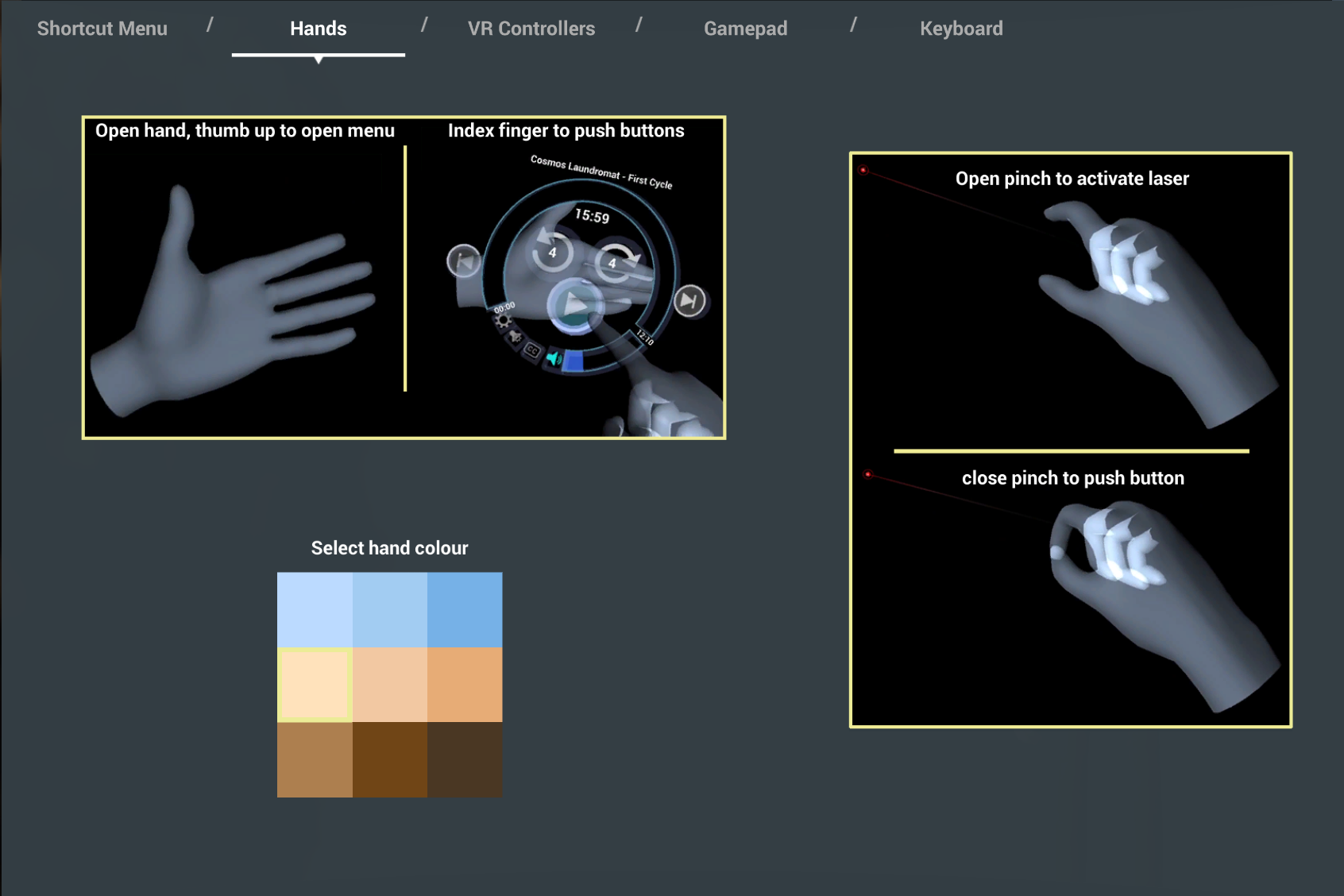
- Hand tracking (beta) where available*.
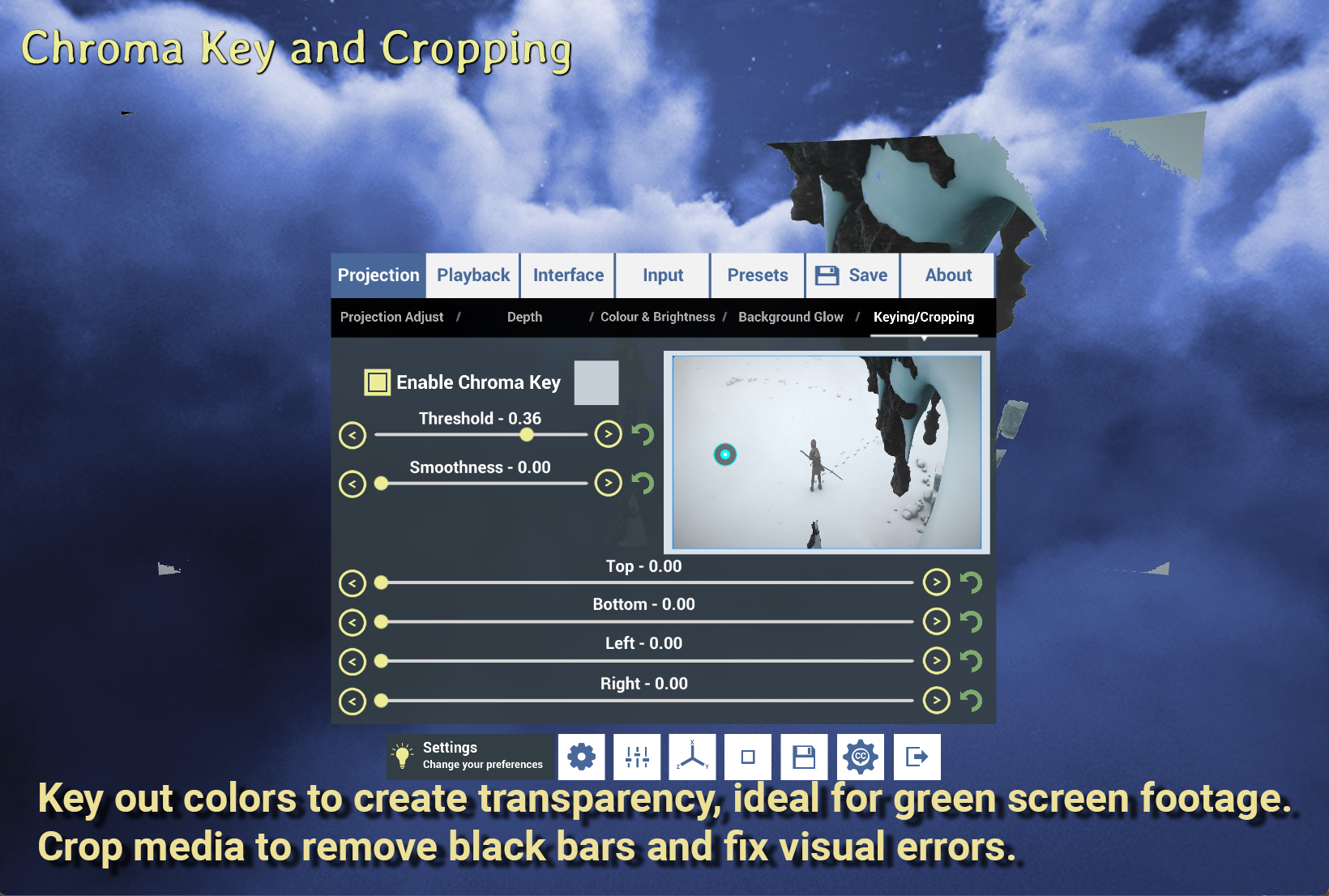
- Cropping video and chroma keying added.
- Browser optimized for large folders.
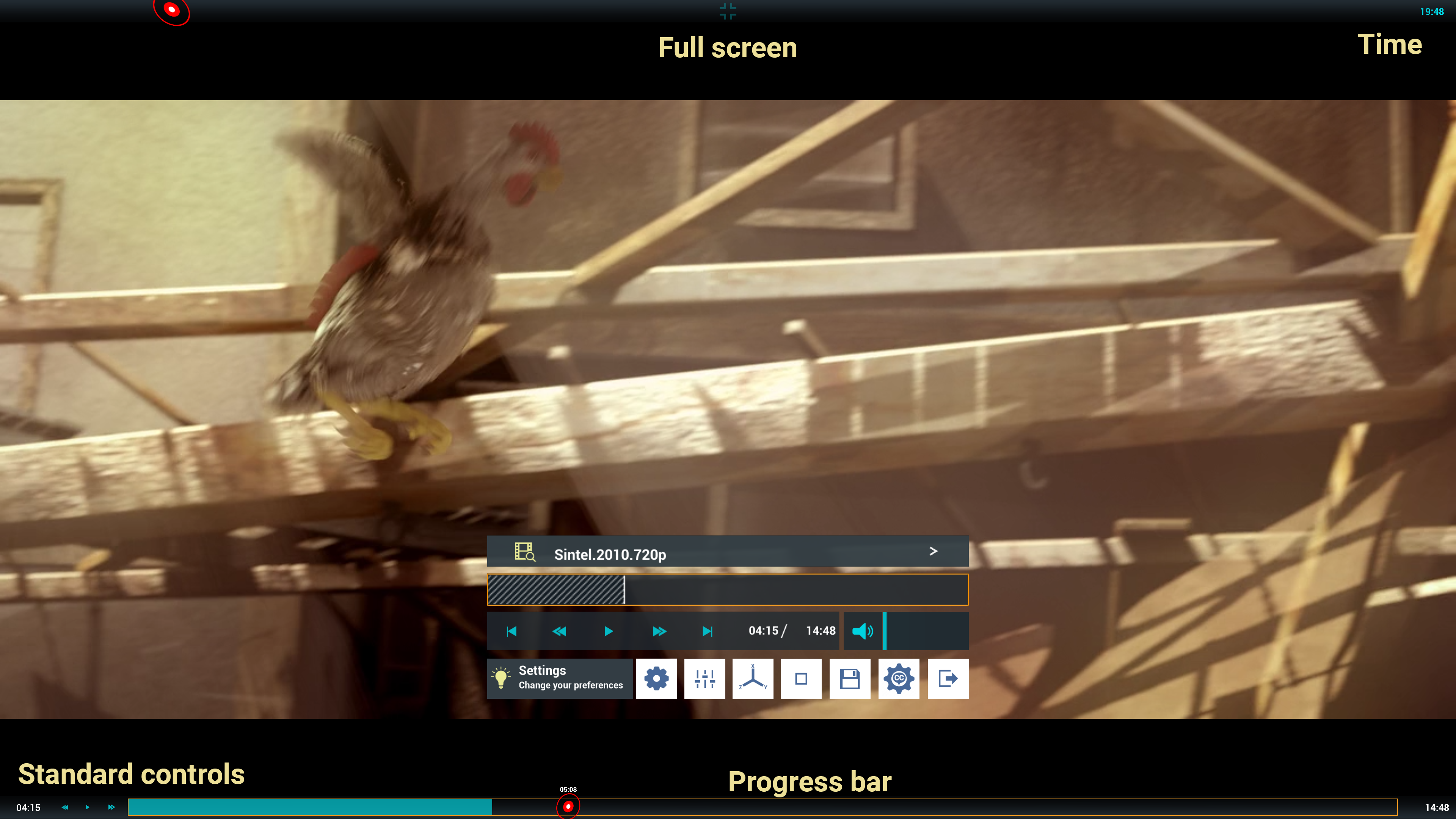
- Top and bottom menus now appear when using the full-screen cinema mode, allowing for play, pause, skip forward/back, and jump to position.
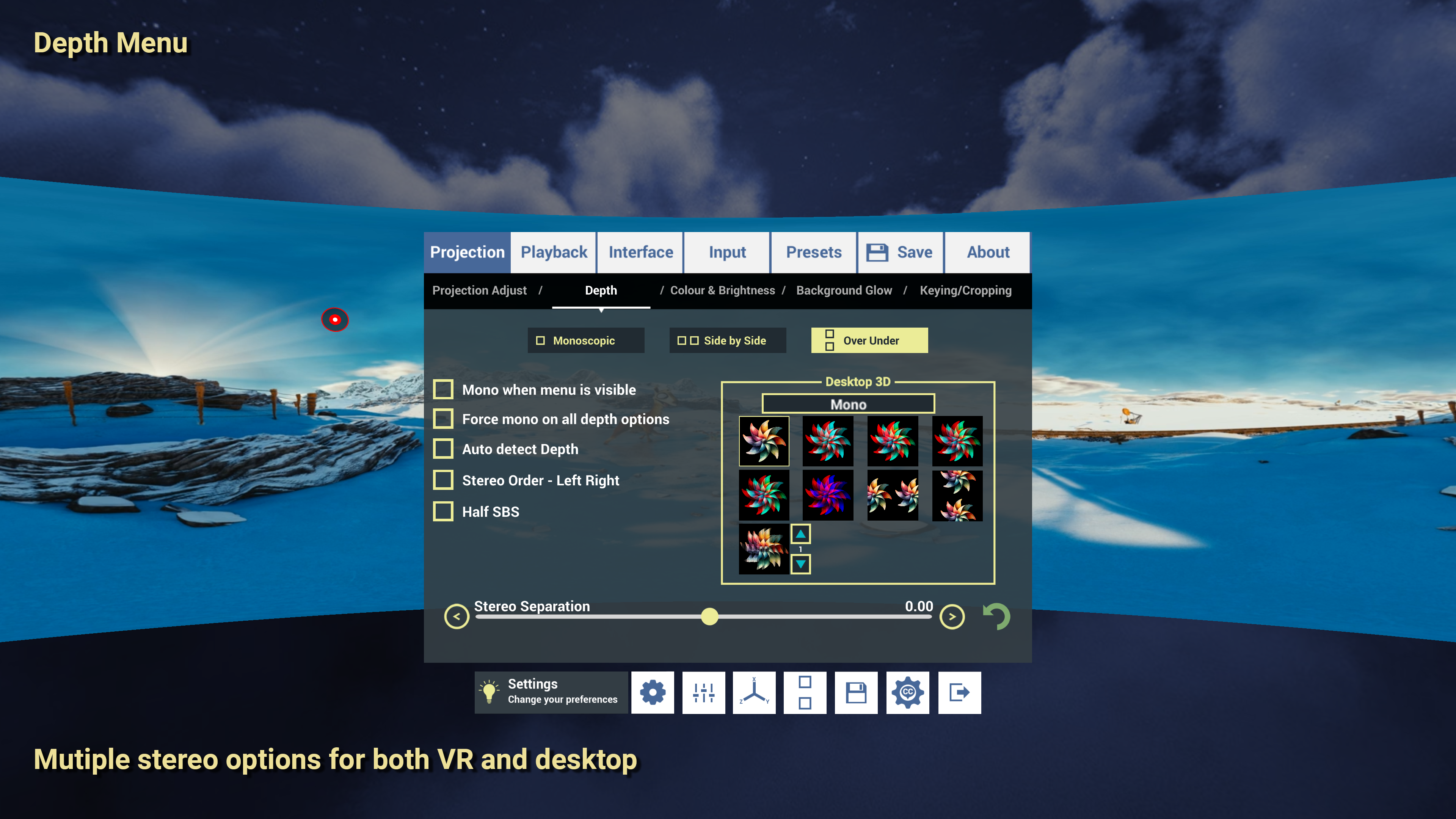
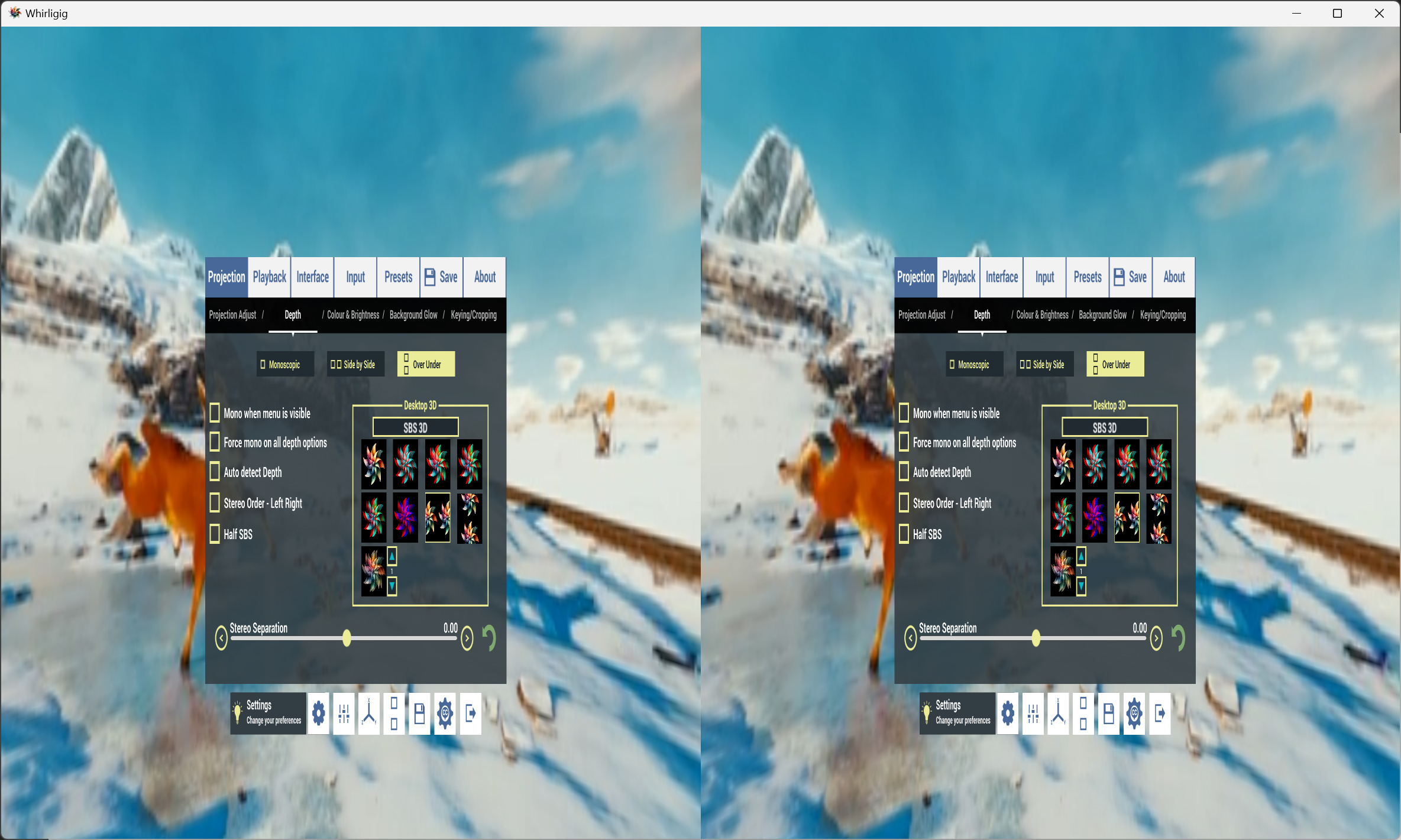
- 3D depth for non-VR moved to the Depth menu.
- Lenticular 3D option added. This is still experimental, and I’m continuing to tweak the output.
- Subtitles now have position and size options.
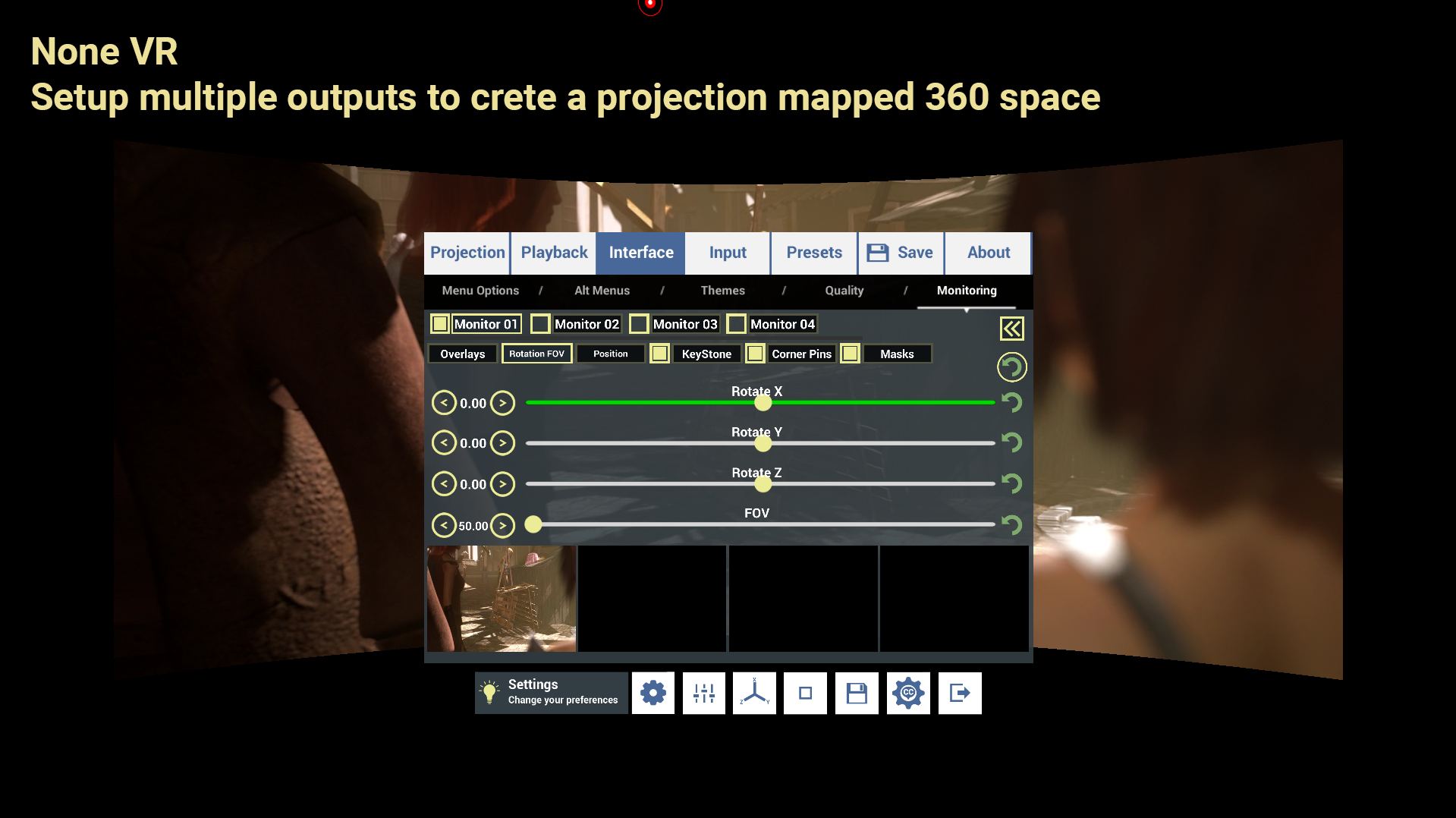
- Projection mapping for non-VR added, allowing you to use four projectors to create a 360-degree space. (This is a big update, but probably won’t be used by many.)
Bug Fixes
- 3D icon now updates more quickly.
- Skip forward/back now reveals the progress bar.
- Subtitles no longer appear behind the UI.
- Cursor hiding issues fixed.
- App now tests for VR, and switches to non-VR if no headset is found.
- Fixed passthrough material issues where some backgrounds were incorrectly visible*.
- Menu now appears even if the screen is closer than the menu itself, allowing changes to be made.
- In Rooms, the UI no longer moves when something is blocking it—blockers are now hidden.
- Fixed issue where selecting half-width stereo would squash mono video.
- Arrow key navigation in the browser reinstated and improved.
- Fixed subtitle issue where metadata had the same name.
- Fixed issue with Windows mouse appearing in NoneVR.
- Fixed issue with mouse not appearing on edge when resizing the window,.
Plugin and Engine Updates
- Unity3D 6
- AVPro Video plugin
- VLC Video plugin
Top/Bottom Menu for Cinema fullscreen:
I've been working on improving the none VR playback and fullscreen mode. When you've chosen "Cinema fullscreen" from the advanced menu, when watching videos in cinema you'll also get the addition of top/bottom menus that work like a standard video player.
Passthrough:
To get passthrough working on Meta you have to installed the Meta Core SDK into Unity. It was being reported that Windows Mixed reality headsets were crashing when this was installed so I've converted the passthrough to use OpenXR and ARFoundation. This is the implementation that manufacturers are moving towards, however PC passthrough is the last thing to get the update. For this reason I'm using the ARFoundation implementation on the default release knowing that few if no headsets support it yet but also that Windows Mixed reality headset won't crash on startup and I'll be providing a Meta version of Whirligig for people with those headsets so they can get passthrough "whirligig_v5.57_meta". This is currently available in the beta . Hopefully the manufacturers will eventually update all this so I don't have to build for different headsets.
Hand tracking (beta):
The hand tracking implementation was broken so I've fixed that. Hand tracking for PC is still not very well supported, which is why it's disabled as default. If you enable it and your headset doesn't support had tracking properly on PC yet you'll get a attempt as hand tracking but using the controllers to get finger positions. This isn't very good and it's advised to just turn off hand tracking on none supported headsets.
Screenshots:
Known issues
I've worked hard to reduce the chance of issues by keeping up to date on the engine and sdks but some issues will still occur. I'm working to reduce the change of this issues but it's important to make you aware of them so here is a list of ones I've come across. If you find other issues I've not listed please let me know so I can fix them.
Slow loading and no input on first load
I've noticed an issue that when you load Whirligig for the first time after an update it takes a while to load and then, sometimes you can't select anything. This fixes itself next time you load whirligig. I know that a Unity (game engine I use) project has to compile shaders the first time it's run. I don't know if this is the cause of the no input as well and I'm not sure it happens on other system. Just be aware.
Windows cursor appears
I've programmed in so that the windows cursor isn't present when in the Whirligig window. The windows cursor should not be visible but sometimes this becomes visible and requires a reload to fix it. I don't know why this happens and have worked on fixes but sometimes it happens. A restart fixes this.
Crashes
I've worked hard on reducing Whirligigs overhead so that it's less likely to crash. This has been helped dramatically but there are sometimes crashes that happen. This tends to happen when switching between video paths. Again a restart fixes the issue and I intend to work on this issue for future versions.
And Finally
I really hope you like the update and new features I@ve been adding. If you have enjoyed using Whirligig then please let me know with positive reviews. It helps to show that development is still happening and it also helps to massage my ego, which I need as to everyone bad review it takes ten good reviews to recover it :) With a big update like this there is also a good chance I'll end up with bad reviews when it changes in a way people don't like. So please let people know that you like the player if you do :D
And lastly please know I'm very grateful for all of your support over the years. I'll continue to develop Whirligig for the foreseeable future and I really hope you continue to join me on this journey. Let me know what you think and where you would like to see Whirligig go next.
Happy watching everyone
Phil
Depot changes
| Depot | New manifest | Previous manifest |
|---|---|---|
| 451651 | 5472240203767641685 | — |