64-team World Cup, Stage Editor and More Updates
Forever World Cup Simulator · published · build 24015696
64-team World Cup
A new 64-team World Cup format has been introduced, now that there are rumors about a potential expansion in 2038 World Cup.
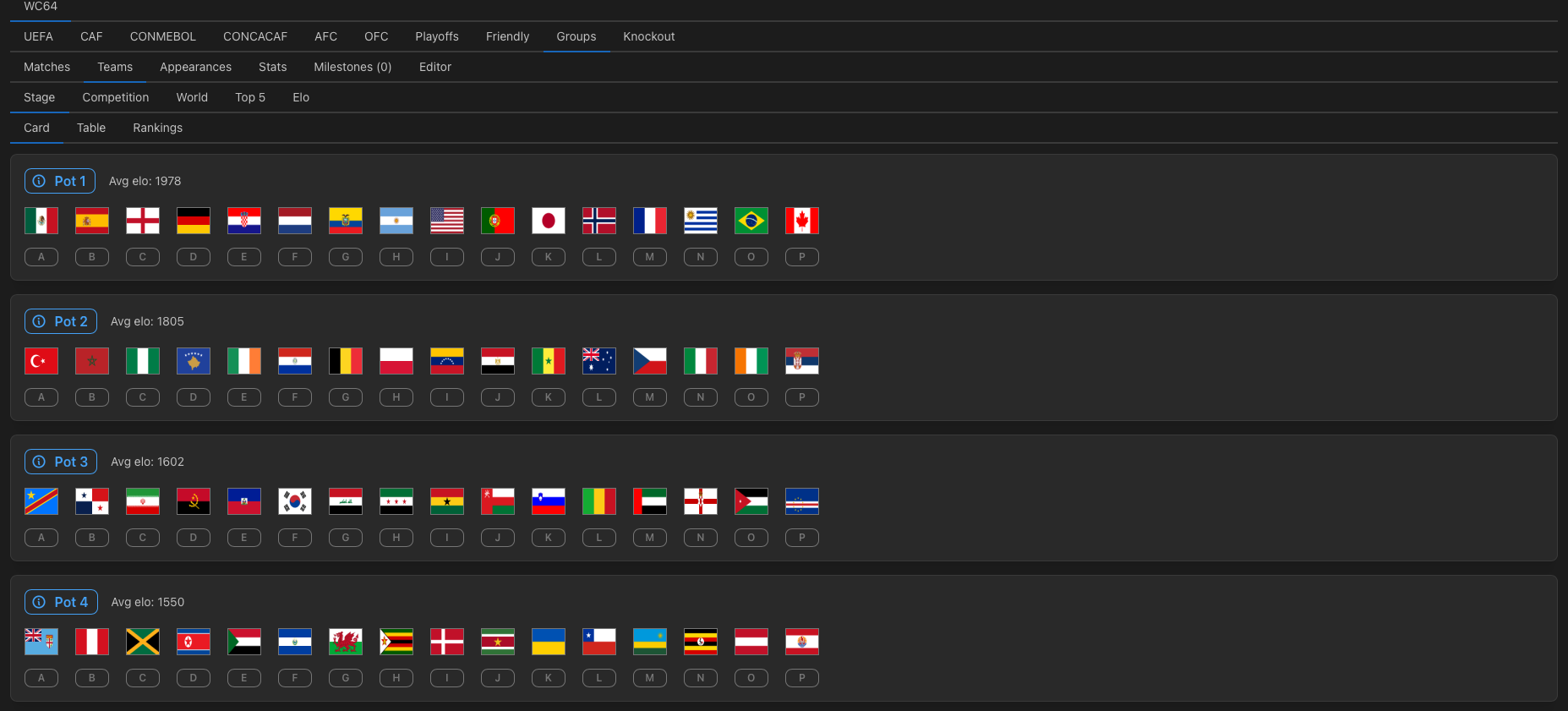
Slot allocation (without taking host nations into account):
CONMEBOL: 6 + 0.5×2
AFC: 10 + 0.5×4
UEFA: 22
CAF: 13 + 0.5×4
CONCACAF: 7 + 0.5×4
OFC: 2 + 0.5×2
This format includes a 16-team intercontinental playoff featuring all confederations except UEFA. The playoffs are divided into four paths. Most confederations run their own preliminary playoffs to determine participants.
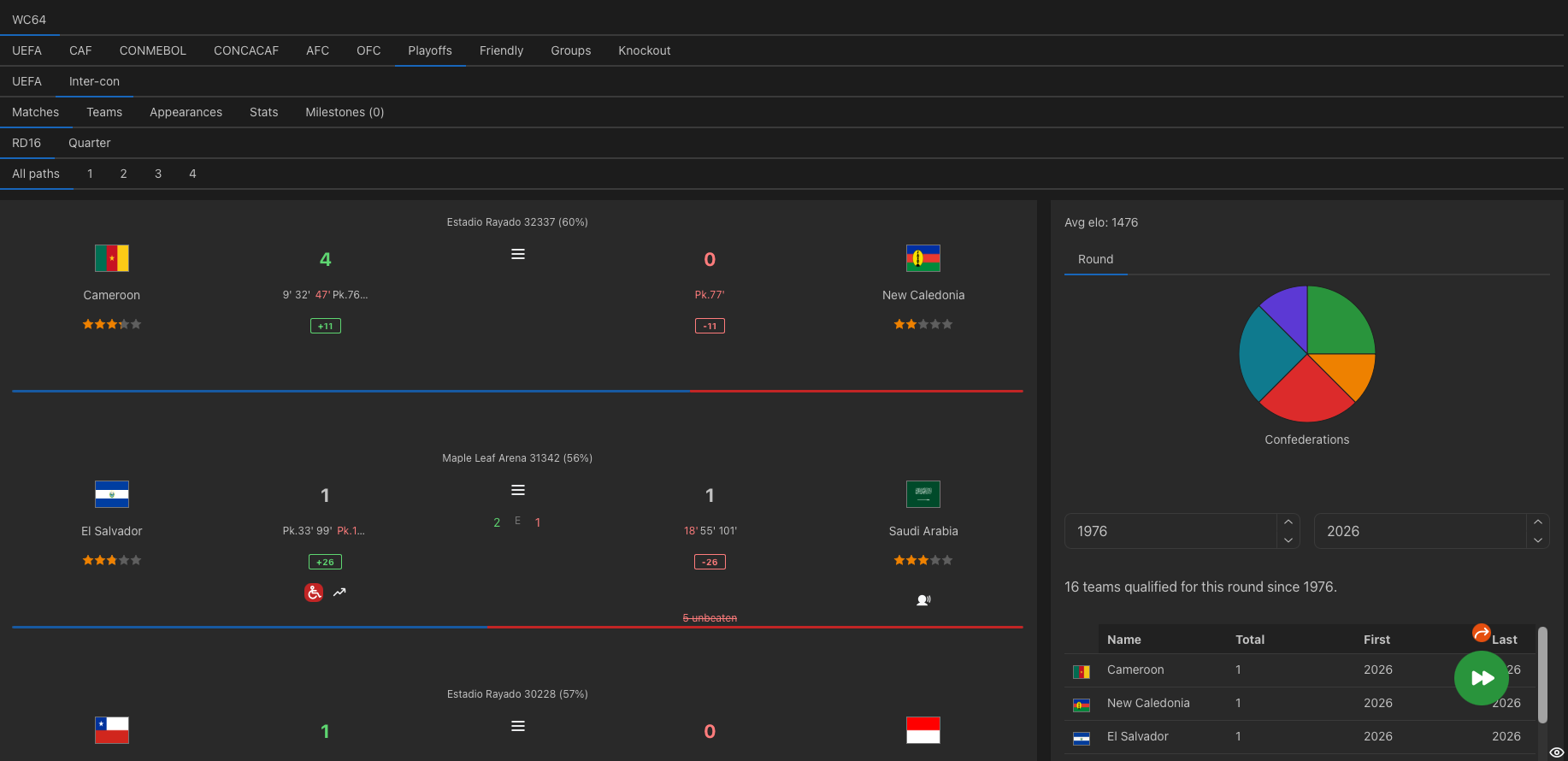
Each path is drawn with the restriction that no more than one team from the same confederation can be placed together.
In the finals group stage, the “best third-placed teams” rule has been removed. The knockout stage now follows the same bracket structure as the traditional 32-team format.
Stage Editor
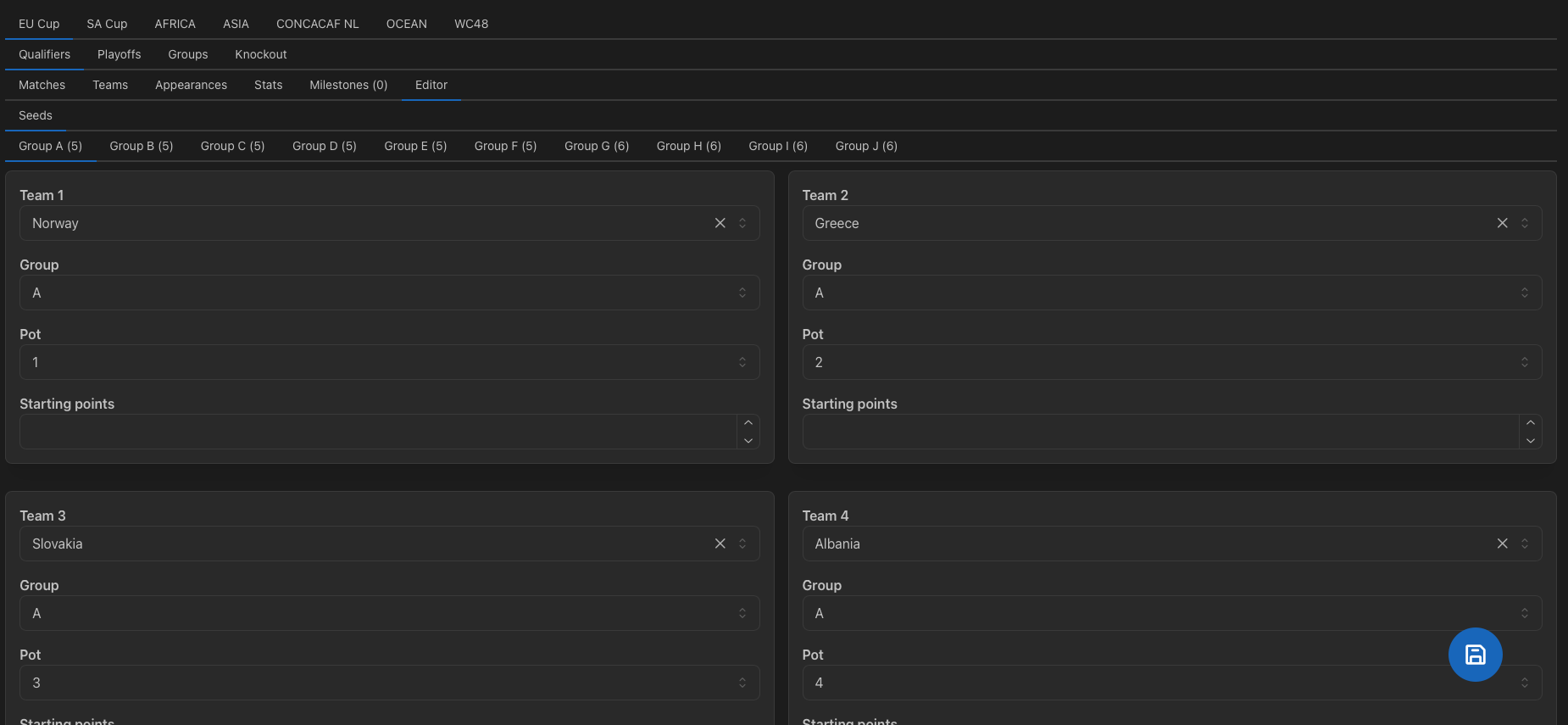
The Stage Team Editor, which lets you pre-select teams for a stage, has been replaced with a more powerful Stage editor on the season simulation page. The new editor allows you to:
- Change any teams freely.
- Reassign seeded teams to different groups or pots.
- Change the size of each group.
- Change starting points of each team, either positive or negative.
- Edit group hosts when using centralized venues.
- Automatically reschedule all matches after changes.
The editor is only available before any matches in the stage have been simulated. Once simulation begins, it will be locked. Currently, this feature supports group stages only.
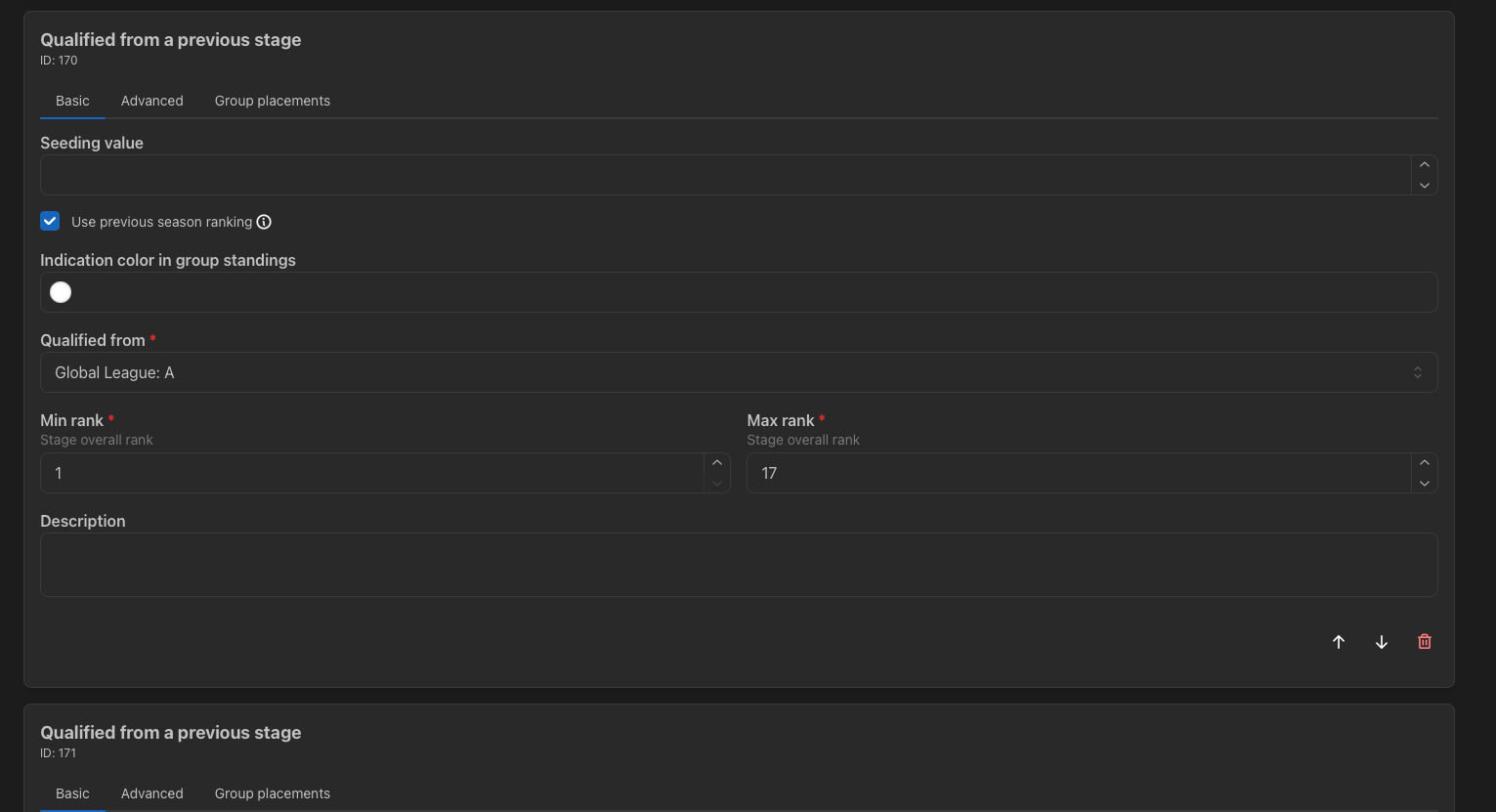
Competition Editor -> Stages -> Qualifications
For custom leagues, you must now enable the "Use previous season data" option so that the system will select teams based on last season’s results. Previously, the simulator assumed league qualification rules were always based on the prior season, but this is no longer automatic. This change should provide greater flexibility because you can now create league divisions based on the results of the ongoing season.
Import Historical Championship Records
Historical records can be imported into any competition in the game, not just the same competition. For example, 48-team World Cup records can now be imported into 64-team World Cup records.
You can also import in-game records in the "Leaderboard" section.
Team Short Code
You can now assign short codes to teams in the team editor. These codes appear next to team flags in standings tables, making it easier to identify teams where flags may be difficult to distinguish on mobile devices.
Temporary Match Incident
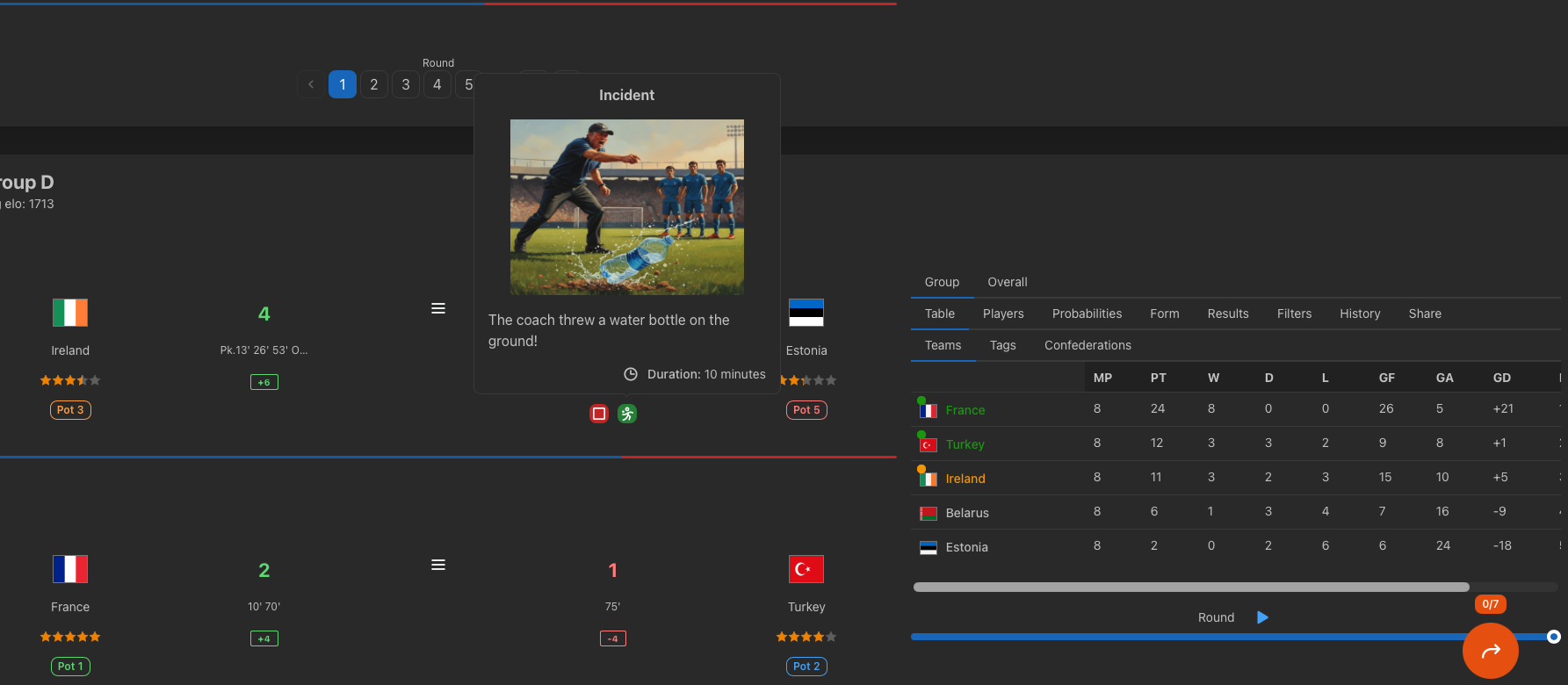
The effect of some match incidents (such as halftime team talks or water breaks) may only last less than 20 minutes. Click the incident icon to find out the duration.
English League
The top two divisions now feature fictional club teams with real elo ratings.
Each team is assigned to a "England South" or "England North" tag.
Add-on Events
Moved several old events like Energy League and East Asia Cup to the "Add-on" section to free up space for major new tournaments.
World Cup Knockout Round
You can import official results in the 2026 World Cup knockout event.
UI Improvement
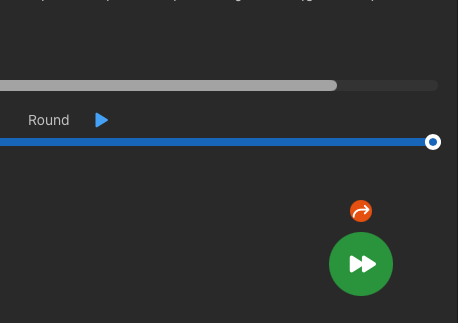
Previously, the orange navigation button that lets you jump to next stage was only available in an ongoing season. But now it is also available in past seasons as a smaller button above the green forward button.
Site: https://simcups.com