In-game event
Adding functions such as Material Reset, Look At, and Physics Simplification Opt
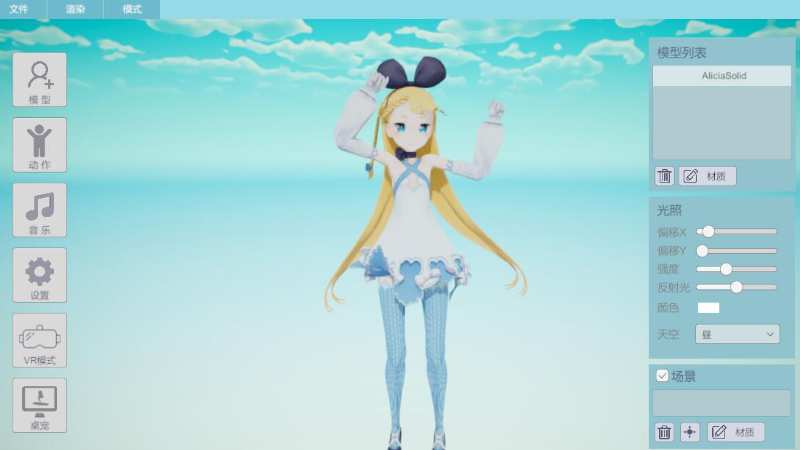
Material Reset
After unchecking the "Enable Material Settings" option in the material panel, a reset button will appear. Clicking it will reset the material settings.
Look At Camera
By checking the "Look At" option in the camera panel, the model will continuously face the camera.
Physics Simplification Option
When loading, overly complex models will undergo automatic physics simplification, which may affect physical performance. This operation can be undone for the model on the "Model" - "Modify" page.
More from EasyMMD
Other announcements
New hand IK control added to VR touch modeNew hand IK control added to VR touch mode (PMX models only) · Fixed foot IK control issue in VR touch modeOptimize physics effects in VROptimize the physics engine under VR Touch to significantly improve performance. · Added a new option to select the physics engine, allowing more stable results for complex models when Real-Time mode is enabled. · Fixed an issue where model size and position would reset when switching VR Touch modes.Optimize rendering quality and user-friendlinessEnhanced shadow effects. · Scroll the mouse wheel to control camera zoom. · Press the M key to quickly toggle position editing mode. · Added default characters and animations.