Hello everyone,
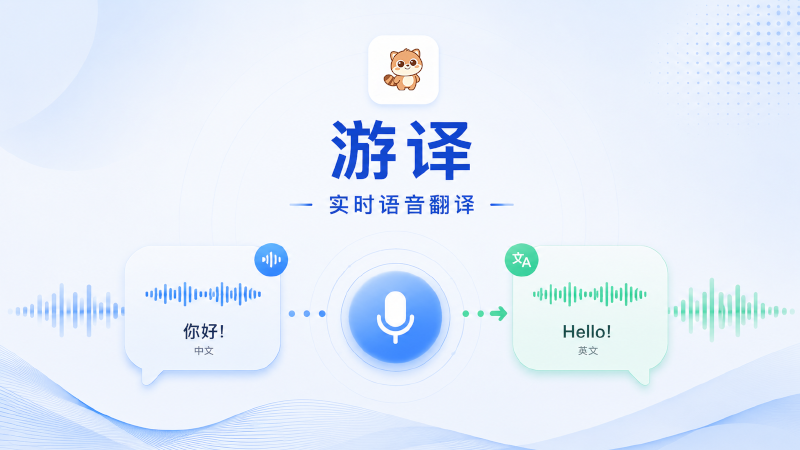
Youyi is now available on Steam in Early Access.
This is the first time we are bringing Youyi to Steam.
If you want to understand others faster and express yourself more naturally during gaming, voice chat, or cross-language communication, you can now jump in and try it.
The current version includes core features such as:
- Real-time voice translation
- Text Speak
- Bidirectional communication
- Desktop subtitles / bilingual display
- Virtual microphone routing
- Basic selected voice-chain workflows
Youyi is not just a tool for translating isolated text.
It is designed as a communication helper for real-time voice scenarios, helping you stay inside the voice room you are already using while you:
- understand teammates or other speakers faster
- send your own translated speech back into the current voice chain
- type first and let the software speak for you when needed
- switch back to original voice, use bidirectional mode, or rely on desktop subtitles when appropriate
Because this is an Early Access release, we will continue improving the experience based on real usage and player feedback.
If you run into issues or have specific scenarios you want us to improve, your feedback will directly help shape the next iterations.
If this is your first time using Youyi, the recommended order is:
1. Start with the basic microphone mode
2. Then try Text Speak
3. After that, explore bidirectional mode, desktop subtitles, and more advanced audio-routing workflows
Please note:
- The current version is Windows only
- Some modes may require the `VB-CABLE` virtual audio driver
- If you want to install the driver manually, go to \\optional\\VB-CABLE.zip inside the installation directory, extract it, right-click and run as administrator, and install `VBCABLE_A_Driver_Pack43` and `VBCABLE_B_Driver_Pack43` in order
And if you decide to join during Early Access, we would really appreciate your feedback.
Thank you for your support, and welcome to Youyi Early Access.
The Youyi Team