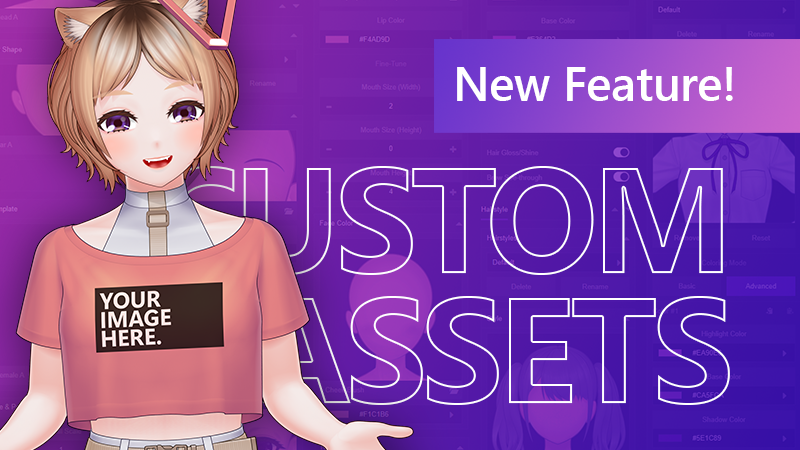
In the latest update of Mannequin Character Generator, we've added 'Custom Assets' feature which will let you import your own SVG files to your own character file. By using this feature, you can save time and avoid doing manual customization to your output .inx or .psd files over and over as you iterate through your character's modification over time.
More explanation regarding this feature is available in the online documentation:
Advanced (importing mesh data from Inochi2D): https://ar14.works/docs/mannequin/custom-asset-mesh
This feature is also available in the free/demo version of Mannequin Character Generator.
Other than that, here's also a recap of what's changed over the time since our last post:
The rewritten app has been live since February of this year. The app is now significantly faster than last year's version.
Inochi2D exports now has facial features customization options in Puppetstring, such as mouth size or eye size, height and separation. You don't have to go back and re-export just for minor adjustments.
Inochi2D exports now even more optimized when 'Optimize File Size' is enabled, layers/nodes are merged whenever possible to reduce file size and mesh complexity (decreasing CPU load).
Lots of new templates added to the library.
That's all for now. As always, thank you very much for your continued support and see you again in the next update!