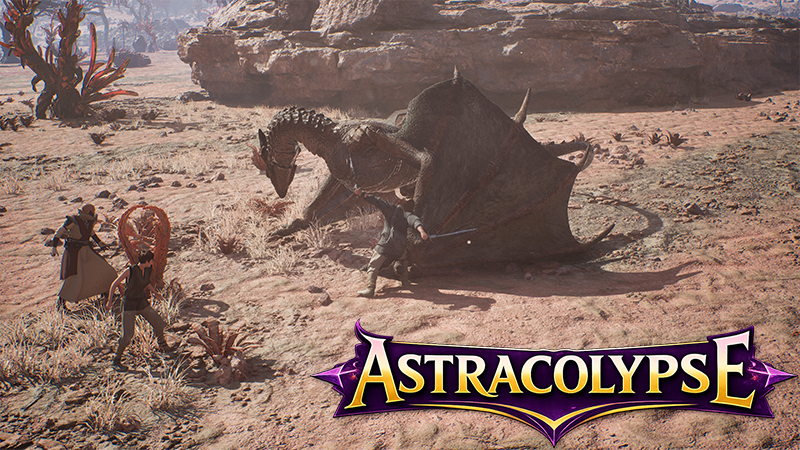
The v0.2 Alpha build has gone live for internal testers. This build introduces the stage 1 of our construction system, as well as the knowledge system, as well as the aforementioned quick-time event and skip animation features.
We are planning to have a public playtest in late July. Which will give players a chance to try all of the new features. We'll post a sign up and details when we get closer to that playtest.
You can find information on the v0.2 patch in the build notes below.
Combat
Introduced a new optional Quick-time Event system for combat. This system just missed being ready in time for Steam Next Fest, and is an optional feature.
When enabled, Quick-time events will appear on your screen during the usage of abilities, or when defending against enemy abilities. You will be given random keys to press within a specific window. If you match the proper key and timing, you will receive a bonus to the effectiveness of this ability. Combination abilities may have multiple keys in succession, for the various strikes. If you attempt to use a Quick-time event, but press the key outside of the timing window, you will receive a penalty to the effectiveness of that ability or attack. When defending, proper timing can reduce or prevent incoming damage or debuffs. The level of reduction or bonus varies by the ability used.
If you do not react, or if Quick-time Events are disabled, you will get the baseline result. This represents the same result that you received during Steam Next Fest.
Added a new Skip Animations option. When enabled, this will bypass all combat animations, and just skip directly to the amount of damage done, or the effects applied. This is disabled by default.
Improved Savage Swing's leap back transition.
Construction
Integrated the initial stage of the construction system.
Our initial constructible set includes 40 constructions. From spline walls, fences, and barricades, to foundations, tents, crates, structures, furniture, crafting stations, and modular pieces. Some of these will be unlocked in the initial set, and others will be unlocked via the Knowledge system.
When building, constructible objects that you have knowledge of, but lack materials to build, will have their icons shaded red and will be displayed, but not interactable.
Knowledge
Introduced new tomes of Knowledge. Knowledge will unlock crafting recipes or constructibles that are not part of the introductory recipe or construction sets.
These tomes are currently unlocked as rewards at the end of encounters. They are randomized, with more powerful tomes being available on more powerful encounters. You will only receive each Tome once per game, and they will be automatically added to your Knowledge permanently.
You will see any tomes rewarded on the Rewards screen at the end of an encounter.
Resources
Added new Stone and Wood harvestable types. These are used in crafting and building.
Introduced two new types of hides, in addition to Griffon Hides.
Settings
You can now enable or disable Quick-time Events or to be able to Skip Animations in combat from the Game panel in the Settings.
Removed some unused key bindings from the main menu settings, and introduced some new ones.