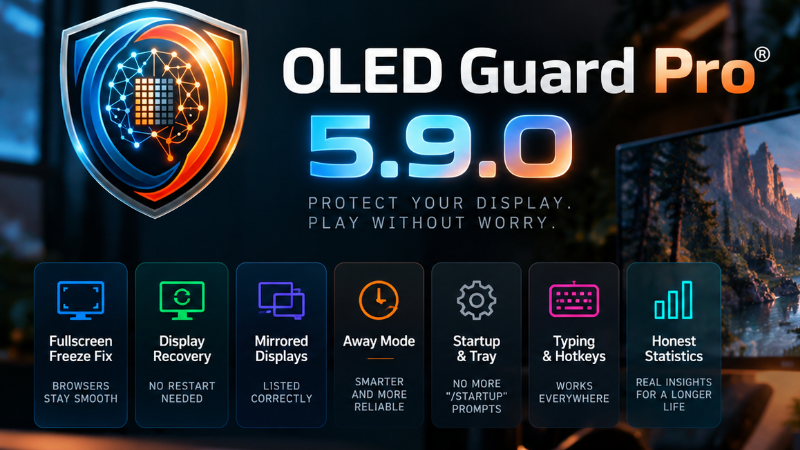
OLED Guard Pro v5.9: fullscreen freeze fix, display recovery, honest Statistics
A fix-everything release built from your reports and live testing under load.
Fullscreen and capture
Browsers no longer freeze on fullscreen. Chrome could lock up entering or leaving fullscreen while OLED Guard held a Desktop Duplication session on that display. Capture now steps aside for every fullscreen transition and re-attaches moments later.
Displays recover without a restart. Display sleep, driver restarts, docking, and monitor renumbering are handled live. A display with no capture shows a warning instead of counting as protected.
Mirrored displays are listed correctly. Windows duplicate mode shows one group with every panel's name. HDMI no longer shows as DVI.
Away Mode
App-window, focused-window, and mouse-tracking exclusions no longer cut holes in the Away overlay.
Monitors you disabled are no longer dimmed in hardware, and the Away timer is restored on the next start.
Startup and tray
No more "/startup" prompt. Steam no longer asks about launch arguments at every sign-in.
A second launch restores a full-size window instead of a tiny one.
Starting minimized shows a short tray notice; sign-in launches stay silent.
Typing, hotkeys, and feedback
Typing no longer strips protection from the focused window, and relief is fully off under Protect fully.
Hotkeys bind on Shift+digit and non-Latin layouts, with inline "unsupported" and "not registered" states.
In-app feedback waits up to 60 seconds on slow connections and shows a readable error.
The tuning HUD lays out correctly at 200% display scale.
Statistics
Session, 24 h, 7 d, and All timelines with a min/max envelope, gaps shown as gaps, and comparison against the previous period.
Wear-weighted screen time per app with heat thumbnails, and a hot-spot tile that names the app accruing the most wear.
Per-monitor wear reset, exposure hours on hover, and a panel-wattage calibration for the OLED energy estimate.
Help us keep going
Your feedback shapes every release. Almost everything in 5.9.0 started as a report on our feedback board, from the fullscreen freeze to the mirrored-display bug, so if something looks wrong, feels slow, or is simply missing, tell us at board.oledguard.com or through the in-app Report page.
And if OLED Guard is doing its job for you, a Steam review makes a real difference: reviews are what put a small utility like this in front of other OLED owners, and every one helps us keep building. Thank you for protecting your panels with us.