Status
SteamPeaks
ChartsSalesUpcomingPatchesNewsCalculator
New on SteamEvery app, DLC and depot the minute Steam creates itAppsEvery app on Steam, newest change firstPackagesSubs and bundles, and what each containsDepotsDepots, manifests and install sizesTagsSteam's user tags and the games under themDevelopers & publishersCompanies and their cataloguesTechnologiesEngines, SDKs and anti-cheat found in the filesChange historyEvery PICS changelist as it lands
SignalsNineteen readings of the whole catalogueCompareAny games side by sideRecordsAll-time peaks and the days they were setReportsWeekly and monthly write-upsAlerts & newsroomWatch a game, get told when it movesSteam statusIs Steam up, right nowWeb API explorerTry the endpoints in the browser
NewsSteam's own announcements and the sales calendarCalculatorWhat a Steam account is worth, and its pile of shame
/
Sign in
/
SteamPeaks
The ultimate resource for Steam data.
ExploreChartsSalesSales and festsUpcomingPatchesNewsRecordsTrendingSignals
DatabaseAppsPackagesDepotsTagsDevelopersTechnologiesChange history
ToolsCalculatorCompareSearchAlertsSteam statusAPI
SiteMethodologyFAQDiscordSupportSign in via Steam
Not affiliated with Valve or Steam. Game names and artwork belong to their owners. All times UTC.
PrivacyCookiesFair useStatus
Colony SurvivalNewsFriday Blog 261 - 0.15.0 Beta is Live!
Steam news

Friday Blog 261 - 0.15.0 Beta is Live!

Colony Survival · published 24 Oct 2025, 13:55 UTC

All newsPlayers around this dateRead on Steam


Update 0.15 is available for a public test right now! The core new feature is the top-down perspective. Unlock the Overseer’s Desk in the tech tree, place it in your colony, and click on it to switch to this perspective.

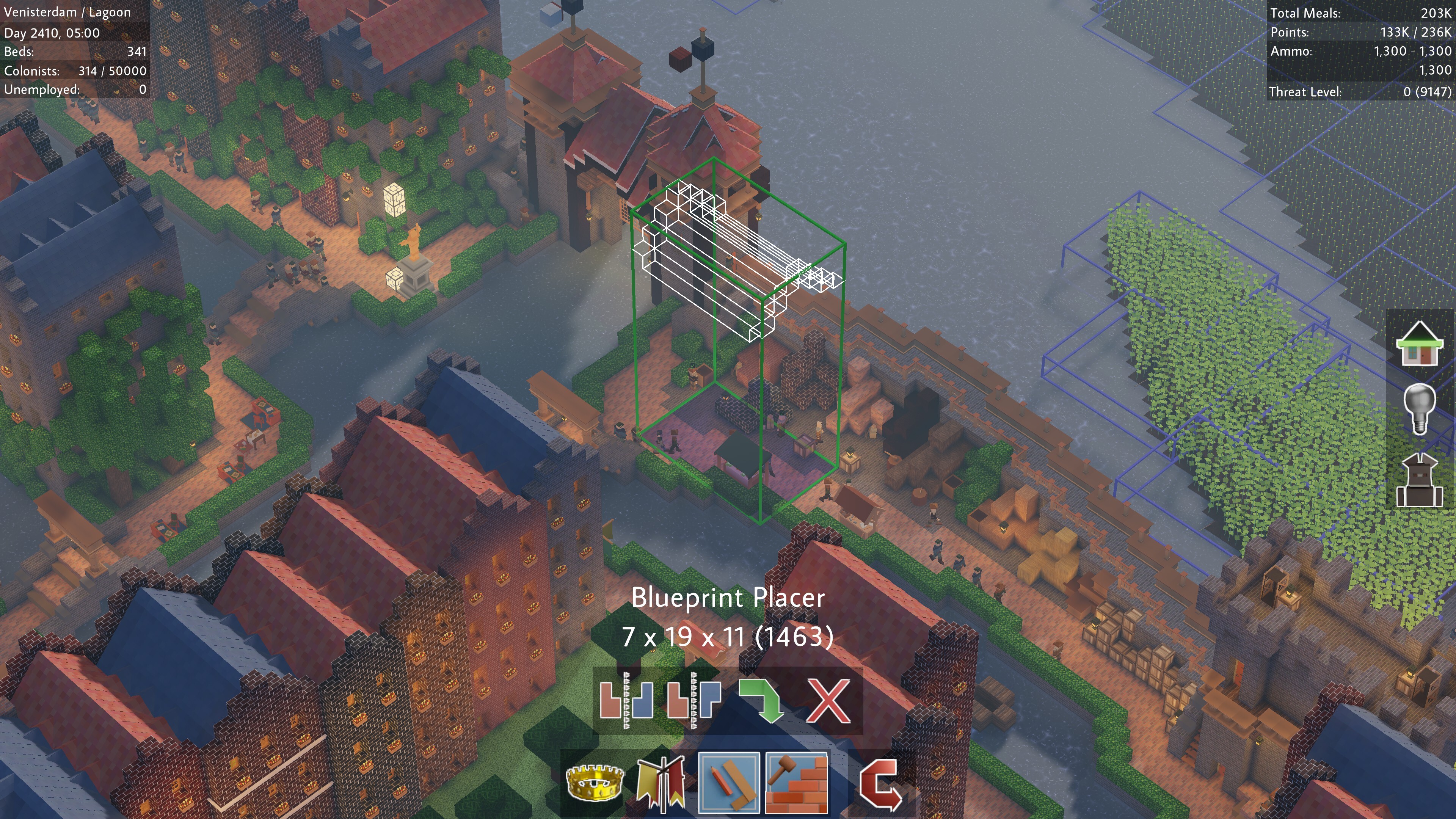
From the top-down view, you get access to the new Blueprints feature. There is a “Scanner” which allows you to select and save parts of your world. Right next to it is a “Placer” that opens a list of all saved blueprints that you can place back into your colony. A placed blueprint will start a construction project, and you need to assign construction workers to build the project.

Blueprints can also be exported to codes, or imported from them. This allows you to easily share buildings between worlds, with friends or with strangers.

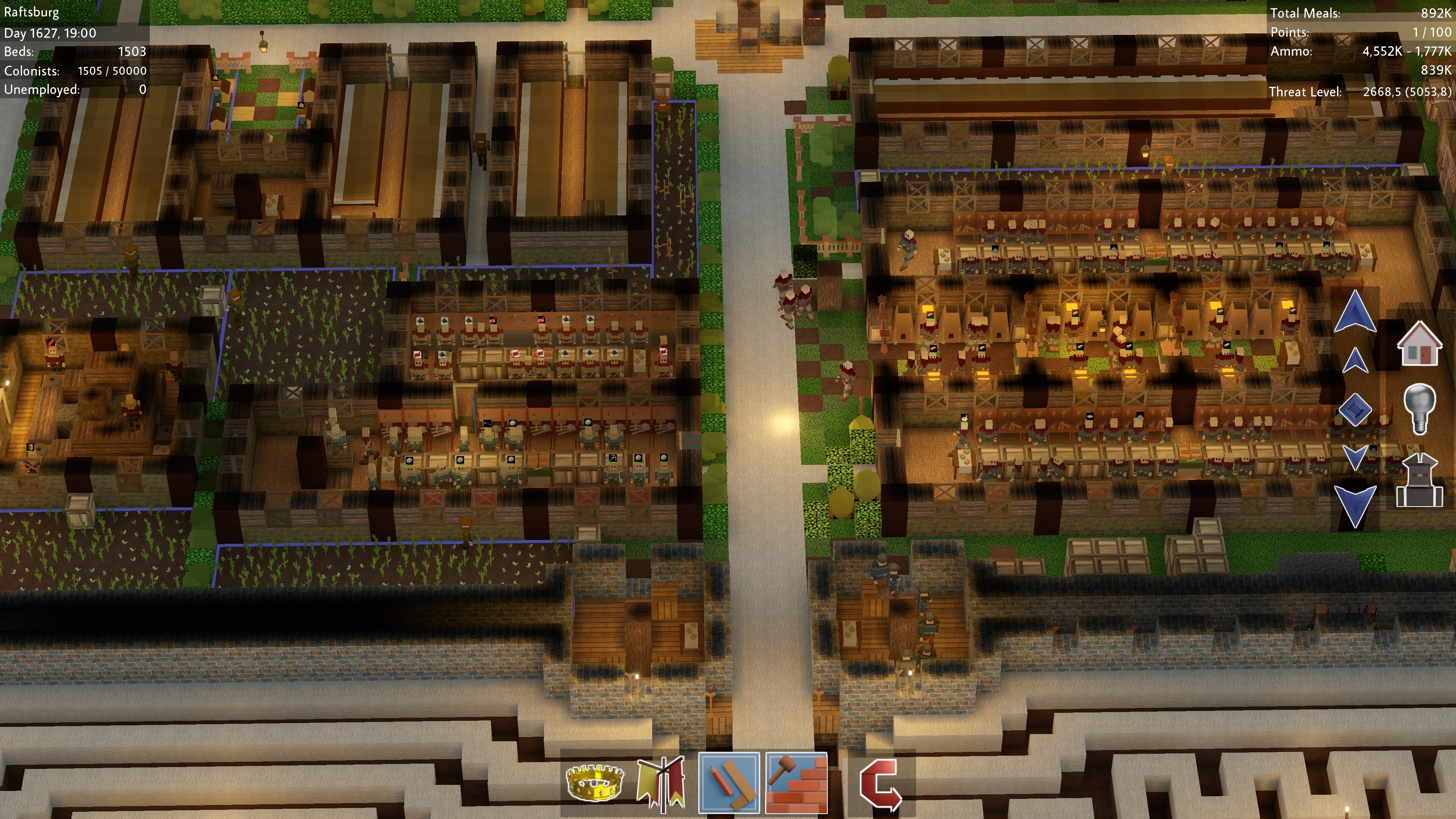
To help navigate indoor and underground spaces from this new perspective, we’ve also added X-Ray vision as a toggleable option. When activated, it will make everything above the height of the Overseer’s Desk invisible. But it also comes with buttons that allow you to increase or decrease the height of this “slice”.

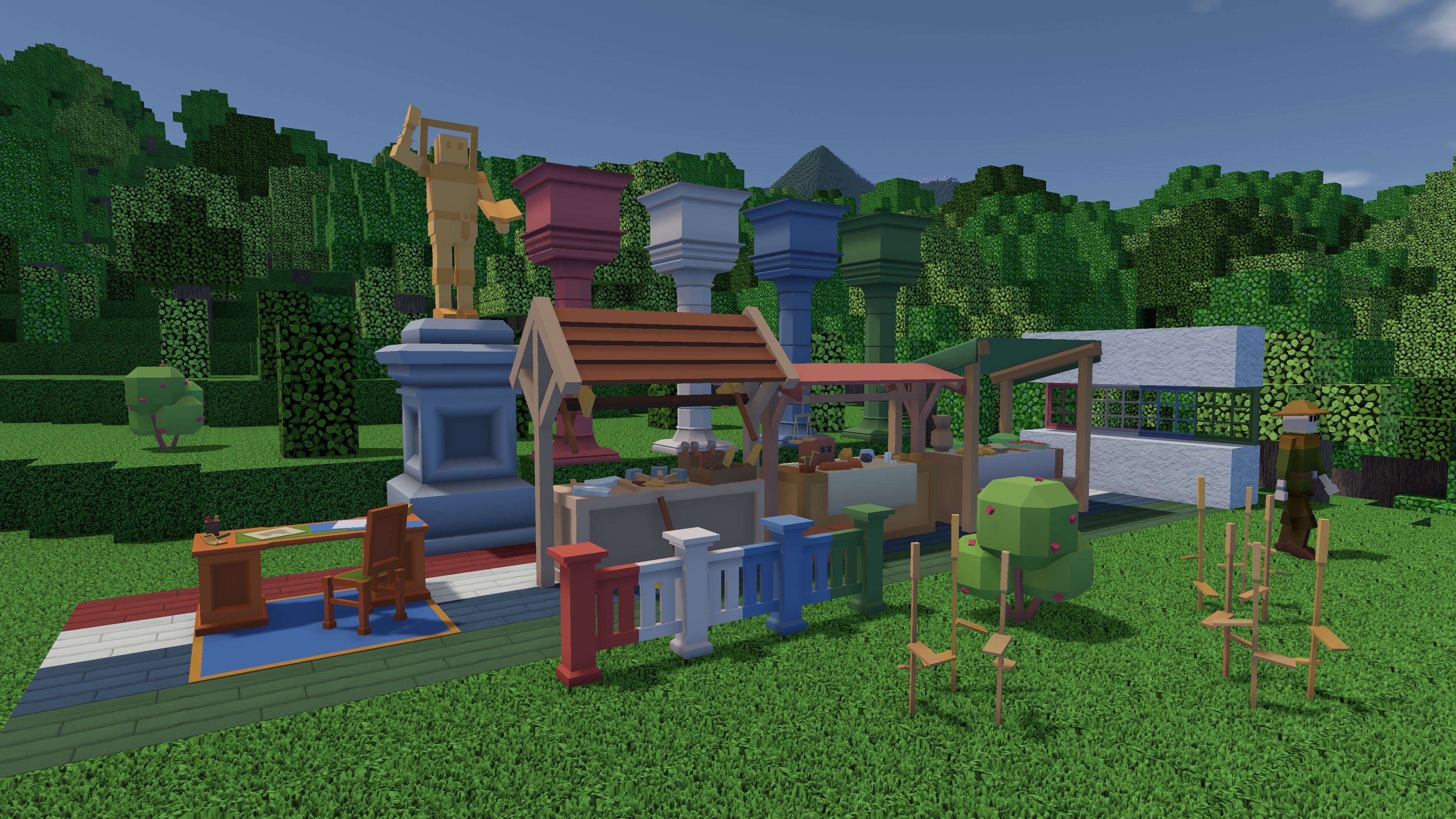
Like the mill we added last year, the Overseer’s Desk is a lot larger than one voxel. We like the consequences of that size, both visually and in terms of gameplay. So we’ve redesigned a bunch of meshes with this new philosophy. The merchant hub, grocery store, tool shop and sacred failsafe were all tiny and bland. They are now much larger and more lively and unique. This will not affect these blocks when they are pre-existing in your world, but each one placed while playing 0.15 will have the new shape.

That’s not the only visual change! The paint system has been expanded. Pillars, architraves, fences and planks are now all paintable. The berry bush switched from a textured voxel to a 3D mesh. Wheat and barley have new meshes. And last but not least: plaster has made it back into the game!

All these features should be working. The main things that are lacking are translations and controller support. But of course, we can’t test the blueprints and the X-Ray vision in all circumstances. And that’s why we need you! Have fun trying out all the new features of 0.15, and if you notice anything weird, let us know. We’ll be monitoring all channels, but Discord and the comments under this blog get checked most frequently. And apart from bug reports, general feedback about the update is also appreciated!

To get access to the beta:
- Right-click Colony Survival in your Steam Library, choose “Properties”
- Go the “Betas” tab, enter the code pleaseshareyourfeedback
- Select the 0.15.0 branch

The game will show the version number in the bottom-right corner in the main menu.

Have fun, and pleaseshareyourfeedback :D

Reddit // Twitter // YouTube // Website // Discord

More from Colony Survival

Other announcements

All news
Community11 Sep 2026Friday Blog 271 - Contest Winners and Double MKB PatchThe release of 0.18 went well! In subsequent days, we released a bunch of small updates, bringing the current version number to 0.18.0.9. They’re mostly tiny fixes, but some are worth extra attention. The biggest one concerns Remote Play Together, which can be used to play Split Screen Colony Survival with friends on distant computers, even if they don’t own Colony Survival. We developed Split…Major update21 Aug 2026Friday Blog 270 - The Split Screen Update, 0.18.0, is Live Right Now!This update does exactly what it says on the cover. Plug in a controller, divide your monitor in two and play the game with a friend right next to you! Enabling Split Screen will generate a second character who has the same capabilities as the first. The second player can start their own colony, explore the world on their own, use the top-down view, or share a colony with the first player. Ther…Community24 Jul 2026Friday Blog 269 - Blueprint Builders' Contest Ends in August + SplitscreenThe Blueprint Builders' Contest ends next month, on Sunday August 23, at 23:59 Amsterdam time! All players are allowed to put one post in #Blueprint-Contest-Entries on our Discord . This post can contain a maximum of seven blueprints. This is meant to give you the opportunity to share a set of related buildings, like castle walls and gates and towers - you don’t need to develop seven different…