Hi everyone! Here comes the first patch of 2025 :3 As you might have read in our latest dev diary, we're currently working on improving the Steam Deck experience, and this is the first patch towards that goal!
New camera options
Rotation
Rotation around the cursor (PC Default)
Currently, when holding RMB, the camera rotates around the point under the cursor. Conceptually, you can think of the cursor "grabbing" the point. For example, in the gif below, because the cursor is over the pumpkins, the camera rotates around them.
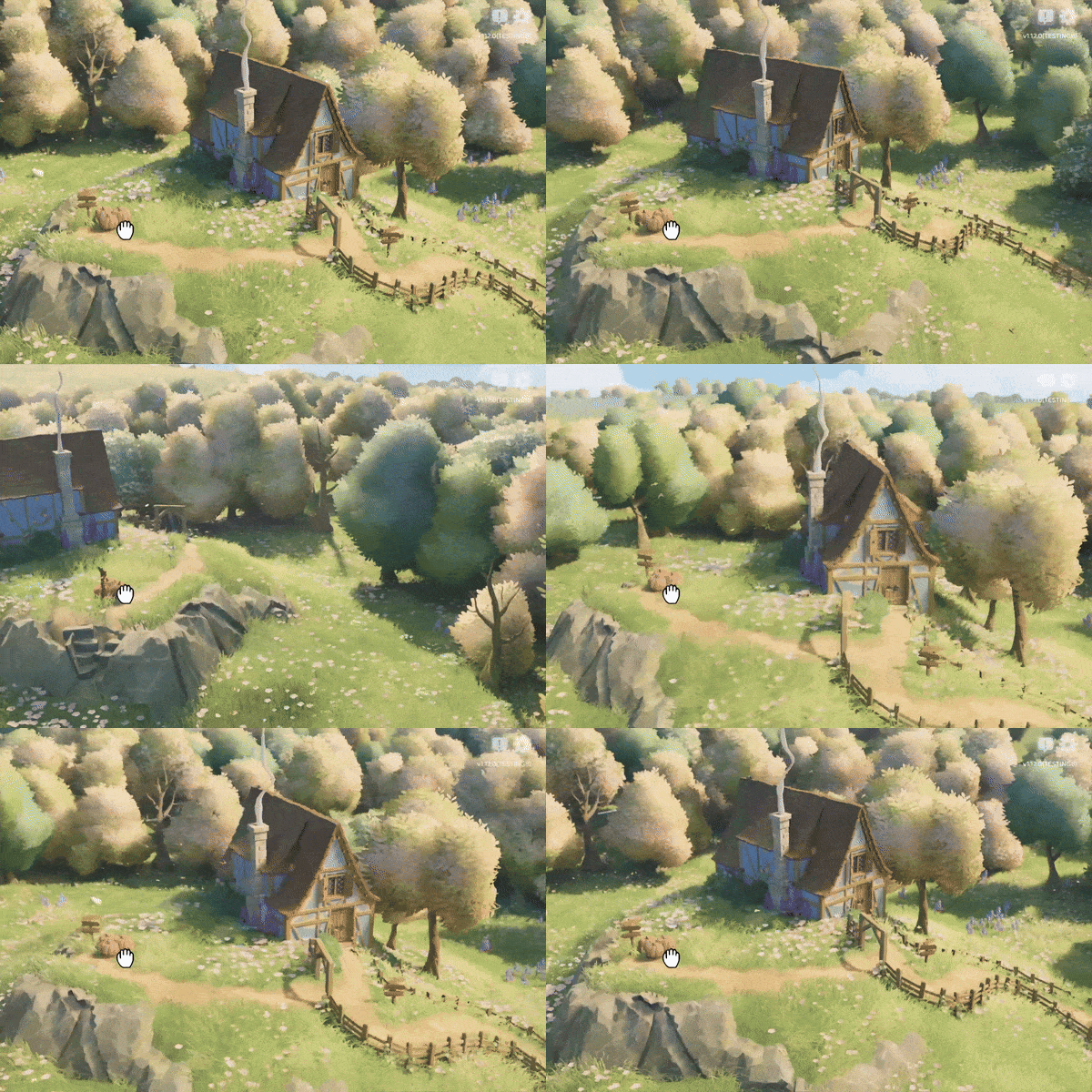
Rotation around the center (New option, Steam Deck default)
The new option allows to rotate around the center of the screen instead. Thus, in the example below, even though our cursor is over the pumpkins, the camera will rotate around the house.
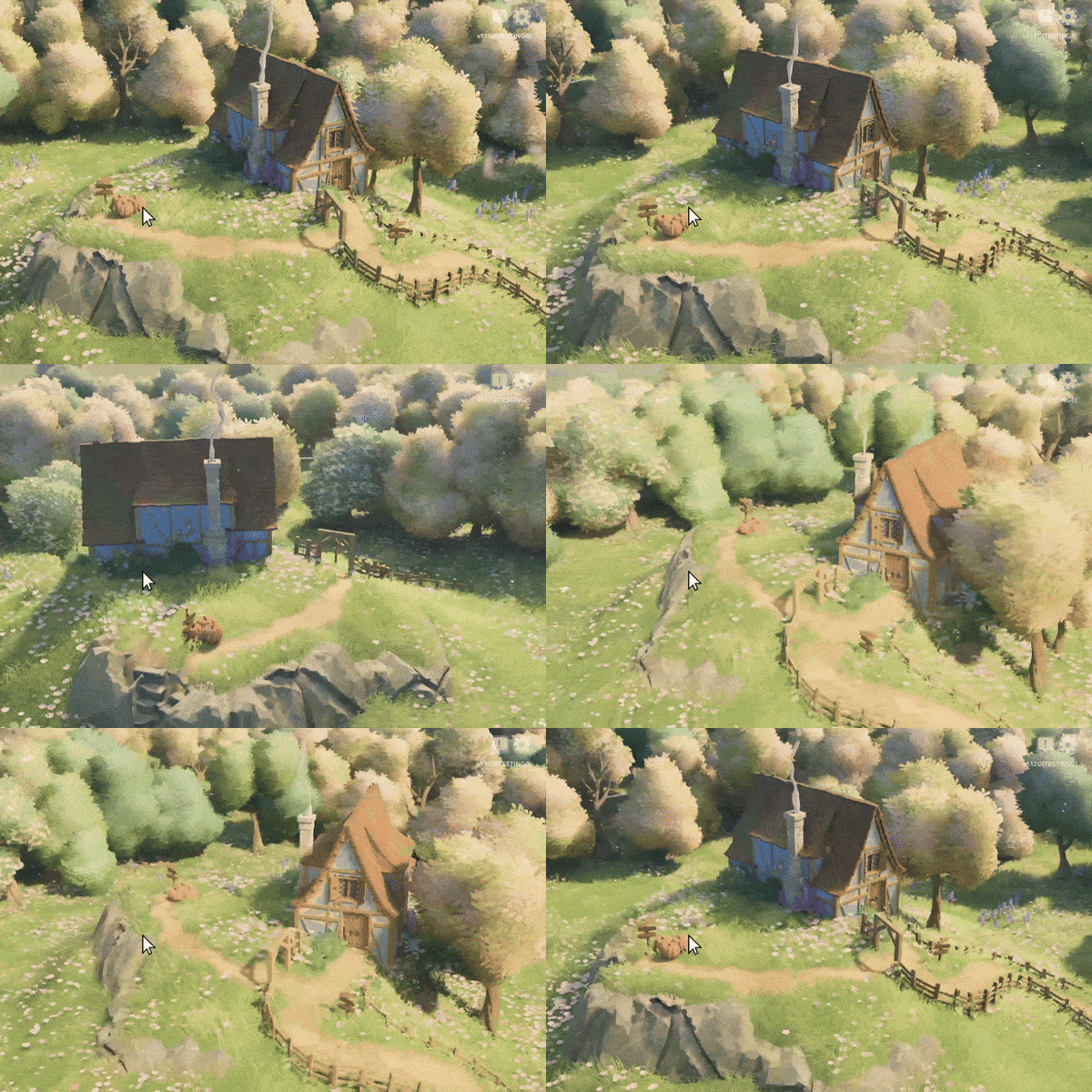
This mode should improve the Steam Deck experience, and if you’re on PC, and you’ve been struggling with the camera suddenly yeeting itself as you try to rotate, we recommend checking it out too! You can switch the mode in Settings ➡ Controls ➡ Camera (2/7) ➡ Camera Rotation Pivot ➡ Center Region.
There's two variants of this: "Center point" and "Center region". The former rotates around the point that is directly in the center of the screen. While precise and easy to understand, it is often surprising, especially with tall builds -- you might want to rotate around a tower, but the screen center is just to the side of it, causing the rotation to be anchored on the background. The "Center region" variant aims to address that by considering points in a square around the screen center, and finding the most promising rotation pivot within it.
Tiny Glade on Steam Deck will now use the "Center region" variant by default. If you'd like to switch back to the old default, select "Cursor point" in the settings menu.
Zoom
Zoom towards the cursor (PC Default)
Same applies to the zoom. By default, the camera will zoom in/out the point under the cursor.
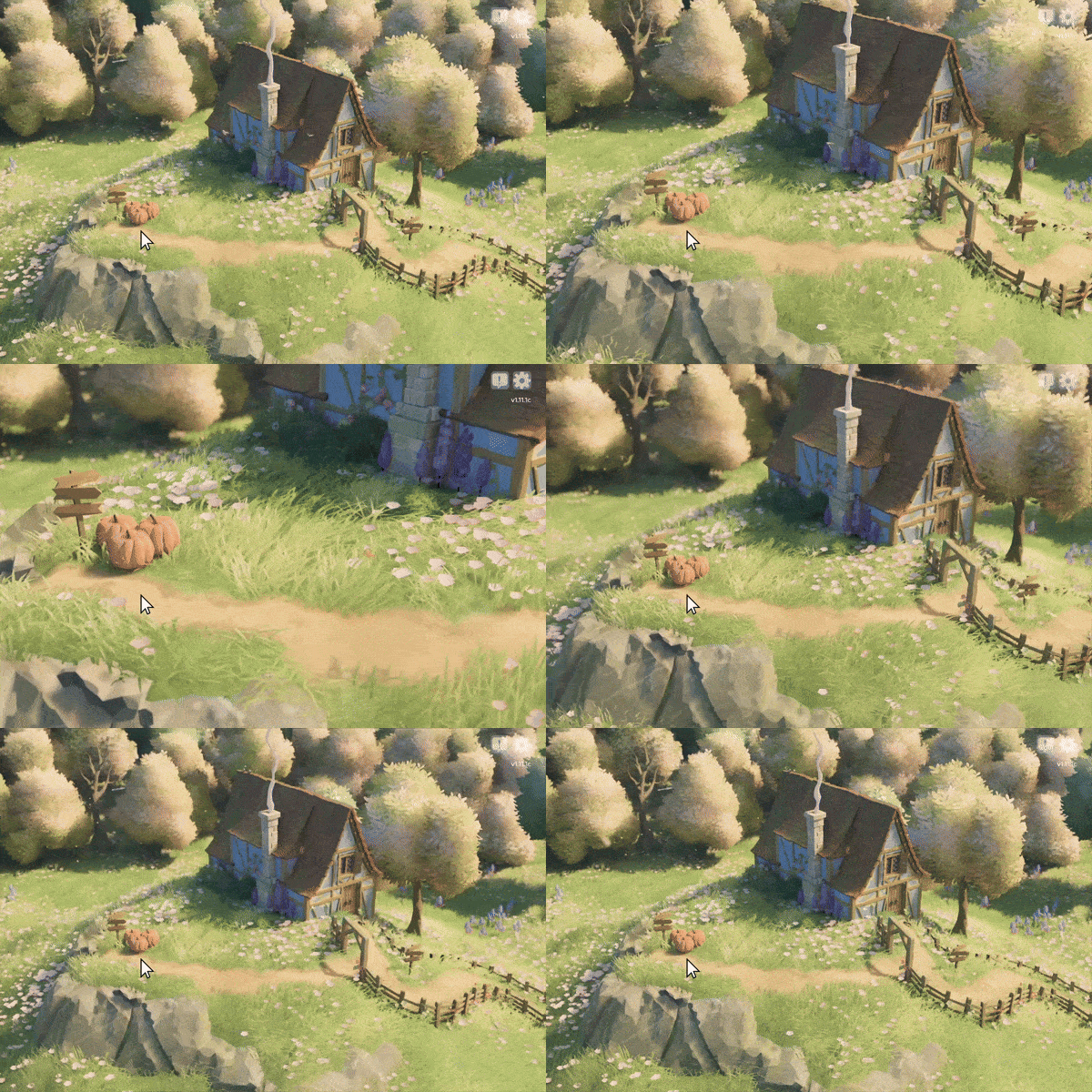
Zoom towards the center (New option, Steam Deck default)
The new option allows to remap the camera to zoom in/out the center of the screen instead.
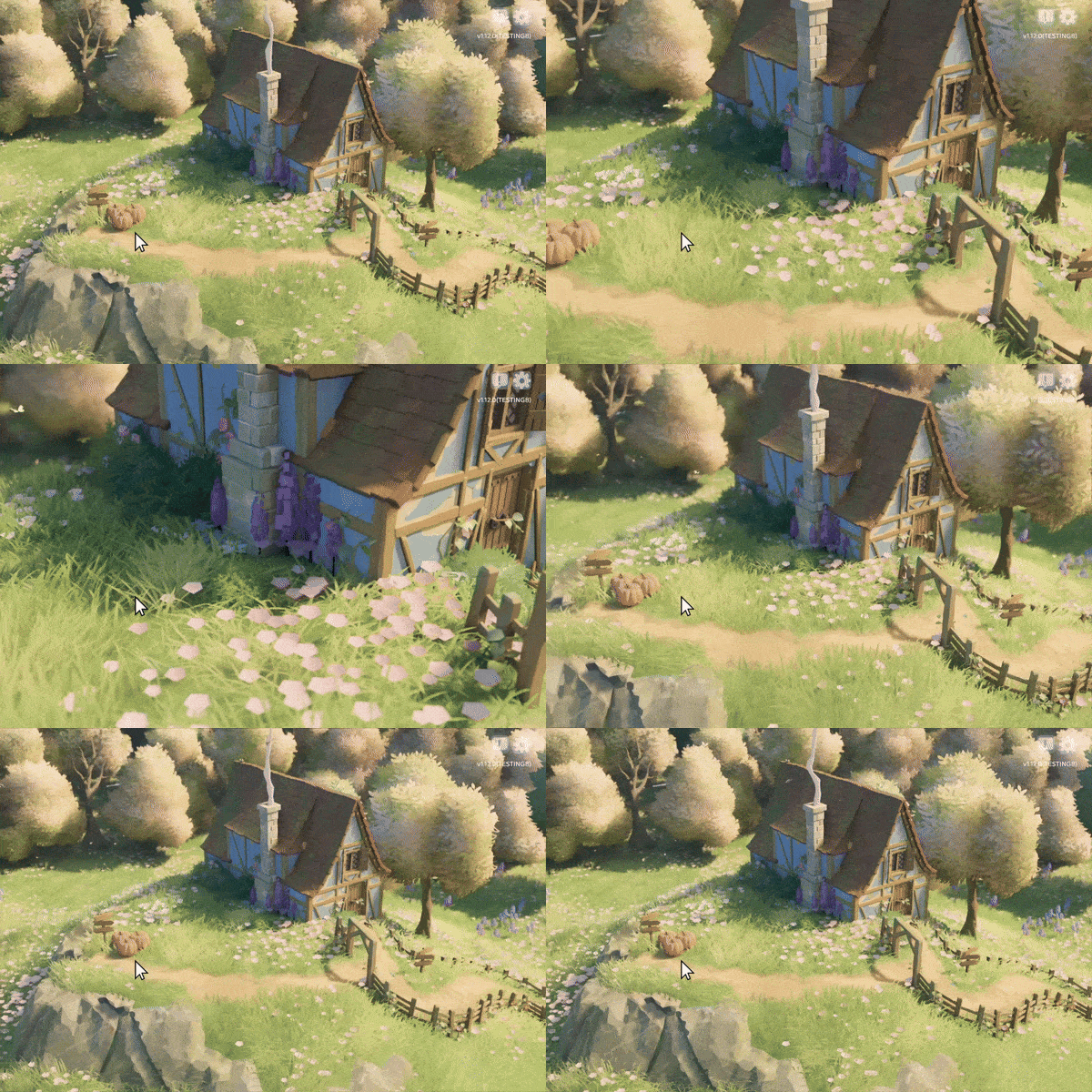
You can switch the mode in Settings ➡ Controls ➡ Camera (2/7) ➡ Camera Zoom Pivot ➡ Center Region.
Tiny Glade on Steam Deck will now use the "Center region" variant by default. If you'd like to switch back to the old default, select "Cursor point" in the settings menu.
Misc
Aaaand we also did a few miscellaneous fixes, here is the full list:
- ✍ Toolbar will no longer exceed the bounds of the game window
- ✍ Toolbar's subcategories are now correctly sorted when cycling through them by repeatedly clicking the main category buttons
- ⚙️ Default resolution scale to 0.7 on the Steam Deck (the game might look blurrier on Steam Deck, but will run considerably faster)
- 🔊 Iteration and small fixes for clutter SFX
- 🐛 Fix a potential synchronization bug in presenting rendered images to the screen (another wild guess that might help with NVIDIA crashes)
- 🐛 Fix resolution scale shrinking and staying low upon alt-tabbing in memory-constrained conditions (the game will attempt to restore the desired resolution scale once VRAM is available again, and will no longer save the automatically-reduced scale to settings)
- 🔬 Add more graphics troubleshooting options to "Vulkan extension settings"
That's all for now. Thank you for reading, and stay awesome!
Love,
Tom & Ana