The gameplay update is finally here! This update brings more goal-oriented gameplay mechanisms and several quality-of-life improvements.
Let's look at all the new features in this update:
Career mode
The new career mode offers an alternative to the individual runs, providing more continuity and balance between player choice and randomisation. Pick any route and start with the easiest runs, working your way up to the more prestigious ones as you gain experience points from successfully completed runs.
Steam achievements
A total of 21 achievements wait for unlocking. Some of them are meant to expose you to different styles of playing and experiencing the simulator, in ways that might not be immediately obvious.
Tandem driver mode
Locomotives and powered units in the same formation that can't be multi-unit controlled from the leading vehicle now have tandem drivers.
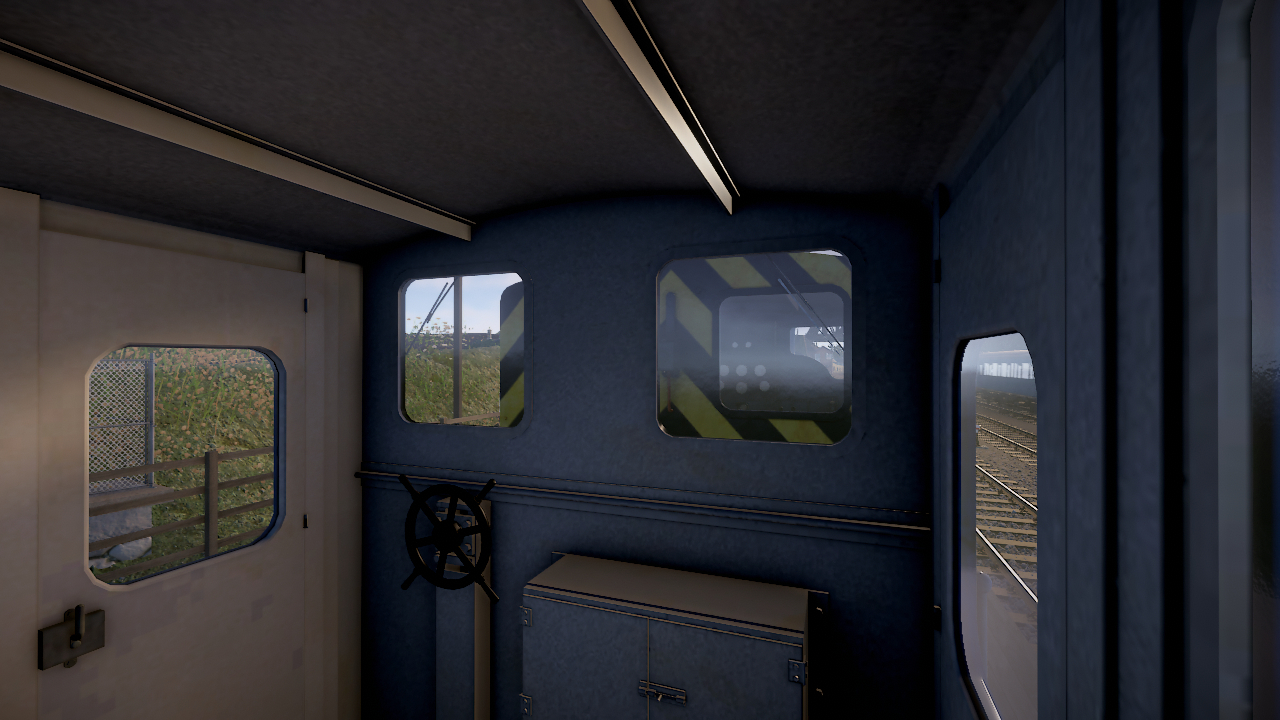
The role of a tandem driver is to help accelerating the train whereas braking is still handled by the leading driver. You can choose to play as the tandem driver on services that have multiple drivers, otherwise they'll be operated by AI.
Guard mode
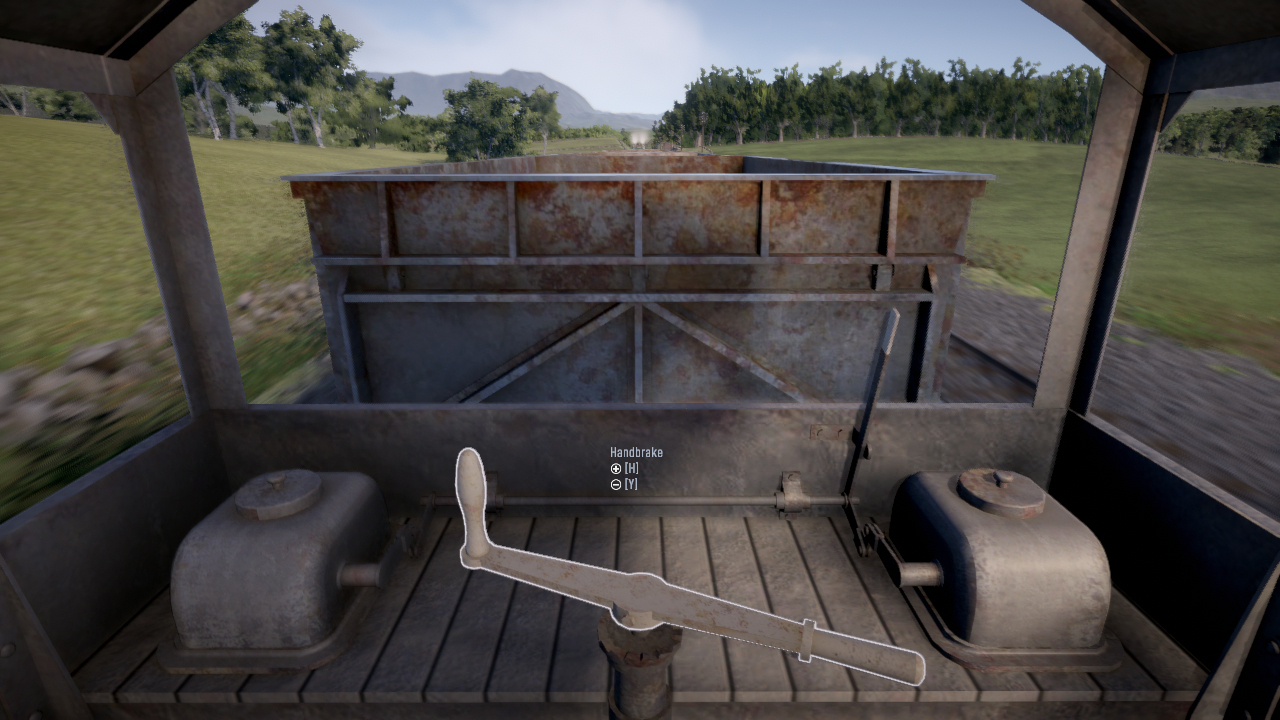
You can play as a goods train guard, operating the handbrake to keep the troublesome trucks in check.
Detailed scoring system
The scoring system has been revised to be more accurate and easier to understand. New penalties have been added to encourage prototypical driving that minimises wear and tear. The HUD has a new helper option that shows penalties live during the run for instant feedback.
User profiles and statistics
The game now supports one or more user profiles per Steam account. Statistics like miles driven and average score per train type are recorded for each profile. Old profiles will be imported automatically from the scoreboard of the old version.
Derailments
Trains now derail when negotiating curves too fast. The derailment threshold speed depends on the curve radius and the length of the fixed wheelbase of the vehicle. Once the train has derailed the run ends and cannot be recovered.
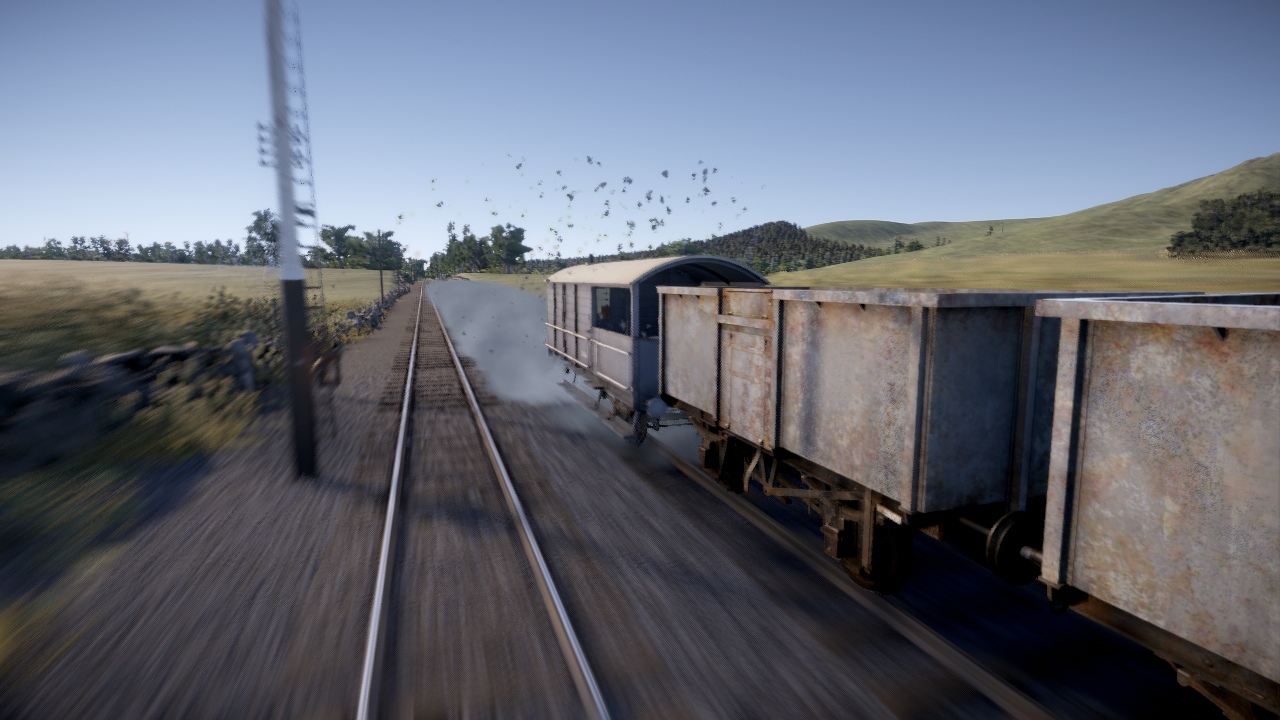
Derailments can be enabled or disabled in the route editor per route. Old routes have derailments disabled by default as they may have sharp corners where the train would always derail, even when running within the speed limit.
Timetable mashups
It's now possible to layer different traffic patterns for a single run by selecting multiple timetables, for example, to create a mega busy timetable where nothing runs on time.
User interface
Main menu
The new main menu system is more consistent, discoverable and easier to use than the old one. It's navigable with arrow keys and gamepad instead of being mouse only. The visual style is not final and will be improved in some other update in the future.
Map view
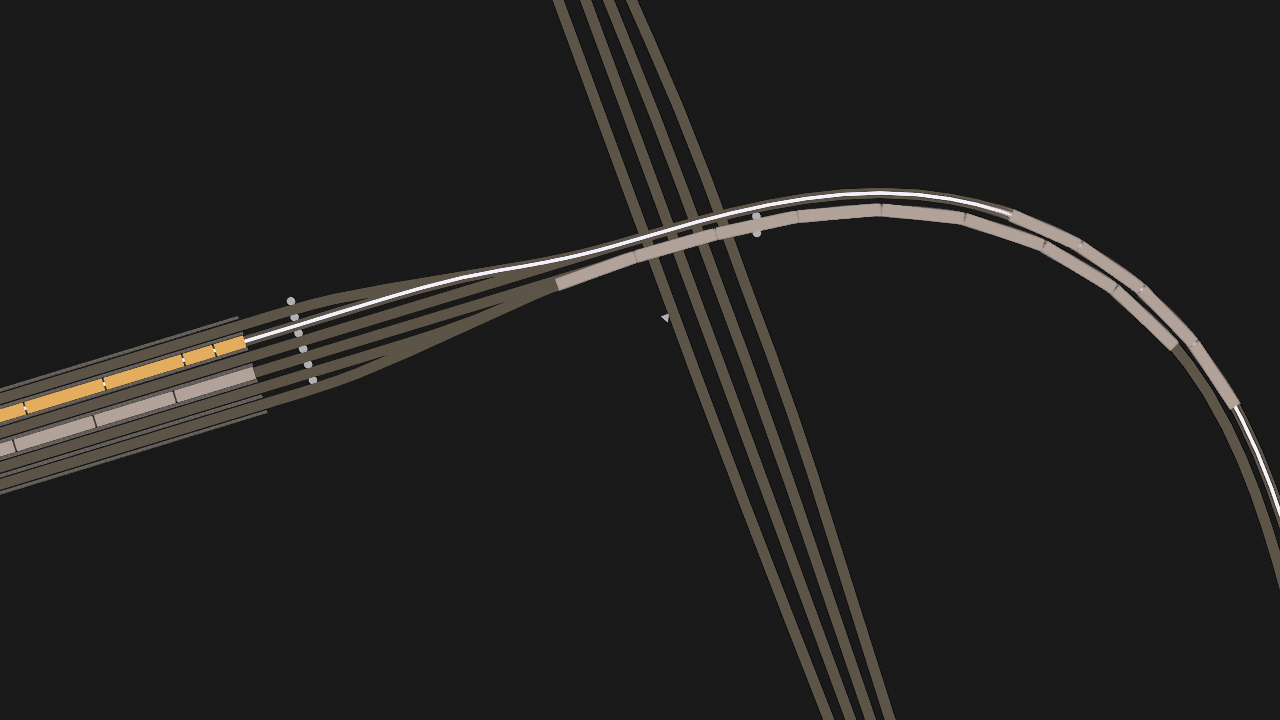
A simple top-down map view similar to other train sims has been added. The main purpose is to visualize the path for complex reversing manoeuvres that previously were explained in text only. The default key for accessing the map is 9. Hold down right mouse button and use WASDEQ keys or the mouse to zoom and move around.
Improved controls
Cab controls can now be operated with the mouse wheel and gamepad triggers. The operating principle of simple controls has been changed to be more intuitive: instead of selecting the target acceleration/deceleration, simple controls now set the target amount of power or brake directly.
New HUD
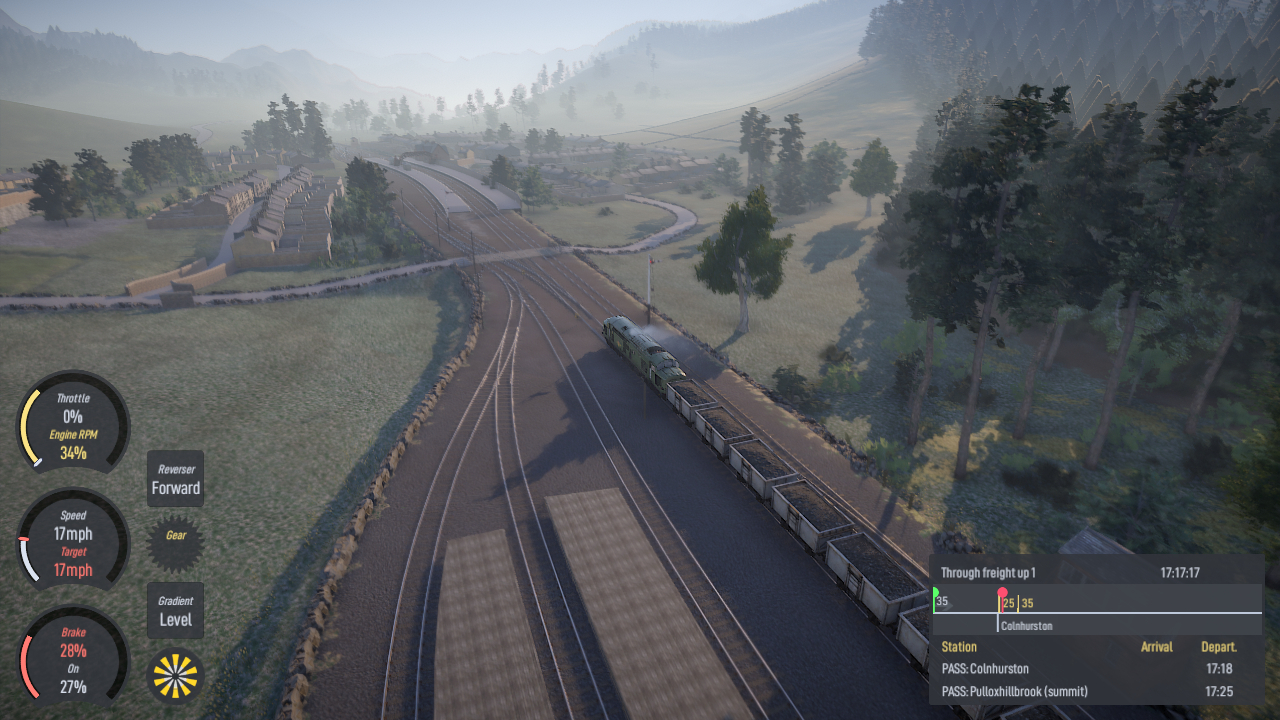
The new HUD looks better and presents data in a clearer way. The visual style is not final and will be improved in some other update in the future.
Workshop train mods are easier to use
The new menu system allows adding and removing vehicles using the "Edit formation" option before starting a run. Previously, in order to use a train from the Workshop, a whole new timetable had to be created for it.
Other improvements
Headbob
Headbob has been upgraded with forwards and backwards motion to give an idea of how fast you're accelerating and braking.
Camera effects
Changing to a different view within the train now has a short transition, making it easier to understand which car and cab you are in. It's also possible to view any car in the train, keys defaulting to Home and End for moving to previous/next car.
Additional sound effects
All trains have automatically generated flange, jolt and derailment sounds for extra immersion.
Robust collisions
Trains no longer telescope or disappear when colliding with each other or track end buffers. Depending on the speed, they'll either stop or derail instead.
Learning
The main menu has an option for accessing a list of learning material about signals and the operation of railcars. For now these are just Youtube links to real driver training videos.
Bugfixes and optimisations
This update has tons of bugfixes and performance improvements. For instance, the AI systems for pathfinding, signalling and driving have over 60 individual fixes to them.
Wait, where are the missing features?
The original roadmap for this update listed a number of features that have either been postponed or cancelled:
- "Easier subscribing to Workshop items" : Subscribing to community mods on the Workshop is already easy enough through the Steam client program and Valve have been improving the interface lately, so it doesn't make sense to spend time on trying to recreate it in-game.
- "Free roam mode" : This feature turned out to be difficult to implement, both from the UI and traffic planning perspective, so it will be postponed to the traffic update instead (see the roadmap below).
- "More randomisation in AI spawning" : This also proved to be difficult and will be postponed to the traffic update.
- "Linking of single run services" : Same as the two above. The career mode does offer return services with an XP bonus but the simulation state doesn't persist between runs.
- "Steam leaderboard" : Couldn't think of a sensible way to make use of this.
What's next?
While the update has been under beta testing for several months, it's quite likely that the next couple of weeks will be spent patching leftover issues.
The route, train and timetable editors also have several usability problems and shortcomings that make modding more difficult than it needs to be. Before proceeding to the next major update (the train update, see the roadmap below) some improvements are necessary to keep the modders going. Improving the train editor in particular is a prerequisite for starting work on the next major update.
Roadmap
Three major updates remain:
Train update
- Improved train physics: wheel slip and slide, shutting down engines, draining oil from torque converters
- New physics components: support for diesel-electric power train, automatic gearboxes, air brakes and driver/guard operated doors
- Head and tail lights, interior lights, animated headcode boxes
- Handbrakes on all vehicles
- Improved train graphics: more details and better texturing
- Improved train sounds: more authentic sounds, better mixing
- New locomotives or railcars
Traffic update
- Shunting
- New goods wagons
- Custom signal system logic like speed signalling
- Request stops (passengers requesting to board and alight)
- Improved pathfinding and signalling AI: making pathfinding more reliable and transparent for timetable creators
- More detailed simulation of the British railway operating procedures, including improvements to the absolute block signalling and interaction between drivers and signallers
- Free roam mode
- More variety to AI train spawning locations
- Linking individual runs together
Environment update
- Weather effects and working windscreen wipers
- Seasonal effects
- Moving road traffic
- Moving passengers
- Animated train staff
- Improving and completing the scenery system
Further updates like new routes and other countries to be announced later.
Questions, suggestions, feedback? Leave a comment below!