Hello! It’s Jon from Runner Duck here. Badlands Crew is out next week, 28th April! Thank you for all your support so far. It’s been a big project for us, and we’re really excited that you’ll all finally be able to play it!
As it’s now close to the game’s release, I thought we should write a different kind of news post, and give you a few little tips and tricks which will help you out along your way in the Badlands.
USE THE MIDDLE-CLICK SHORTCUT MENU
One of the new features in Badlands Crew is the middle-click shortcut menu. With a crew member selected, middle click somewhere on the screen. The shortcut popup menu will appear. It has shortcuts for common actions, such as sending crew to other stations, attacking enemy boarders, or repairing broken systems. This is a great way to quickly do common actions (e.g. sending a crew member to a rejuvenator to heal, or quickly sending someone to repair the engine).
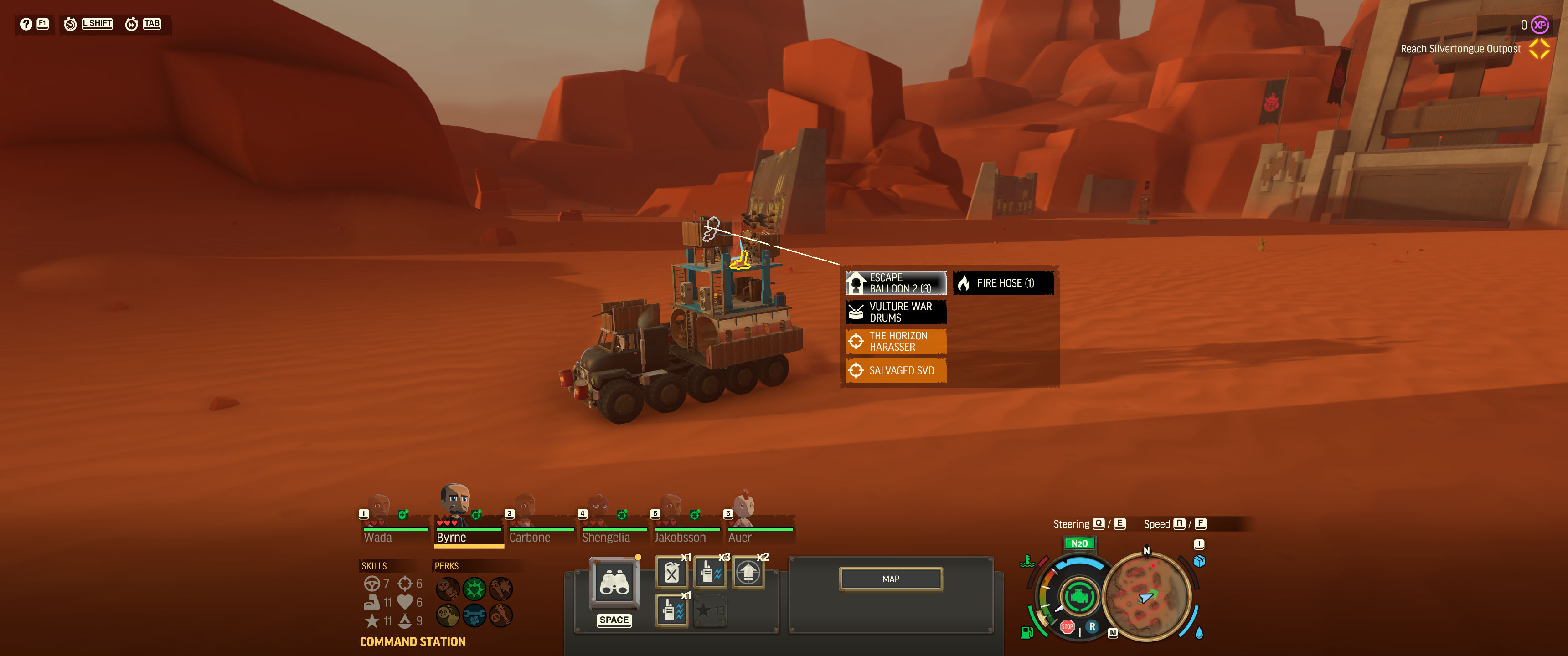
The middle-click shortcut menu
This works especially well for Badlands Crew, as unlike our previous games, your vehicle may have multiple rejuvenators, and loads of turrets. Don’t forget to try it out, and hopefully it’ll bring your command of your crew to a new level!
RE-BIND YOUR KEYS IF YOU DON'T GET ALONG WITH THE DEFAULTS
We’ve had a lot of back and forth on what the default keyboard controls should be. We’ve set them to what we think will be the most consistent throughout the title, and give you the best chance of survival long-term. However, some players will probably prefer to remap their vehicle nudge/speed adjustment inputs to WASD. This is fine! Please do this if you find it easier or more natural.
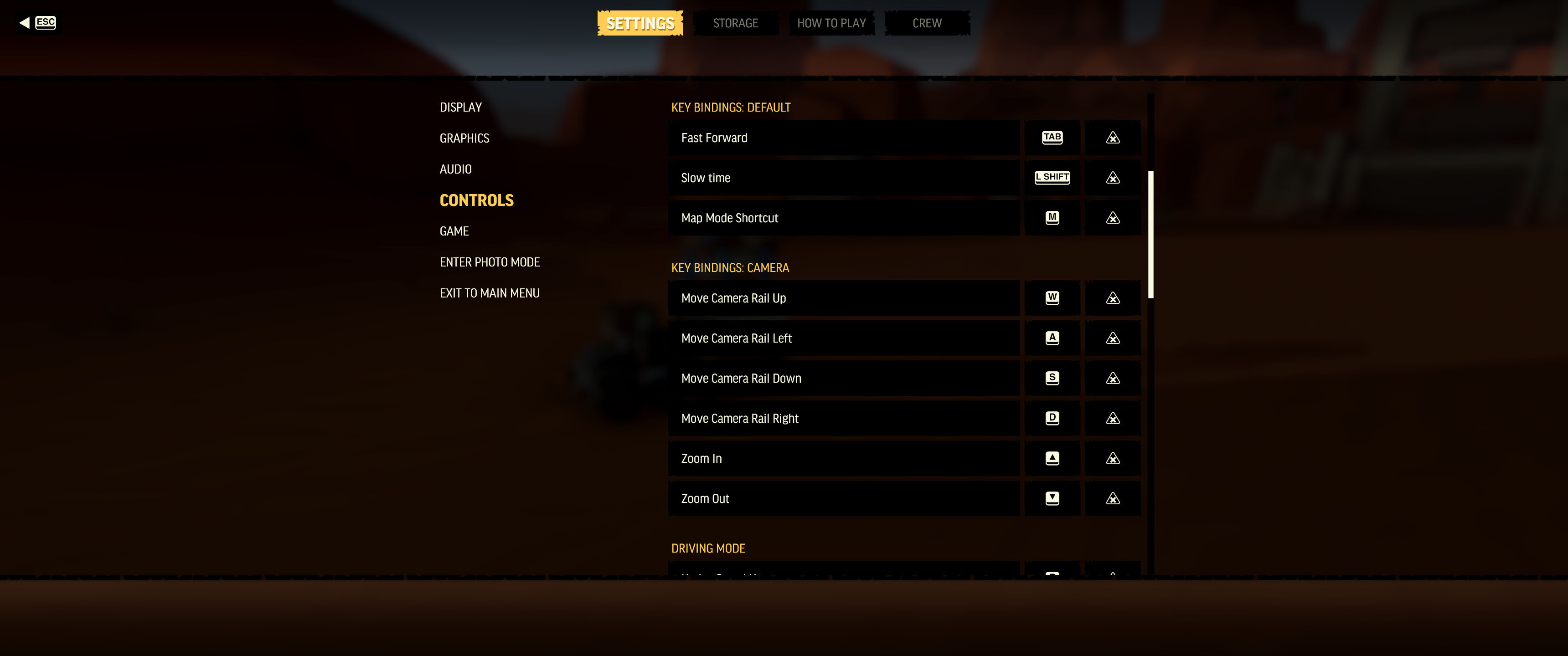
The control rebinding options
Control rebinding options can be found in the options menu. There are also options for axis inversion.
USE 'SLOW TIME' WHENEVER YOU'RE UNDER PRESSURE
Things can get intense quickly in the Badlands. If things aren’t going so well, you can use ‘Slow Time’ to give yourself a bit of time to get all your problems sorted. By default ‘Slow Time’ is bound to the Shift key.
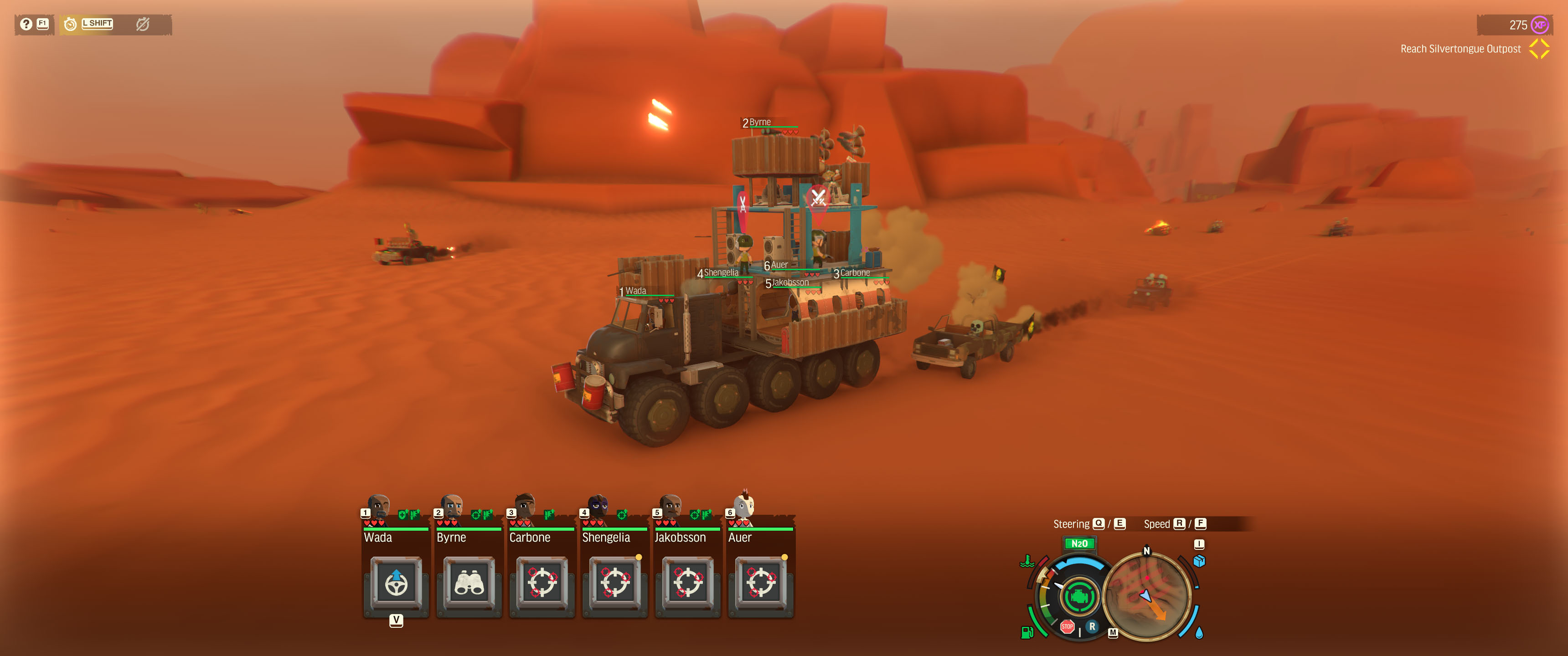
The ‘Slow Time’ shortcut (Top-Left Corner of the UI)
Don’t forget to use ‘Slow Time’ - it really can give you the time you need to save your crew and your Battle Wagon.
UPGRADE YOUR VEHICLE'S FUEL CAPACITY EARLY
There’s nothing worse than running out of fuel in the middle of the Badlands. I would recommend adding an ‘auxiliary fuel tank’ to your vehicle as soon as you unlock it. As the game progresses, and you are able to, I’d recommend adding a couple more!
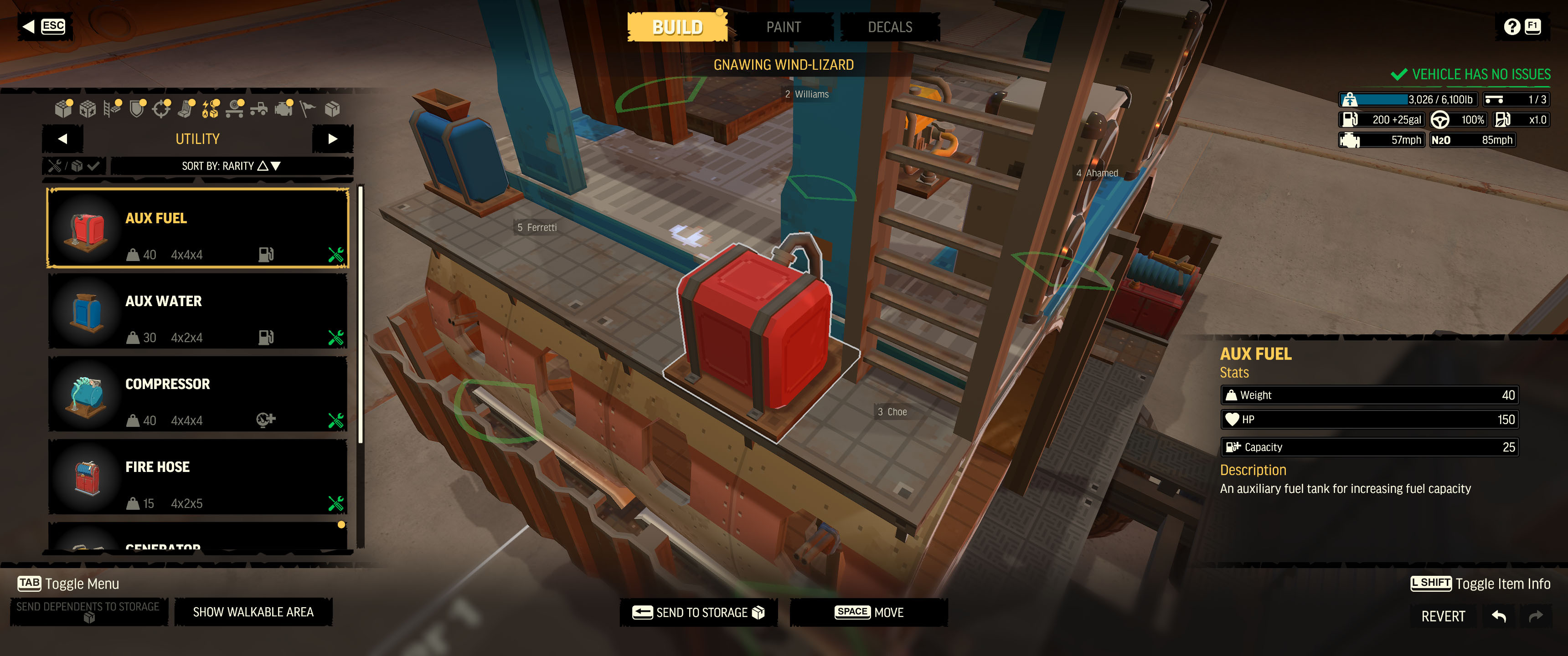
An auxiliary fuel tank being added to a vehicle in the garage
DON'Y GET EATEN BY A SANDWORM
Don’t get eaten by a sandworm. If your vehicle sits idle for too long, there’s a chance a sandworm will snap it up. Repair your engine, get someone in the driving seat, and get moving!
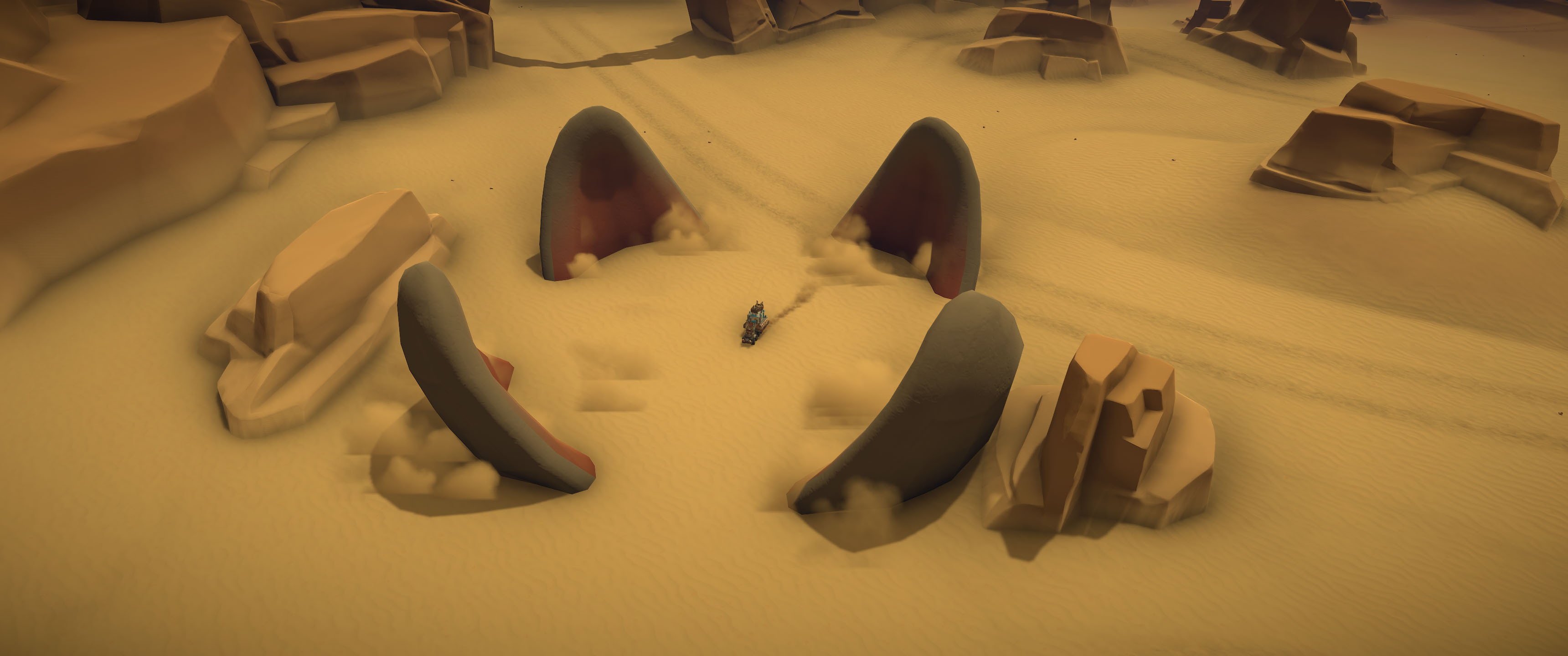
A sandworm about to eat a Battle Wagon
If you start seeing a sandworm rising up from the ground around you… stay calm, and try to escape through the gaps!
USE ABILITIES (USE THEM ALOT)
If you’re not using your crew’s Abilities, you’re not getting the most out of them! It can be easy to forget you have them in the heat of battle, so use ‘Slow Time’ too if you need to! Using your crew’s Abilities strategically can make the difference between success and failure!
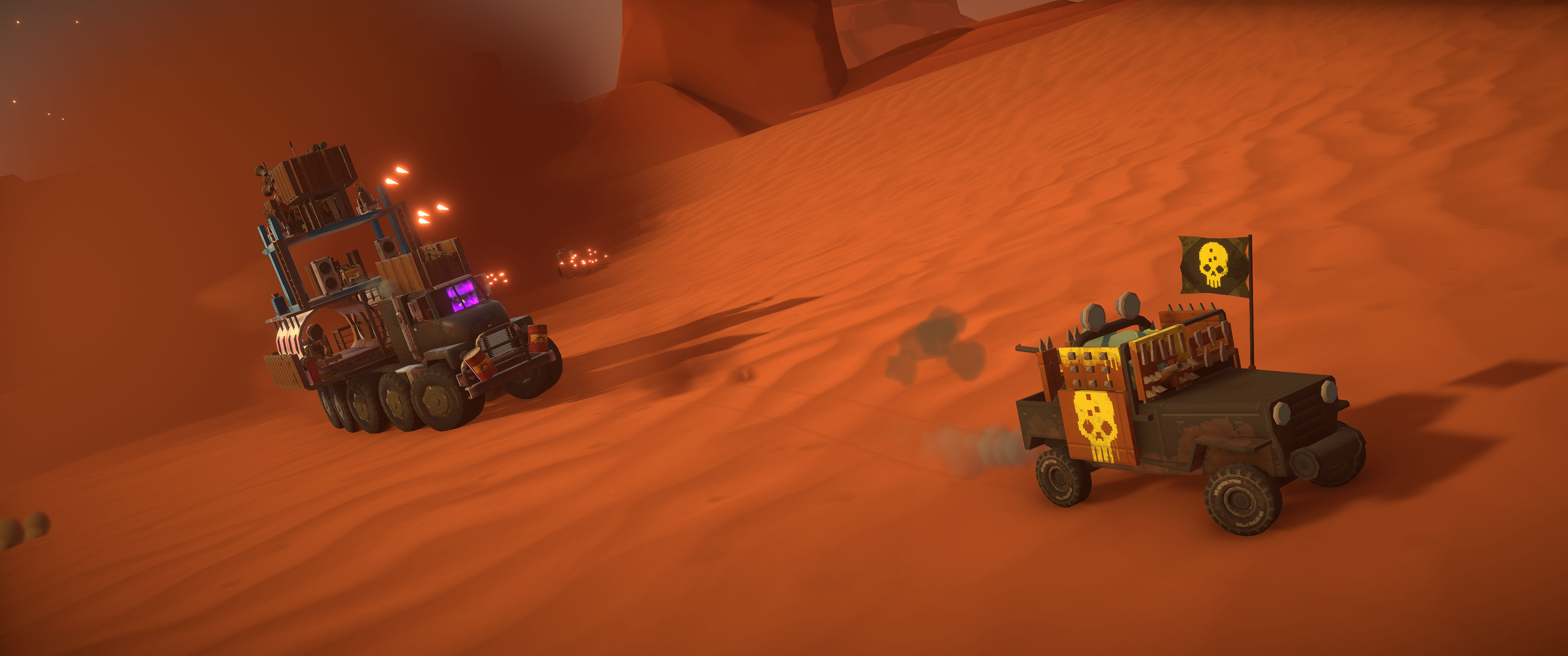
The ‘Swerve’ ability being used
If things are intense, get your driver to use ‘Swerve’ - enemies will have a harder time aiming at you, and this can buy you some time…
LOOK OUT FOR OPTIONAL OBJECTIVES
There’s loads to discover in the Badlands. Crew at your Command Station can be used to spot Optional Objectives. Of course, be careful not to get in over your head - if you’re low on fuel, or your crew are in poor health, then perhaps it’s best to stay on mission!
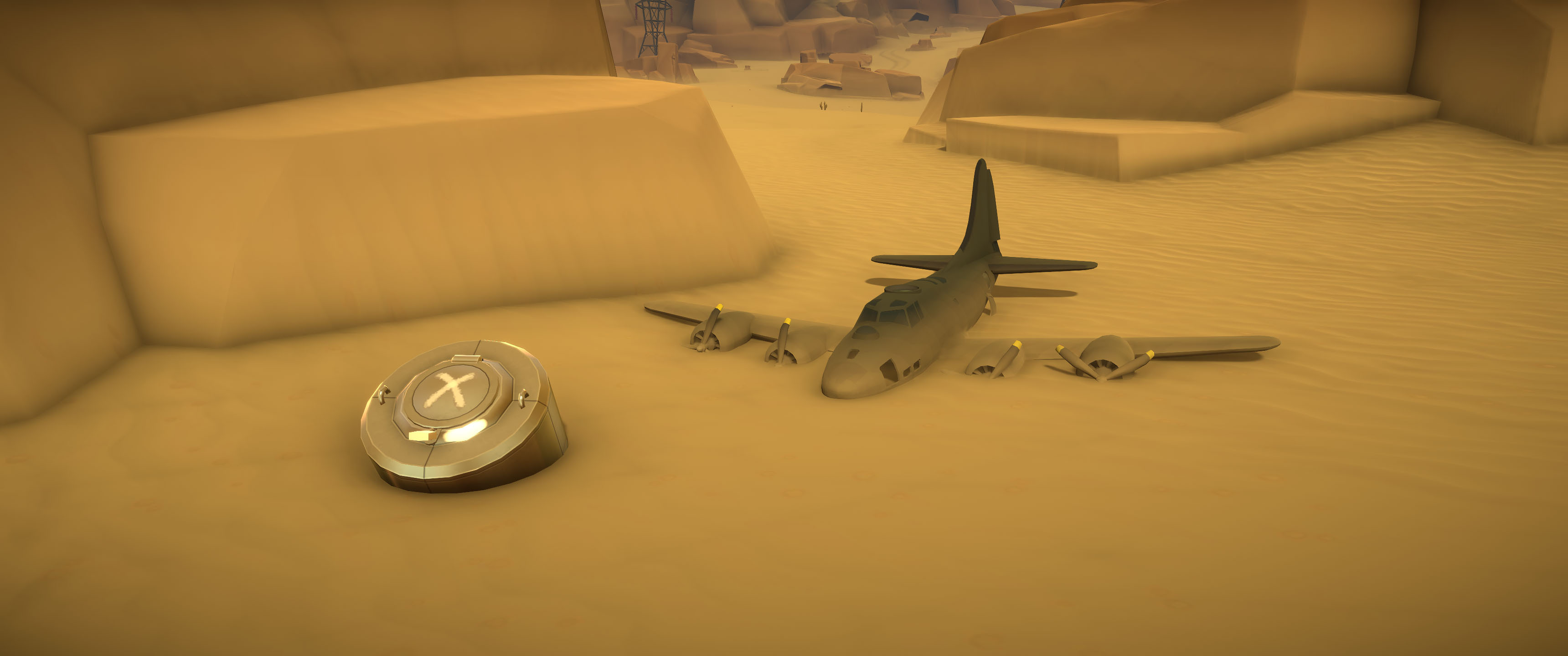
A cache bunker containing some blueprints
Finding relics around the Badlands will reward you with additional Blueprints, giving you more options for your Battle Wagon and your crew’s gear.
USE ESCAPE DEVICES TO SAVE YOUR CREW
If it looks like you’re not going to get back to base in one piece, but you want to save some of your crew: use an Escape Device. It’s not always worth battling on - escape, and live to fight another day! Unlike Bomber Crew, crewmates who use an Escape Device will always survive (however, they may not always return to base instantly, and might need to be rescued in a subsequent mission).
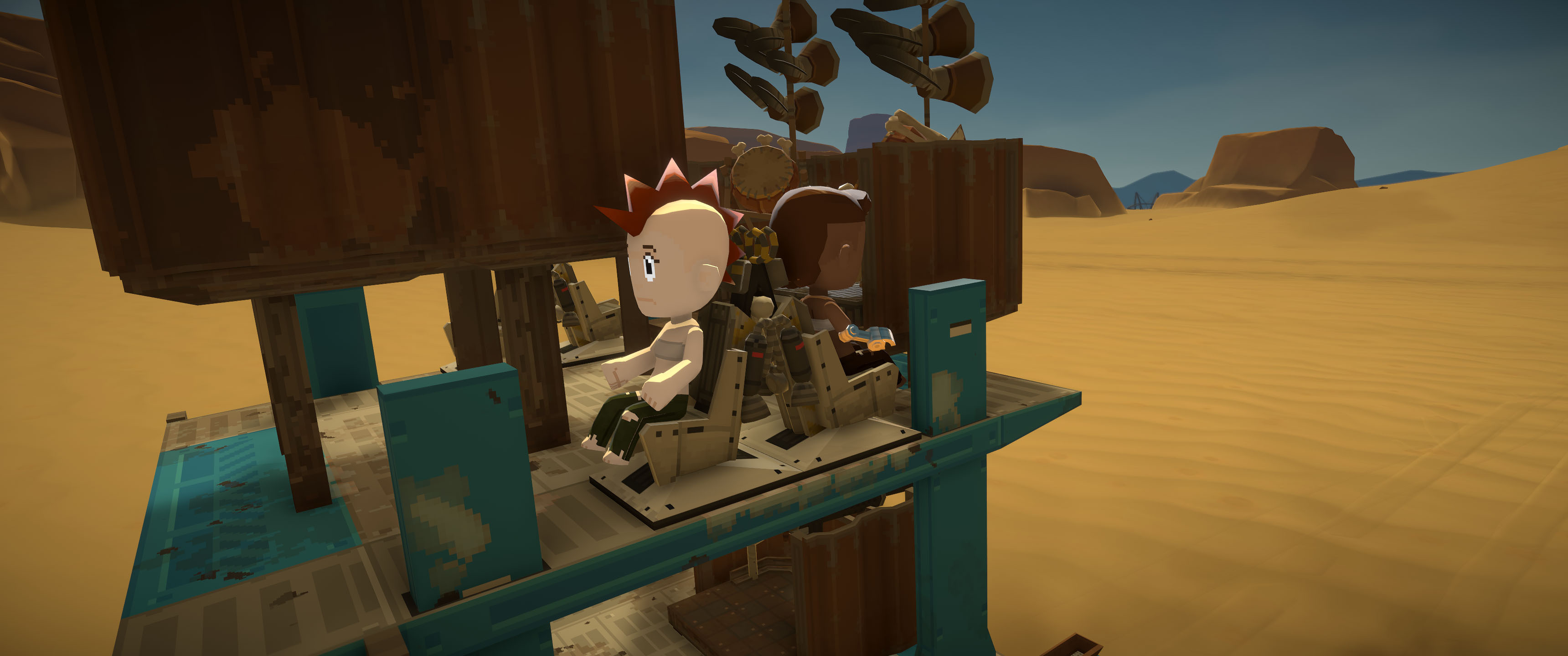
An escape device on a Battle Wagon
UPGRADE YOUR CREW & GARAGE FACILITIES
Upgrading your Crew & Garage facilities will lessen the blow of losing your crew or vehicle, so it’s definitely a good idea to remember to do this.
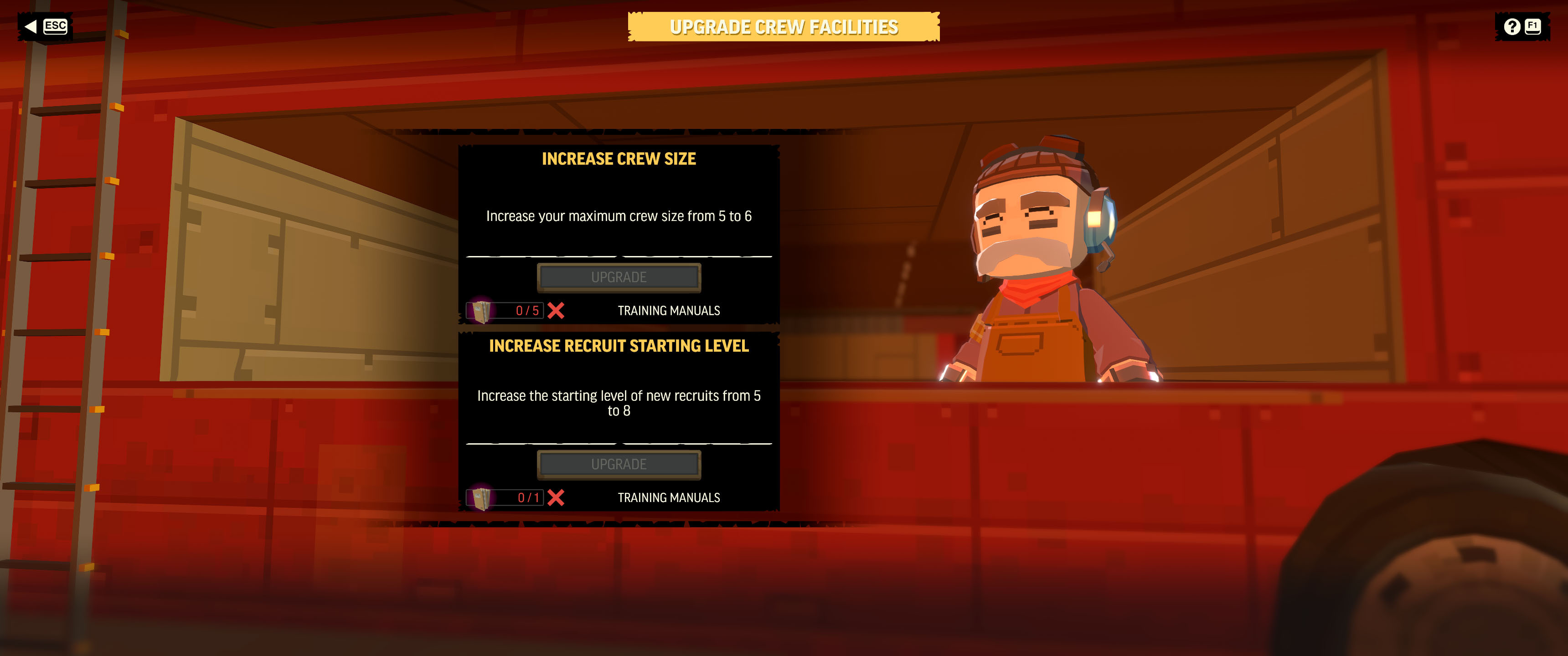
Upgrading Crew Facilities
You can upgrade your Crew facilities to increase the starting level of new recruits.
You can also upgrade your Garage facilities so that more of your Battle Wagon is salvaged (for free) when it is lost.
THERE'S MORE TO LEARN!
There’s even more to learn than I’ve written here… but hopefully these tips will help you get off to a good start! The Badlands is a dangerous place. You will lose crewmates, you will fail missions… but I hope that ultimately you will triumph. We’re all looking forward to the game’s launch on Monday. See you then!
– Jon, Dave, Joe, Greg (Runner Duck)