The focus of this week has been on getting the promised gamemodes implemented, as well as getting lots of the needed features done, so I can soon start working on some more miscellaneous (but fun) stuff.
Multiplayer
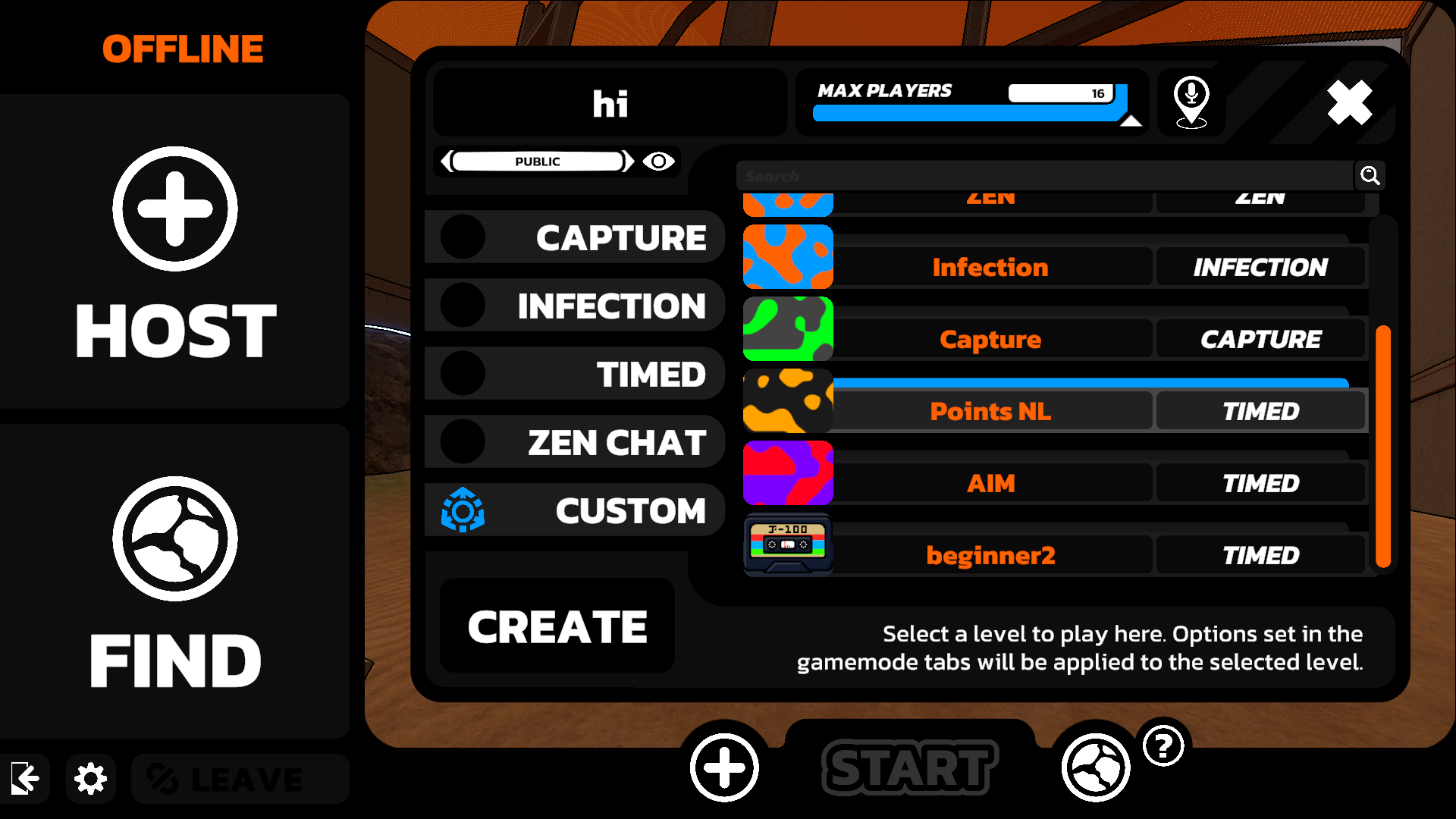
I've largely finished implementing each of the planned gamemodes: Timed, Zen, Capture, and Infection! And so obviously, these also all work in multiplayer. The host just sets a custom map, and then when the game starts, the map will be automatically downloaded for anyone who doesn't have it already. One limitation with multiplayer levels is testing. You can play the levels in the editor, but only as a Zen level. You unfortunately won't be able to properly test in multiplayer until the course is published.
Timed Configuration
Medals and Trophies
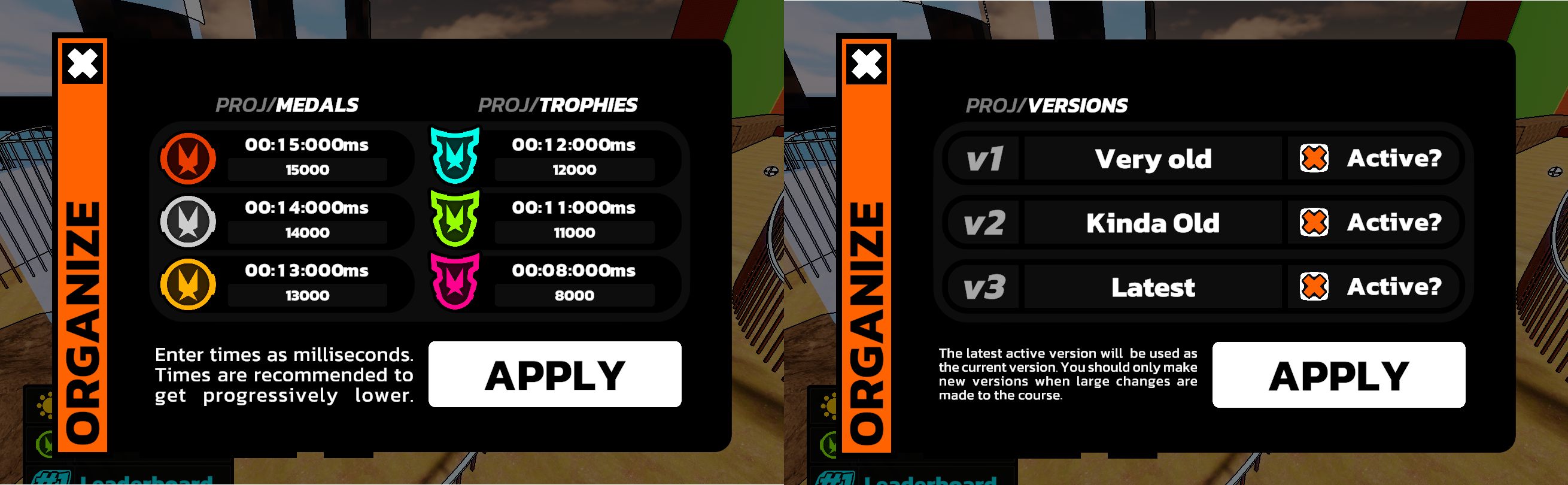
You can now freely set each of the 6 time goals for your course. This is accessible from the new Dashboard window (replacing the Admin window you may have seen in previous Devlogs). This window just provides access to tools to help further configure your level.
Leaderboards
I've also added the ability to setup leaderboard versions. This means that if you make a large change to your course, you can create a new leaderboard version for it. But I have decided to limit it to a maximum of 3 versions, so use them wisely (and hopefully not at all). This will also reset the users locally stored data.
Lights
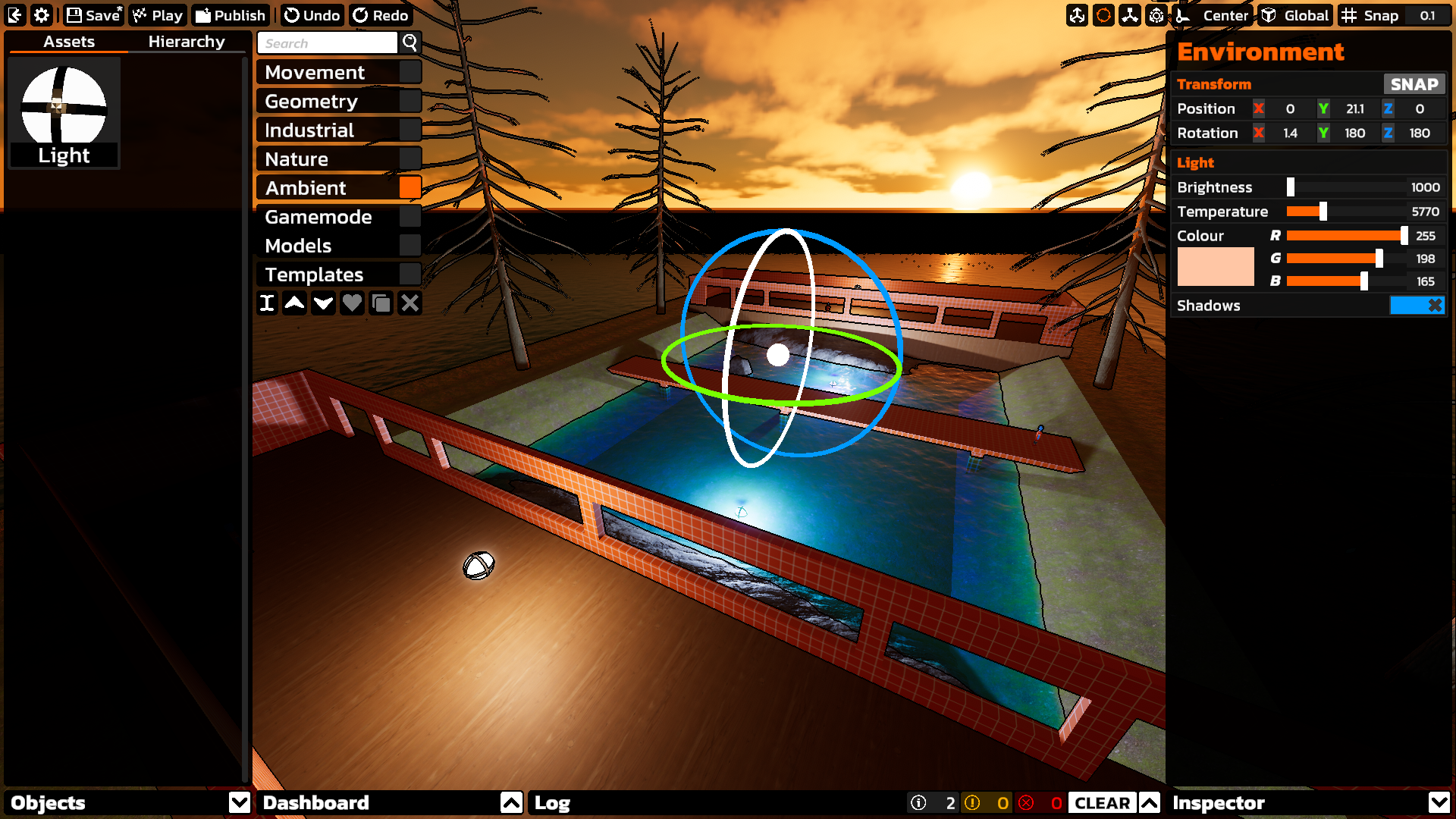
This started off as just adding options to control the sun, but since the sun is just a type of light, I decided to go all the way and completely implement light sources. So now you can drag in a light, and change many of its properties from the inspector. Just be careful not to spawn too many, or performance may start to chug. As for the sun, this is just a special light object called the "Environment" (by default). It exists in the hierarchy, and can be rotated and moved as with any other object. But it cannot be deleted, duplicated, parented, or included in a template. There is also an Environment shortcut in the dashboard that will select and focus on the environment object.
Editor Improvements
I've also just spent a good bit of time getting the editor generally more polished and ready to ship.
Authoring
All gamemodes now have their respective build checks (ie. ensuring a battery spawn is placed down for Capture). I've also made it so you will need to play your Timed courses before publishing or updating them. These restrictions don't apply to other level types since it just doesn't make much sense.
Quality of Life
To prevent any accidental data loss, you will now be asked to save when exiting the editor with unsaved changes. You can also see if there are unsaved changes indicated by an * on the save button. I've also got scenes loading much more cleanly, and removed an unnecessary call to load custom models when playing levels in the editor, so playing in the editor should now be instant, even with very large model files.
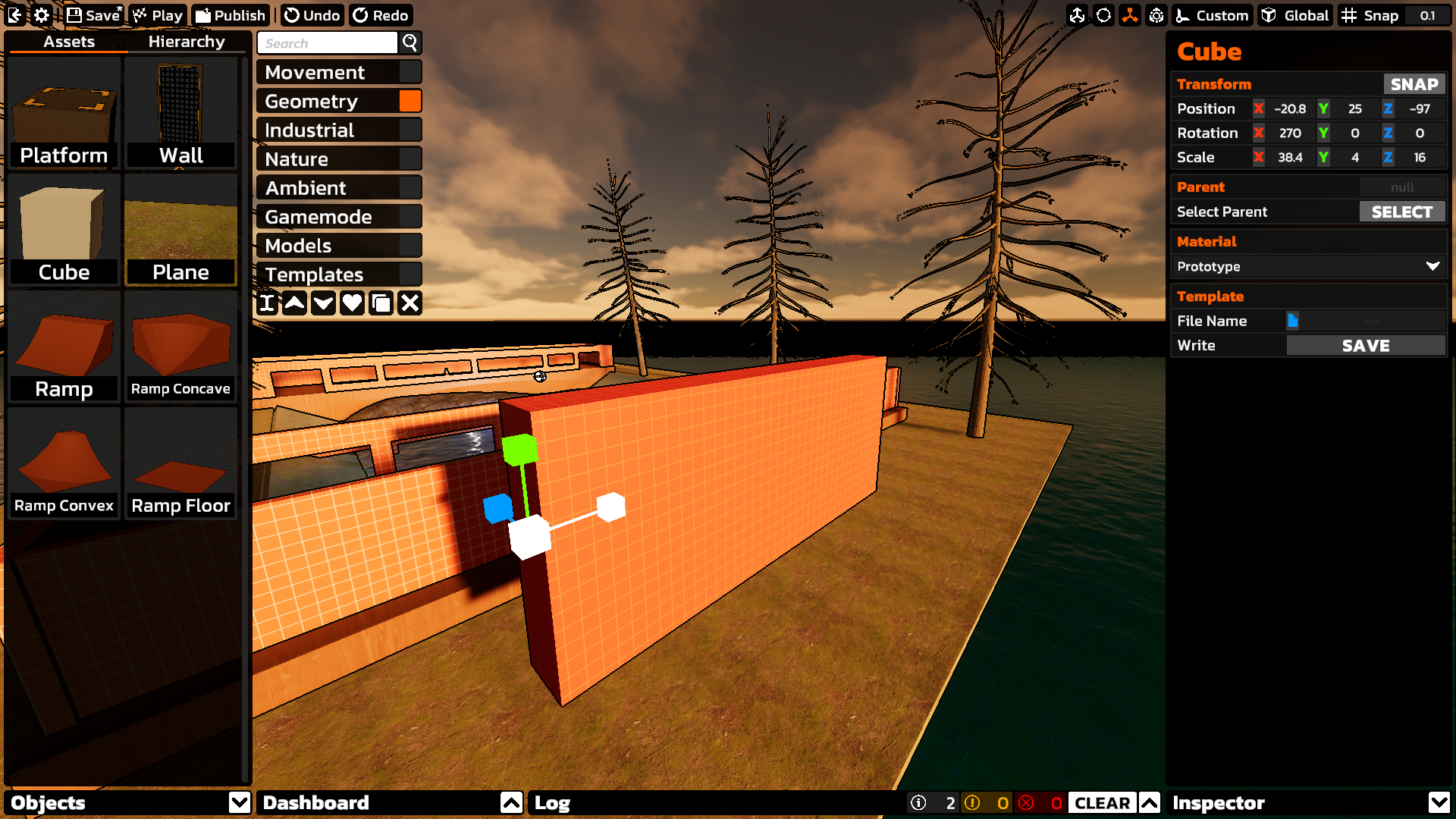
And about an hour before writing this, I started work on a feature that lets you freely place the pivot point when transforming objects. This is kinda similar to the 3D cursor in Blender. My primary use case here is scaling. Say you want to scale a cube to make a wall. Normally, scaling would happen from the center, so you'll likely end up scaling, and then adjusting the position several times. But with this feature, you can place cursor on one side of the cube, and then scale out from there, removing the need to reposition. It's a small thing, but I think it'll make level creation significantly smoother.
Progress
Here's the list from last week with striked out features that have been completed, as well as new things that weren't on there. Of course, this list does not necessarily include everything, and may have stuff that will be scrapped.
- Audio sources
- Much more default assets
- Unique movement objects
- Different types of Timed points
- Ability to view leaderboards from the level browser
- Documentation / manual for the editor
Support for launch pads, fans, and wall runs, all of which will be completely configurable (launch pads have been partially added already)Light objectsAbility to control the order of Timed checkpointsEditor hierarchy viewEditor logOptions to set up leaderboard history snapshotsOptions to set up medal and trophy timesSupport for Capture, Infection, and Zen Chat(this is primarily done)More robust publishing / updating (require publishers to complete the level first)
And that's it for now. Next up will be adding audio sources, and ambience zones, and then whatever else needs to be done. Probably the different Timed point types and shapes.
Once again, thank you for your patience,
Tobey
https://store.steampowered.com/app/2560140/The_Local__Supporter_Package/
