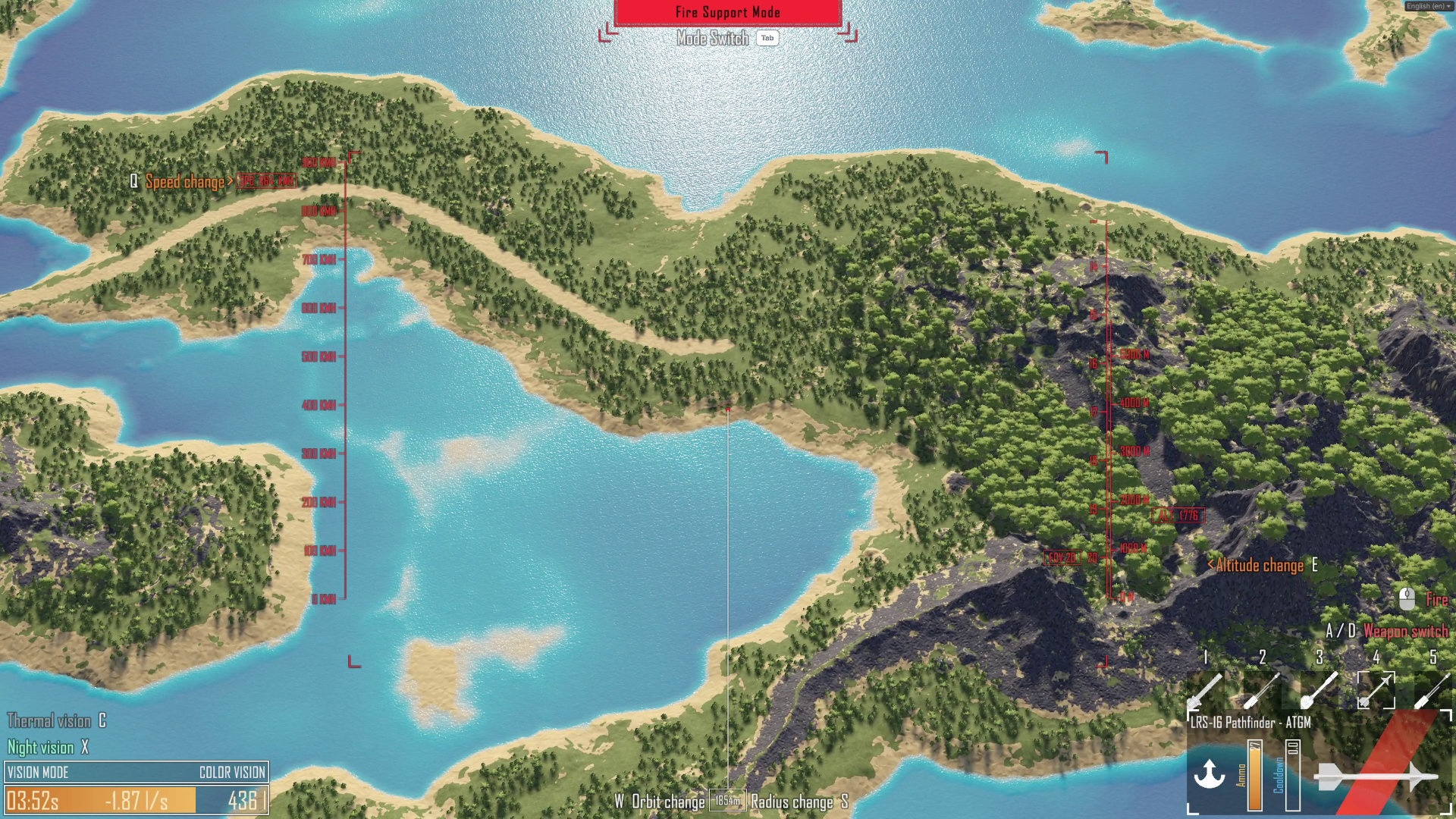
Drone Sector Demo is Here!
The demo includes two missions and several key systems from the main game. Below is a detailed overview of what’s available, along with notes that might help you get the most out of your first run.
Missions
There are two playable missions in the demo. Both of them have some randomization when it comes to enemy positions and objective locations.
Desert Base Map
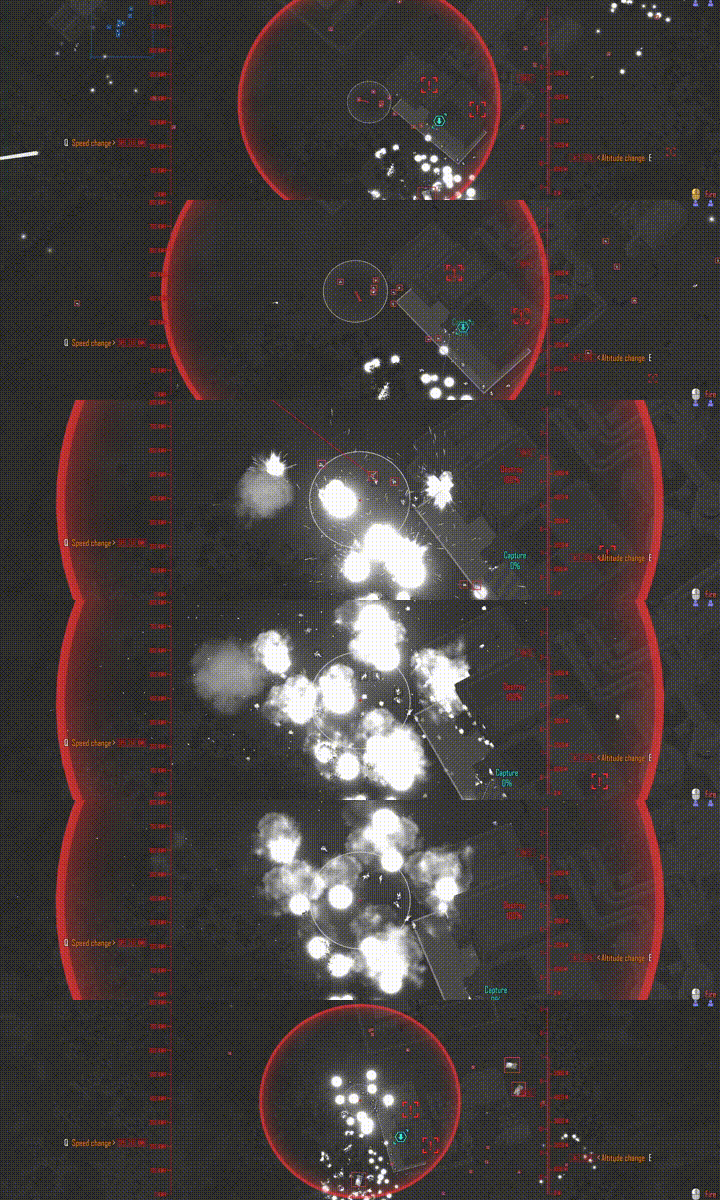
Smaller (1km x 1km) daytime mission in a relatively narrow canyon valley. Enemies mostly come from one side of the map, making it easier to control them. Be aware that capture objectives might sometimes be on top of the cliffsides, so your ground troops have to make the trek up there.
Swamp Factory Map
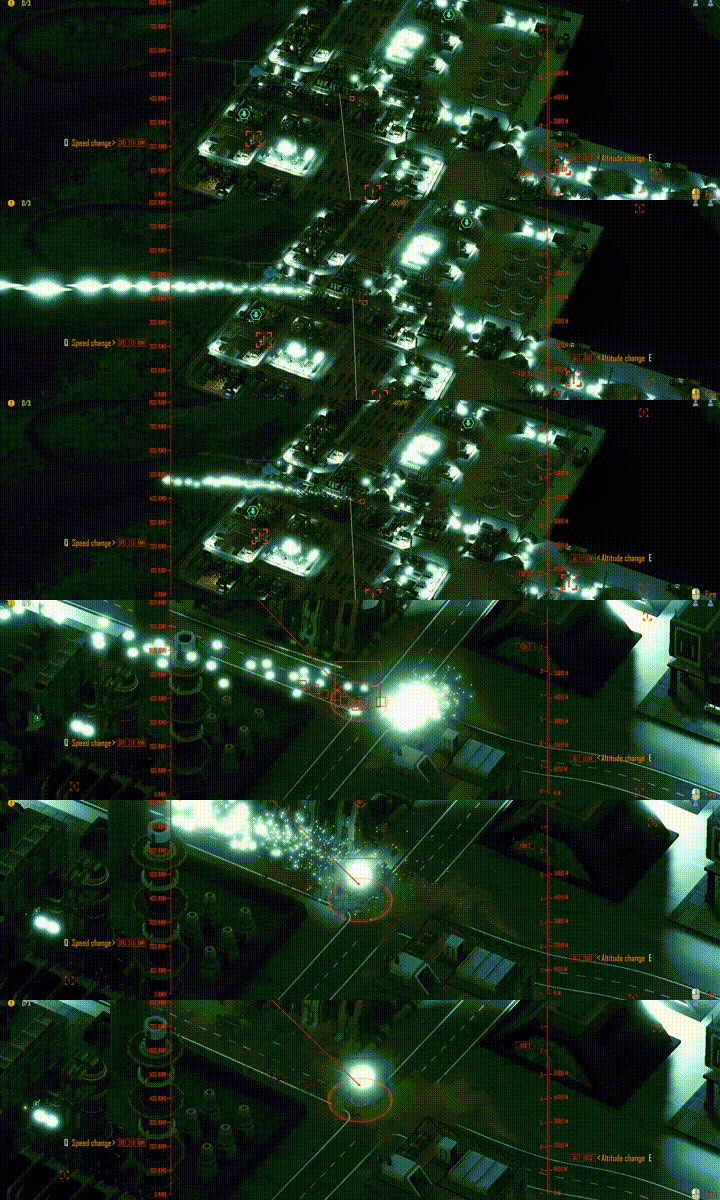
Much larger (3km x 3km) nighttime mission in a more urban setting. Lots of streets and industrial buildings providing cover and opportunities for ambush. There is also a small settlement on the other side of the lake from the factory, connected by a bridge. The objectives are spread over a wider area, making it more challenging to keep an eye on everything. There’s no safe corner to back into or single road to block. Enemies can always flank you. Night makes it also harder to see, so make sure to use night or thermal vision.
Objective Types
Capture objective
These can only be completed by ground troops. Your squads have to enter the capture zone and stay within it for about a minute. Capture can only progress if there are not enemies in the zone. Be aware, the capture objective can also take damage and get destroyed which would fail the mission, so don't fire too close to it.
Destroy objective
These are targets you should blow up. They are more durable than enemy troops and often also have an energy shield which regenerates over time. You can destroy it with your guns or by letting the ground squads destroy it by shooting. The latter is slower but uses less of your gunship ammo.
Resource objective (optional)
These are optional capture zones. Ground squads have to stay in them. In demo they don't provide any use, but in the main game there would be a wider variety of resources that can be used for different kinds of weapon upgrades.
Mode System
Your gunship has two modes. Press Tab to switch between them. The UI color changes to help you keep track of which mode you're in.
Command Mode
You can issue move commands to your ground squads. Queue orders with Shift. Troops will choose their own cover and engage enemies independently, but if overwhelmed, they might retreat.
Fire Support Mode
Fire your weapons. Keep in mind that projectiles take time to reach the ground, a few seconds at low altitude, over 10 seconds at high altitude. Always consider movement delay and friendly fire risk. Furthermore, your guns don’t rotate instantly. Wait for the barrels to align with the camera view before firing.
Gunship Weapons
- 20mm Minigun – Useful against all targets.
- 40mm Autocannons - A bit more specialized. Sabot rounds are great against armor. Frag rounds are useful against infantry and armor. Airburst rounds are focused on killing infantry.
- 120mm Cannons - Slower but much more deadly. Airburst rounds kill infantry in a large radius. Direct hits from frag shells can even kill armored targets.
- Cluster Bomblets – Perfect for quickly saturating a large area with explosions.
- Cluster Landmines – Useful for blocking off roads. Especially ones the enemy armor might use. Keep in mind, that the mines can kill your own troops as well.
- 150mm Railgun – Extremely fast and deadly. The gun takes longer to aim. Even if it doesn't immediately kill enemy armor, it probably knocks out the crew for a while, making the IFV harmless.
- Unguided Rockets – Fast but imprecise. Effective against infantry and can also destroy armor if it happens to land directly on top of it.
- Guided Rockets – Extremely fast and precise, always flying towards where you aim. Perfect for responding quickly to mobile enemy IFVs.
- Laser – Precise and instant. Good for taking out singular infantry without raising alarm. It can also blind enemy IFVs for a while.
Orbit Control
- Altitude - High altitude uses less fuel, but shells take longer to reach ground.
- Speed - High speed uses more fuel, but allows for faster repositioning.
- Orbit Point - You can change what point the gunship orbits around and at what radius.
Enemy Types
- Riflemen – Weak alone, dangerous in numbers.
- Machine Gunners – They deal more damage.
- Grenadiers – Long-range explosive threat.
- IFVs – Infantry Fighting Vehicles are a serious threat. Each carries an infantry squad. Just one can kill your whole squad if you aren't careful.
Camera Modes
You can switch between different camera modes. Each mode has its use cases.
- Color Vision – Regular camera view. It's usually not as good as other modes, but in certain cases you might have to confirm the color of targets. It's not as important in the demo, but in the final game it will play a more important role.
- Night Vision – The usual night vision, brightening up the scenery at the cost of losing color info and also adding noise. On top of that, already bright areas can become overblown with bloom.
- Thermal Vision – Great tool for detecting humans and vehicles, as they both are usually warmer than the environment they are in. It does lose detail from the environment though as there are no shadows from the lights and most of the environment is equally warm, making most of the environment appear as a flat gray in thermal vision.
Settings to Know
- Speed of Sound – As the game has distance based audio delay, you can control it with this variable. In real life the value is 343 m/s, but for gameplay it can be rather disorienting. Far away explosion sounds can take over 10 seconds to reach you. Higher values make the sound reach you faster and make the gameplay experience smoother, but less realistic.
- Night Vision Noise Intensity – Just like real NVGs, Drone Sector night vision has noise. In game it can look really nice, but when recording a video the noise can interfere with video compression and reduce visual quality. If the noise annoys you or you are recording your screen, you might want to turn it down to 0.
- Camera Shake Intensity – Heavy gun shots shaking the camera adds to the immersion, but again the shake can get annoying and ruin video recording, in which case it's best to turn it down or off completely.
Private Playtest
If you enjoyed the demo and want to get your hands on the new content earlier, join the private playtest. We are testing new weapons, missions and gameplay systems. Tropical island mission coming soon. Sign up here:
Mailing list