Added support for FBX/OBJ/GLTF/GLB format model files
- After importing the model, it will be recognized whether it is a humanoid skeleton model. Non humanoid skeleton models do not support .vmd motion
After importing FBX and OBJ, the texture will be searched and adapted in the current model folder and upper folder. If the adaptation fails, please place the map in the folder where the model file is located
- Support steam workshops
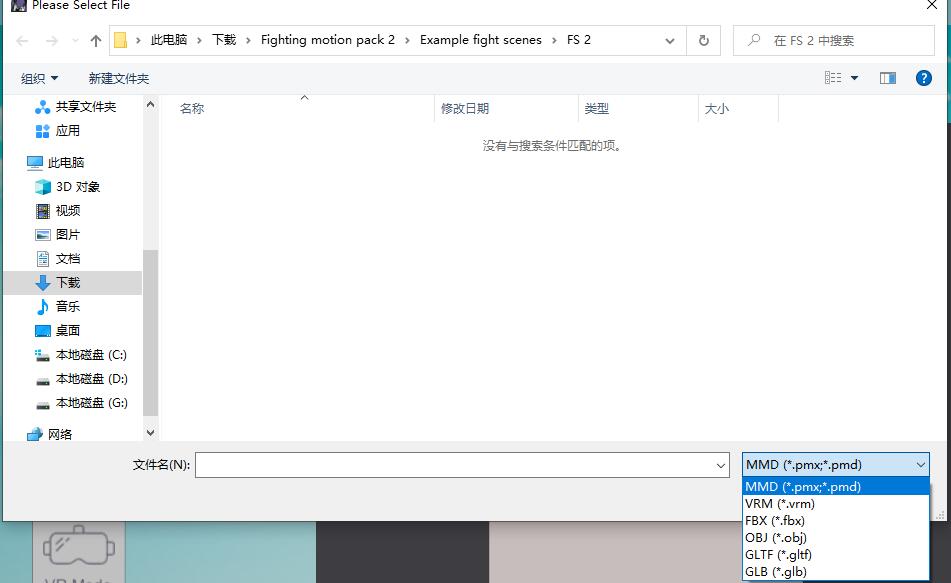
Optimize .vrm model import
VRM files can now be directly imported without waiting for the conversion process, and have better physical adaptation.
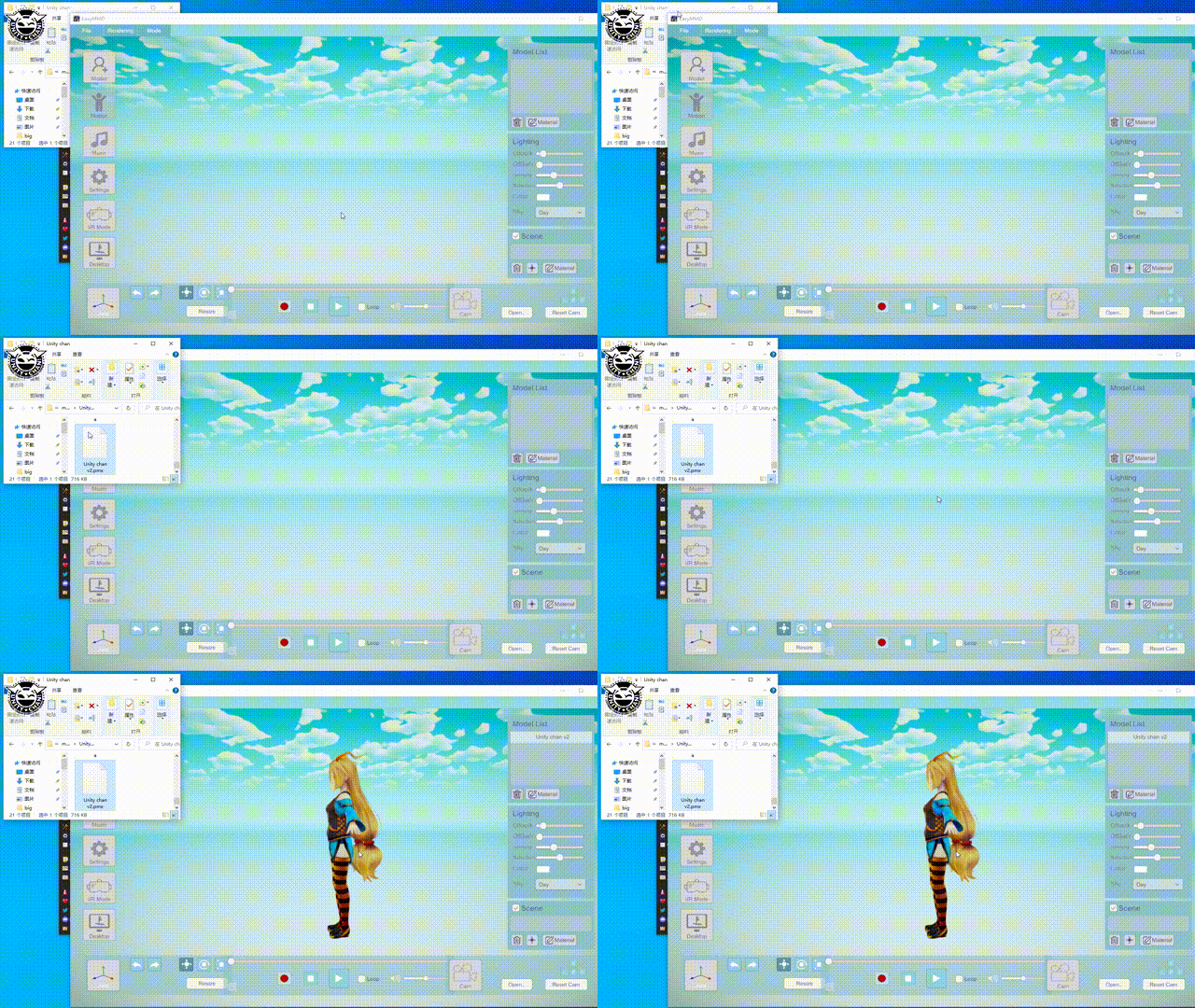
Add drag and drop import function
- Support model files (pmx/pmd/vrm/fbx/obj/gtf/glb)
- Supports audio files (MP3/wav)
Add model size quick modification function
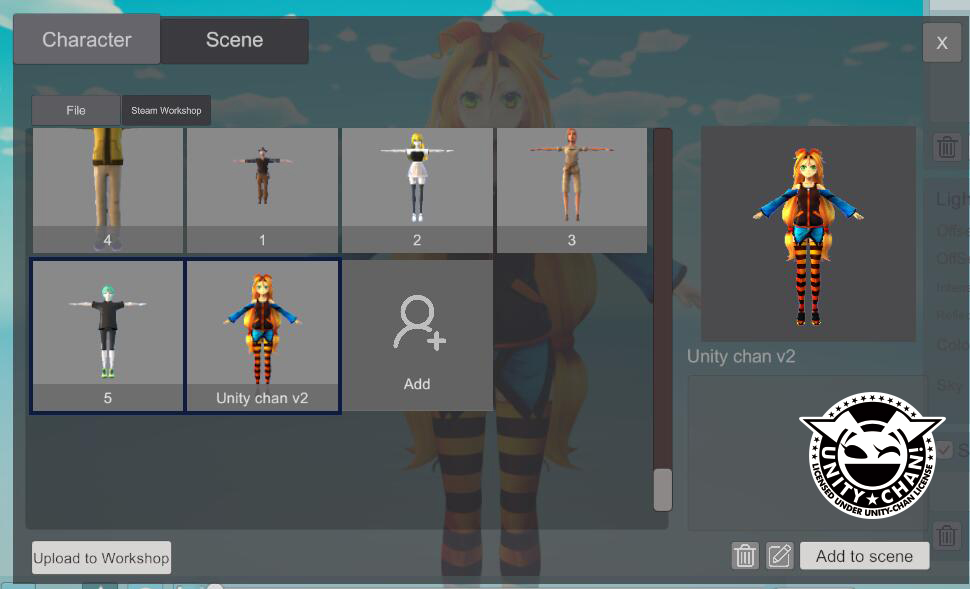
Add automatic preview-take function
After importing the model, a preview image will be automatically captured
More from EasyMMD
Other announcements
New hand IK control added to VR touch modeNew hand IK control added to VR touch mode (PMX models only) · Fixed foot IK control issue in VR touch modeOptimize physics effects in VROptimize the physics engine under VR Touch to significantly improve performance. · Added a new option to select the physics engine, allowing more stable results for complex models when Real-Time mode is enabled. · Fixed an issue where model size and position would reset when switching VR Touch modes.Optimize rendering quality and user-friendlinessEnhanced shadow effects. · Scroll the mouse wheel to control camera zoom. · Press the M key to quickly toggle position editing mode. · Added default characters and animations.