Hi everyone! We've just released the new update, featuring the new DE6 Slug and many other improvements to the game!

Slug
What is the Slug?
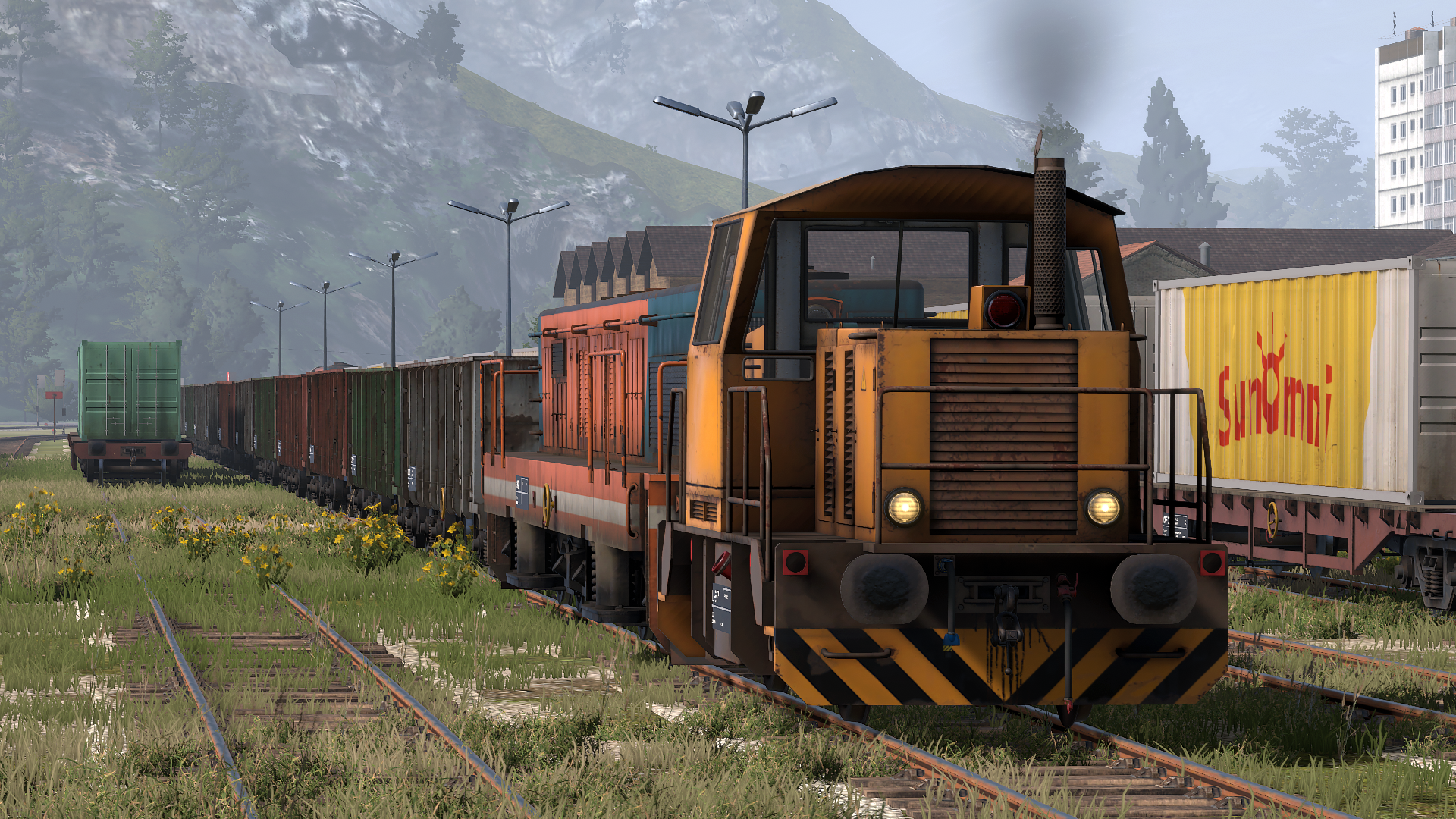
In real life when a locomotive reaches its end of life, some of its components can still be reused. Slugs are an example of that. They are modified diesel-electric locomotives, in this case a DE6, in such a way that they no longer have a diesel engine or a cab. What they do still have are the traction motors, and a body filled with concrete to make them heavy.
In Derail Valley the DE6 Slug is a "work train". What this means is that in career mode there's only one on the map, in a locked garage somewhere. The key for the garage can be purchased in the Harbor shop. Once unlocked, the vehicle can be moved around freely, and summoned using the comms radio, for a fee. In sandbox mode it's always available.
What is the Slug used for?
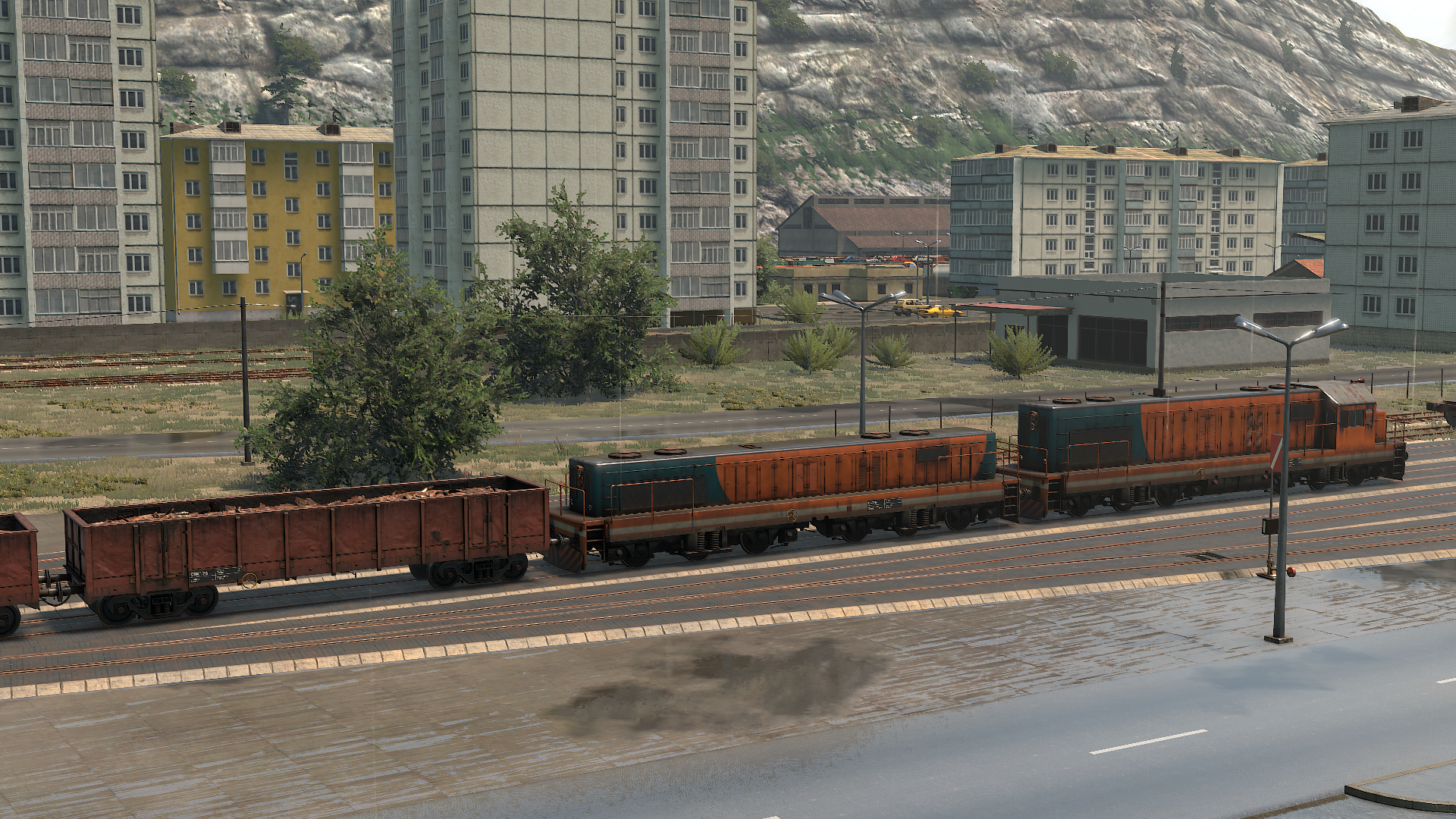
On its own the Slug is practically useless. When coupled to a diesel-electric locomotive via MU cable, however, it starts to make sense. Instead of feeding only its own traction motors, the locomotive now powers both its own and the Slug's motors. This drastically reduces the amperage per motor, allowing applying a lot more throttle without risk of overheating or slipping.
In other words, the Slug can help drastically increase the pulling capacity of a DE locomotive by utilizing its generator better at low speeds. However, this doesn't come without cost – apart from adding extra weight, the Slug's traction motors also provide significant additional EMF, making reaching higher speeds much more difficult.
What else is new?
Texture streaming – This update should bring a significant improvement to VRAM (and on some systems RAM) usage, as the game no longer holds all textures in memory the whole time but dynamically loads and unloads them as needed, instead.
Ray tracing – We've arranged it with Nvidia to support Derail Valley in their Freestyle feature, so if you have GeForce Experience installed and run the latest drivers you can enable filters for Derail Valley. The one we find most notable is SSRTGI, which does screen-space ray tracing (pictured below). Press Alt+F3 in-game to set it up.
QoL and bug fixes – We've made various small improvements, such as the ability to aim at items while zooming in mouse mode, or that unzooming in mouse mode now brings the camera back to its original position. Touch-based interaction with buttons in VR is now back too and this time works as intended (please do try it as it works great, and if you still don't like it there's an option to use Trigger instead). There are numerous other small improvements and bug fixes made, listed in the changelog below.
What's cooking? – We have many more things currently in development. Some of those are almost done and just need more testing to be included in the next build, whereas others are rather notable and are yet to be announced in the coming months!

Changelog
Stability
- Added texture streaming
- Instead of holding all textures in VRAM, the game now loads them dynamically
- This drastically reduces required VRAM capacity
- This also indirectly helps reduce RAM usage on PCs with limited VRAM
- This should help prevent crashes and stuttering induced by RAM/VRAM shortage
- Added options for this in Settings/Advanced
Graphics
- Added Nvidia Freestyle support (Ray tracing)
- Requires Nvidia GPU and GeForce Experience installed, latest drivers
- Press Alt+F3 to enable the Freestyle sidebar where you can add and edit filters
- We recommend giving the SSRTGI filter a try, which adds ray tracing
- Note that this alters game performance
Train Simulation
- Added DE6 Slug
- DE6 Slug is a stripped-down DE6 (has TMs, but no diesel engine or cab)
- It’s a “work train” vehicle, located in a locked garage somewhere in the world
- The garage key can be purchased in Harbor shop for $20k
- The slug can be spawned freely in sandbox mode
- Couple it to any DE locomotive via MU to distribute power to more motors
- Doing this makes the locomotive engine better utilized at low speeds
- It allows for drastically reduced overheating and wheelslip when accelerating
- The slug is able to brake dynamically too
- The slug is filled with concrete to retain traction, making it very heavy
- EMF from its 6 TMs may drastically reduce locomotive’s top speed
- The slug can only assist a single locomotive, the one that was MU’d first
- Once unlocked, the slug can be moved around freely and never gets despawned
- It can also be moved anywhere via comms radio work train function for $5k
- The slug doesn’t receive damage and cannot be repaired
- The slug model is made so that most DE6 skins work with it out of the box
Misc
- Reworked zoom in mouse mode
- Zooming now focuses on where the mouse cursor is
- Unzooming now returns the camera to the original position
- Held items now can be viewed zoomed in mouse mode
VR
- Brought back physical touch interaction with buttons
- Now works as intended, please give it a try
- Can still be disabled in settings
Tutorials
- Fixed career tutorial able to break if one avoids the steps that teaches how to jump
- Added career tutorial tutorial step teaching about the Lost & Found sheds
- Added a post-tutorial step teaching how to cancel jobs (trash bin)
- Added “Can’t save in tutorial” message in save manager, during career tutorial
That would be all for today's update. Thank you! We hope you'll enjoy it, and we'll see you soon with more!
-Your DV team